Sensei: Distinguish between lessons that belong to a module and lessons that do not
Is your feature request related to a problem? Please describe
There is no visual distinction between lessons in a module and lessons that are not.
Describe the solution you'd like
We should move the border styles and border color settings from the course outline block to the module block to better distinguish between the two types of lessons.
If doing the above does not provide enough of a visual separation, then we may need to consider adding the _Other Lessons_ heading above lessons that are not part of a module.
Additional context
Discussion here - p1602494083011500-slack-C013QUH20TS
 donnapep
All 10 comments
I think the Minimal block style for the module shouldn't have a border (or at least have the option to disable border), so the best bet would be adding the Other Lessons header.
 yscik
on 16 Oct 2020
yscik
on 16 Oct 2020
I didn't find a good design solution yet. Some screenshots:
1) With the "Other Lessons" header
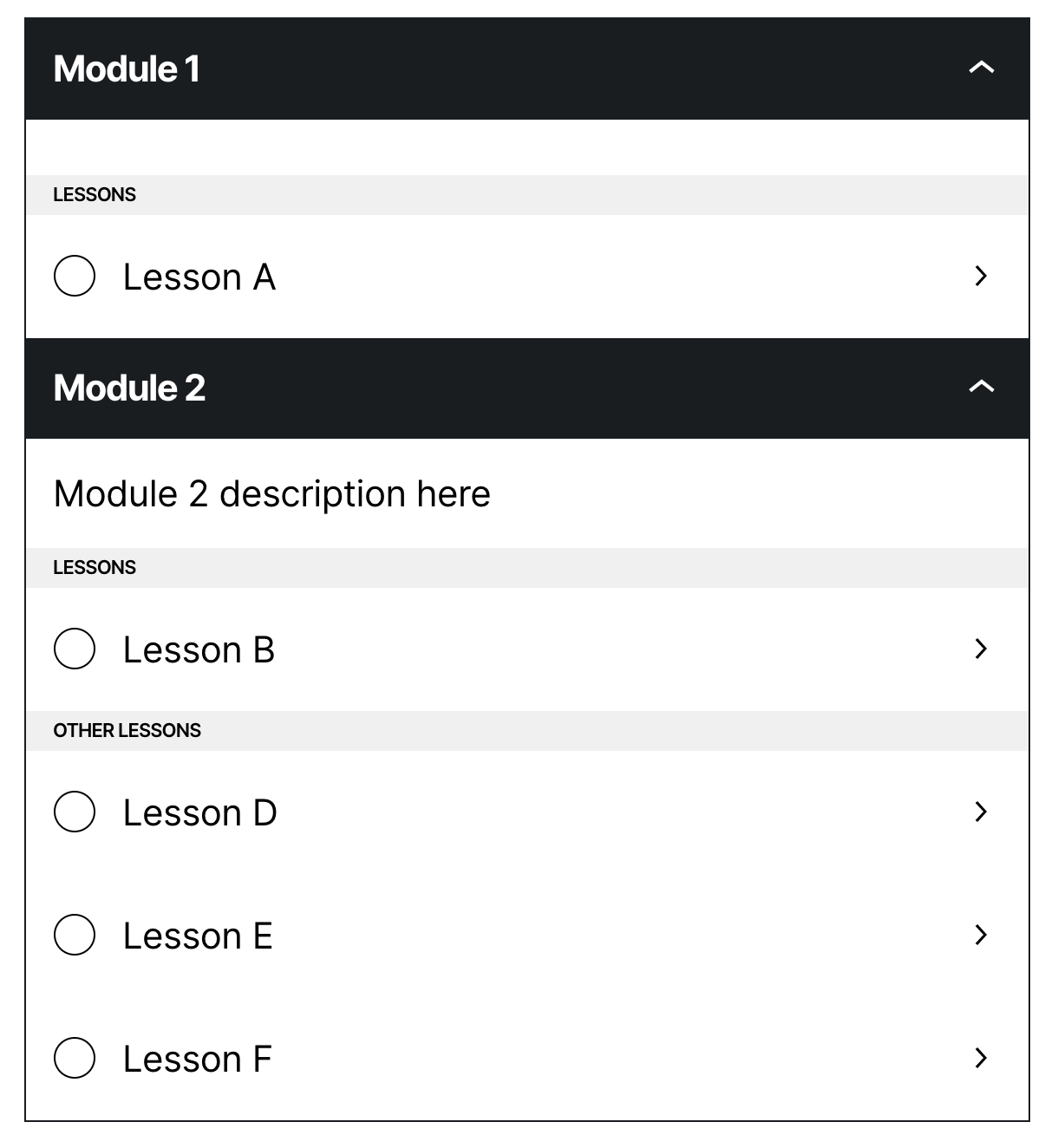
2) With the "Other Lessons" header and module border
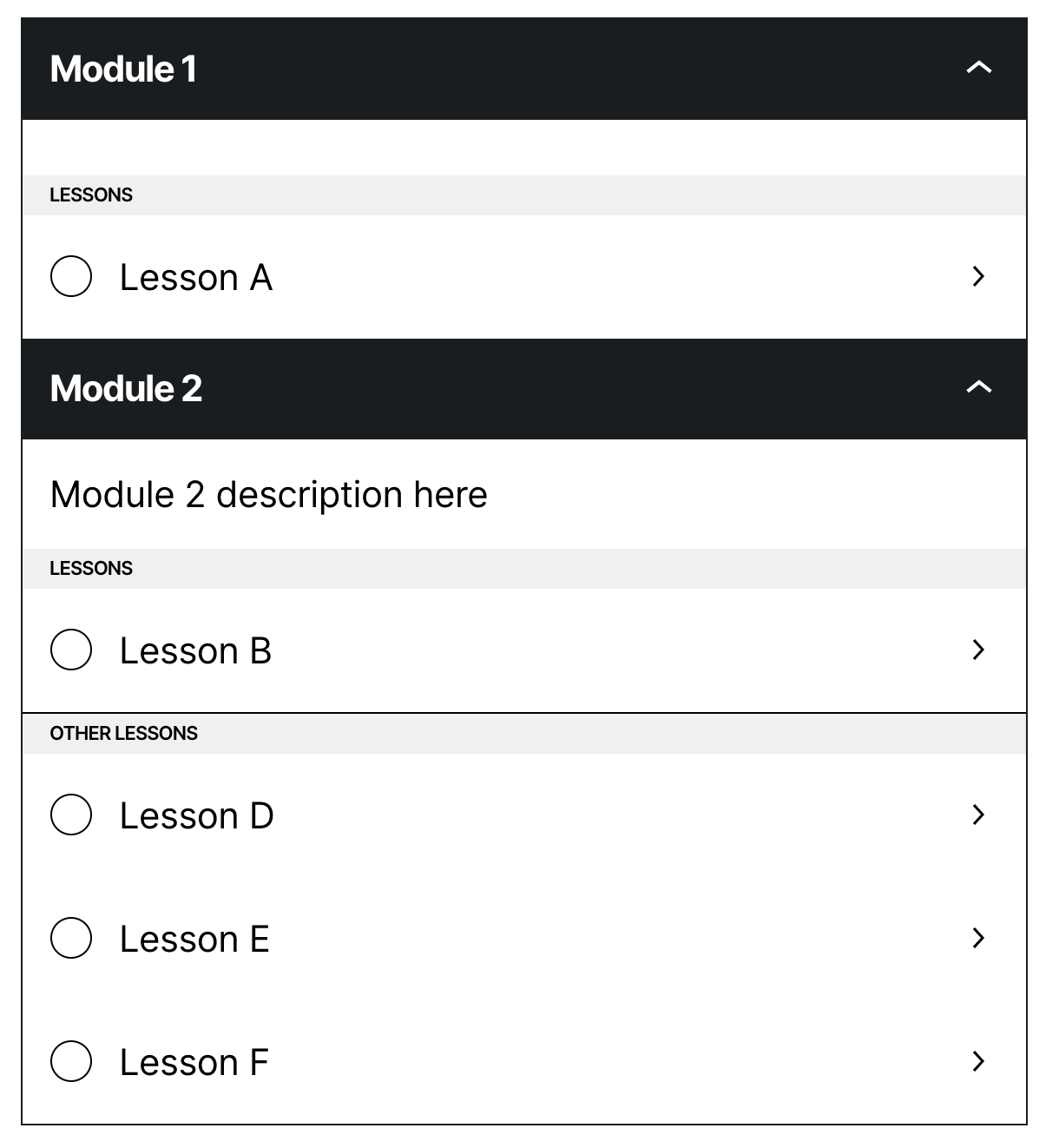
2.1) Collapsed
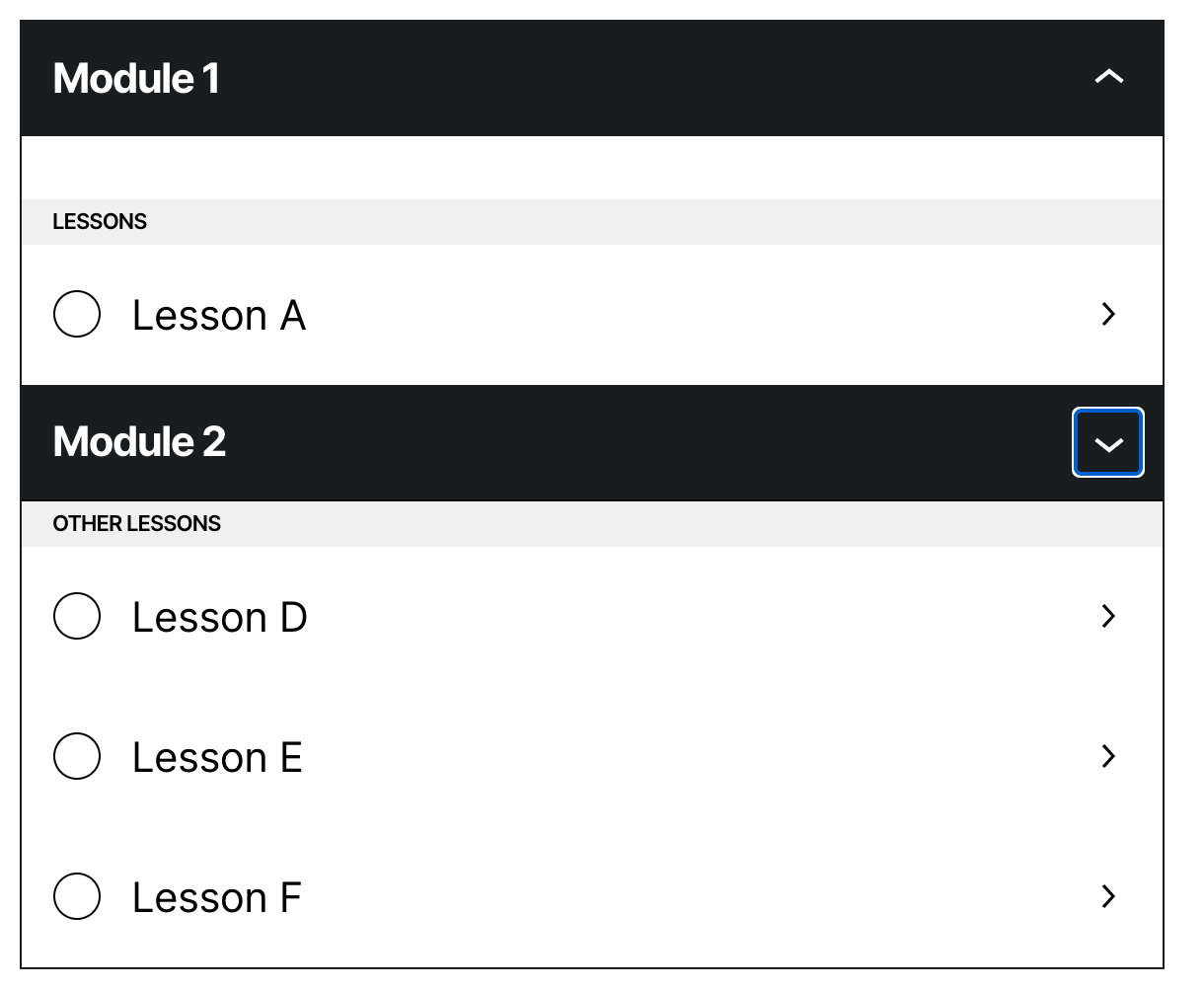
2.2) Without border
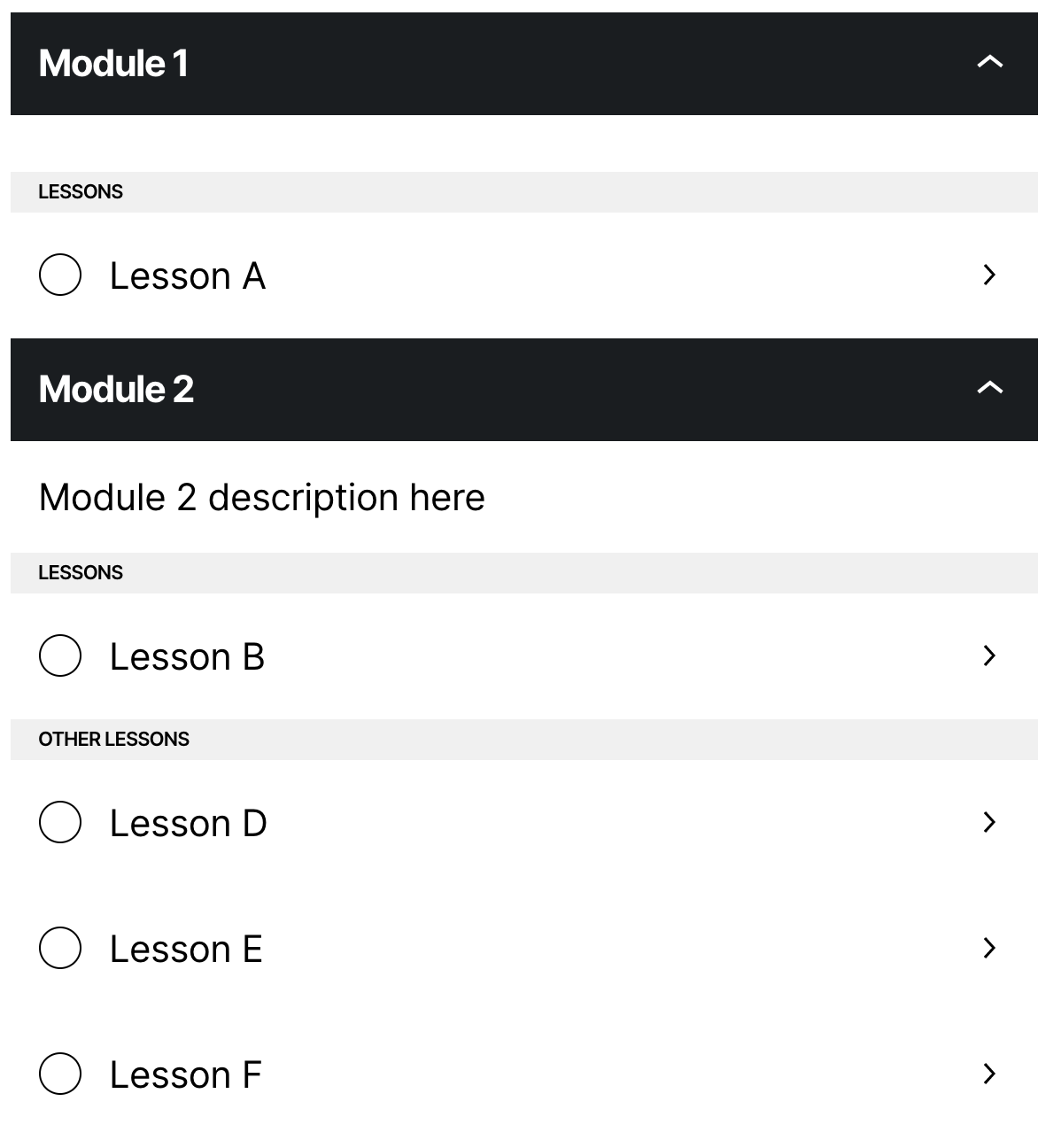
2.2.1) Collapsed
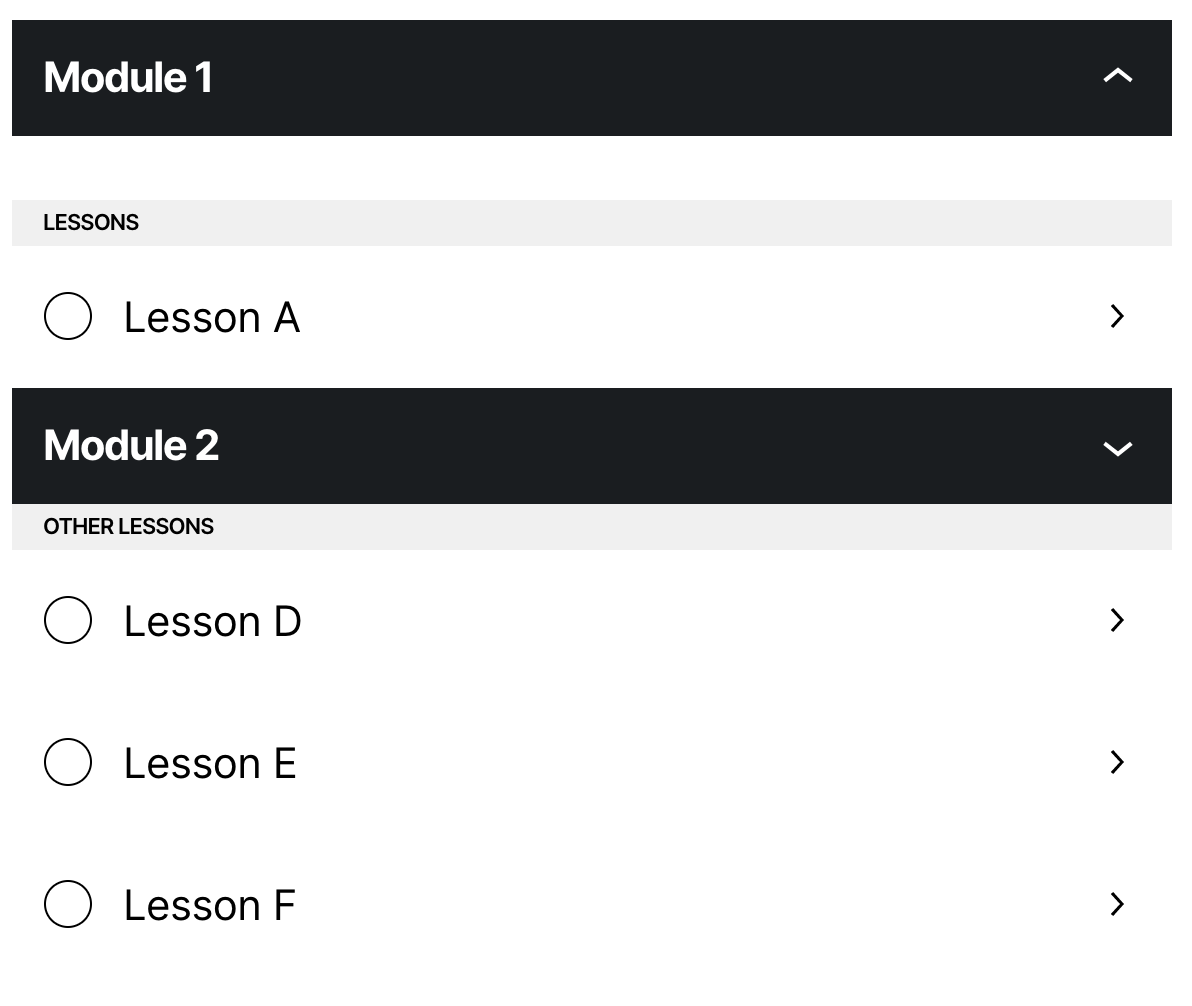
3) Borders in the modules, but not in the lessons
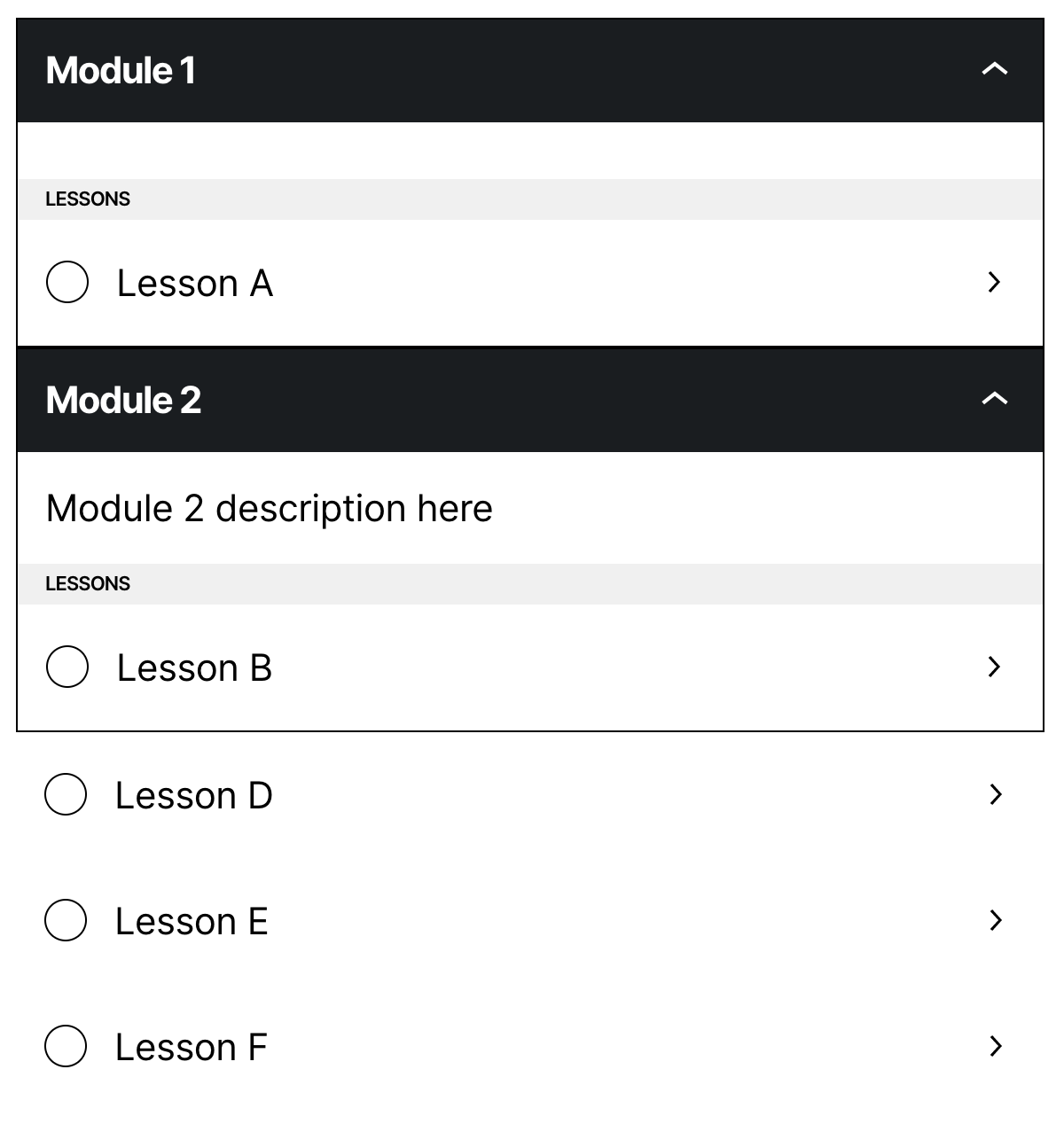
3.1) Collapsed
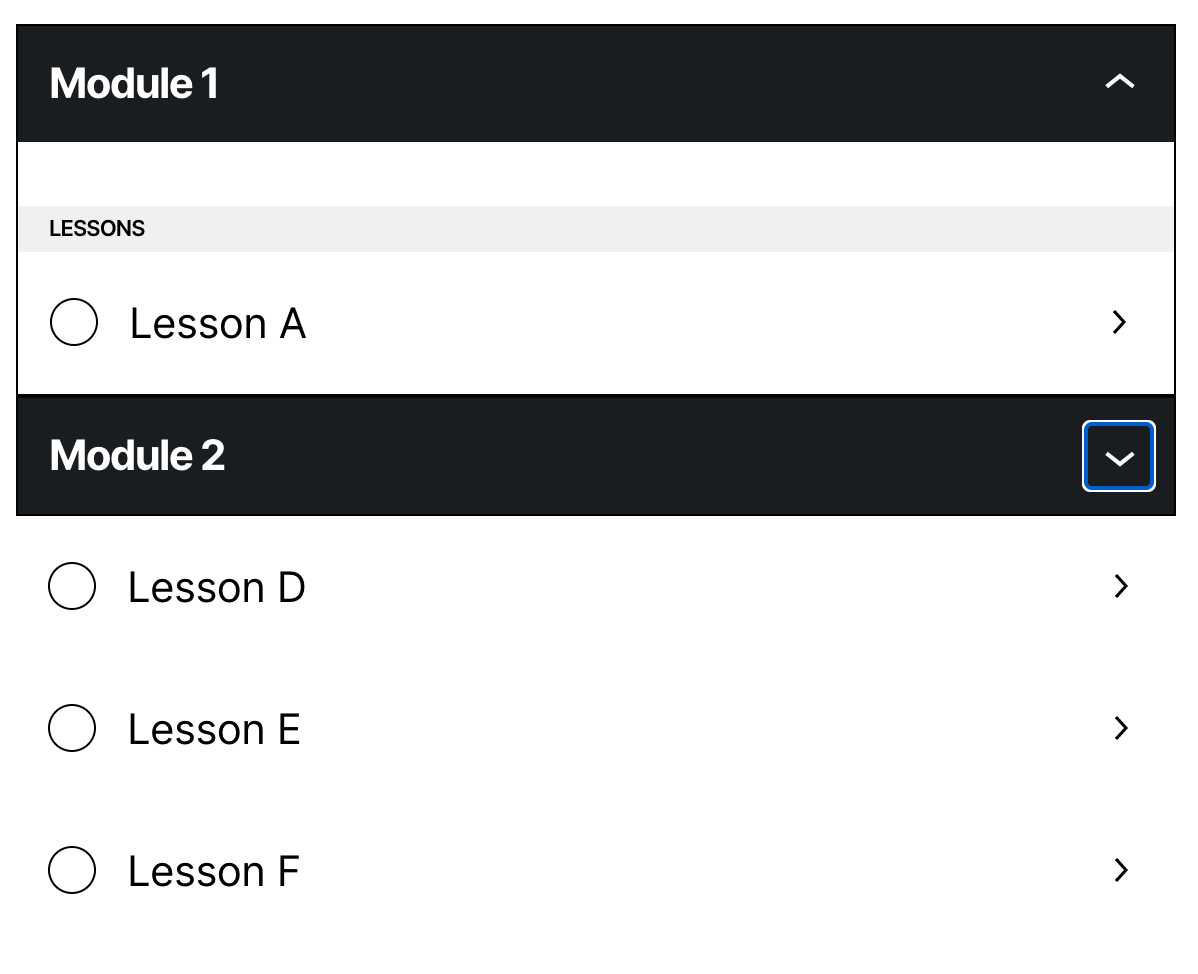
3.2) Without module borders
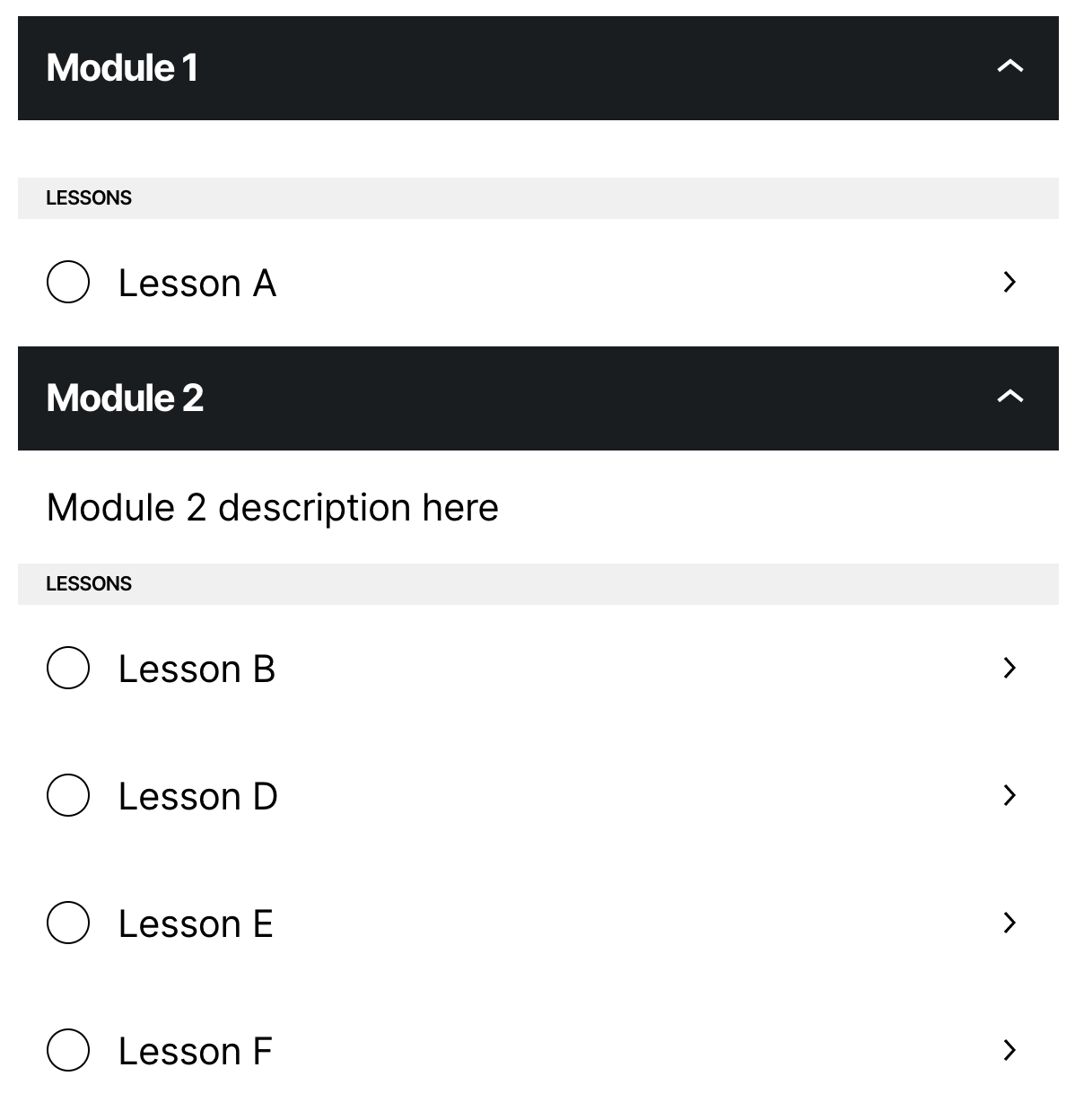
4) With a margin between the blocks
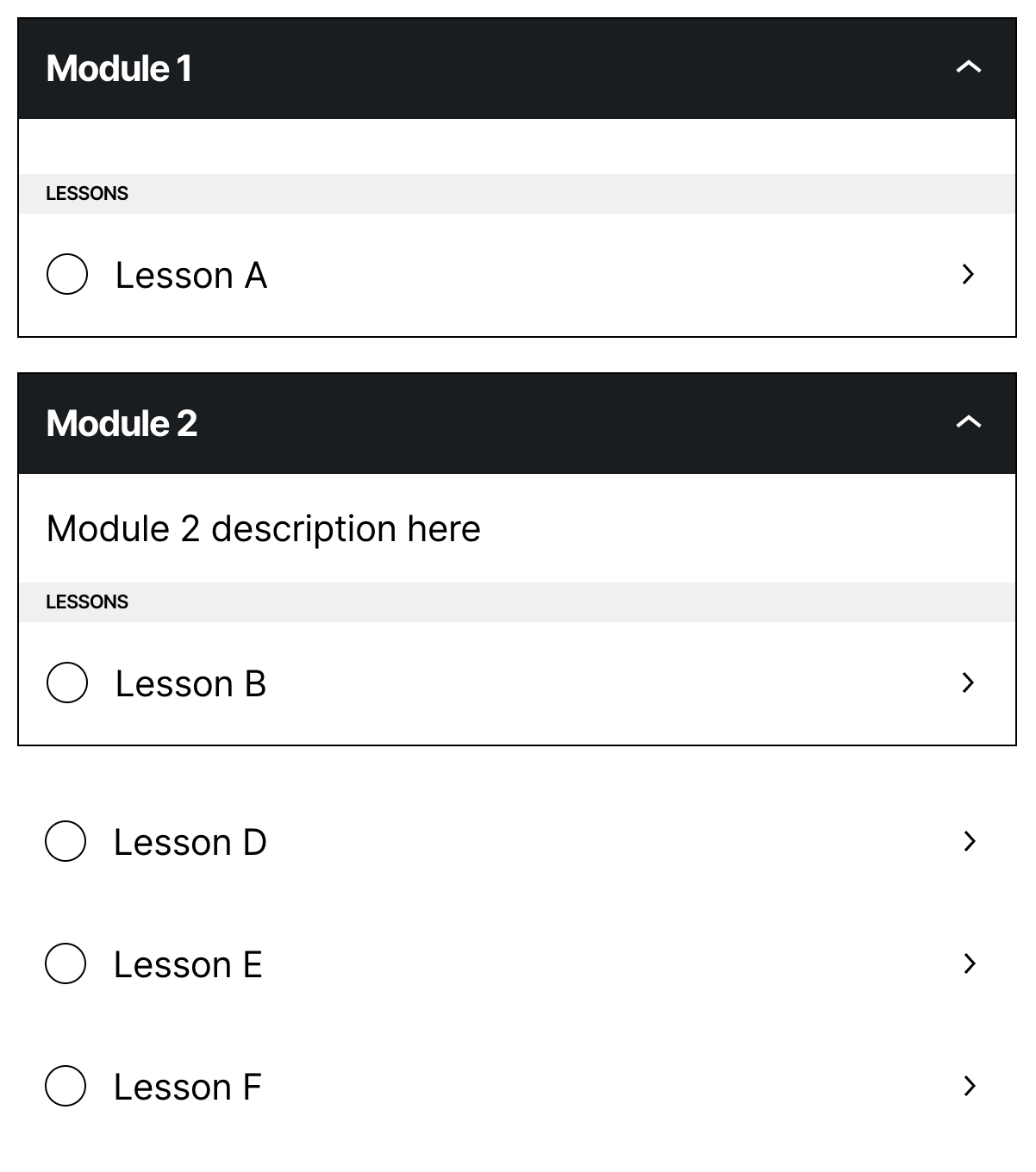
4.1) Collapsed
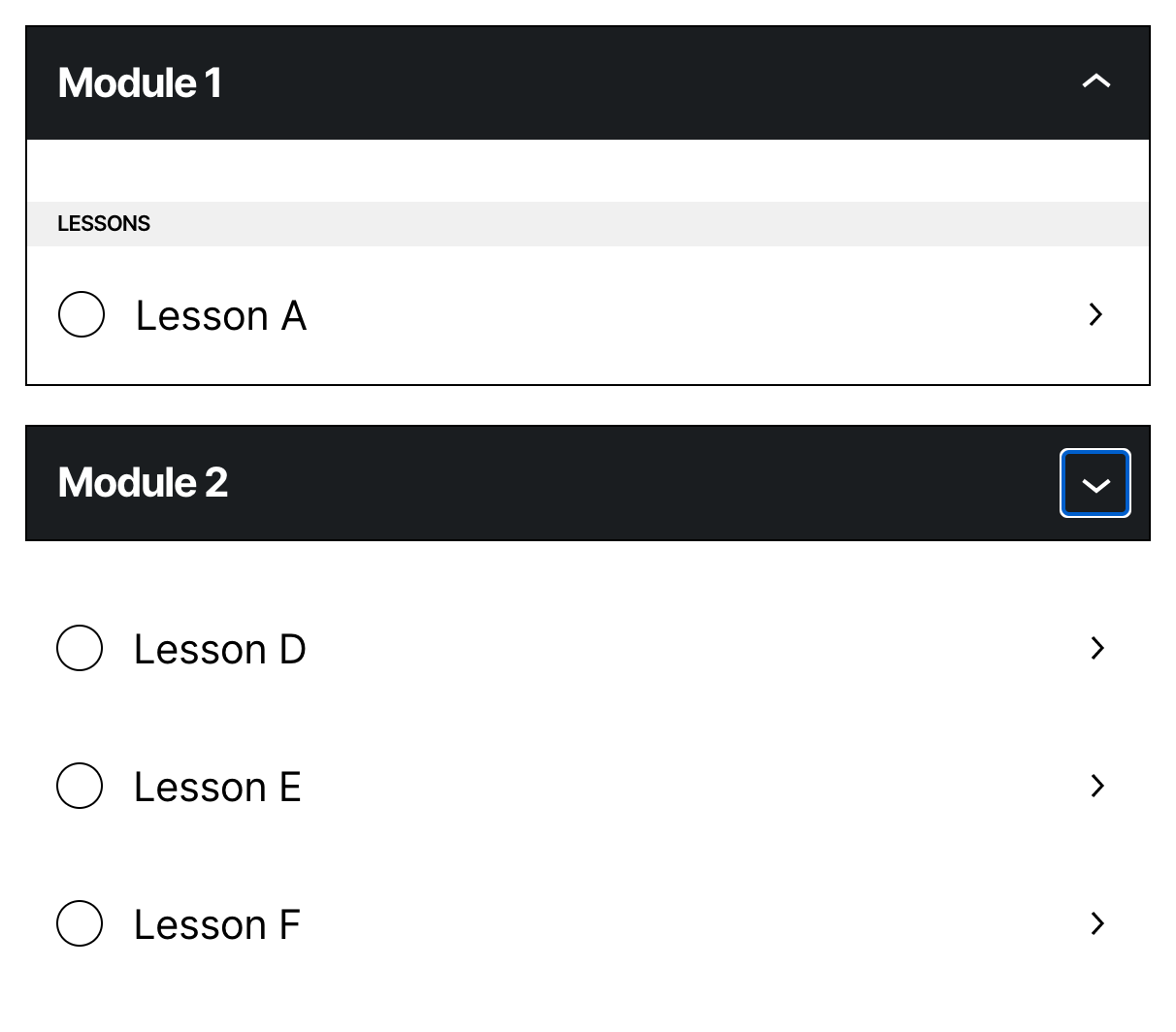
4.2) Without border
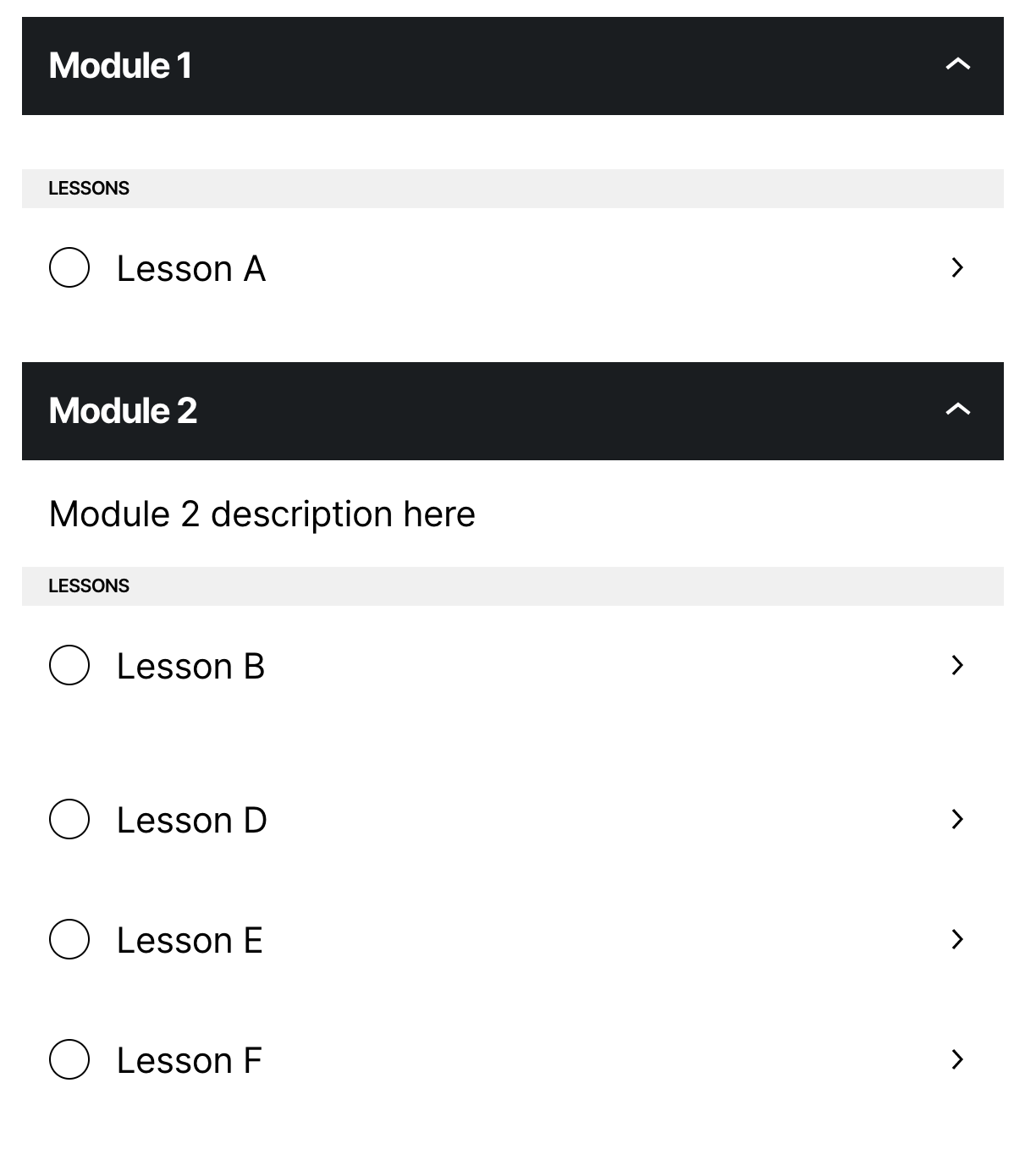
4.2.1) Collapsed
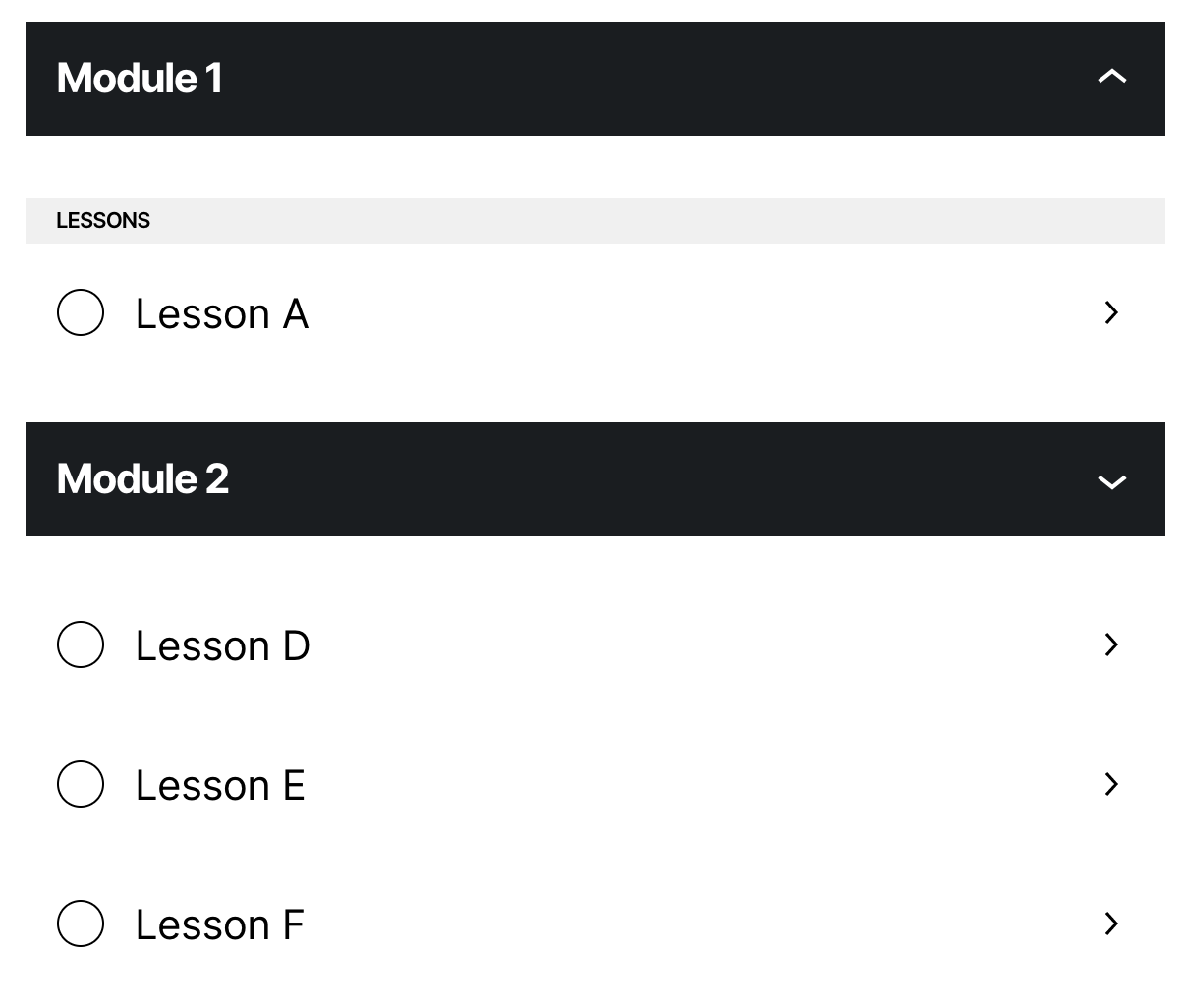
5) With a different title
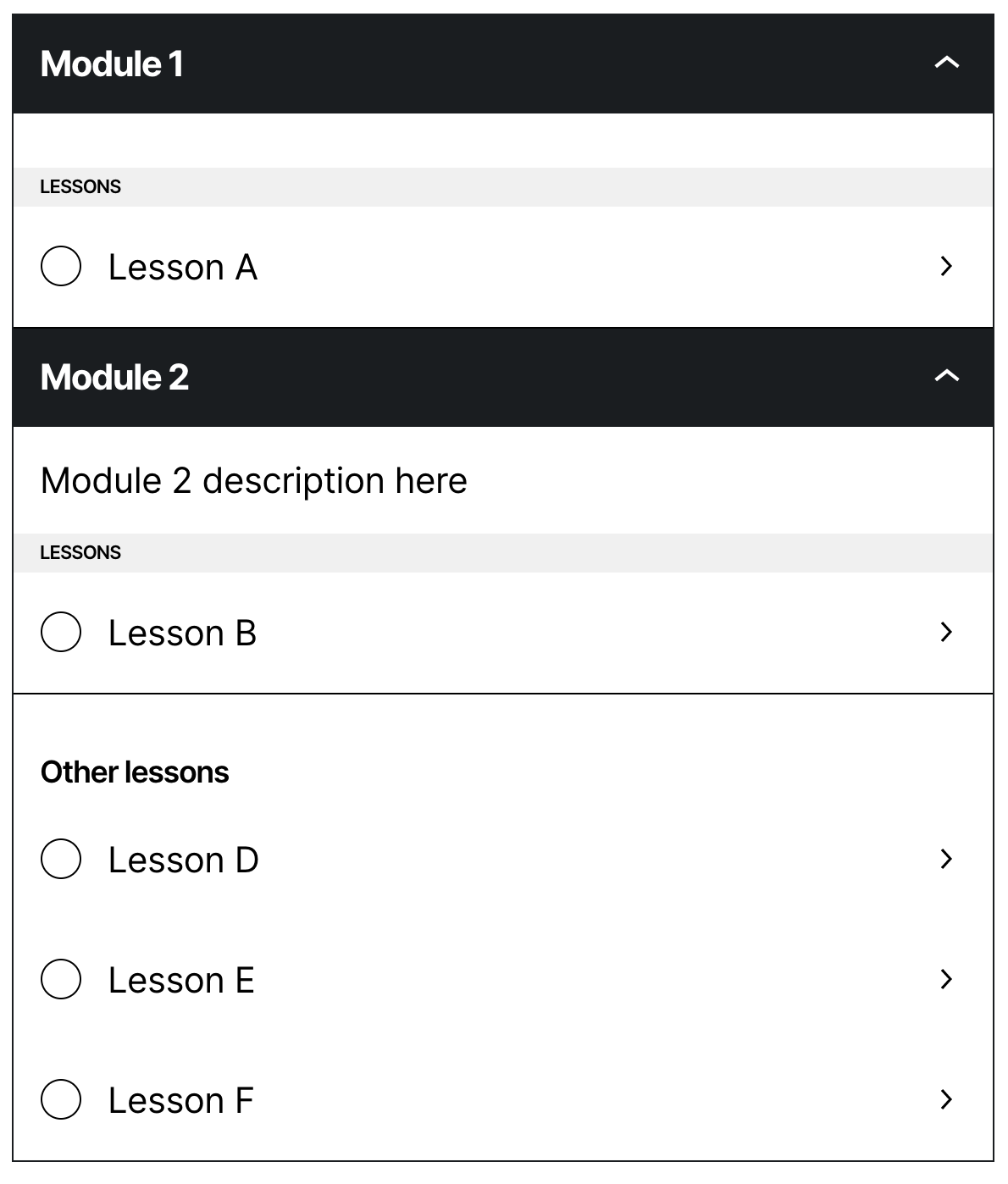
5.1) Collapsed
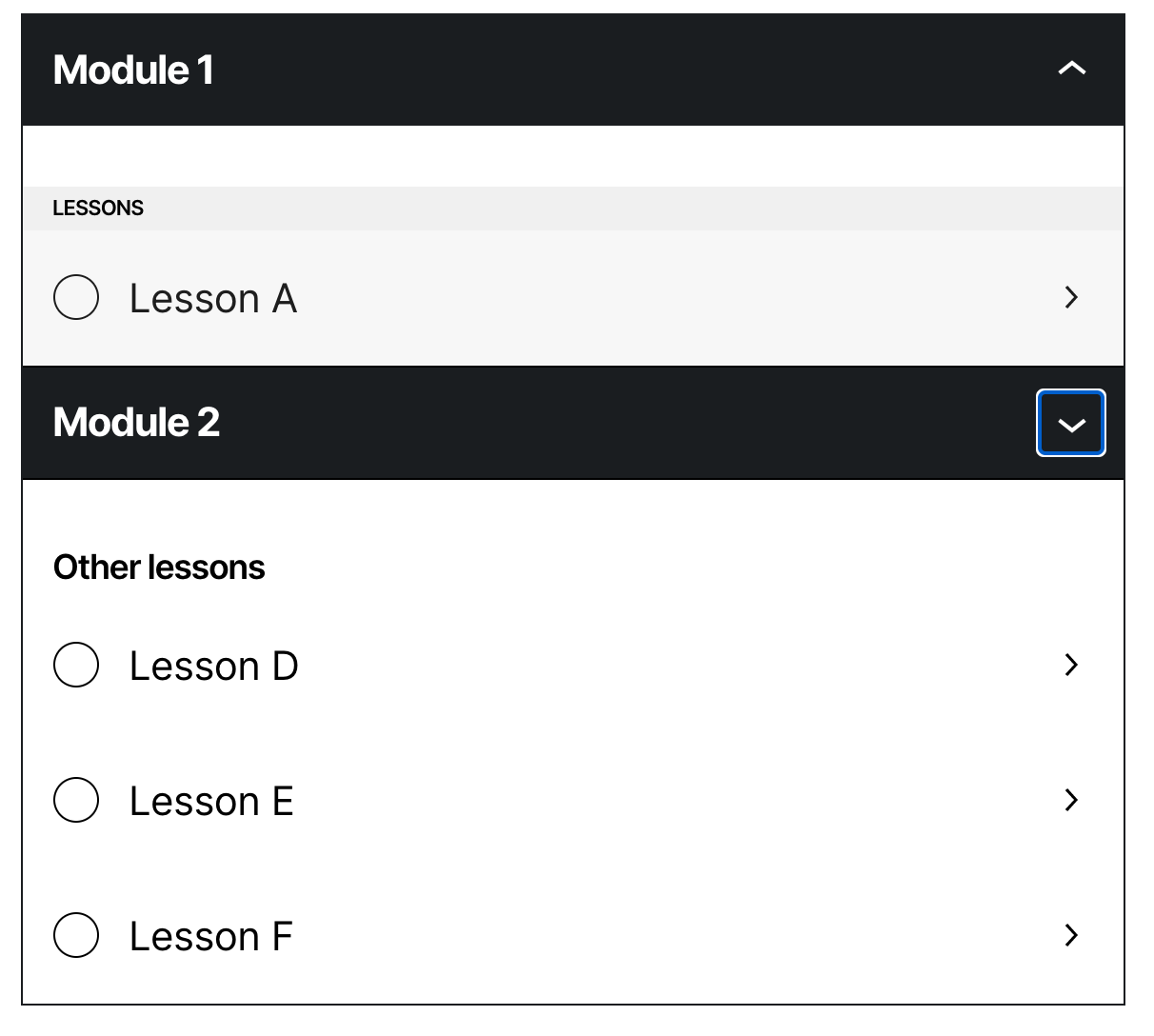
5.2) Without border
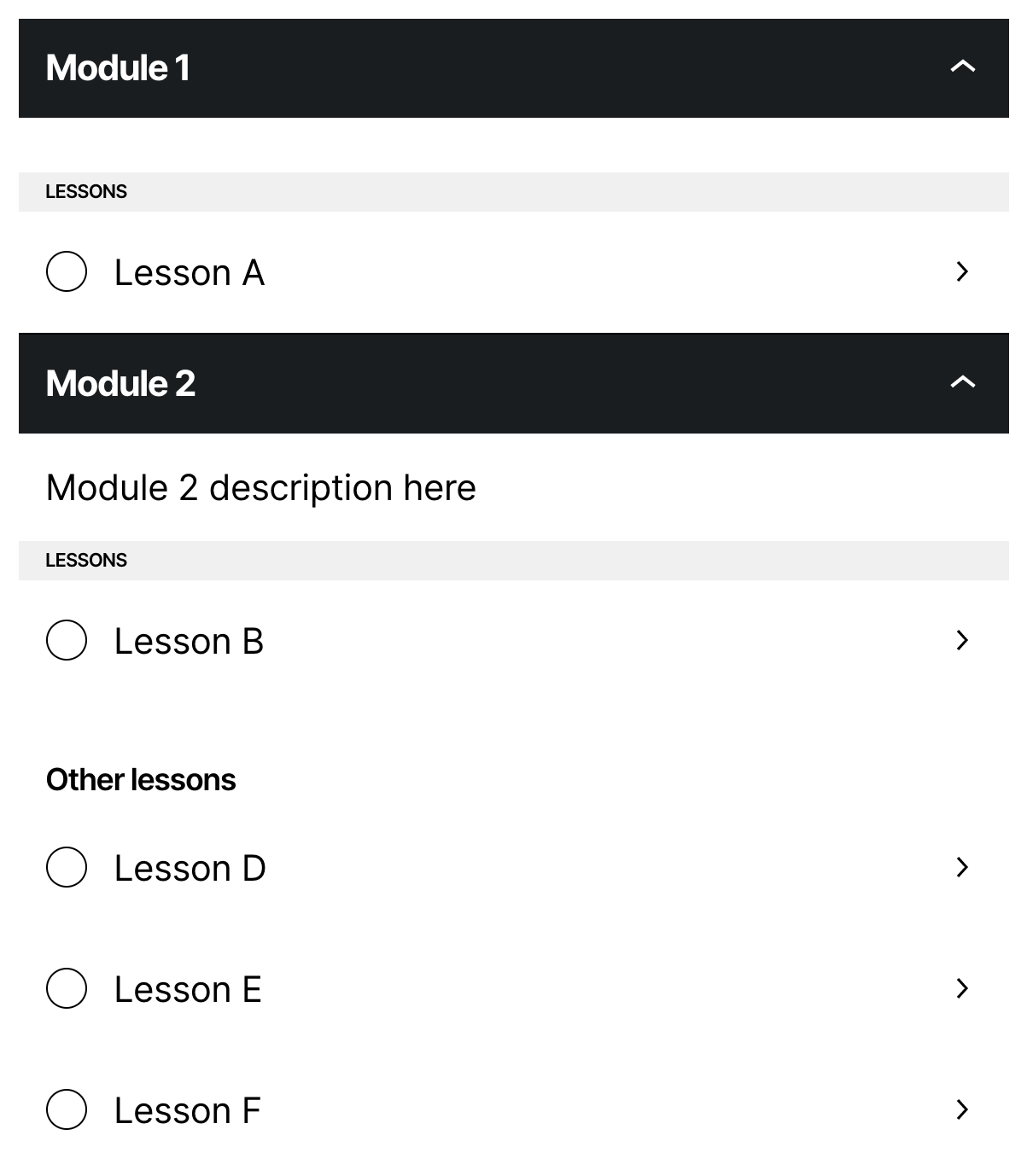
6) Title similar to the modules
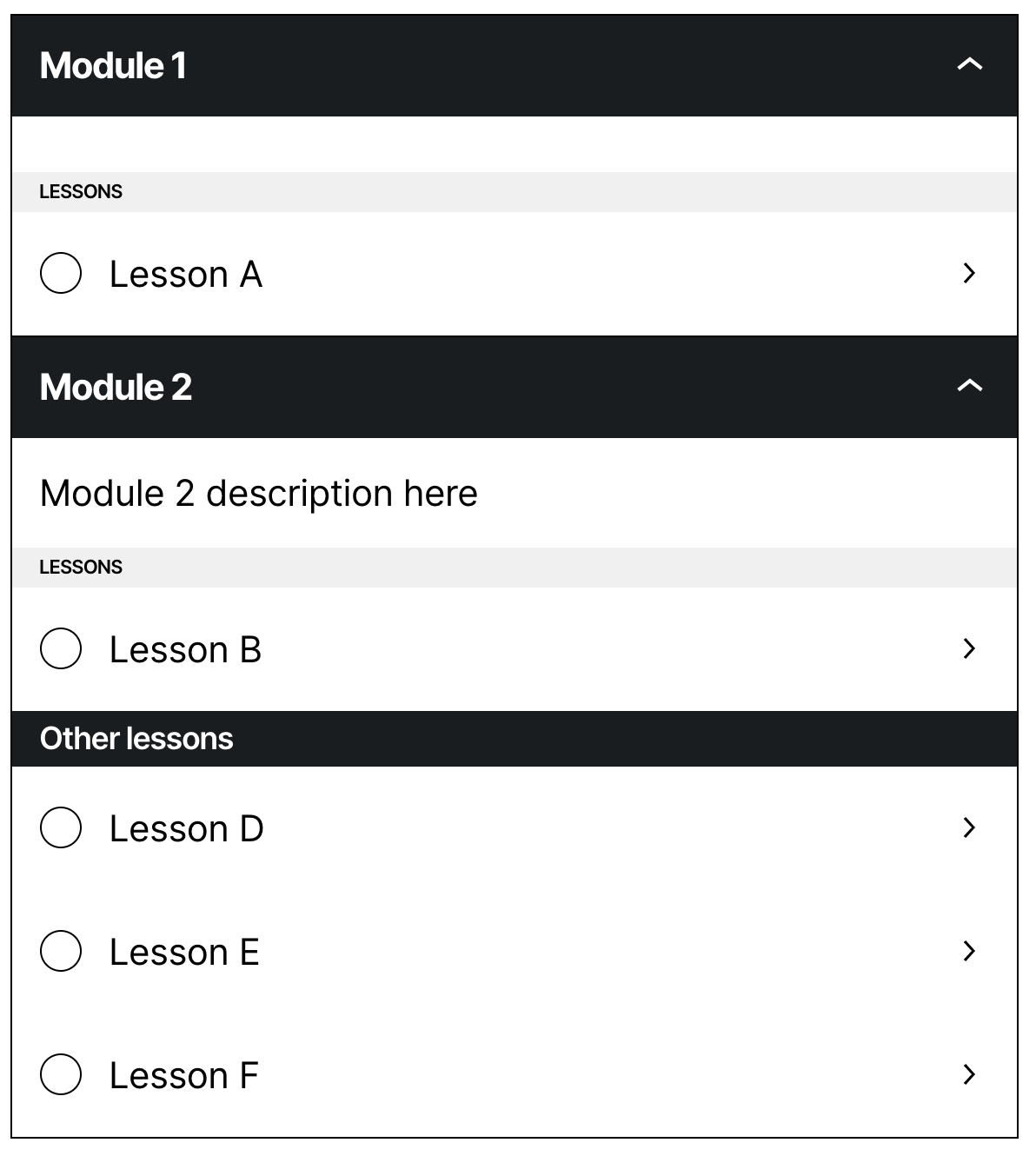
6.1) Collapsed
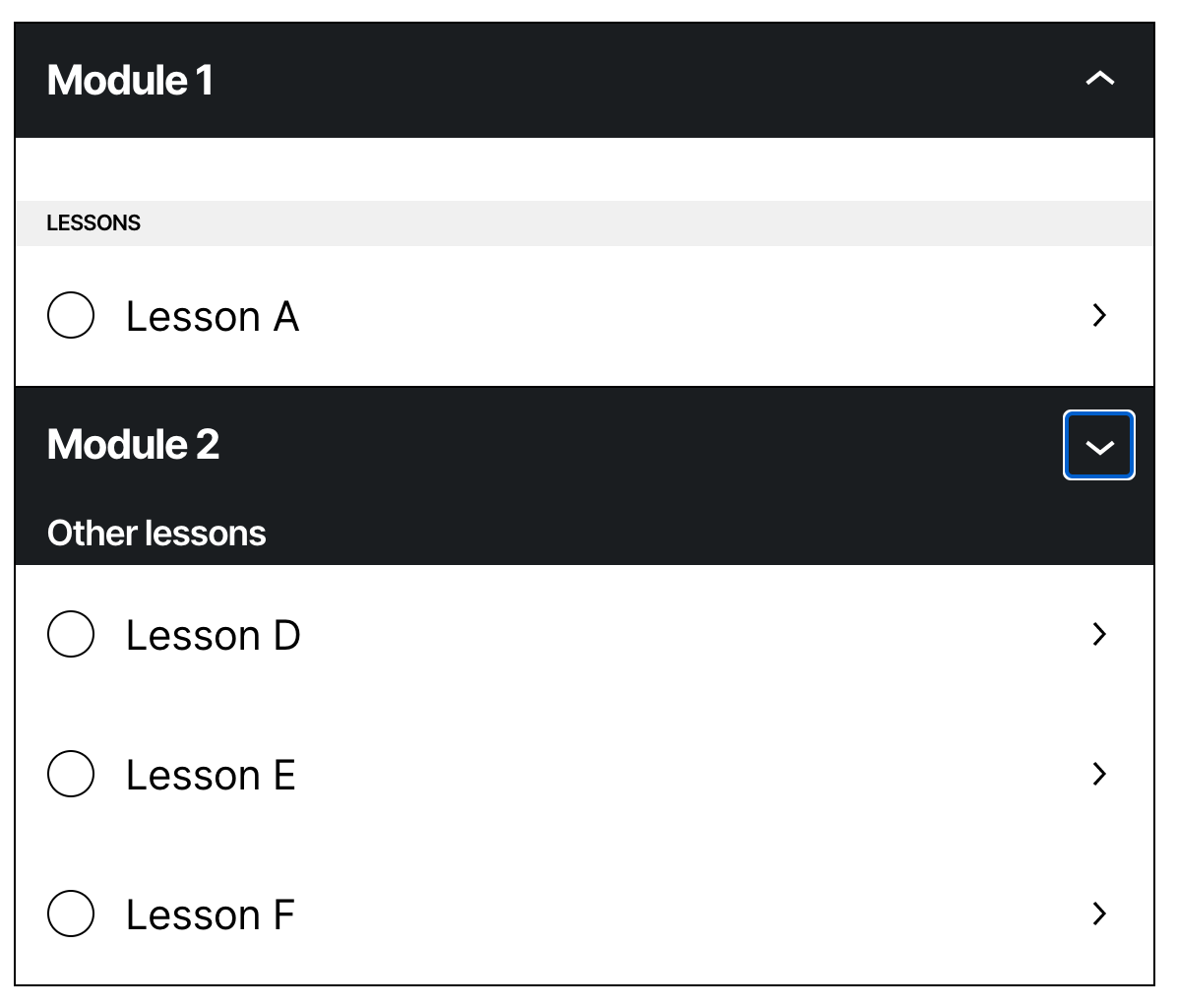
6.2) Without border
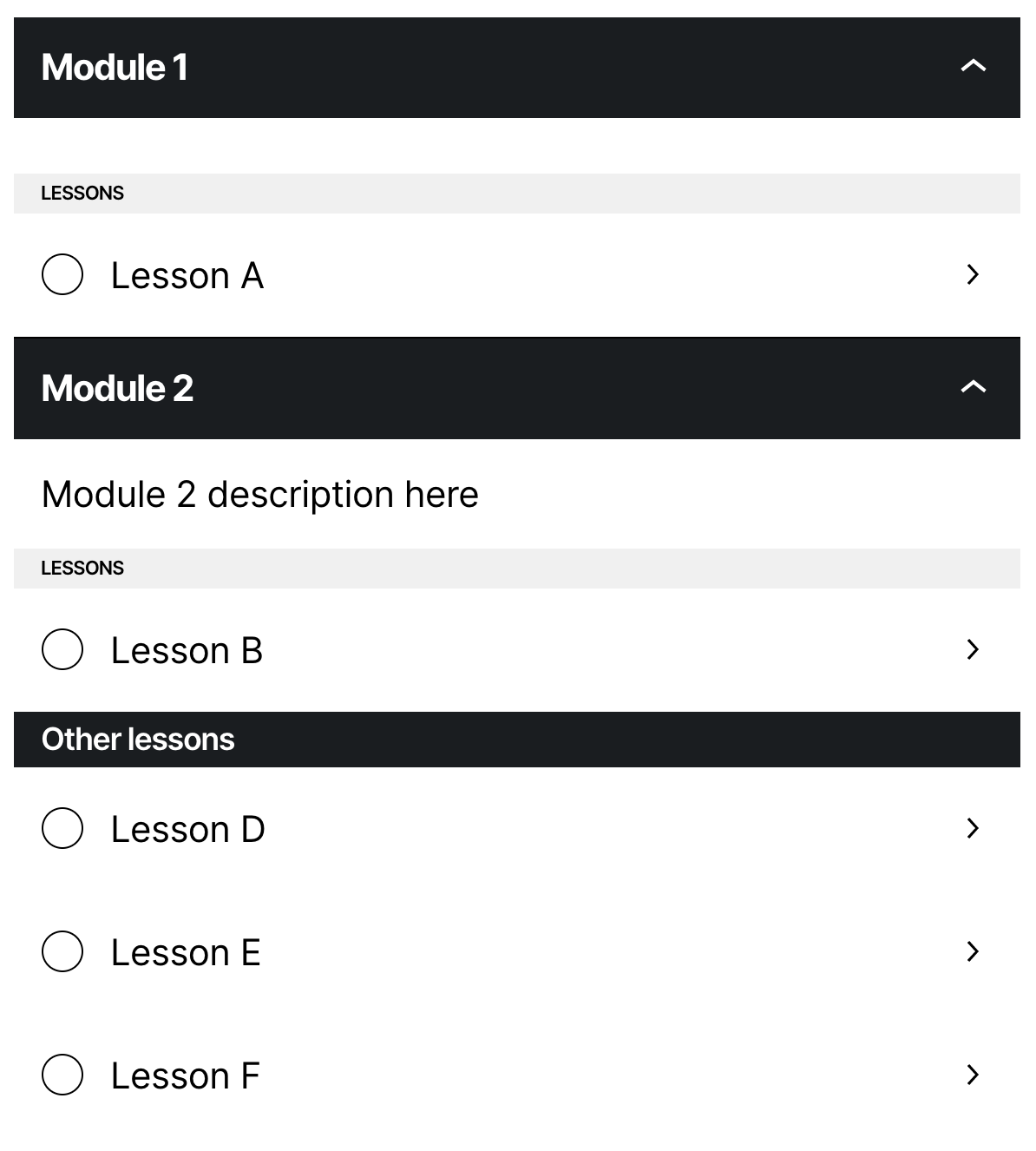
6.3) With minimal style
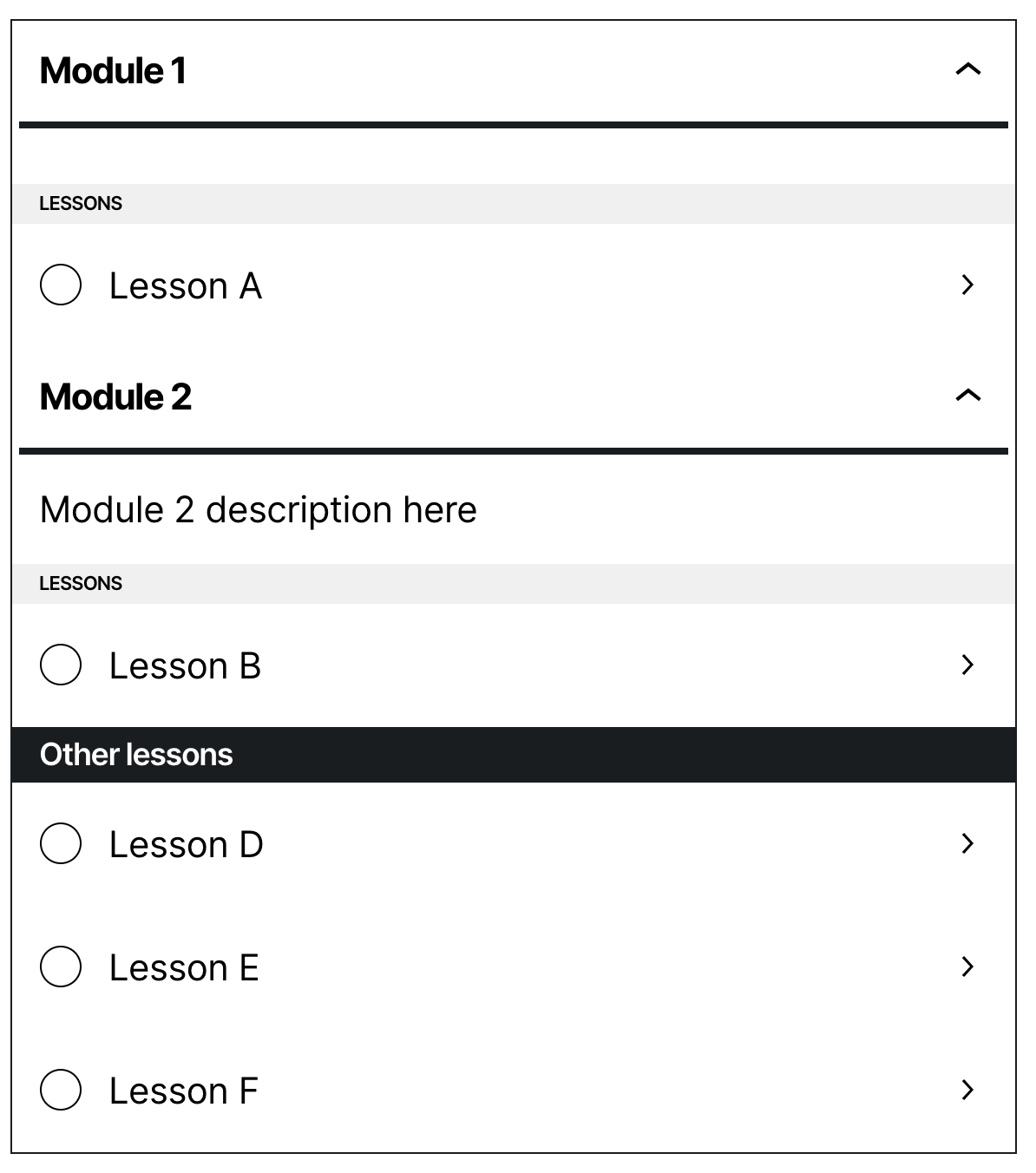
6.3.4) Minimal style without border
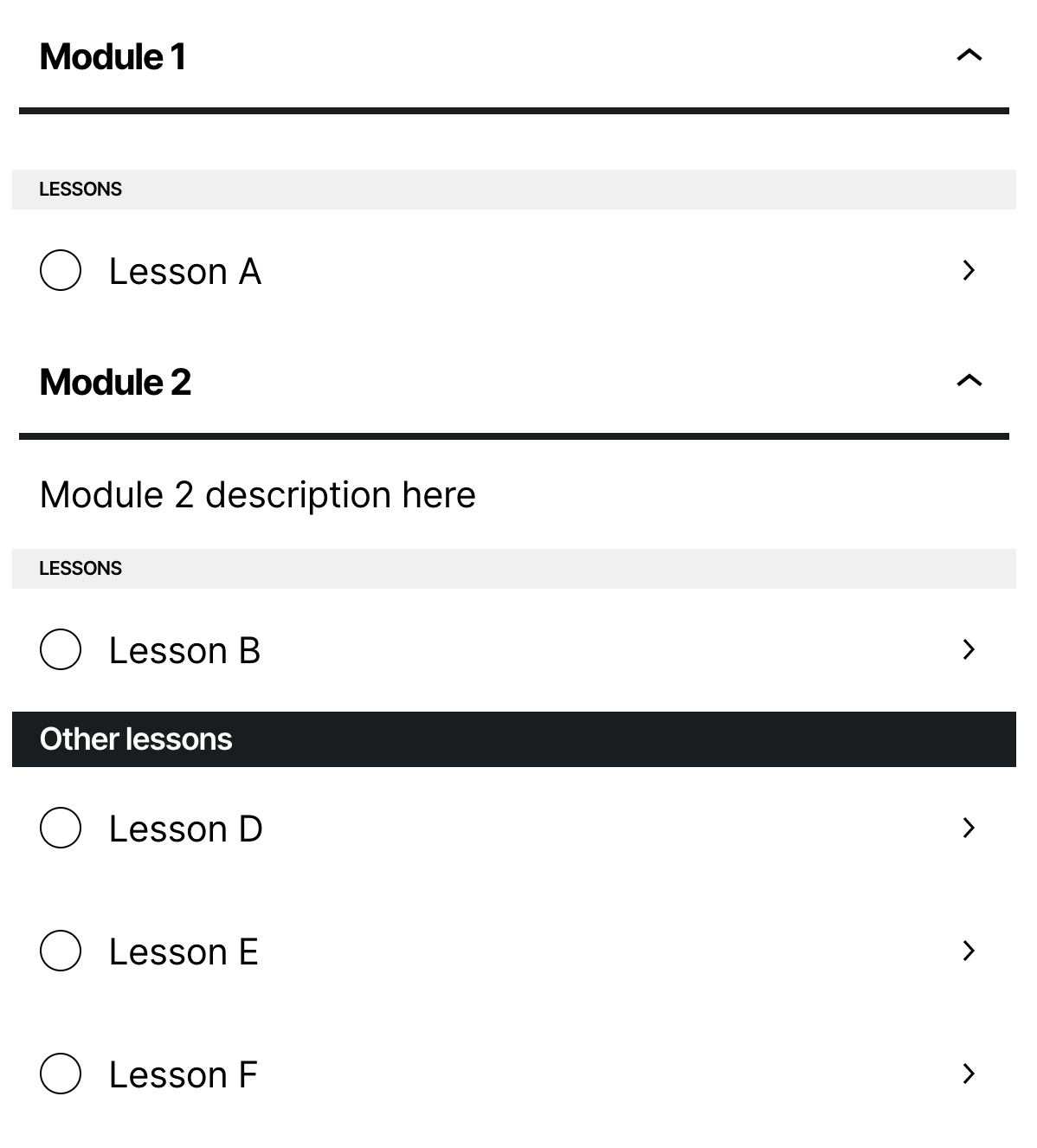
 renatho
on 17 Oct 2020
renatho
on 17 Oct 2020
Personally, I most like option 6. But I think the "Other classes" should also be styled (Probably in the Course Outline Block). Opinions? Other ideas?
renatho
on 17 Oct 2020
cc @pablohoneyhoney
renatho
on 17 Oct 2020
We should definitely add some spacing above the Other lessons section, so that it's distinct even if there is a collapsed module. The same style as Lessons inside the module could be good, but the bigger header as in option 5 does look better.
Maybe also a horizontal top border / separator above the Other lessons section?
yscik
on 17 Oct 2020
We should definitely add some spacing above the
Other lessonssection, so that it's distinct even if there is a collapsed module. The same style asLessonsinside the module could be good, but the bigger header as in option 5 does look better.
Maybe also a horizontal top border / separator above the Other lessons section?
Some screenshots with this test:
7)
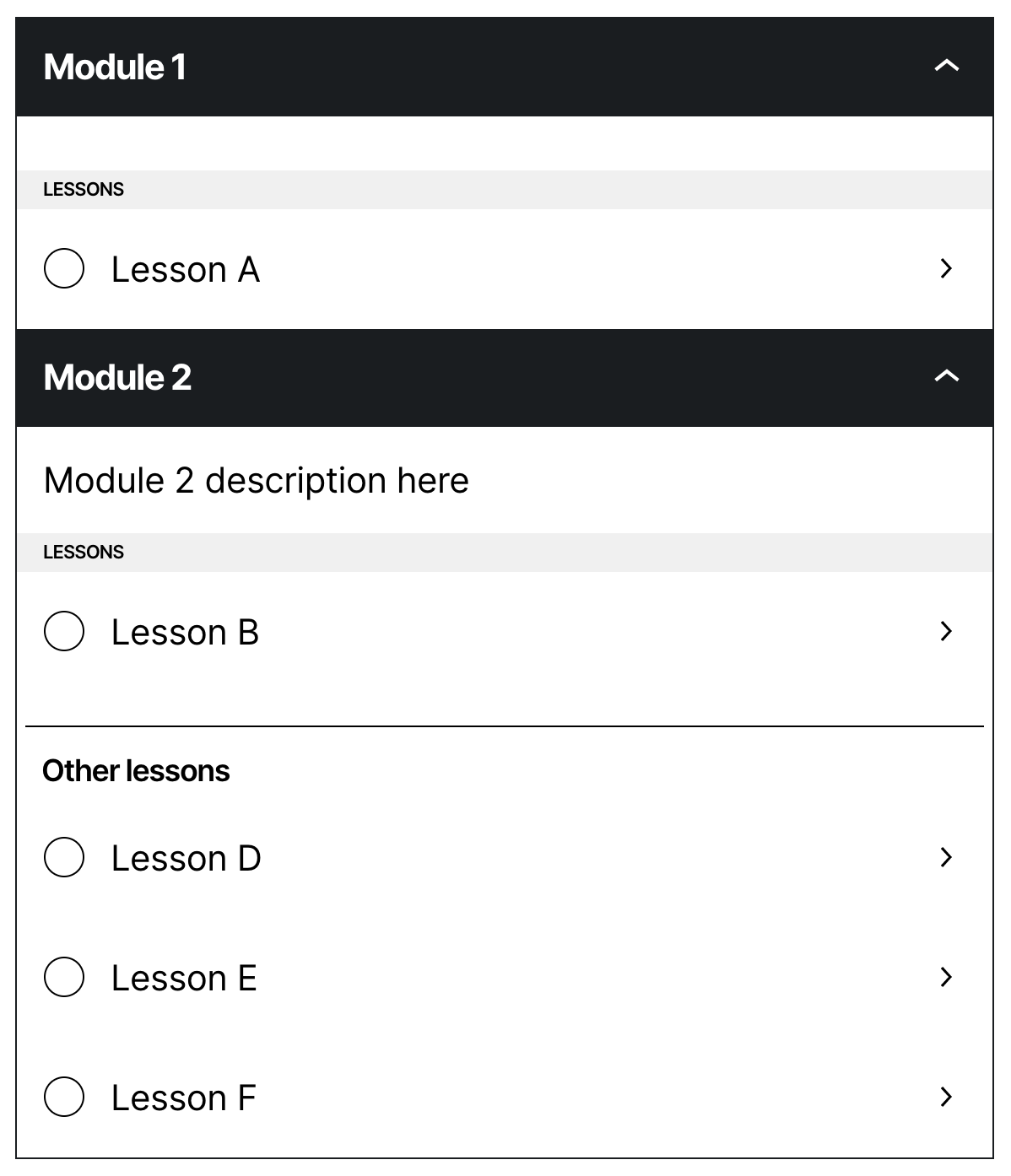
7.1)
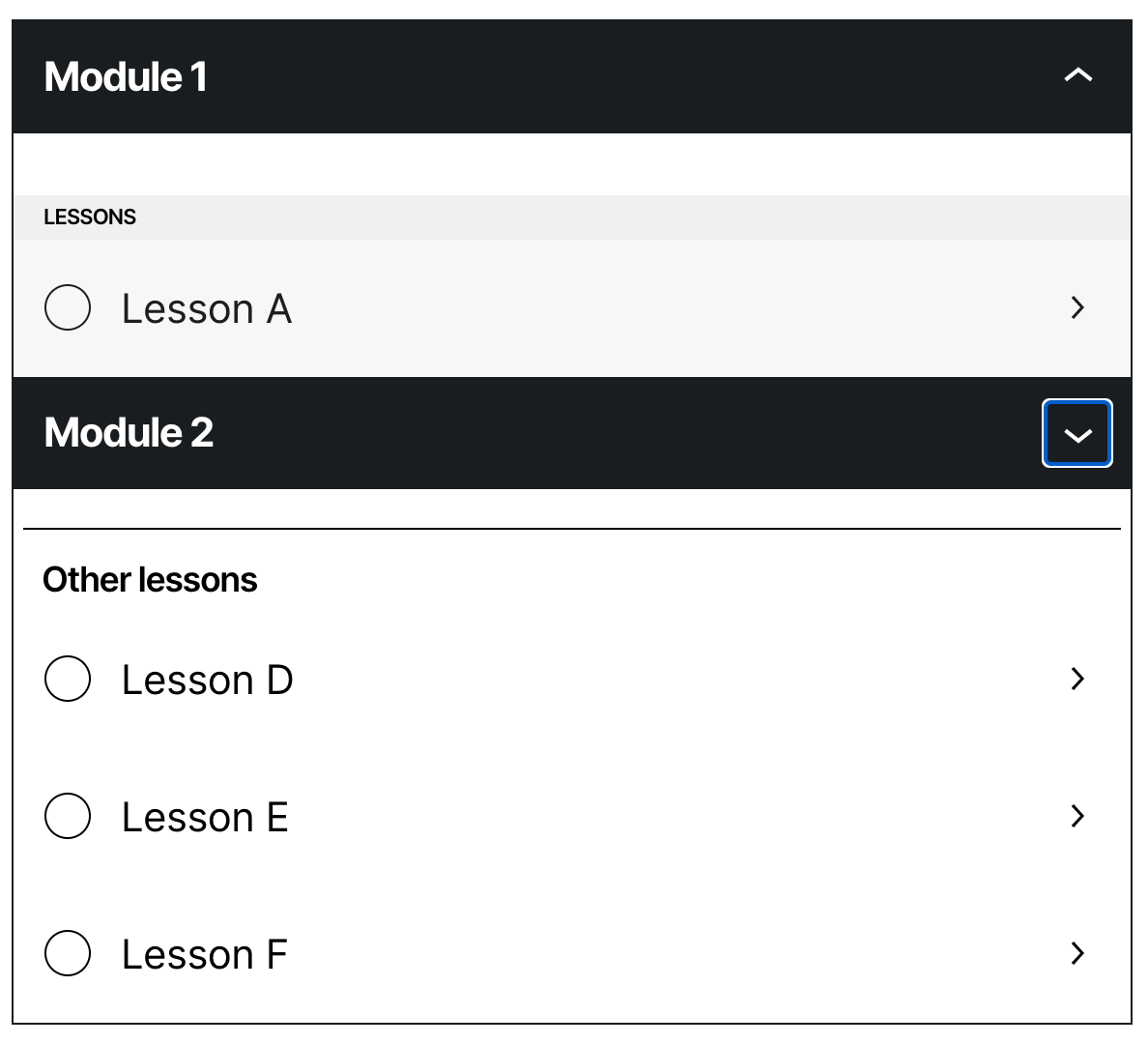
7.2)
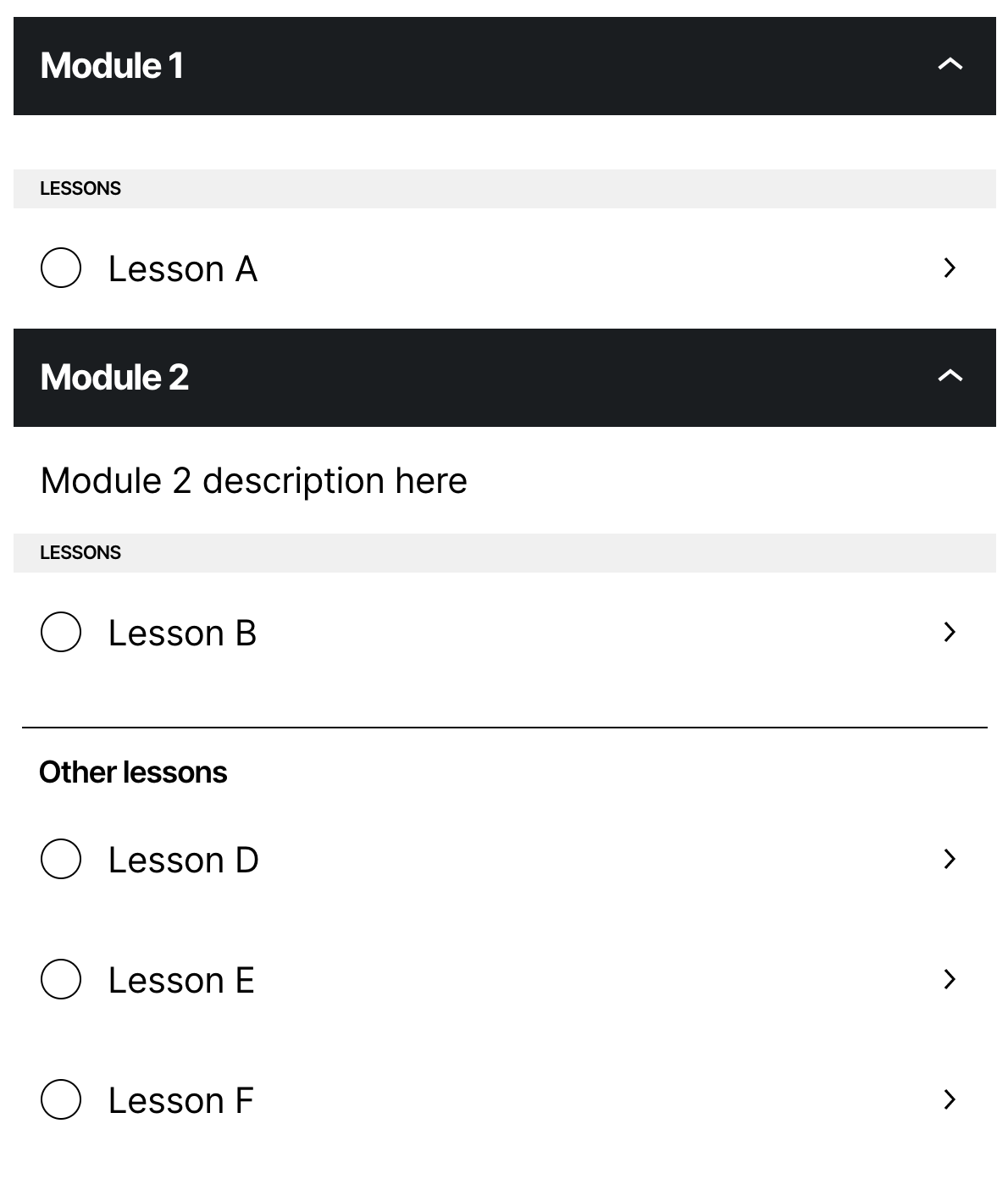
7.3)
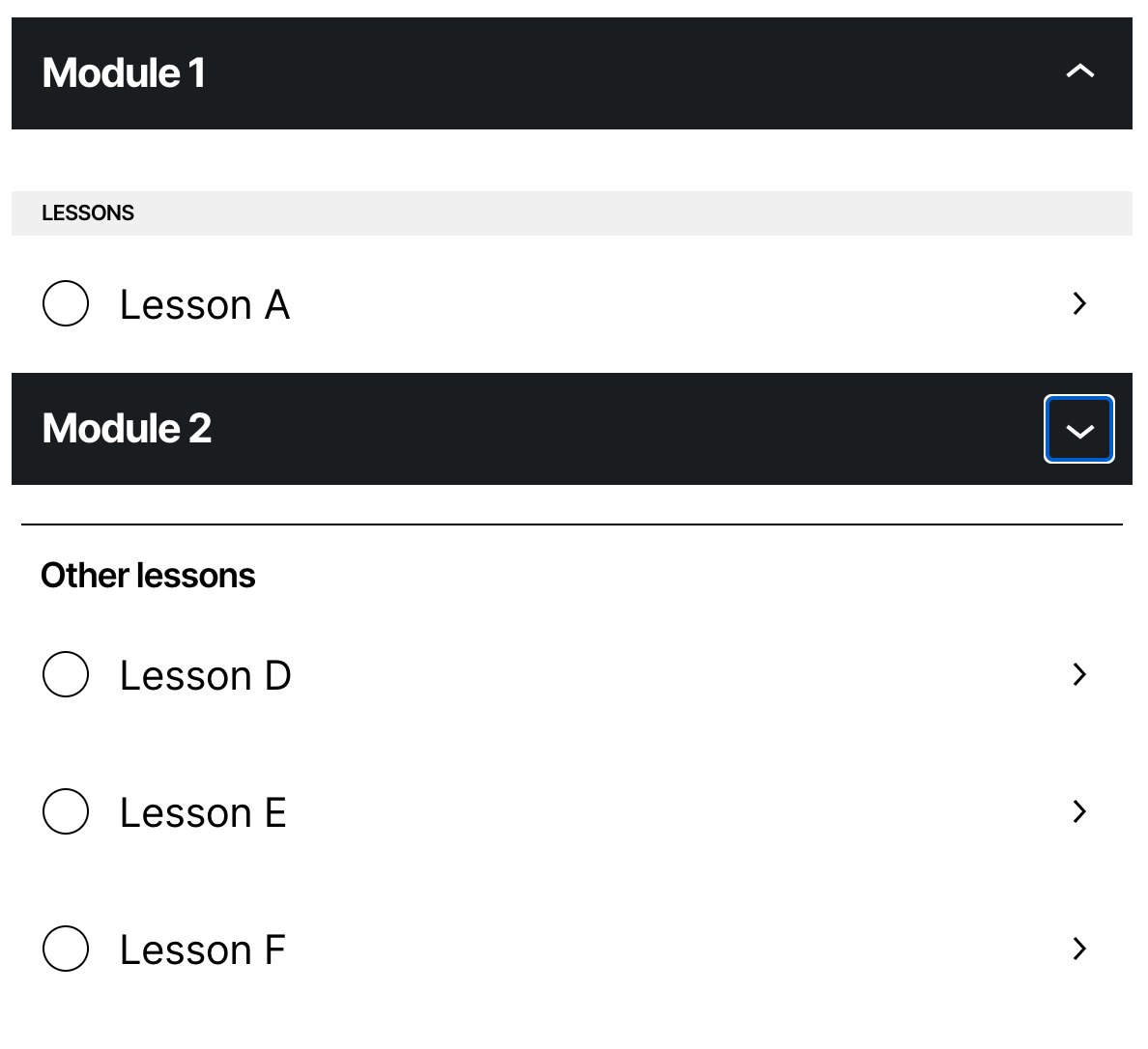
7.4)
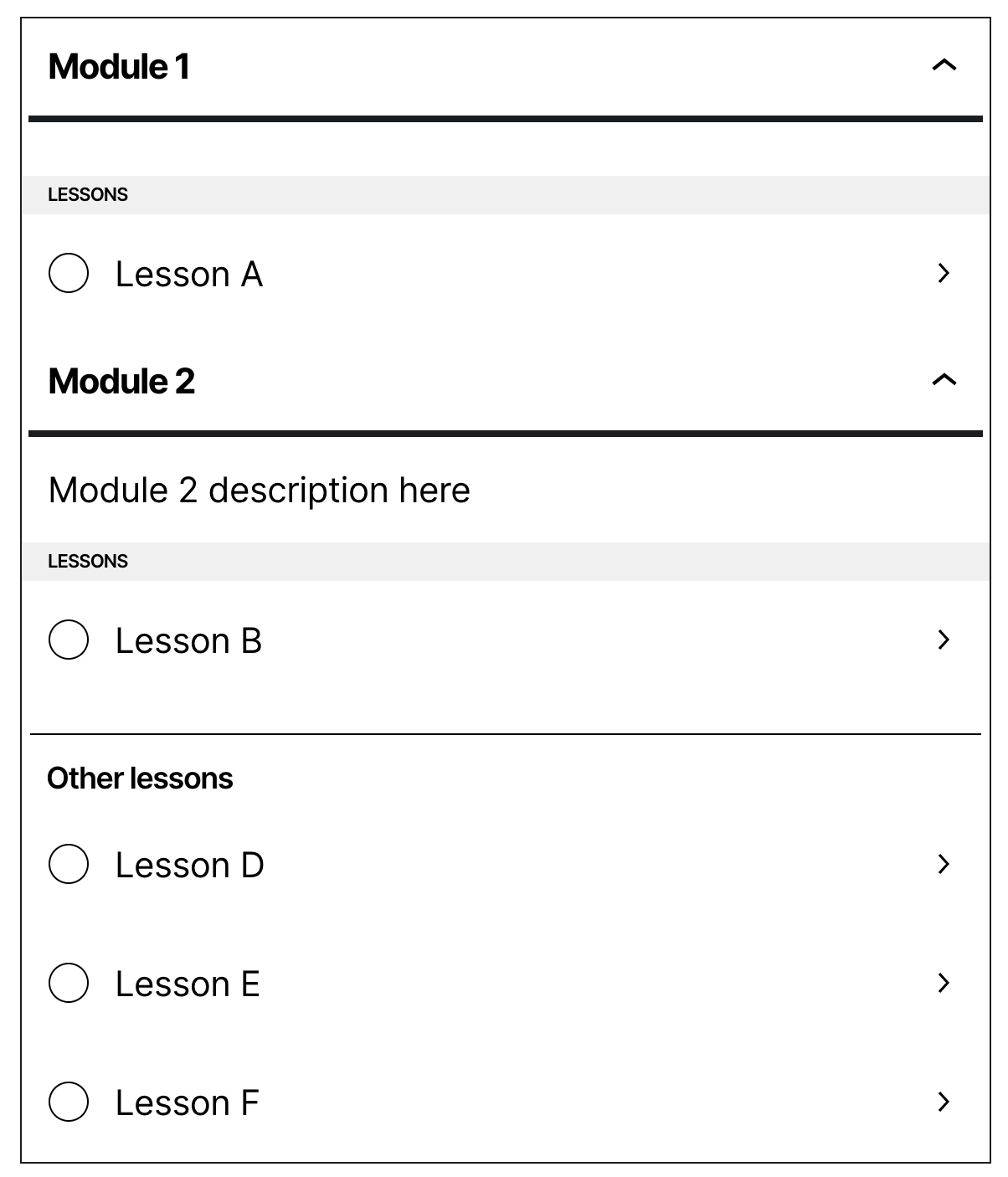
7.5)
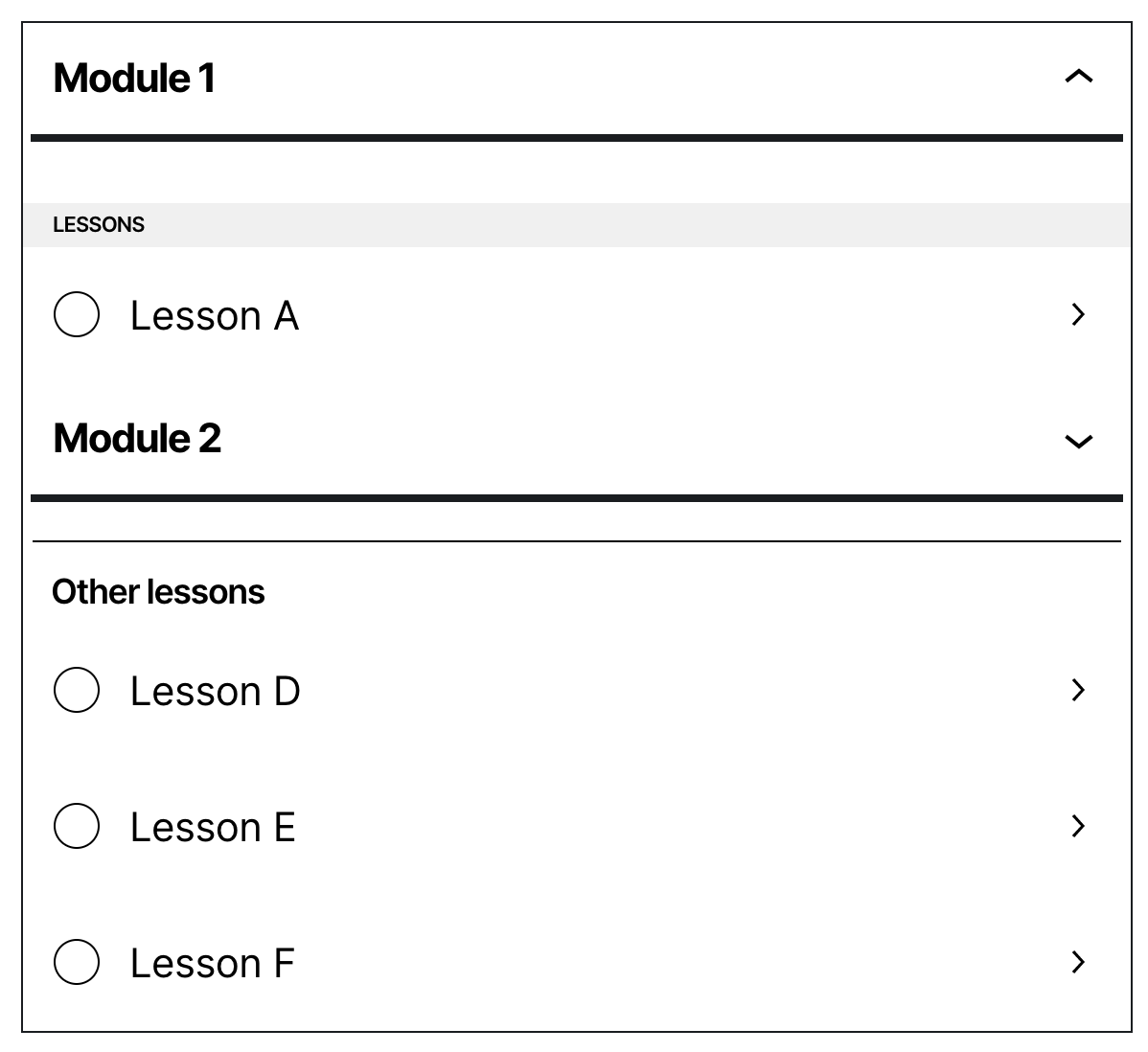
7.6)
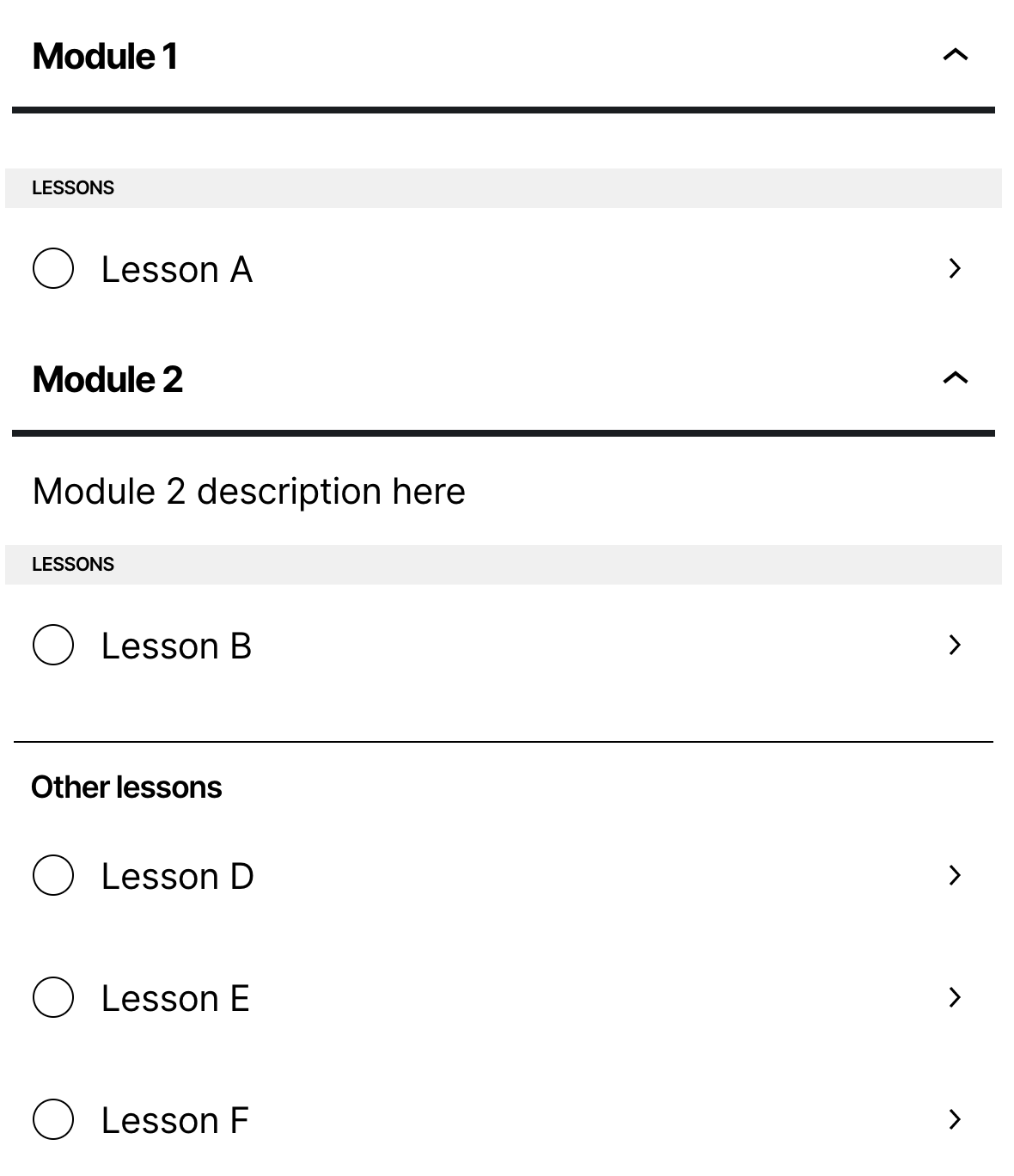
7.7)
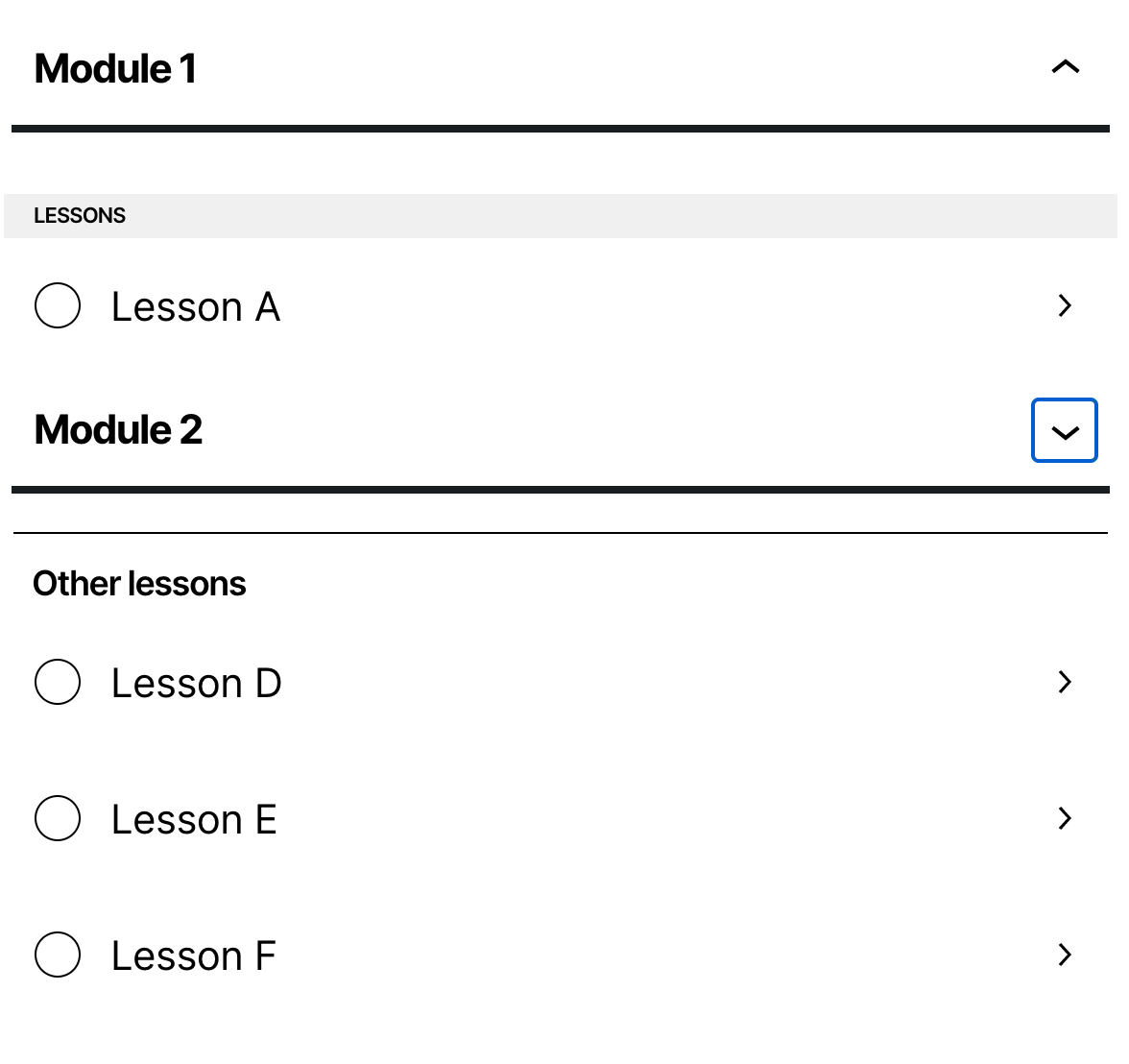
renatho
on 17 Oct 2020
I was exploring a little some approaches to separate it in the editor. I think the best approach will be changing a little how we add the lessons without modules. Instead of adding everything in the same InnerBlocks, we'll have 2 separate InnerBlocks - One for the modules and one for the lessons. To the interface don't be confusing, I'm thinking to add customized appender buttons, like "Add module", and "Add lesson without a module" (this still would need a better name).
The bad part is that we can't just add 2 InnerBlocks in the same block. We'll need to create some new blocks for that to work only as a container. It'll add some extra complexity to our code, but it works. We can create it locked, so the users can't add/remove/reorder these blocks that we'll use only like a container.
This approach will also solve the weird case, where the user can add lessons between modules, and after saving we reorder it sending the lessons to the bottom.
renatho
on 18 Oct 2020
@renatho Maybe we should post about this in the Sensei Design Slack channel and get Pablo's opinion before we get too far down a particular path.
donnapep
on 19 Oct 2020
@renatho Maybe we should post about this in the Sensei Design Slack channel and get Pablo's opinion before we get too far down a particular path.
Will do! :)
renatho
on 19 Oct 2020
➤ Renatho Rosa commented:
This card is blocked waiting for Designs feedback.
 matticbot
on 19 Oct 2020
matticbot
on 19 Oct 2020
Related issues
 BusinessBloomer
·
3Comments
BusinessBloomer
·
3Comments
 richardmtl
·
5Comments
richardmtl
·
5Comments
 kraftbj
·
4Comments
kraftbj
·
4Comments
 merkushin
·
3Comments
donnapep
·
5Comments
merkushin
·
3Comments
donnapep
·
5Comments
Most helpful comment
@renatho Maybe we should post about this in the Sensei Design Slack channel and get Pablo's opinion before we get too far down a particular path.