As per Scratch 2.0, shift clicking the "Green Flag" button should toggle "turbo mode". @carljbowman any thoughts on design / layout given the new position of the flag / stop buttons?
 thisandagain
All 5 comments
Functionality resolved in #334 (HT @fsih) we just need to figure out the visual indication piece of the puzzle now.
/cc @carljbowman
thisandagain
on 2 May 2017
Thanks for the heads up. Chatted with @fsih and @rschamp yesterday.
I'll be considering this as apart of https://github.com/LLK/scratch-gui/issues/219
 carljbowman
on 2 May 2017
carljbowman
on 2 May 2017
Green Flag / Stop States Matrix
This does not include Animation states. See more robust outline below for animations
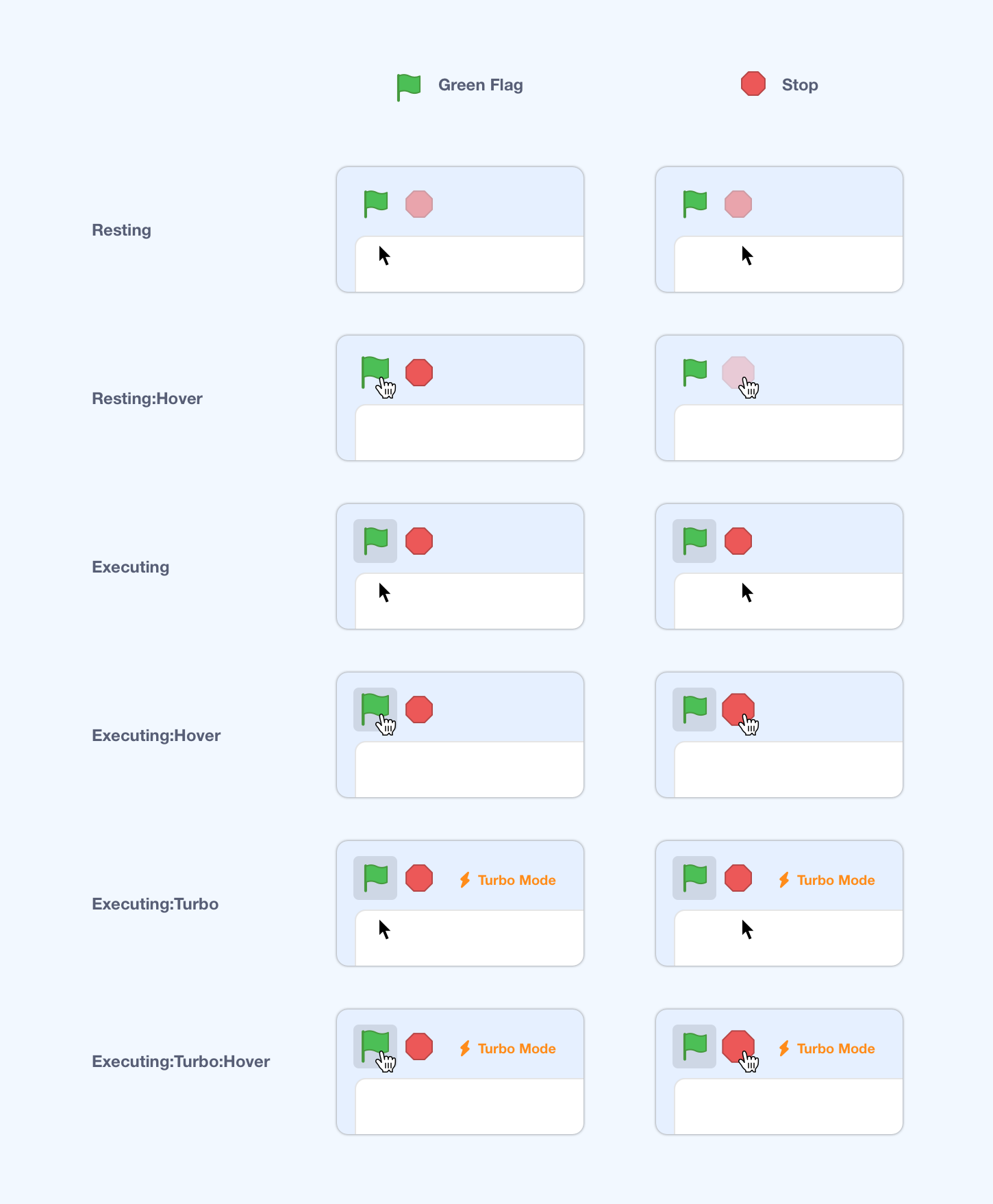
Green Flag States
Green Flag - Resting
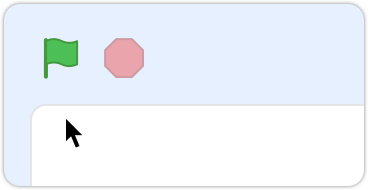
Opacity: 100%
Size: 100%
Animating: No
Animation Speed: N/A
Background: No
Include Turbo Text: No
Green Flag - Resting:Hover
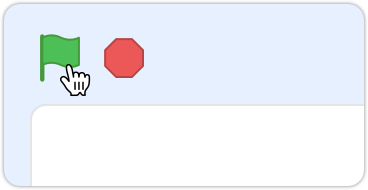
Opacity: 100%
Size: 120%
Animating: No
Animation Speed: N/A
Background: No
Include Turbo Text: No
Green Flag - Executing
_Timing of animation is temporary, but simply demonstrates that the Turbo should animate faster._
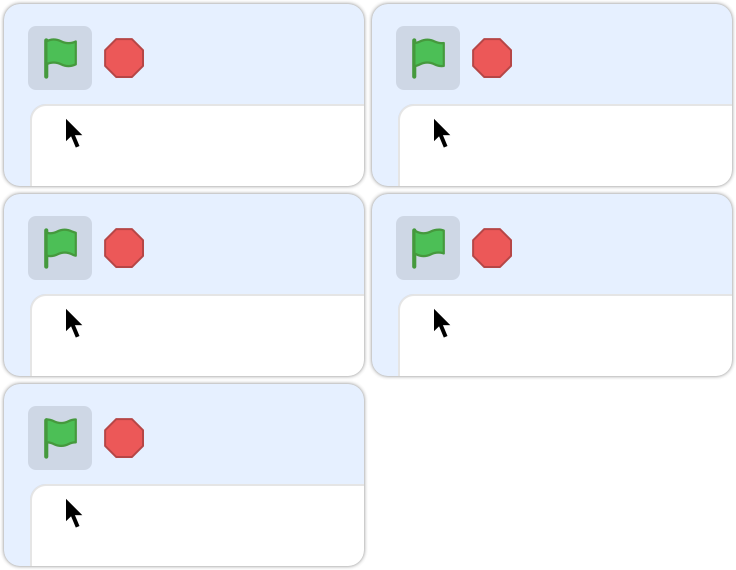
Opacity: 100%
Size: 100%
Animating: Yes
Animation Speed: Slower
Background: Yes
Include Turbo Text: No
Green Flag - Executing:Hover
_Timing of animation is temporary, but simply demonstrates that the Turbo should animate faster._
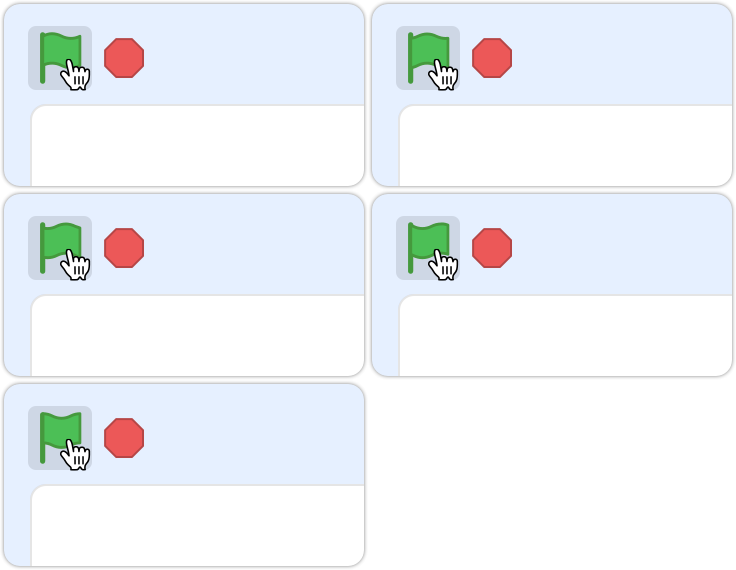
Opacity: 100%
Size: 120%
Animating: Yes
Animation Speed: Slower
Background: Yes
Include Turbo Text: No
Green Flag - Executing:Turbo
_Timing of animation is temporary, but simply demonstrates that the Turbo should animate faster._

Opacity: 100%
Size: 100%
Animating: Yes
Animation Speed: Faster
Background: Yes
Include Turbo Text: Yes
Green Flag - Executing:Turbo:Hover
_Timing of animation is temporary, but simply demonstrates that the Turbo should animate faster._

Opacity: 100%
Size: 120%
Animating: Yes
Animation Speed: Faster
Background: Yes
Include Turbo Text: Yes
Stop States
Stop - Resting
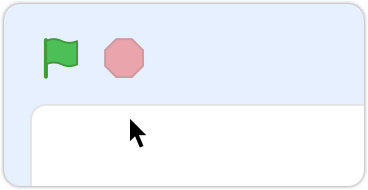
Opacity: 50%
Size: 100%
Stop - Resting:Hover
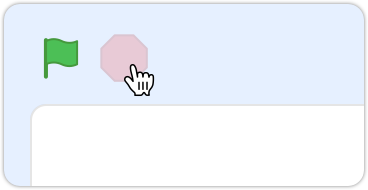
Opacity: 50%
Size: 120%
Stop - Executing
_Timing of animation is temporary, but simply demonstrates that the Turbo should animate faster._
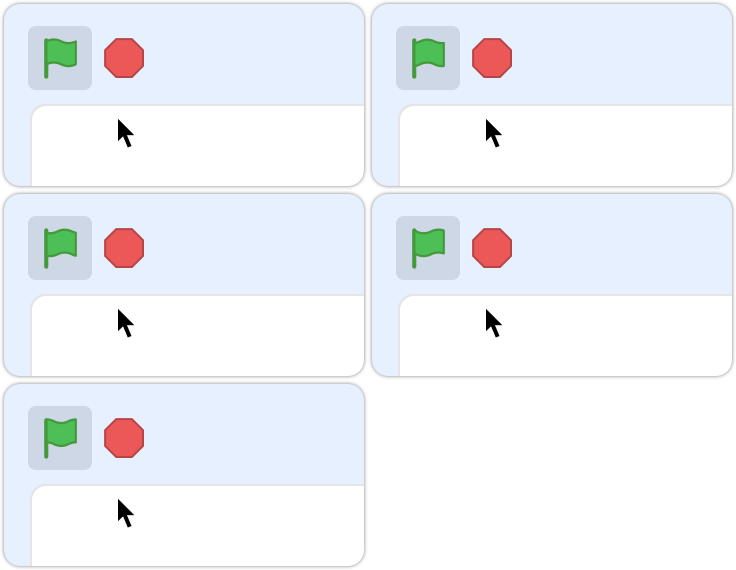
Opacity: 100%
Size: 100%
Stop - Executing:Hover
_Timing of animation is temporary, but simply demonstrates that the Turbo should animate faster._

Opacity: 100%
Size: 120%
Stop - Executing:Turbo
_Timing of animation is temporary, but simply demonstrates that the Turbo should animate faster._
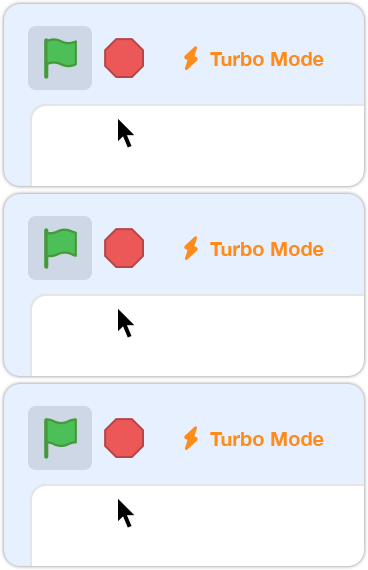
Opacity: 100%
Size: 100%
Stop - Executing:Turbo:Hover
_Timing of animation is temporary, but simply demonstrates that the Turbo should animate faster._

Opacity: 100%
Size: 120%
carljbowman
on 28 Jun 2017
@paulkaplan - Here are those 'Turbo Mode' specs
font-size: .625rem;
color: $control-primary or color:#FFAB19
Bolt icon: turbo-bolt-icon.svg.zip

carljbowman
on 16 Aug 2017
So the turbo mode indicator and design updates are done, but not the animation. I'm a bit concerned about the performance implications of the animation, in general the idea of running another animation specifically while the project is executing seems like it might be a bad idea.
so let's split it off into a separate issue.
 paulkaplan
on 21 Aug 2017
paulkaplan
on 21 Aug 2017
Related issues
 kyleplo
·
3Comments
kyleplo
·
3Comments
 MrBlockCat
·
4Comments
thisandagain
·
4Comments
MrBlockCat
·
4Comments
thisandagain
·
4Comments
 chrisgarrity
·
4Comments
chrisgarrity
·
4Comments
 cyx2015s
·
4Comments
cyx2015s
·
4Comments
Most helpful comment
Green Flag / Stop States Matrix
This does not include Animation states. See more robust outline below for animations
Green Flag States
Green Flag - Resting
Opacity: 100%
Size: 100%
Animating: No
Animation Speed: N/A
Background: No
Include Turbo Text: No
Green Flag - Resting:Hover
Opacity: 100%
Size: 120%
Animating: No
Animation Speed: N/A
Background: No
Include Turbo Text: No
Green Flag - Executing
_Timing of animation is temporary, but simply demonstrates that the Turbo should animate faster._

Opacity: 100%
Size: 100%
Animating: Yes
Animation Speed: Slower
Background: Yes
Include Turbo Text: No
Green Flag - Executing:Hover
_Timing of animation is temporary, but simply demonstrates that the Turbo should animate faster._

Opacity: 100%
Size: 120%
Animating: Yes
Animation Speed: Slower
Background: Yes
Include Turbo Text: No
Green Flag - Executing:Turbo
_Timing of animation is temporary, but simply demonstrates that the Turbo should animate faster._

Opacity: 100%
Size: 100%
Animating: Yes
Animation Speed: Faster
Background: Yes
Include Turbo Text: Yes
Green Flag - Executing:Turbo:Hover
_Timing of animation is temporary, but simply demonstrates that the Turbo should animate faster._

Opacity: 100%
Size: 120%
Animating: Yes
Animation Speed: Faster
Background: Yes
Include Turbo Text: Yes
Stop States
Stop - Resting
Opacity: 50%
Size: 100%
Stop - Resting:Hover
Opacity: 50%
Size: 120%
Stop - Executing
_Timing of animation is temporary, but simply demonstrates that the Turbo should animate faster._

Opacity: 100%
Size: 100%
Stop - Executing:Hover
_Timing of animation is temporary, but simply demonstrates that the Turbo should animate faster._

Opacity: 100%
Size: 120%
Stop - Executing:Turbo
_Timing of animation is temporary, but simply demonstrates that the Turbo should animate faster._

Opacity: 100%
Size: 100%
Stop - Executing:Turbo:Hover
_Timing of animation is temporary, but simply demonstrates that the Turbo should animate faster._

Opacity: 100%
Size: 120%