Retroarch: Retroarch doesn't show on my iOS home screen. Need help please.
Hi there. As you see on my article. I have a jailbroken iPad Air 2 on iOS 10.2
I downloaded retroarch through cydia by your official repo source. But unfortunately it doesn't show on iPad hom screen. The latest version of retroarch which is called (Retroarch GIT iOS9 1.6.0.1500827029)
Any help please?
And thank you so much.
 iOS4all
All 23 comments
@yoshisuga Any thoughts on this?
We might need to get some help with our Cydia repo for certain iOS versions we can't test. Nearly all my devices are on iOS 8.4 so I'm unable to test beyond.
 twinaphex
on 23 Jul 2017
twinaphex
on 23 Jul 2017
I've been out of the jailbreak scene for a long time now, but it's something i'll look at, but I'm not so confident in my ability to do that.
If I can
- jailbreak a device on iOS 10 (i have an old iPhone 5 thats on iOS 10).
- figure out how to package an application for cydia
- figure out how to upload to cydia
then I might be able to do this.
Currently I'm focused on updating the core repos to build in arm64, so I can look at this after this.
Might I suggest (less optional) alternatives to using Cydia, like:
- Build and run the app yourself in Xcode using a personal provisioning profile (free), good for only 7 days though (and requires a Mac)
- Register as a developer ($99/year) and build the app yourself or re-sign an existing IPA (the provisioning profile lasts 1 year)
- Sideloading RetroArch using an "app re-sign" service, checkout https://www.reddit.com/r/sideloaded/ . I in no way condone doing it this way, and I've never tried it.
Did we have IPAs in buildbot by the way?
 yoshisuga
on 23 Jul 2017
yoshisuga
on 23 Jul 2017
@twinaphex thank you so much for responding. I'm really glad all core are fixed and everything goes well. But as I said there's something wrong in retroarch via your Cydia repo. I hope from @yoshisuga to find a solution for this.
I also want to ask you can we run pcsx recomiler (using JIT)? On jailbroken iOS 10.2 please?
It's been long time and we really miss this. I also saw @Alex793 said every cores are working great after doing some fixes.
Any idea please?
iOS4all
on 23 Jul 2017
We don't know much about Cydia on higher iOS versions as we already indicated before. You or somebody else will have to help @hizzlekizzle here probably.
twinaphex
on 23 Jul 2017
The retroarch on Cydia is looks like this
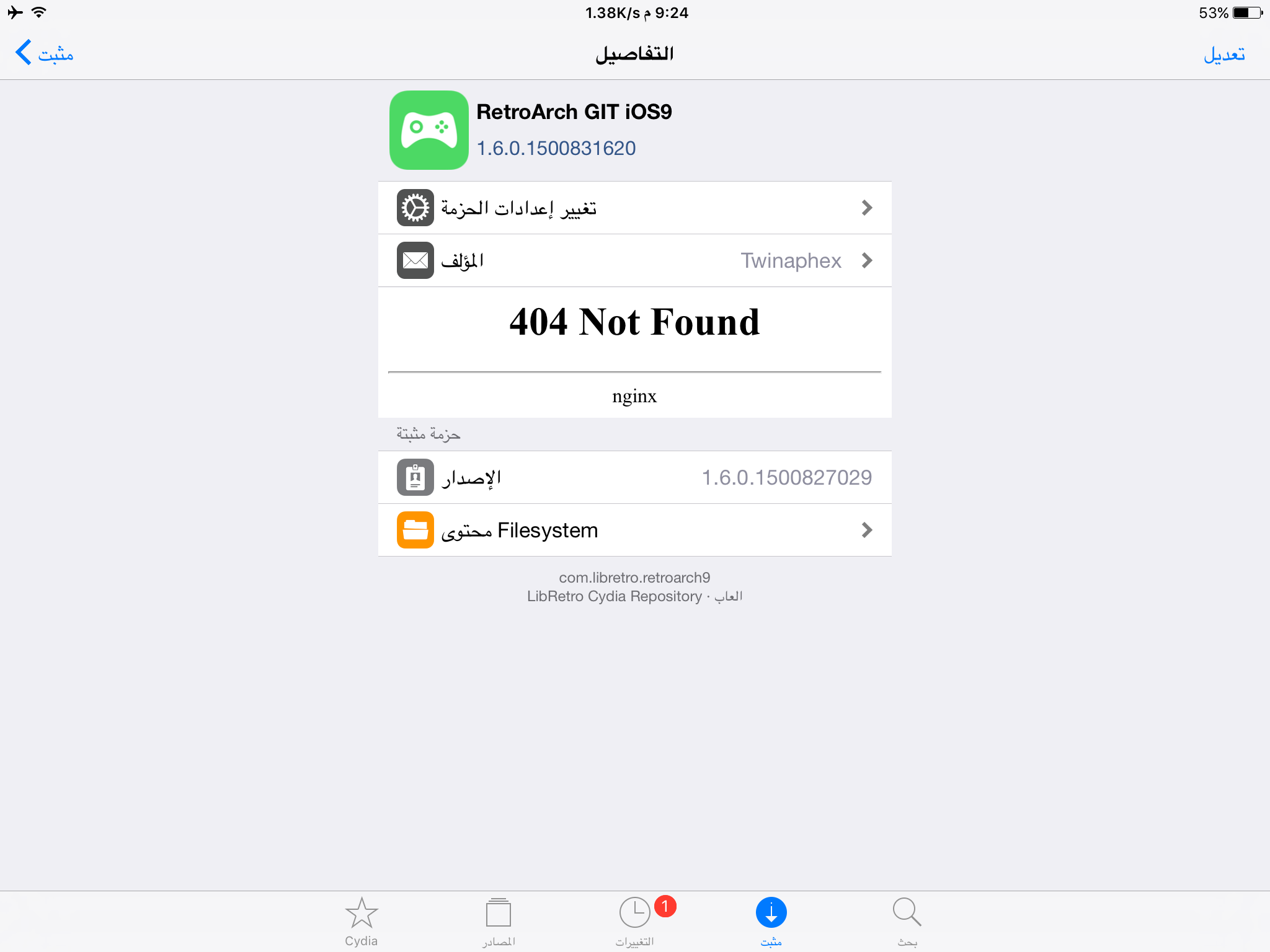
And the cydia repo is:
Buildbot.libretro.com/repo/cydia/
@yoshisuga unfortunately not everyone has mac to do it.
iOS4all
on 23 Jul 2017
Getting dynarecs to work on a jailbroken device is dependent, as far as I know, on the jailbreak method used, and has nothing to do with the RetroArch cores. To me, personally, dynarecs on iOS is pretty much a lost cause unfortunately. I think dynarecs are really dependent on the processor used, and most of them are based around the 32-bit ARM processor. Since iOS is going 64-bit only, they won't work anyway in the future, until somebody updates those cores to work under 64-bit native ARM. Still, it's best to rely on interpreters (non-dynarecs) and rely on the power of the new processors each year to give the best emulation experience.
yoshisuga
on 23 Jul 2017
@yoshisuga all I can say thank you so much for this amazing information.
By the way the creator of ppsspp could use JIT recompiler on his project. If you need any extra info feel free to ask him because he always welcome to everyone who want to ask.
iOS4all
on 23 Jul 2017
Sure no problem.
I had brief interactions with the owner of PPSSPP when trying to fix it to get it work on iOS, and he's a cool guy. I've gotten PPSSPP to work on iOS before, and it runs pretty well using the interpreter (non-dynarec). I unfortunately can't get it to build these days (to run in 64-bit), and its on the back burner for me for now. RetroArch is my most used emulator, so I'm focusing on that at the moment.
yoshisuga
on 23 Jul 2017
Actually there's someone called @jpd002 he is a creator of project which is called: Play! This is a ps2 emu for iOS, Android and other platforms. Anyway he helped the creator of ppsspp to get JIT back to work on 64 bit devices. Because it was previously not allowed to get it run because of KPP (Kernel patch protection) but he could finally get it to work even without defeat KPP
KPP appeared on iOS 9 and up.
I'm hoping to find a solution for these things.
Thanks you so much. And really appreciate all your hard work.
iOS4all
on 23 Jul 2017
Hello guys, for the Cydia problem it's because it download only the asset archive, so no executable inside the deb.
@iOS4all you need to download on libretro the latest nightly zip then resign the binary with Xcode or an other app, it's the only way now to use it on iOS 9 and 10, sign is needed, jailbreaked or not, same for all core on iOS 10. I see on libretro forum some people propose a ready to install package, you can ask them to use the last nightly.
For the dynarec, the iOS 10 jailbreak and iOS 9 are now compatible, the Yalu jailbreak is Dynarec enabled, but the author of Yalu told me RetroArch need some adaptation to use this new JITSupport
For iOS 9 he released a deb to activate the dynarec but same problem as iOS 10 need adaptation : https://github.com/libretro/RetroArch/issues/4530
Hey! I just made a debian package that provides support for jit on devices after iOS 9.
This is useful for increasing performance of emulators etc.
Small changes are needed for to work on any emulator: a new function is defined in the "jitsupport.h" header (available inside the deb file in usr/include): jit_mach_vm_allocate.
This function acts mostly like mach_vm_allocate, except the returned memory has RWX permissions.
I need feedback on this one from people on 9.3.3!
beta1 deb: https://yalu.qwertyoruiop.com/com.qwertyoruiop.jitsupport_1.0
 Alex793
on 23 Jul 2017
Alex793
on 23 Jul 2017
Thank you so much for your information.
Please can you do a fever for me? Unfortunately I don't have Xcode to do it. Can you replace deb file an upload it in order to install it on my device please?
Also can you get JIT run on your cores currently or just interpreter?
Thanks again
iOS4all
on 23 Jul 2017
Any help please?
iOS4all
on 25 Jul 2017
 tony971
on 25 Jul 2017
tony971
on 25 Jul 2017
@tony971 thanks for your info and tried to help.
I have another issue here.
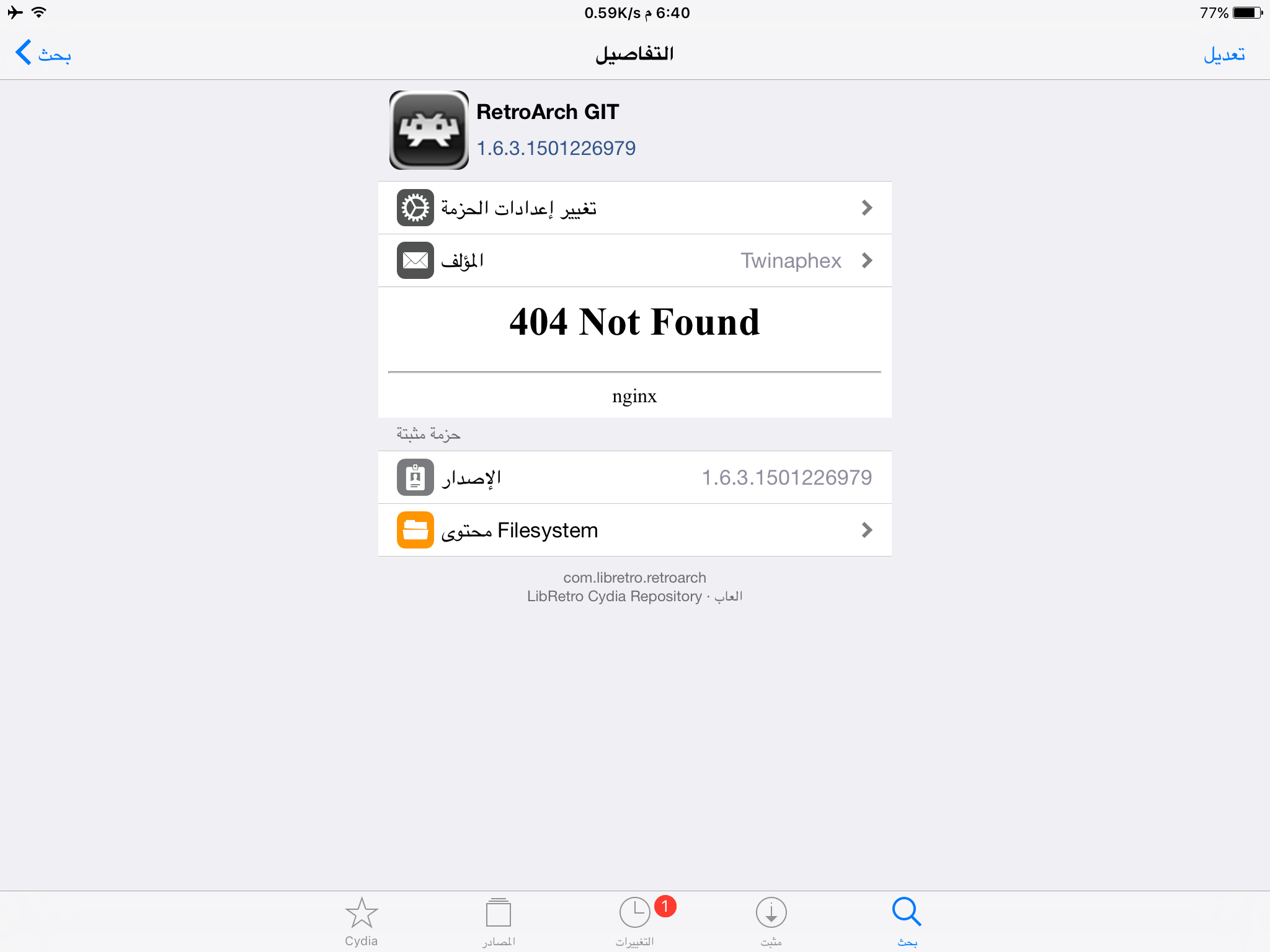
I already downloaded retroarch 1.6.3 and it's show on my home screen but it crashes immediately when I click it. Any help please?
By the way this is screenshot of retroarch version that I installed from official repo on cydia
iOS4all
on 28 Jul 2017
As I told you, it need to be signed, even on cydia, on iOS 9 and 10 RetroArch binary need to be signed or it won't launch.
Alex793
on 28 Jul 2017
Unfortunately I don't have a Mac?
iOS4all
on 29 Jul 2017
Me too, I'm on Windows 7 and using a virtual machine (VMware).
Now the stable 1.6.3 is out I think someone will post a codesigned version, take a look on libretro forum or Reddit.
Alex793
on 29 Jul 2017
Ok thanks a lot. Please can you use ppsspp core on your retroarch?
Also how playstaion (Bettle psx) Work? I tried but it stuck on black screen. Any idea please?
iOS4all
on 31 Jul 2017
Nope sorry, psp core is not available on iOS under RetroArch like some other core like Mupen64Plus, ParaLLel64, Mame2010 etc.
Alex793
on 31 Jul 2017
Thanks for replying. Well I saw you said while ago about getting playstaion (Bettle psx) core works on you? Tell me how please? I tried but stuck on black screen.
iOS4all
on 31 Jul 2017
Have you the sound ?
Alex793
on 31 Jul 2017
No just black screen. Do you have it to work? You said that in your own issue?
iOS4all
on 31 Jul 2017
Yes it works, check your bios files with good md5 (load core without rom and core info)
Alex793
on 31 Jul 2017
Related issues
 Chocobubba
·
3Comments
Chocobubba
·
3Comments
 fr500
·
3Comments
fr500
·
3Comments
 wrldwzrd89
·
3Comments
wrldwzrd89
·
3Comments
 danabnormal9000
·
3Comments
danabnormal9000
·
3Comments
 blackman91
·
3Comments
blackman91
·
3Comments