Reportgenerator: Navigation links within the htm report generated for source files don't work well on Chrome
We use coverlet to generate code coverage reports in corefx.
https://github.com/dotnet/corefx/blob/971924fd338eb9f52a574de51067b78e1b9e57f6/.config/dotnet-tools.json#L12
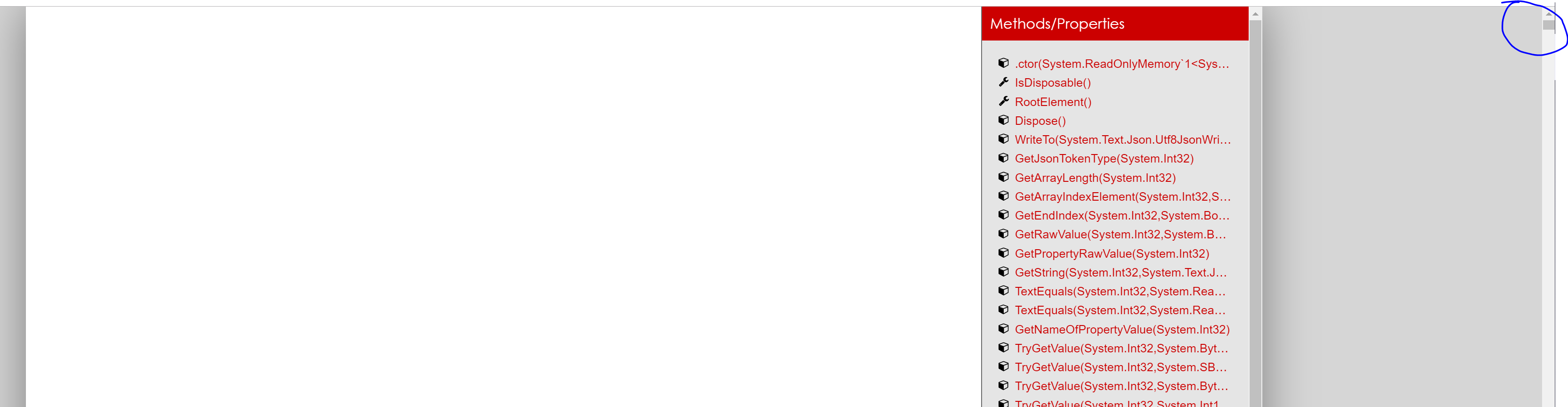
Recently, I have observed an issue where opening up a report in Chrome and trying to navigate to to certain files/methods doesn't jump to the right anchor but rather just shifts the whole page down with blank space. This isn't doesn't exist on Edge (and navigation to a file/method work fine).
Steps to repro:
1) Clone corefx
2) Run build.cmd at root of the repo
3) Navigate to test project (say src\System.Text.Json\tests)
4) Run the following: dotnet msbuild /t:BuildAndTets /p:Coverage=true
5) Open up the generated report in <repo root>\artifacts\bin\System.Text.Json.Tests\netcoreapp-Debug\report\index.htm in Chrome and navigate to a file, say System.Text.Json_JsonDocument.htm.
6) Try clicking on one of the Files(s) or methods under the Metrics heading and observe the issue.
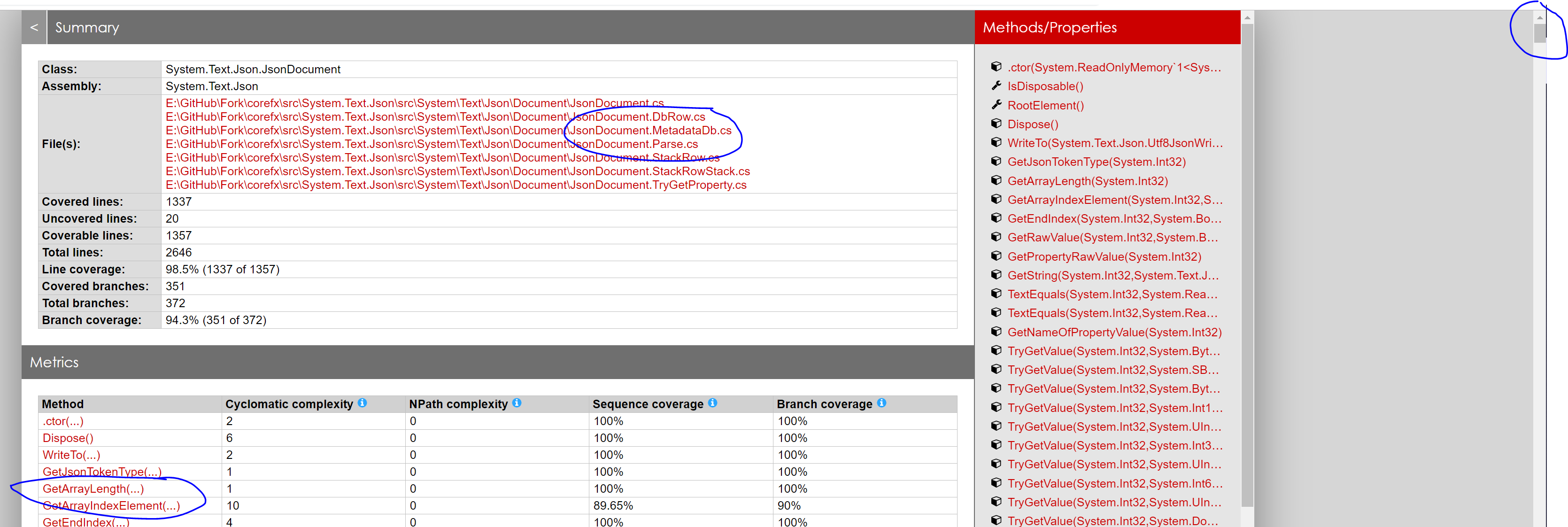
What end's up happening after clicking (a bunch of whitespace with the content pushed down):
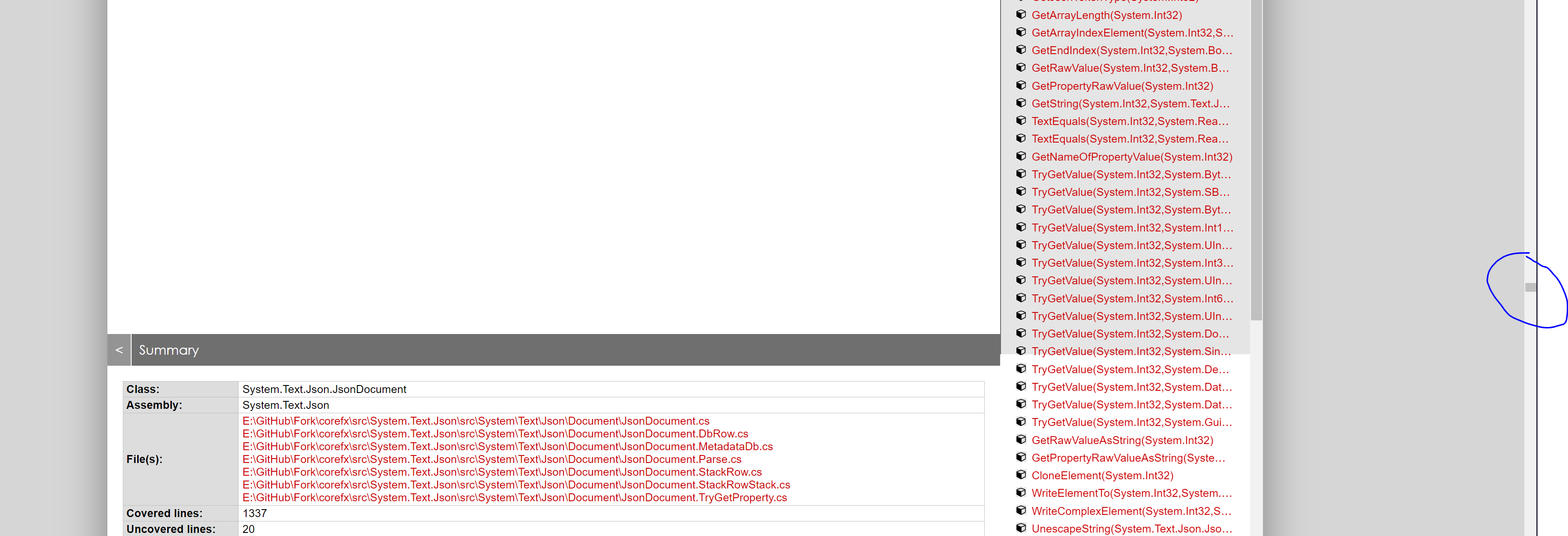
Clicking the Methods/Properties on the side panels works fine.
The expectation is that the page jumps to the location of the file/method.
Chrome Version:
Version 76.0.3809.132 (Official Build) (64-bit)
ReportGenerator 4.2.20
cc @viktorhofer
 ahsonkhan
All 3 comments
I will have a look within the next days.
 danielpalme
on 27 Sep 2019
danielpalme
on 27 Sep 2019
I fixed your issue.
You can try the following packages:
https://www.nuget.org/packages/ReportGenerator/4.3.0
https://www.nuget.org/packages/dotnet-reportgenerator-globaltool/4.3.0
danielpalme
on 29 Sep 2019
I fixed your issue.
Just verified that it works :)
ahsonkhan
on 8 Oct 2019
Related issues
 jon-armen
·
4Comments
jon-armen
·
4Comments
 nilfdev
·
5Comments
nilfdev
·
5Comments
 daniel-white
·
3Comments
daniel-white
·
3Comments
 ByteDecoder
·
6Comments
ByteDecoder
·
6Comments
 jpedretti-ciandt
·
3Comments
jpedretti-ciandt
·
3Comments