React-vis: How to add integer number in YAxis
Hi
I need set step on YAxis if i have max is 2-3 in domain, number on YAxis will be float, but i need only integer.
i need so
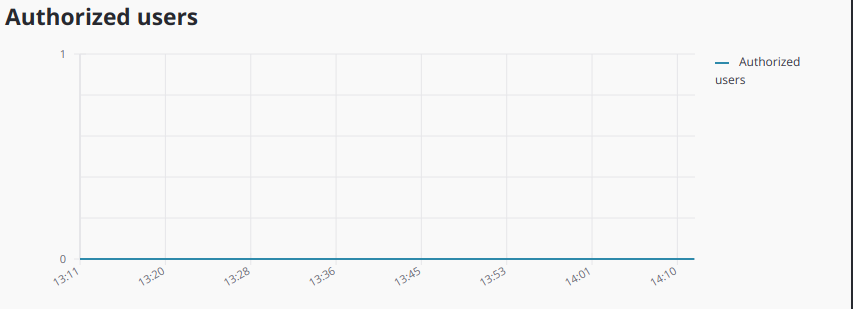
I did this
(max <= 5)
  ? <YAxis tickTotal={max} tickFormat={YTickFormat} />
  : <YAxis tickFormat={YTickFormat} />
if i don't do this i get float number
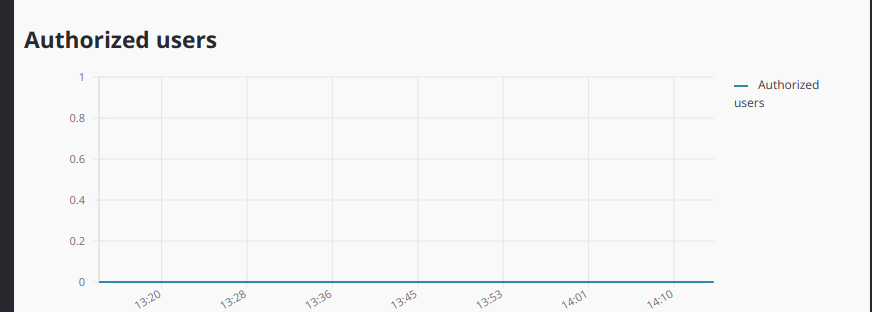
Is there another way to do this?
question
 gespispace
👍1
All 3 comments
You can either use tickFormat (as you do above) or you could provide tickValues, which might look like tickValues={[1, 2, 3, 5]}
 mcnuttandrew
on 29 Jan 2019
mcnuttandrew
on 29 Jan 2019
I can't use tickFormat because what i should do if i get 0.2 or 0.4 number.
tickValues is some how set tickTotal={max} and i don't like.
I want set property like setIntegerYAxis and step will be only integer .
there is no such property?
gespispace
on 29 Jan 2019
👍1
Use tickFormat to conditionally display integer values:
<YAxis>
  tickFormat={val => Math.round(val) === val ? val : ""}
/>
 mcdamo
on 5 Mar 2020
mcdamo
on 5 Mar 2020
👍1
Was this page helpful?
0 / 5 - 0 ratings
Related issues
 cang-afero
·
4Comments
cang-afero
·
4Comments
 basilaiman
·
3Comments
basilaiman
·
3Comments
 martoncsikos
·
4Comments
martoncsikos
·
4Comments
 yennycheung
·
4Comments
yennycheung
·
4Comments
 cvalmonte
·
4Comments
cvalmonte
·
4Comments