React-native-calendars: Feature Request: Show only one day at a time
Hi, I was looking at the issue #272 in hope of finding a solution.
I would like to be able to show only one day's worth of event per day selected. For example if I have selected the 15th I would like to have only the event of the 15th showing.
 FrenchMajesty
All 13 comments
+1 We also need this in a project.
 Bosseskompis
on 17 Feb 2018
Bosseskompis
on 17 Feb 2018
Hi there, if you can change manually
/* --- Line 169 --- /
for (let i = 0; i < 31; i++) {
const res = this.getReservationsForDay(iterator, props);
if (res) {
reservations = reservations.concat(res);
}
iterator.addDays(1);
}
/ --- Line 175 --- */
to
/* --- Line 169 --- /
const res = this.getReservationsForDay(iterator, props);
if (res) {
reservations = res;
}
iterator.addDays(1);
/ --- Line 175 --- */
in (project_dir/node_modules/react-native-calendars/src/agenda/reservation-list/index.js) the agenda can only load days own reservations :)
 yadigarbz
on 12 Mar 2018
yadigarbz
on 12 Mar 2018
Want this :(
 arled
on 10 Apr 2018
arled
on 10 Apr 2018
A good feature request and probably not too hard to implement. Will try to put this in a roadmap.
 tautvilas
on 12 Apr 2018
tautvilas
on 12 Apr 2018
@yadigarbz why don't you do a PR? :)
tautvilas
on 12 Apr 2018
@tautvilas May be this night i can :) 👍
yadigarbz
on 12 Apr 2018
If you have tried this and are getting unexpected/unwanted scrolling behavior (example agenda items scrolling up and being hidden)
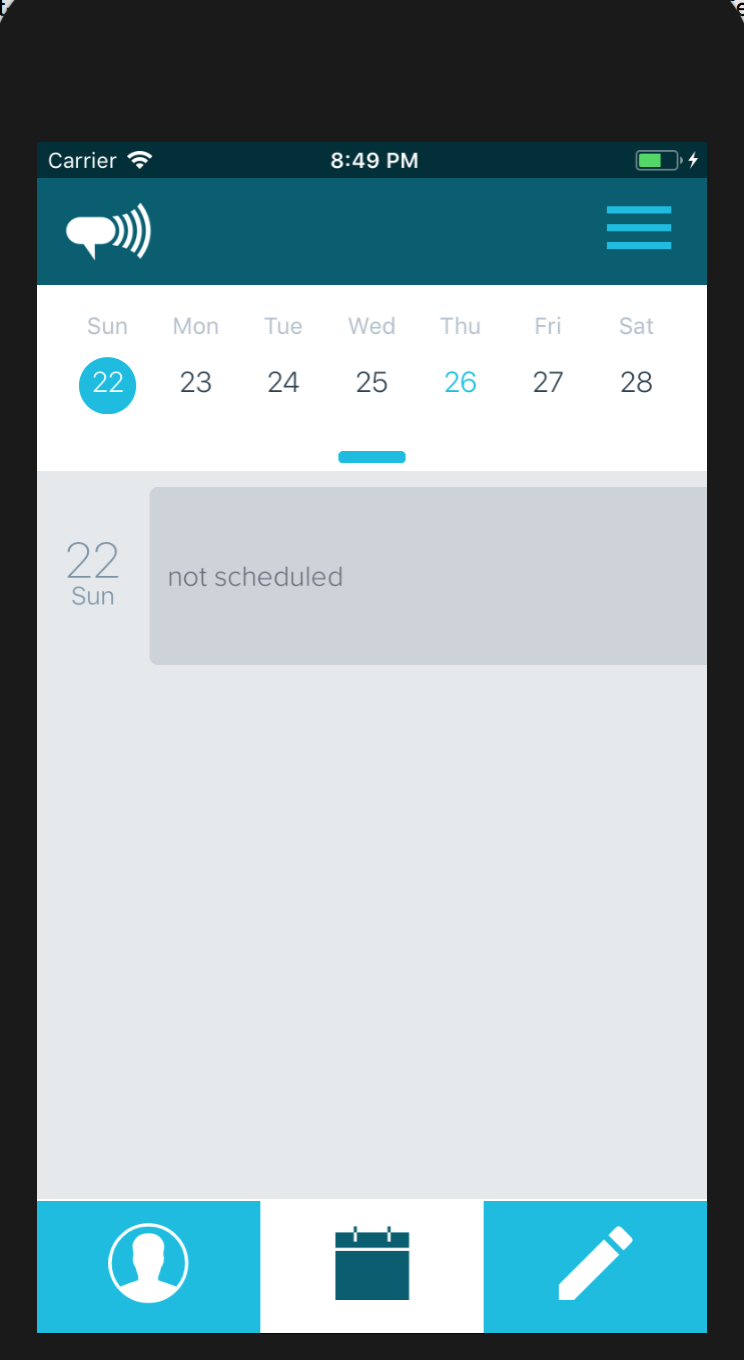
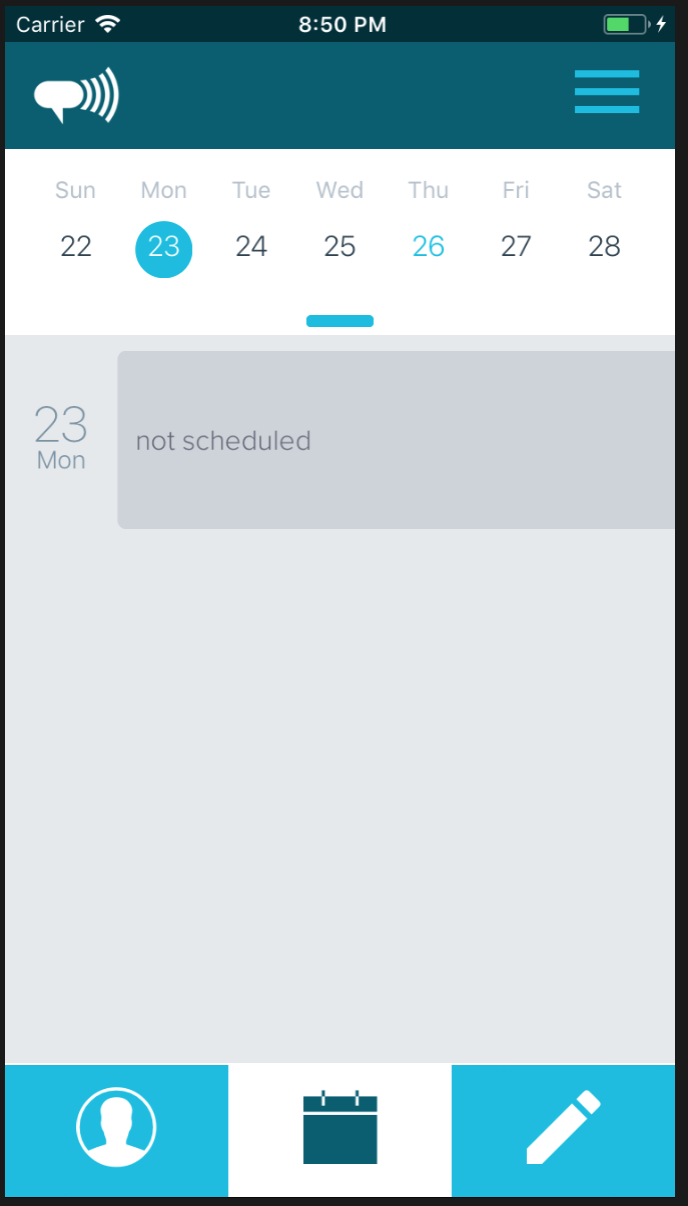
, you can try this fix
const res = this.getReservationsForDay(iterator, props);
if (res) {
reservations = res;
}
iterator.addDays(1);
return {
reservations,
};
}
This should give you single, non scrollable agenda items if that's what you are looking for.
 libersolis-dev
on 27 Apr 2018
libersolis-dev
on 27 Apr 2018
@mannyhagman Where should this change be made?
FrenchMajesty
on 5 May 2018
@FrenchMajesty u can see exact file and line in my comment.
yadigarbz
on 6 May 2018
Hi, the change works but I wonder if its posible to keep the scroll enabled for the events of that day (in case that day has multiple events)
 jjercx
on 19 Jun 2018
jjercx
on 19 Jun 2018
I had a problem in my code, the fix works and allows scrolling multiple events in a day.
jjercx
on 19 Jun 2018
May be late to party but this how I achieved the "show only one day at a time":
- Do not pass all the
itemsat the same time:
      <Agenda
          selected={selectedDate}
          items={itemsForSelectedDay}
          minDate={minDate}
          maxDate={maxDate}
          markedDates={this.getMarkedDates}
          onDayPress={onUpdateSelectedDate}
          renderItem={(item, firstItemInDay) => ()
          rowHasChanged={itemHasBeenUpdated}
       />
- Prepare your marked dates since you're not passing all the items:
  getMarkedDates = () => {
    const { allAgendaDates } = this.props;

    let markedDates = {};
    Object.keys(allAgendaDates).map(date => {
      markedDates[date] = {
        marked: true
      };
    });

    return {
      ...markedDates
    };
  };
- Update the itemsForSelectedDay on day press:
  onUpdateSelectedDate = date => {
    const { allAgendaDates } = this.props;

    const dates = allAgendaDates[date];

    this.setState({
        itemsForSelectedDay: {
              [date]: dates
       }
   });
  };
 jordanow
on 26 Jul 2018
jordanow
on 26 Jul 2018
Also just realized while trying to do this if you are trying to remove the date part for each item that renders in the agenda you can do:
renderDay={(day, item) => {return (<View />);}}
And then if you follow the direction above you should get a customized item for per date selcted only
 shresthayaman
on 30 Nov 2019
shresthayaman
on 30 Nov 2019
Related issues
 joaosauer
·
4Comments
joaosauer
·
4Comments
 akhilsanker
·
4Comments
akhilsanker
·
4Comments
 srichallamalla935
·
4Comments
srichallamalla935
·
4Comments
 idlework
·
4Comments
idlework
·
4Comments
 chapeljuice
·
3Comments
chapeljuice
·
3Comments
Most helpful comment
May be late to party but this how I achieved the "show only one day at a time":
itemsat the same time: