Prusaslicer: Slic3r shows cryptic filename from Fusion 360's direct STL export
Version
1.42.0 - alpha 3
Operating system type + version
MacOS 10.14.3
Behavior
When exporting STL in Autodesk Fusion360 and selecting the output option "Send to 3D Print Utility" the file shown has a cryptic name instead of the body name defined in Fusion 360 (which is the standard output when saving the STL to disk).
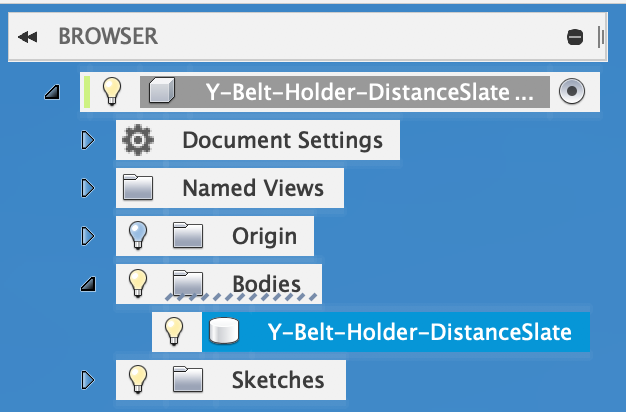
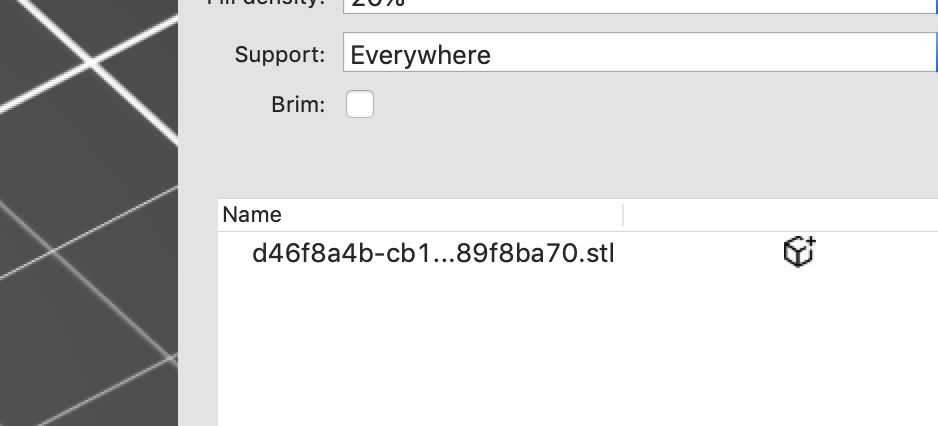
If for whatever reason there is no way to obtain the body's correct name during the export/opening, we should have to have the option to rename the objects in Slic3r's object browser window. Currently, you have to save the STL, chose a new name and reopen it after removing the current one from the print surface of Slic3r. This is not convenient nor helps it organizing the print job.
 MartinMajewski
All 7 comments
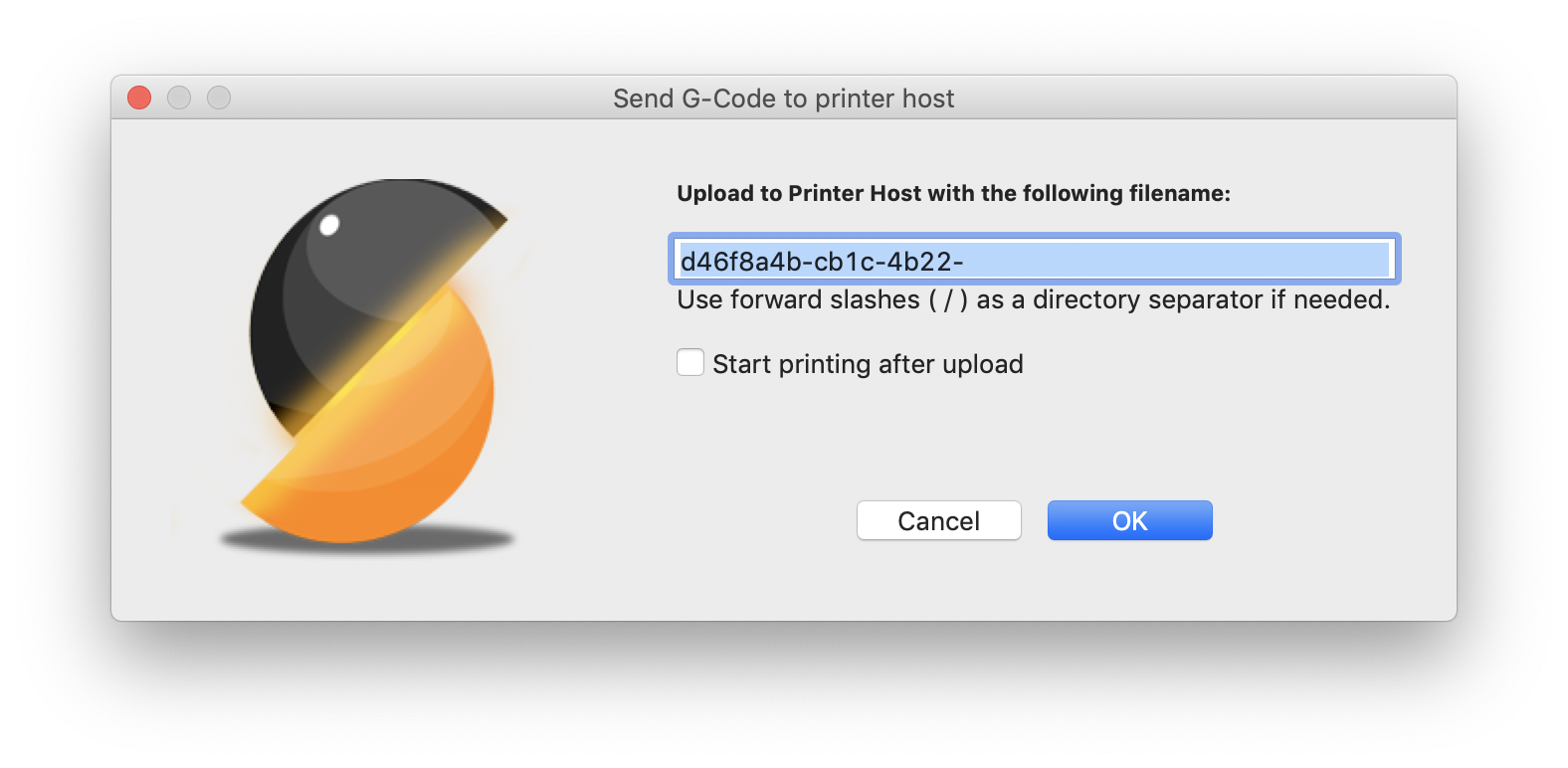
Furthermore, sending the cryptic name to OctoPrint gives this faulty output:
MartinMajewski
on 15 Jan 2019
what if this cryptic name is generated by fusion 360? what do you advice?
On Tue, Jan 15, 2019, 20:54 Martin Majewski <[email protected] wrote:
Furthermore, sending the cryptic name to OctoPrint gives this faulty
output:[image: screenshot 2019-01-15 at 20 54 11]
https://user-images.githubusercontent.com/2221289/51206152-ba258f80-1907-11e9-9122-3ea747ec4860.png—
You are receiving this because you are subscribed to this thread.
Reply to this email directly, view it on GitHub
https://github.com/prusa3d/Slic3r/issues/1667#issuecomment-454528453,
or mute the thread
https://github.com/notifications/unsubscribe-auth/AFj5IyXeh1QoN0sHzqUloKz-2Ujv3pqVks5vDjH2gaJpZM4aBsAK
.
 bubnikv
on 15 Jan 2019
bubnikv
on 15 Jan 2019
If for whatever reason there is no way to obtain the body's correct name during the export/opening, we should have to have the option to rename the objects in Slic3r's object browser window. Currently, you have to save the STL, chose a new name and reopen it after removing the current one from the print surface of Slic3r. This is not convenient nor helps it organizing the print job.
This! :-D
MartinMajewski
on 15 Jan 2019
Just give use a rename option at the object brower / object list. It is still easier to copy/paste the name from Fusion to Slic3r than going the "Save STL" route in Slic3r - which seems not to be present in the alpha 3?! Please reinsert it as Slic3r is my tool of choice to reorient objects and save them as STL for e.g. releasing them on Thingiverse.
MartinMajewski
on 15 Jan 2019
@MartinMajewski Could you please share an example STL file that has this problem?
 vojtechkral
on 24 Jan 2019
vojtechkral
on 24 Jan 2019
We already have a way to edit the object and part name just by clicking on the name and editing in place, but it does not work on OSX due to the wxWidgets or native OSX widgets limitations. We will add a pop-up window on OSX to do that.
bubnikv
on 29 Jan 2019
Editing of the object/part's name under OSX, using pop-up window, is implemented in https://github.com/prusa3d/Slic3r/commit/411c02fef3efe1329baf1192e2d8645064d93780. It will be a part of the upcoming release.
 YuSanka
on 31 Jan 2019
YuSanka
on 31 Jan 2019
Related issues
 TimothyGold
·
4Comments
TimothyGold
·
4Comments
 Tirpitz93
·
3Comments
Tirpitz93
·
3Comments
 pricedev
·
4Comments
pricedev
·
4Comments
 tkircher
·
3Comments
tkircher
·
3Comments
 i-make-robots
·
3Comments
i-make-robots
·
3Comments
Most helpful comment
We already have a way to edit the object and part name just by clicking on the name and editing in place, but it does not work on OSX due to the wxWidgets or native OSX widgets limitations. We will add a pop-up window on OSX to do that.