Prusaslicer: Auto zoom is annoyingly 'eager' and too wide
Version
Slic3r-1.39.1-beta-prusa3d-linux64-full-201802131106
Operating system type + version
kubuntu 14.10
Behavior
- Auto-zoom is annoying.
- It does not need to happen after every single manipulation.
- It is particularly annoying and counter-intuitive when engaged in "layer Editing" mode.
- Auto-zoom can not be disabled.
- It should be a preferences option.
Auto-zoom is too wide/too far away.
- There is too much empty space left around the plater/objects after zoom... camera is too far away.
_Expected Results_
Auto-zoom should be an option.
Zoom should tightly frame the objects/plater._Actual Results_
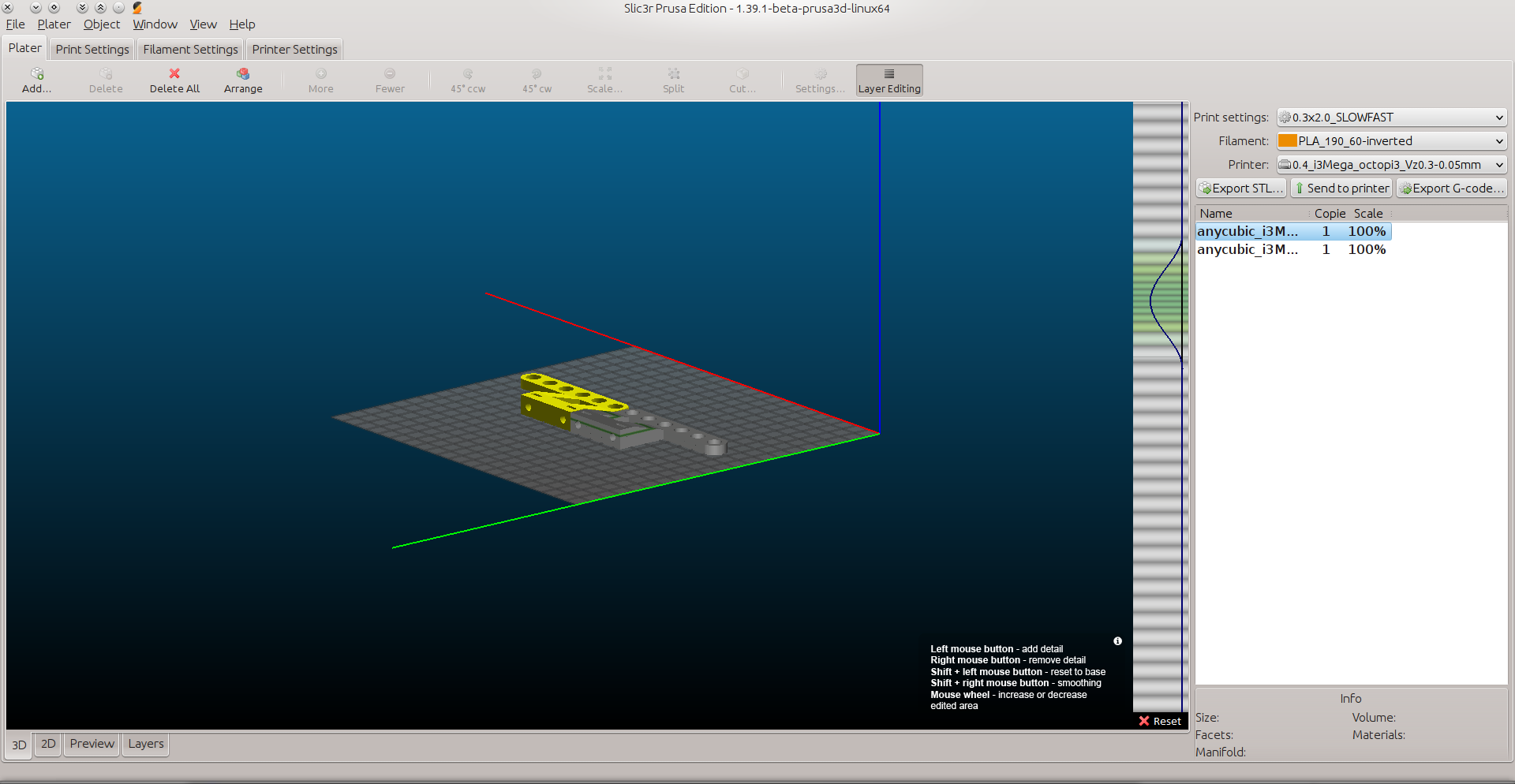
Zoom and rotate camera to the desired viewpoint. (assume it's a relevant fairly specific POV and annoying to repeat)
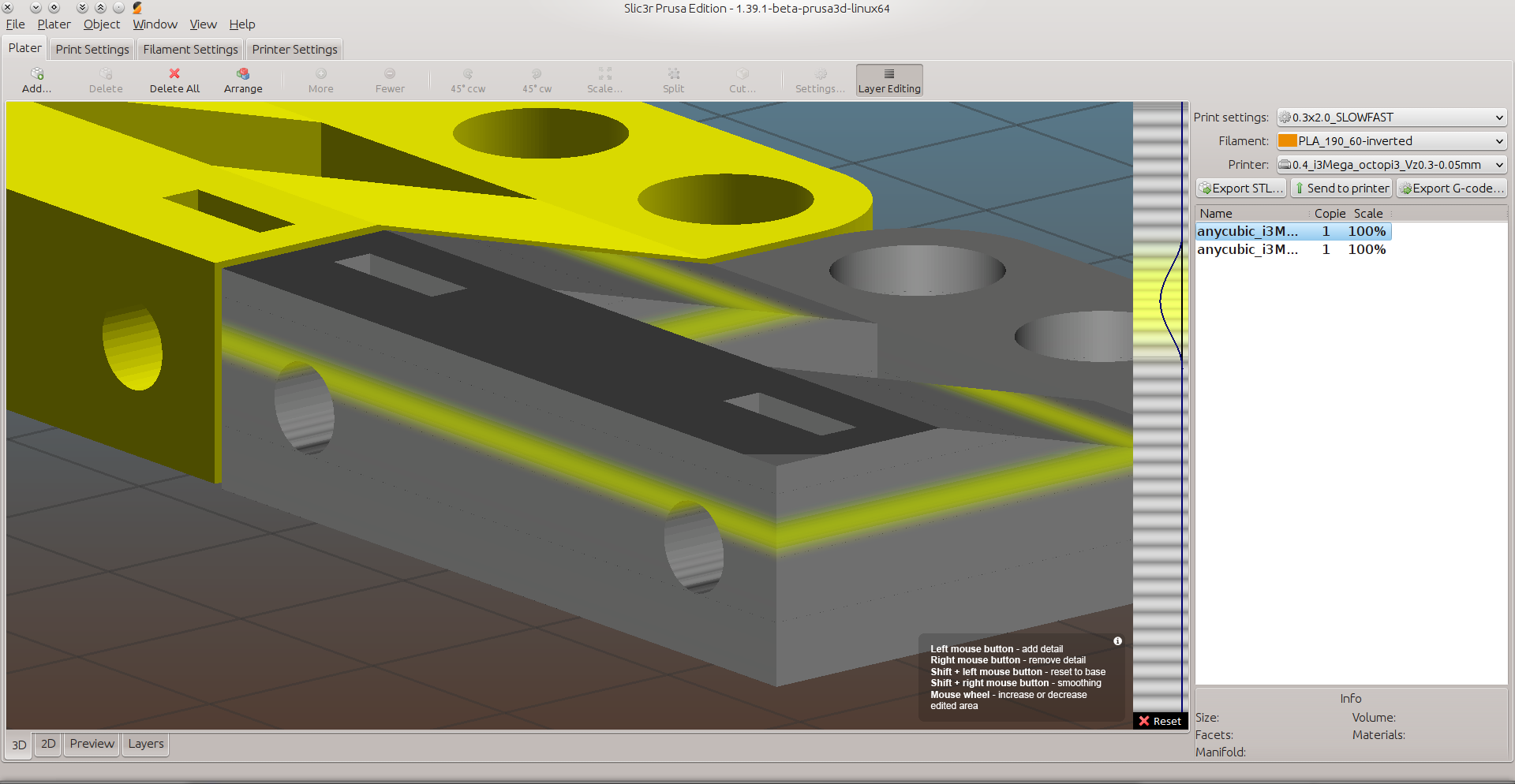
Moving an object at all, or releasing the mouse while variable layer thickness editing triggers auto-zoom.
_Is this a new feature request?_
Maybe. Options include:
- modify 'eagerness' of autozoom conditions.
- add optional on/off checkbox in preferences or main gui.
 BETLOG
All 7 comments
What do you mean with auto zoom? Do you mean auto-centering of an object to the center of the build plate? You can disable that in the application preferences.
 bubnikv
on 14 Mar 2018
bubnikv
on 14 Mar 2018
I do not mean "auto-center parts", I already have that disabled.
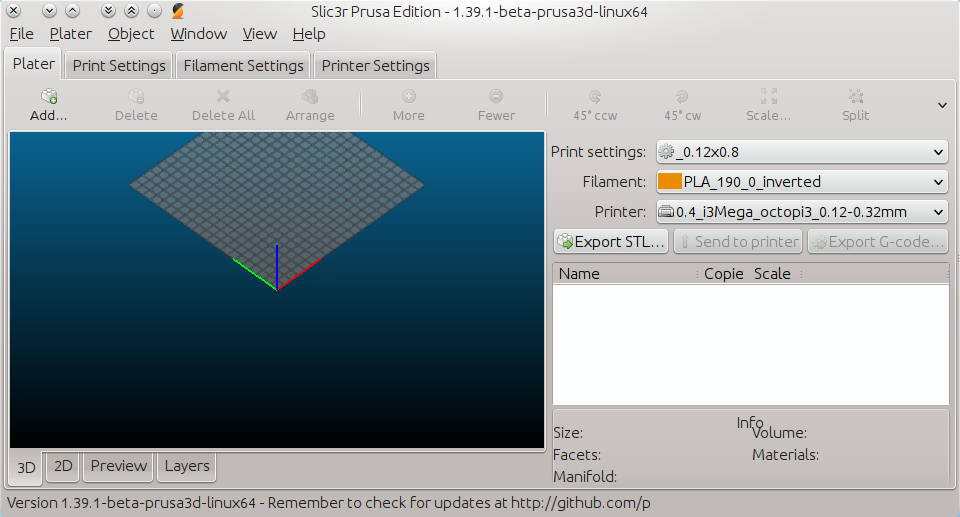
Open slic3r, default zoom
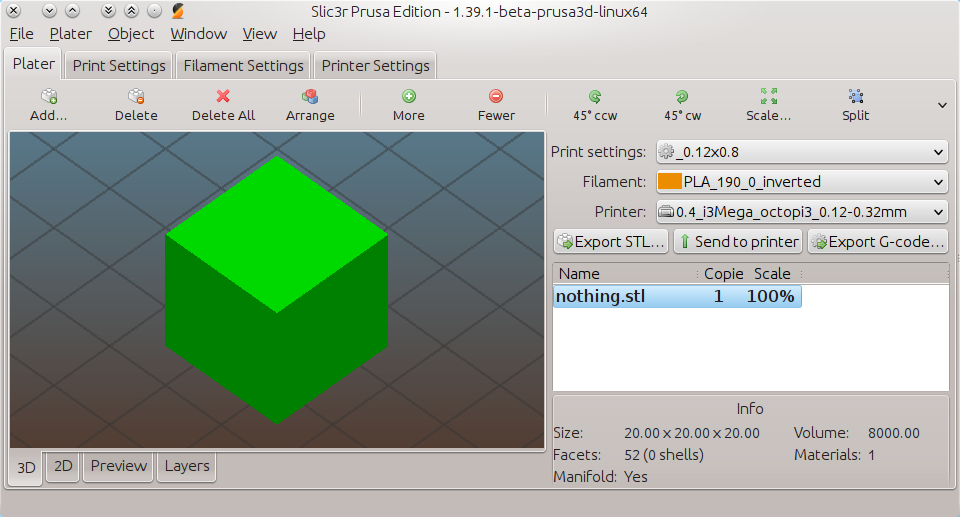
Drag&drop object, viewport automatically zooms to encompass object.
Larger objects get progressively worse zoom levels, an object that fills the build plate will be auto-zoomed so that there is more space around the object than there is of the object in the viewport. The image above is a good ratio of zoom, apparently because it is a tiny object.
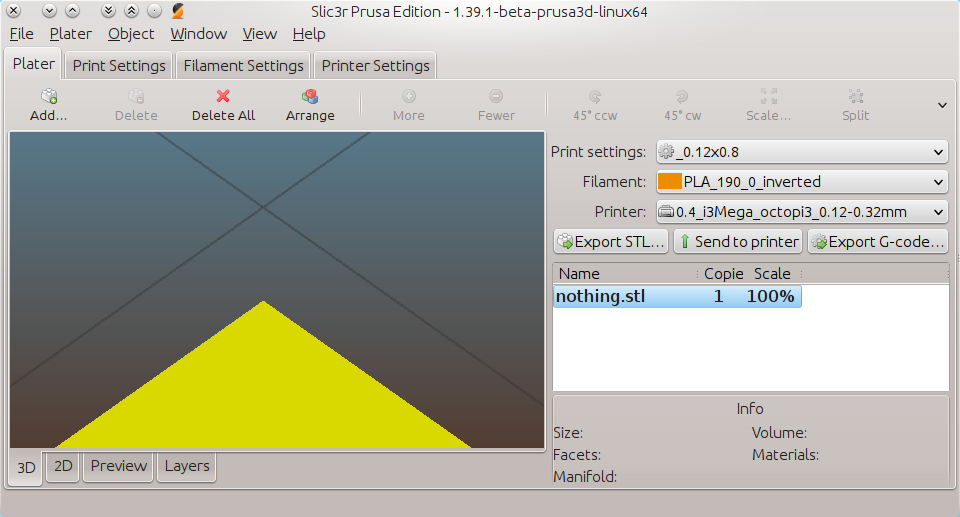
Manually zoom in to desired feature...
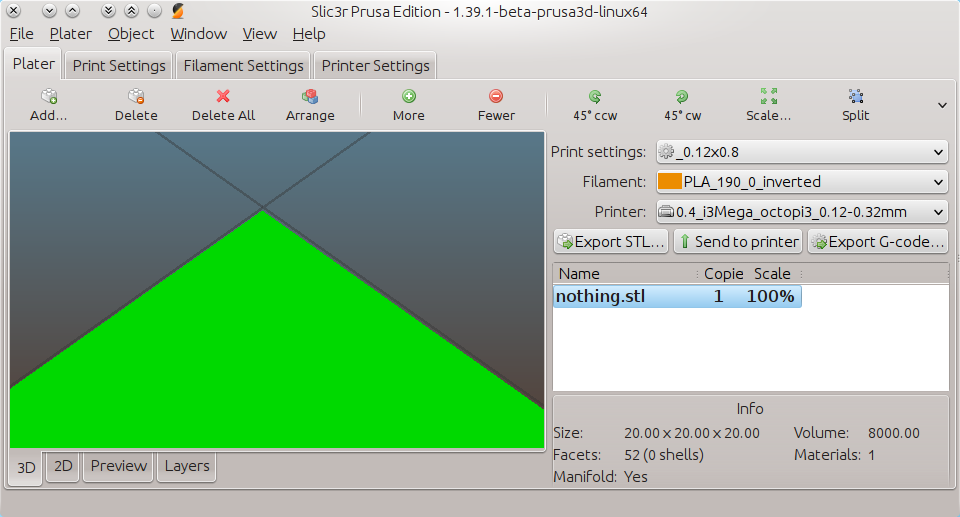
Grab and move object, or do any number of other transforms or layer edits.....
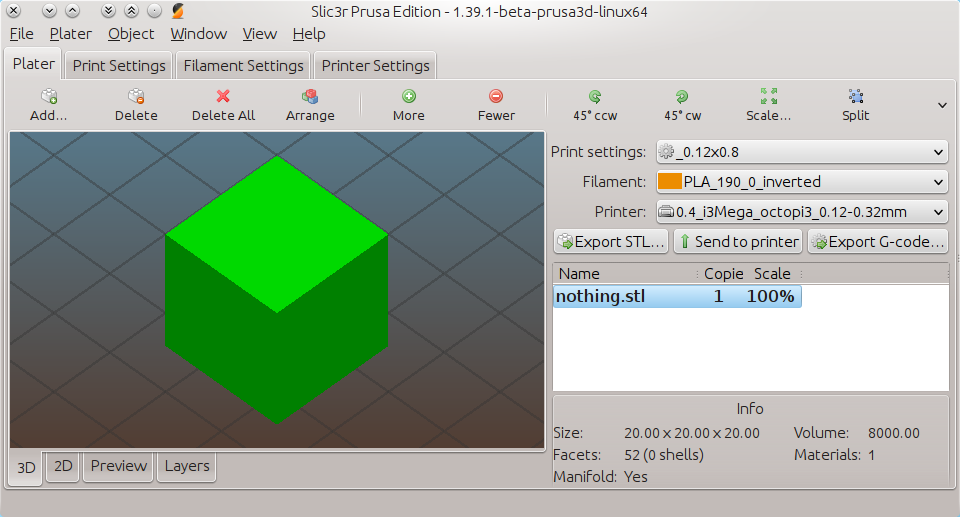
Auto-zoom kicks in and recomposes the viewport.
Again, this is a good zoom ratio, normally they get progressively 'wider' (less object and more empty space) as the object size increases.
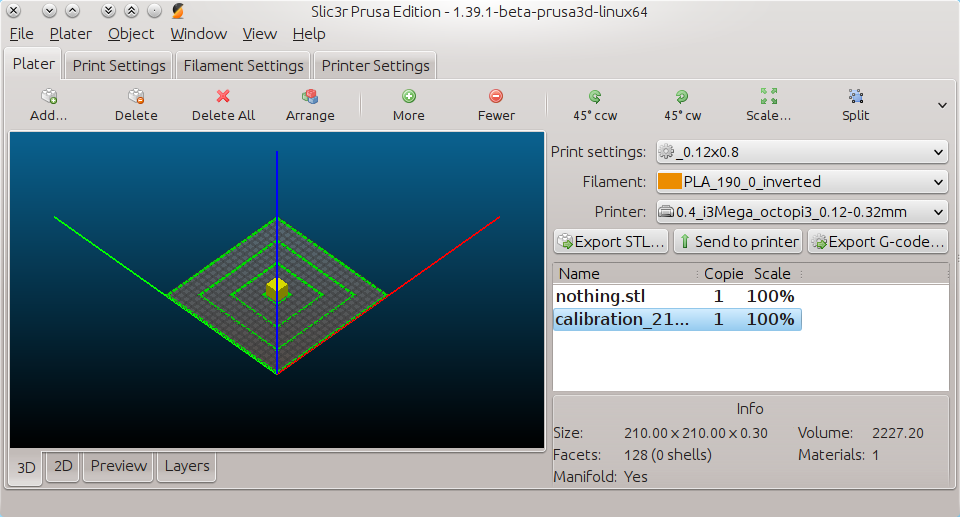
Drag&drop a 210x210 mesh object...
Automatic zoom activates.
Note the very wide zoom, and object to empty space ratio.
Bad zoom ratio.,and automatic zooming are undesirable as currently enforced.
'Auto' needs to be optional.
'Ratio' needs to be tight around the model, with minimal empty space.
BETLOG
on 15 Mar 2018
I too have this problem.
When adding a second object to the build plate, the visible Coordinate System (Red, blue and green Lines) change their length depending on the distance between both objects. And their length are influencing the automatic zoom distance. This seems wired to me, I think that's a bug.
 dartrax
on 29 Mar 2018
dartrax
on 29 Mar 2018
I only just now realised I forgot to mention that.
But it happens based on the size of a single object too.
I concur that it is related, and anomalous.
BETLOG
on 30 Mar 2018
Today I got this ;)
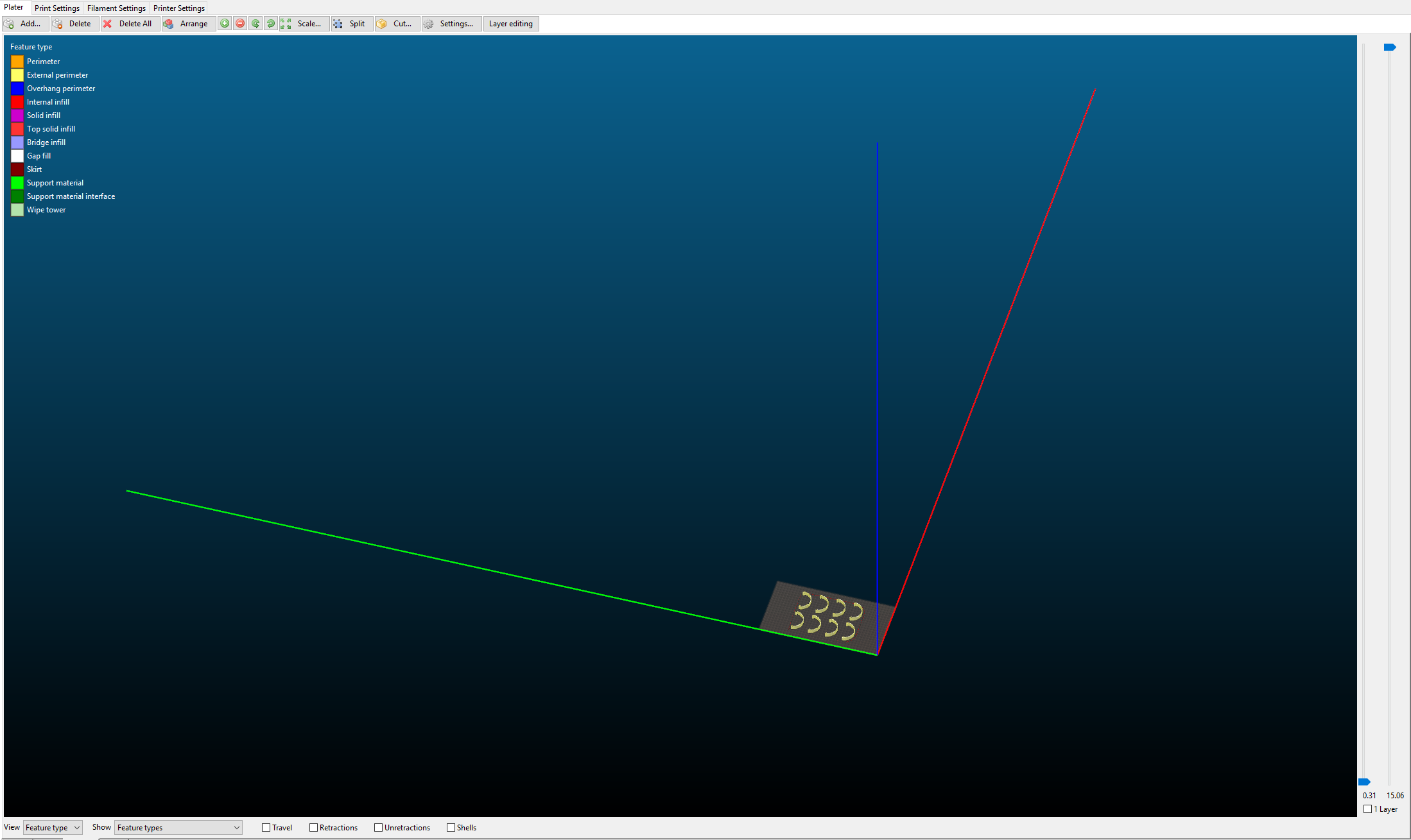
Small objects but 7 copies....
dartrax
on 3 Apr 2018
This issue should be fixed by: https://github.com/prusa3d/Slic3r/commit/f8b1dc550685a8ca76c4d7a810151eabf08db2c1
 enricoturri1966
on 23 Apr 2018
enricoturri1966
on 23 Apr 2018
Fixed in 1.40 alpha. Stay tuned for the upcoming release.
bubnikv
on 10 May 2018
Related issues
 RossKor
·
3Comments
RossKor
·
3Comments
 tkircher
·
3Comments
tkircher
·
3Comments
 Foxtrek64
·
4Comments
Foxtrek64
·
4Comments
 DROBORD
·
3Comments
DROBORD
·
3Comments
 TimothyGold
·
4Comments
TimothyGold
·
4Comments
Most helpful comment
This issue should be fixed by: https://github.com/prusa3d/Slic3r/commit/f8b1dc550685a8ca76c4d7a810151eabf08db2c1