Prusa-firmware-buddy: [BUG] Printing crashed with message: webServerTask
Printer type - [MINI]
Printer firmware version- [4.2.0 finall]
Original or Custom firmware [Original]
Optional upgrades - [Filament Runout Sensor]
USB drive or USB/Octoprint
print via USB flash drive
Describe the bug
Print crash approx. after 17hours
see for more details:
https://forum.prusaprinters.org/forum/hardware-firmware-a-software-pomoc/error-screen-po-17h-tisku/
 drakor007
All 24 comments
Hi @drakor007, thank you for reporting.
 JohnnyDeer
on 11 Aug 2020
JohnnyDeer
on 11 Aug 2020
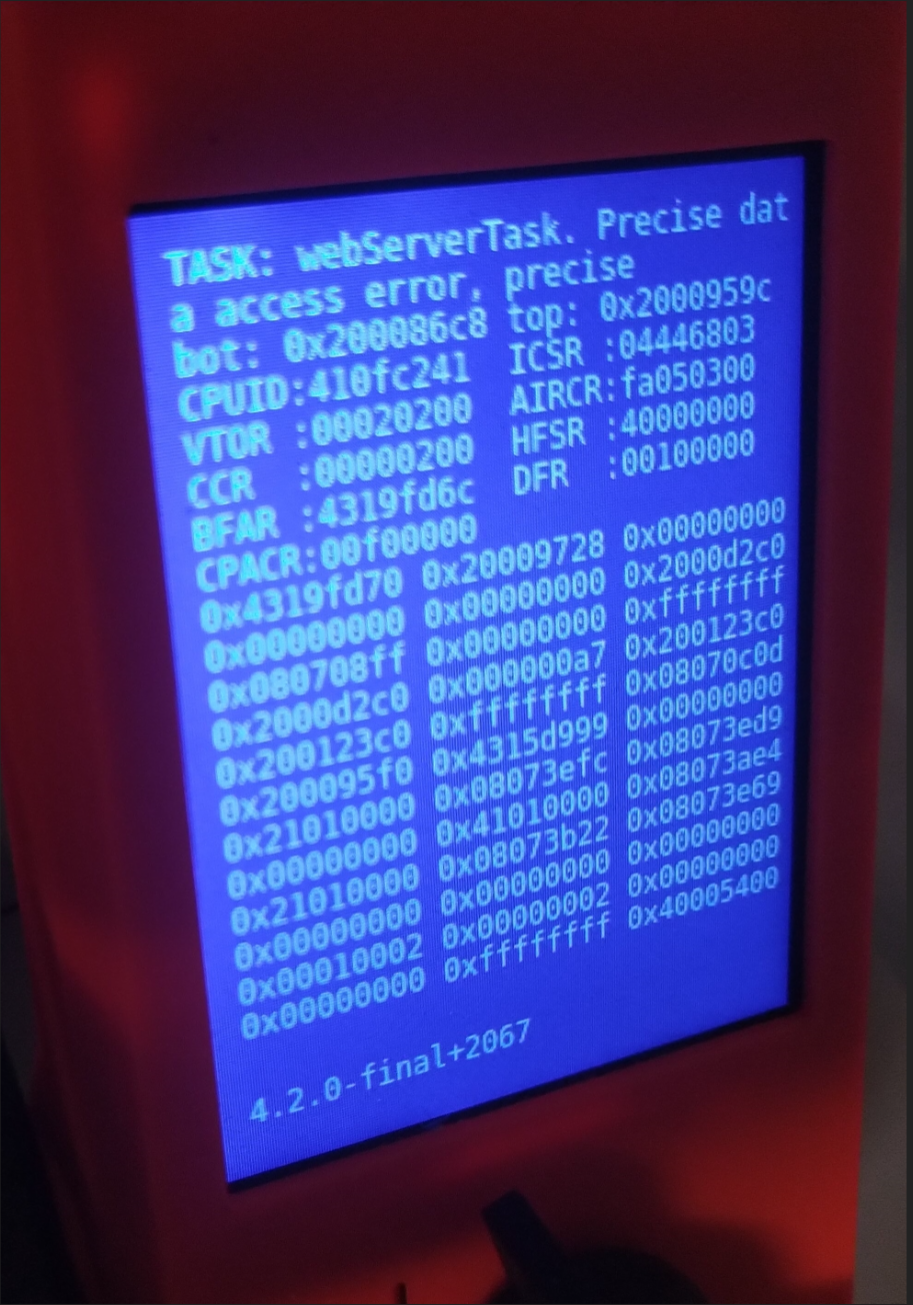
I had the same issue, with the same version, also printing from USB, but died after ~4h.
 loveolsson
on 12 Aug 2020
loveolsson
on 12 Aug 2020
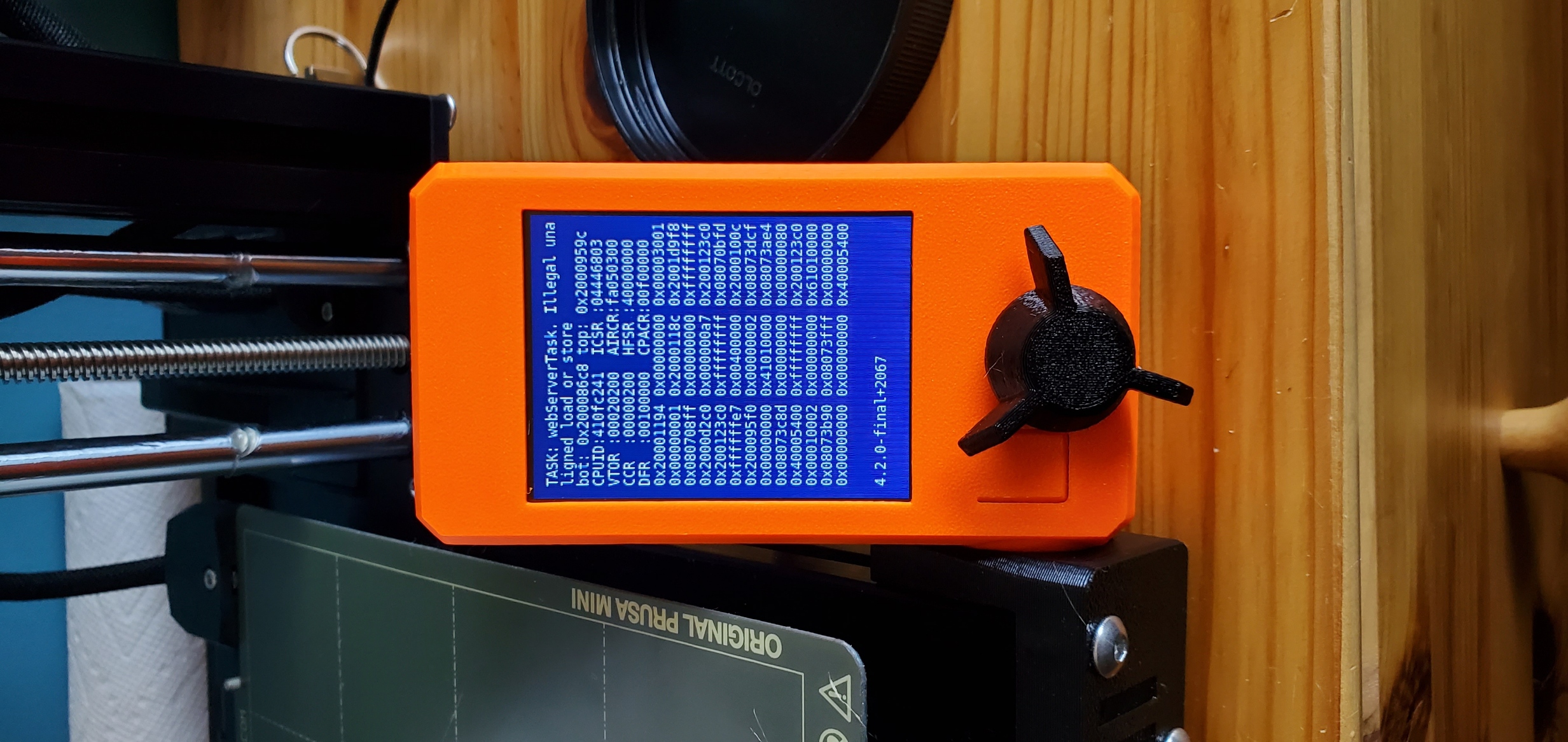
@loveolsson could you upload crash dump please?
JohnnyDeer
on 12 Aug 2020
 Nosepicker2112
on 12 Aug 2020
Nosepicker2112
on 12 Aug 2020
^^^ crash load dump --> extrapolted from bin to notepad-->
G1 X157.713 Y107.263 E0.00530
G1 X157.733 Y107.444 E0.00324
G1 X157.706 Y107.721 E0.00495
G1 X157.558 Y107.993 E0.00552
G1 X157.371 Y108.117 E0.00401
M204 S1250
G1 X157.175 Y108.040 F9000.000
G1 E-1.40000 F4200.00000
G1 F7200.000
G1 X157.141 Y108.183 E-0.13235
G1 X156.916 Y108.117 E-0.12976
G1 X156.729 Y107.946 E-0.14045
G1 X156.688 Y107.856 E-0.05490
G1 X156.642 Y107.658 E-0.11254
G1 E-0.03000 F4200.00000
G1 Z121.300 F9000.000
G1 X158.600 Y105.035
G1 Z120.800
G1 E2.00000 F2400.00000
M204 S800
G1 F1500.000
Nosepicker2112
on 12 Aug 2020
Nosepicker2112
on 12 Aug 2020
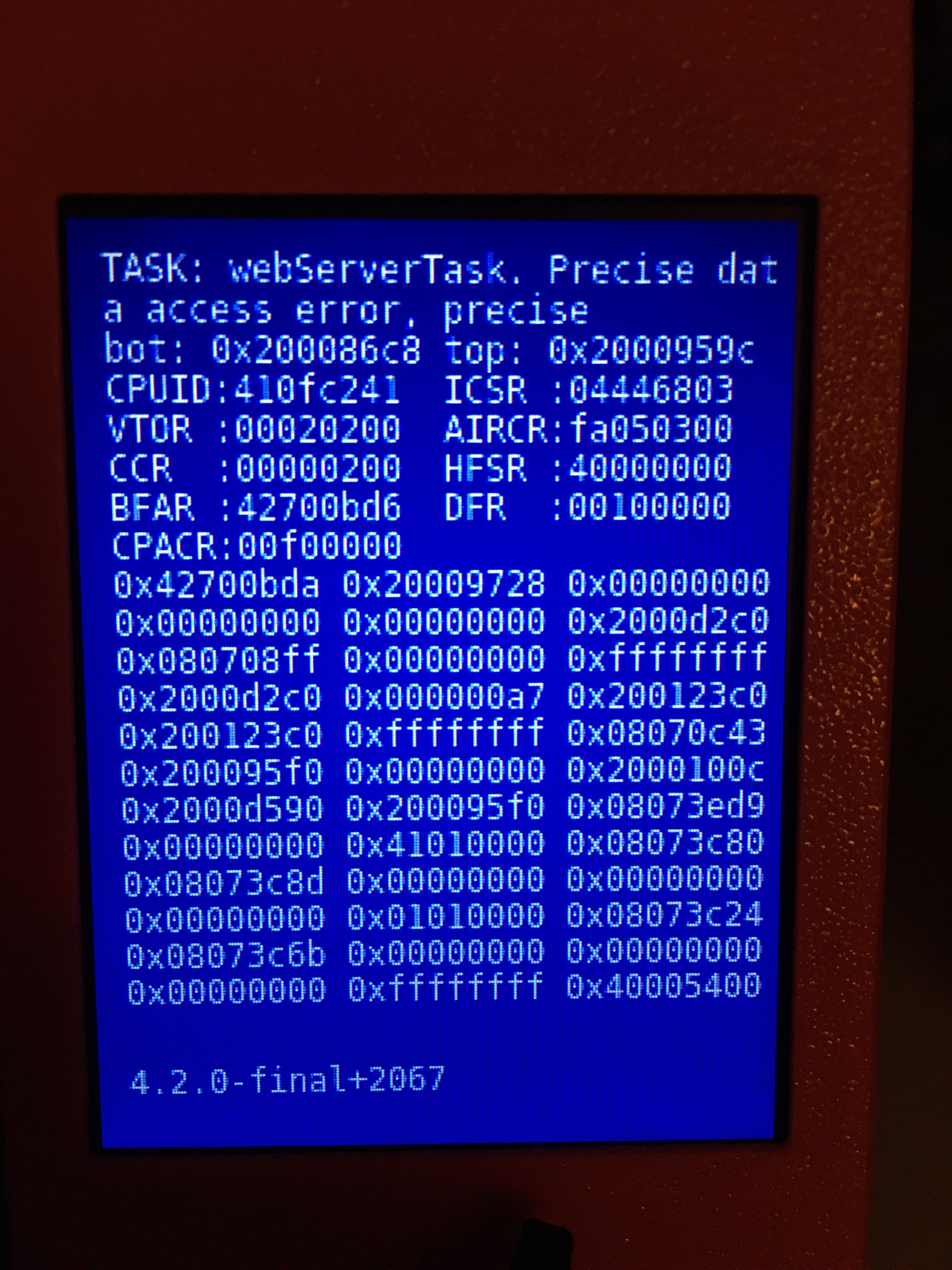
I had the same issue, with the same version, also printing from USB, but died after ~2h.
 OptionMan
on 12 Aug 2020
OptionMan
on 12 Aug 2020
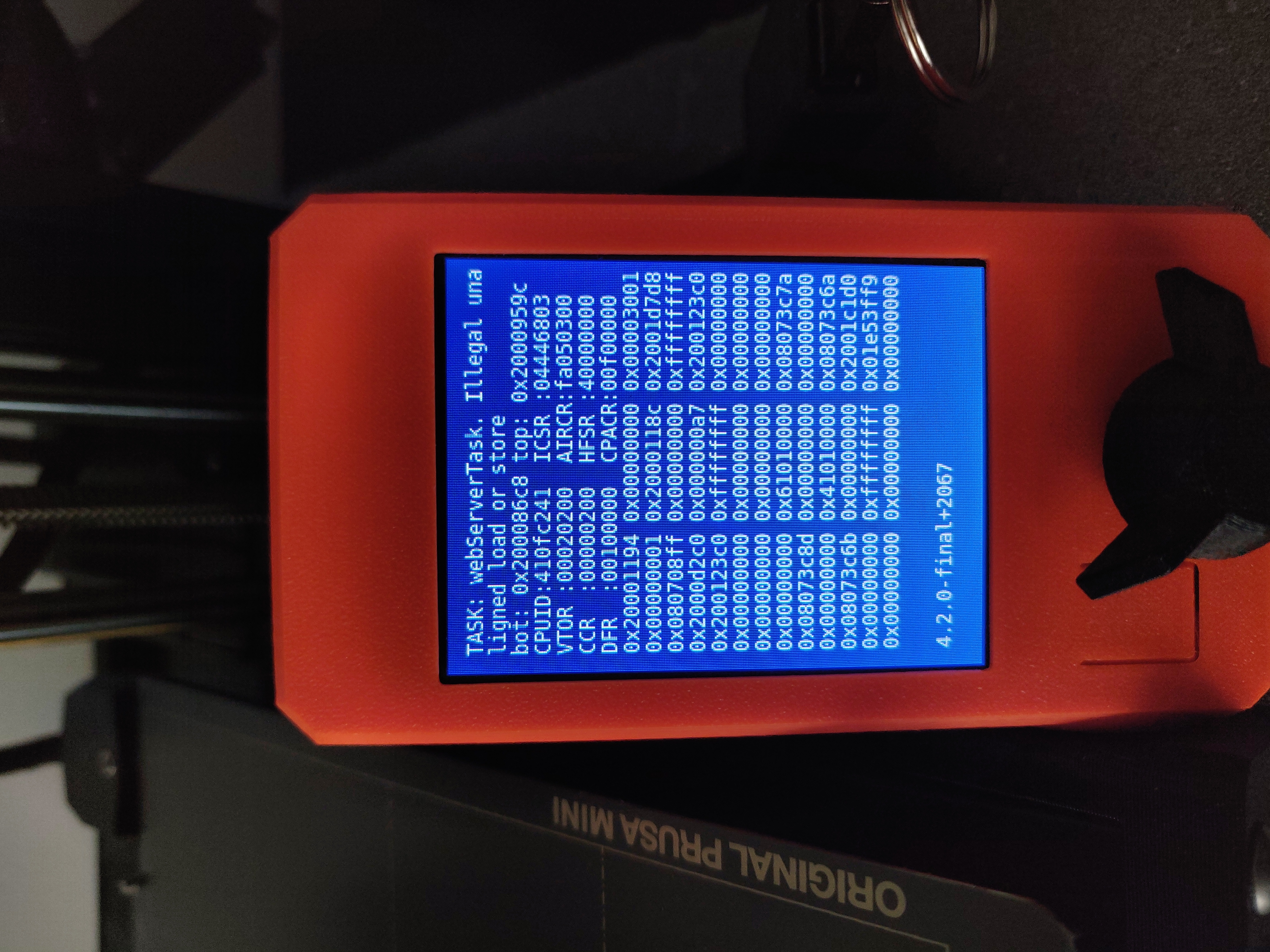
Hey, I also got a crash while printing, roughly after 2hrs, on the 4.2.0 firmware. Network connection enabled. filament sensor, english language enabled.
But as I can see, there are a few different error messages. So I'm not sure if I was supposed to create a new issue.
Mine was:
webServerTask, Illegal unaligned load or store
Is it safe to just flash firmware 4.1.0 on top of 4.2.0 in order to be able to continue printing until it's fixed?
 fuelflo
on 14 Aug 2020
fuelflo
on 14 Aug 2020
I have raised the issue with prusa. Presently exchanging info.... Their initial direction is to re-flash the firmware and then do a factory reset. Then run a test print. Sucks thou because seems like the crashes come on after hours and hours..... That is all I have ATT.
Nosepicker2112
on 14 Aug 2020
I'm also getting this error with 4.2.0. I'm downgrading back to 4.1.0 to see if it fixes it.
 LittleJono
on 15 Aug 2020
LittleJono
on 15 Aug 2020
dump.zip
I had the same issue twice. Is there anything I can do to help to find the bug? The prusa mini is my first 3d printer, and it's sad with these malfunctions.
Dump-File is added.

 schluppy
on 15 Aug 2020
schluppy
on 15 Aug 2020
Many thanks to all for Dumps. We are working on this issue with high priority.
JohnnyDeer
on 17 Aug 2020
So what to do now? How long Prusa needs to fix that?
Since I like to continue to print: Better downgrade to 4.1.0?
 ghnu
on 18 Aug 2020
ghnu
on 18 Aug 2020
@ghnu yes you rather downgrade to 4.1.0. Unfortunately no one can tell any date but it will take few weeks I think.
JohnnyDeer
on 18 Aug 2020
@ghnu I have no problems if the network cable is not plugged in. My last print run lasted 36 hours.
schluppy
on 18 Aug 2020
Same error here, bluescreen and webServerTask. I have LAN enabled but no cable plugged in. Also got the Filament Sensor option enabled. I disabled LAN for now, maybe it helps? See my dump file attached.
 mlcdev
on 18 Aug 2020
mlcdev
on 18 Aug 2020
So, a workaround could be: disable LAN & unplug LAN cable?
drakor007
on 19 Aug 2020
So, a workaround could be: disable LAN & unplug LAN cable?
It works for me. LAN cable unplugged. I haven't had a crash since. I'd run a project for 38 hours without any issues since I unplugged the cable.
schluppy
on 19 Aug 2020
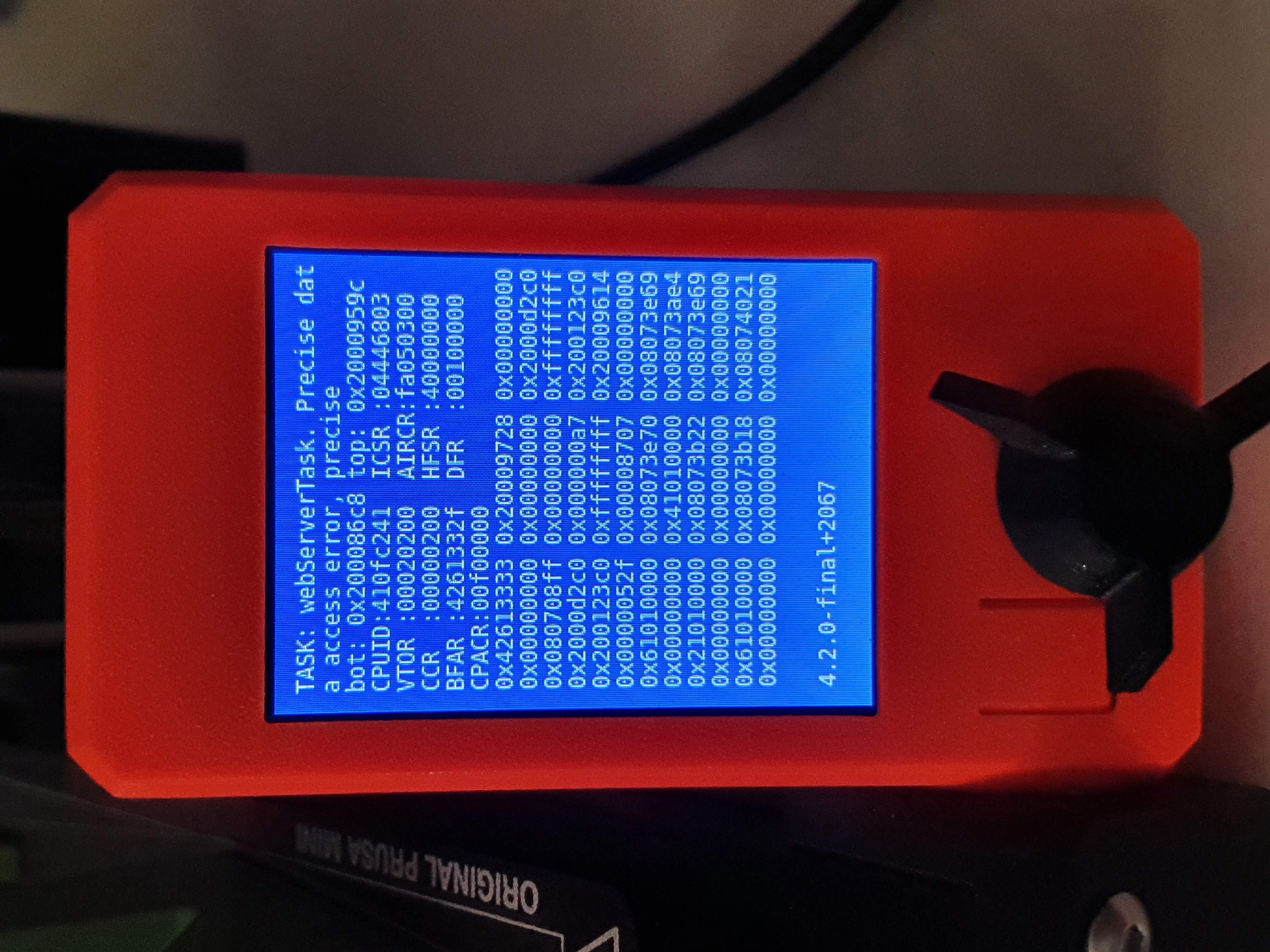
After about 30h of printing (and about 300g of Prusament Pistacho Green ) this happend ...
:(
The interesting coincidence was that this happened exactly when I started my PC and Windows loaded (both PC and MINI are connected to the same router ....)
Probably I will dissconnect it from the LAN until next firmware ...
PD. dump.zip attached .. if more info is needed...
 adynis
on 22 Aug 2020
drakor007
on 26 Aug 2020
adynis
on 22 Aug 2020
drakor007
on 26 Aug 2020
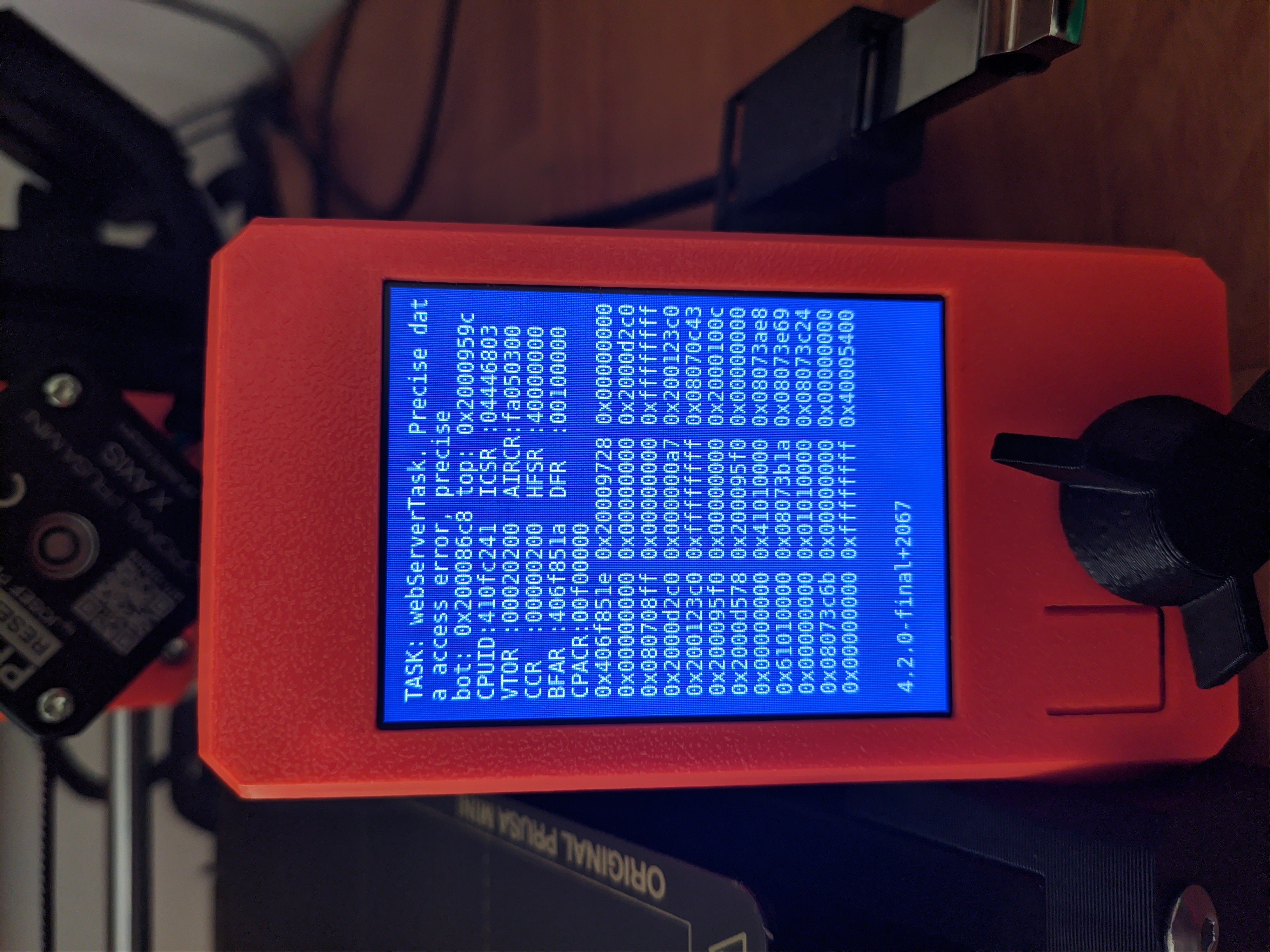
Just had this happen too. My Mini is not connected to a network, but it was once because I wanted to try out the web ui.
 mweisshaupt1988
on 26 Aug 2020
mweisshaupt1988
on 26 Aug 2020
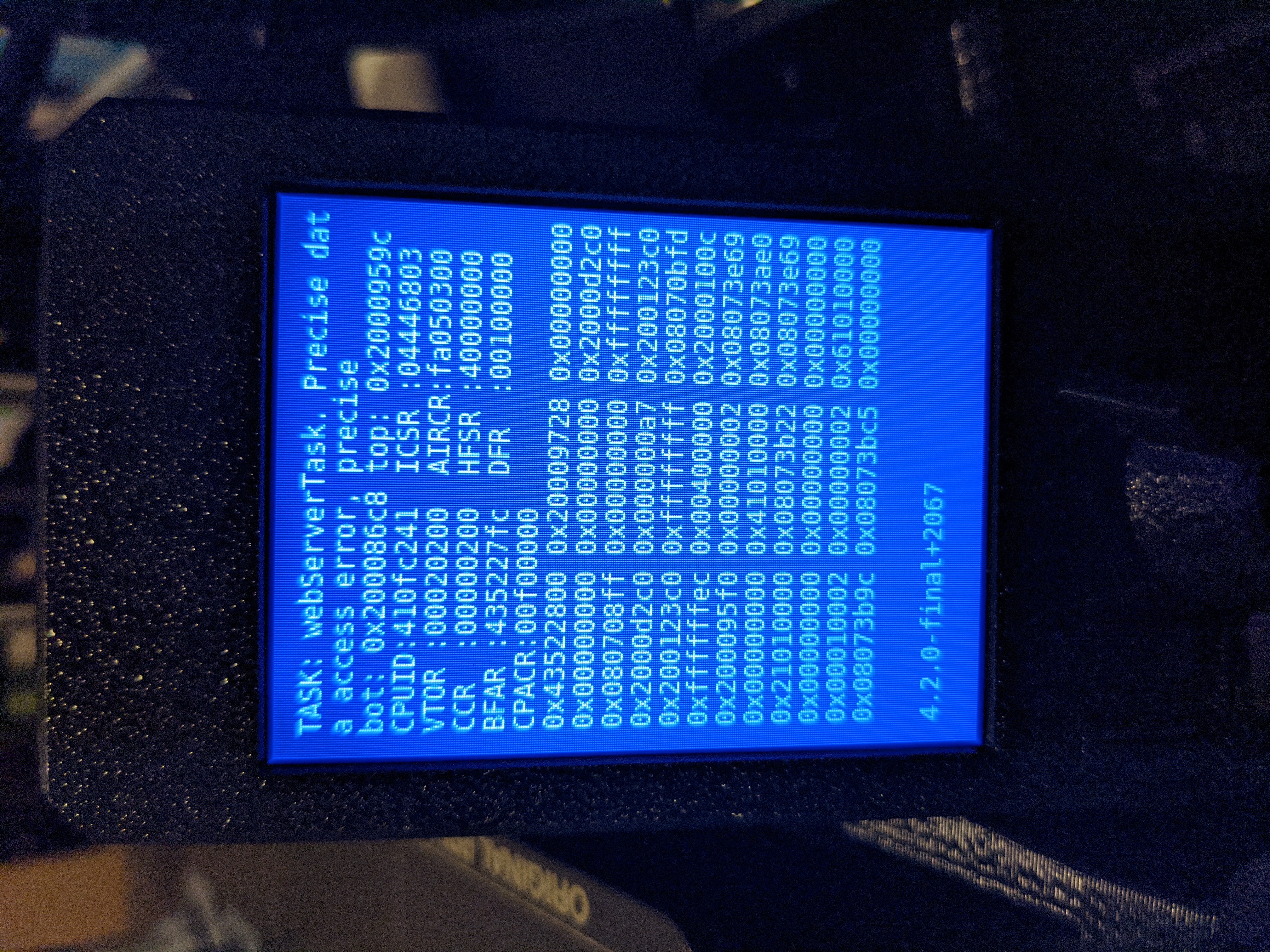
Adding my dump. Printing from USB, neither Ethernet nor ESP plugged in at all, about halfway through a large print.
 adamhovorka
on 28 Aug 2020
adamhovorka
on 28 Aug 2020
New firmware version fixing BSOD issues. https://github.com/prusa3d/Prusa-Firmware-Buddy/releases/tag/v4.2.1
 rtyr
on 31 Aug 2020
rtyr
on 31 Aug 2020
If there isn't more BSOD cases I´ll close this issue soon. Please leave comment here if anyone will have BSOD on 4.2.1.
JohnnyDeer
on 7 Sep 2020
Related issues
 AlexW-578
·
4Comments
AlexW-578
·
4Comments
 anthr76
·
4Comments
anthr76
·
4Comments
 nekopep
·
7Comments
nekopep
·
7Comments
 Chips83
·
3Comments
Chips83
·
3Comments
 Jivens75
·
3Comments
Jivens75
·
3Comments
Most helpful comment
Many thanks to all for Dumps. We are working on this issue with high priority.