Print.js not work properly on Chrome 62.x
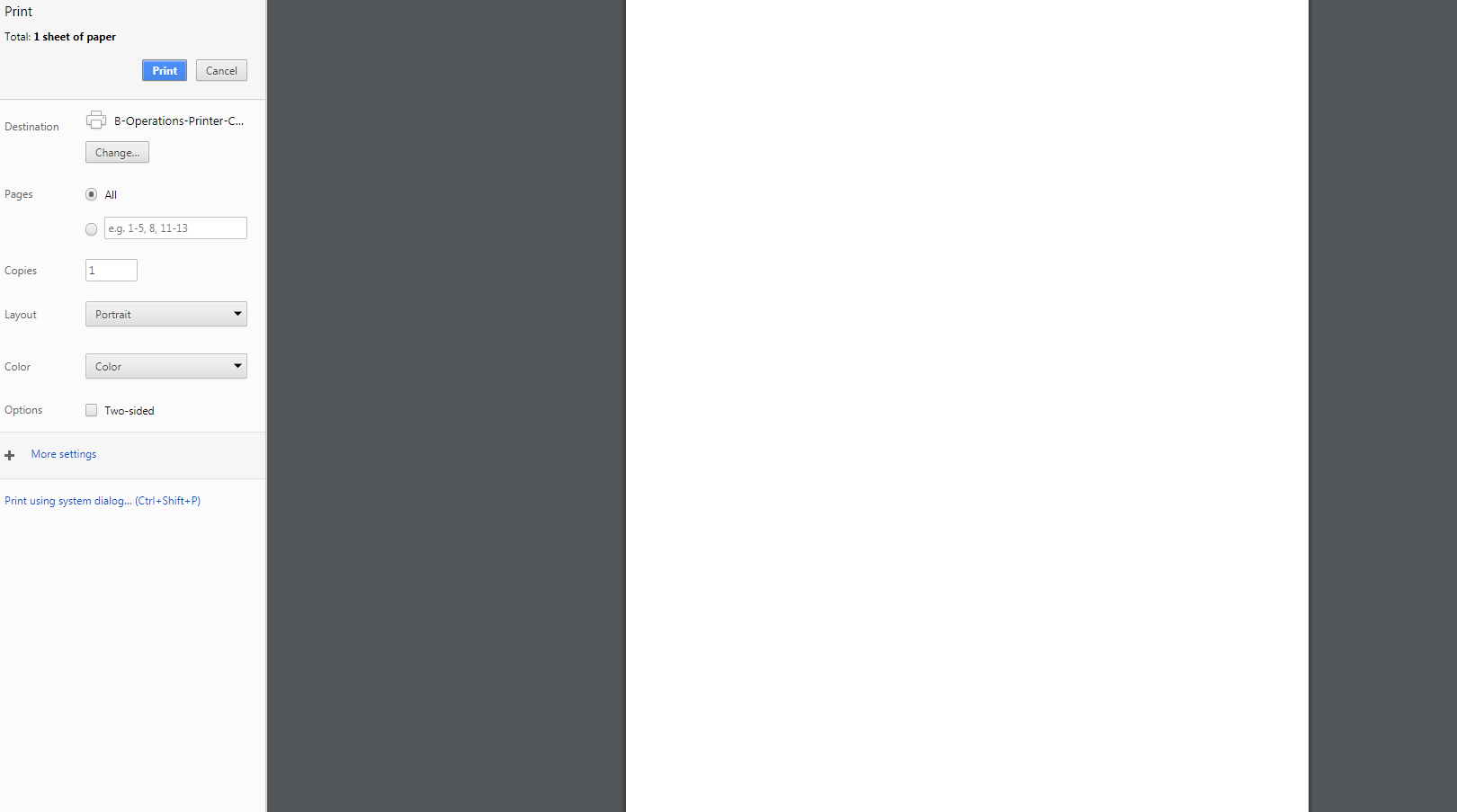
Seem that when I try to use printJS on chrome it print a blank page with nothing inside.
This affect in all format PDF, Image and also the demo on website too.
Note: On safari is work properly.
 jukbot
All 15 comments
Hey @jukbot , I just updated Chrome to v62.x and everything works just fine.
What is your OS version?
 crabbly
on 6 Nov 2017
crabbly
on 6 Nov 2017
I'm using macOS Sierra 10.12.6
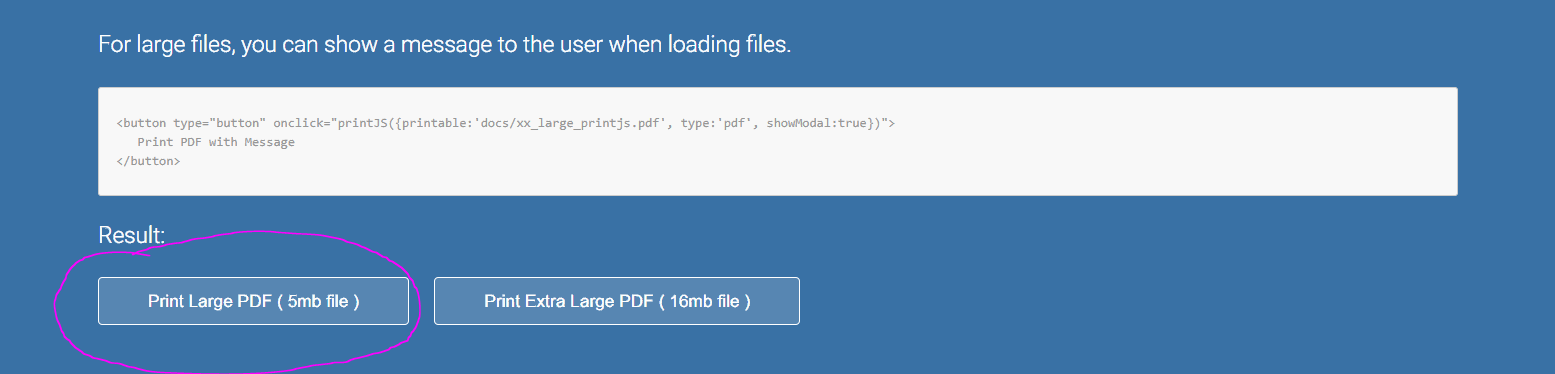
Here is my screenshot of your demo.

besides, maybe it's from my browser. LoL
jukbot
on 6 Nov 2017
Strange. I have the Sierra 10.12, which works fine.
The issue may be related to the 10.12.6 version.
I'll update my system whenever I have a chance, test it again and post the result here.
crabbly
on 6 Nov 2017
I updated my system to v10.12.6.
So far, I have no problem printing from Chrome (v62.0.3202.89).
Not sure what could be causing this issue for you. Have you tried printing the whole page without the library, and checked if the preview is not blank?
crabbly
on 6 Nov 2017
@jukbot Do you have any updates on this? I can't replicate the issue.
crabbly
on 8 Nov 2017
I'll close this for now. I believe the issue you are having is not directly related to the library. If you have more information please post here. Thx
crabbly
on 13 Nov 2017
I am currently having this same issue with Chrome 64.0.3282.167 on Windows 7 64-bit.
When either using the library directly in a web application or interacting with the demos on printjs.crabbly.com, Chrome is simply printing a single blank page in all cases.
This issue does not appear when testing the same apps/demos with either Firefox 58.0.2 or Electron.
 r-pluss
on 23 Feb 2018
r-pluss
on 23 Feb 2018
@r-pluss When you say "all cases", are you getting the same blank page when printing HTML, Images and JSON as well?
crabbly
on 23 Feb 2018
@crabbly Yes, that's correct, single blank page for each of the HTML, image, json, and PDF demos on the website.
r-pluss
on 23 Feb 2018
Also was able to reproduce the issue with Chrome Canary 66.0.3353.0, for whatever it's worth.
r-pluss
on 23 Feb 2018
Got it. I'm using Chrome v64.0.3282.186 on a Mac and everything works fine. I'll test it in Windows whenever I have a chance.
crabbly
on 23 Feb 2018
latest version of chrome 65.0.3325.146, same issue
 Motassem-MK
on 12 Mar 2018
Motassem-MK
on 12 Mar 2018
I am getting the blank print preview screen on Chrome 67.0.3396.62, Windows 10 Pro when I try to print an image being served up from an amazon ec2 instance and the image has a naturalWidth. Adding a timeout in the else block of print.js loadIframeImages fixes this for my specific case. Maybe this is something worth considering adding to the library?
 klhiggins
on 5 Jun 2018
klhiggins
on 5 Jun 2018
Hey @klhiggins , thank you for the info.
Adding a timeout here isn't a good generic solution since image sizes will be different for each use case.
It looks like the "image loaded" hook isn't working when using Chrome in Windows.
Maybe we can change how the library preload the images where we don't rely on the image "loaded state".
I will play around with this and post an update here once I push something up.
crabbly
on 5 Jun 2018
The latest version in npm fixed a bug found when handling images preload.
If you were having issues when printing images, please run npm update print-js to get the latest package. Thx.
crabbly
on 19 Sep 2018
Related issues
 johnknoop
·
5Comments
johnknoop
·
5Comments
 optone
·
8Comments
optone
·
8Comments
 maisumakun
·
5Comments
maisumakun
·
5Comments
 xtornasol512
·
8Comments
xtornasol512
·
8Comments
 zhuyinjing
·
7Comments
zhuyinjing
·
7Comments