Polaris-react: [Card] Misalignment between title and action button
Issue summary
Title of Card appears to be misaligned when Button is a child of Card.Header.
<Card.Header title="Title">
 <Button>
</Card.Header>
Expected behavior
Expect title and button to appear aligned.
Actual behavior
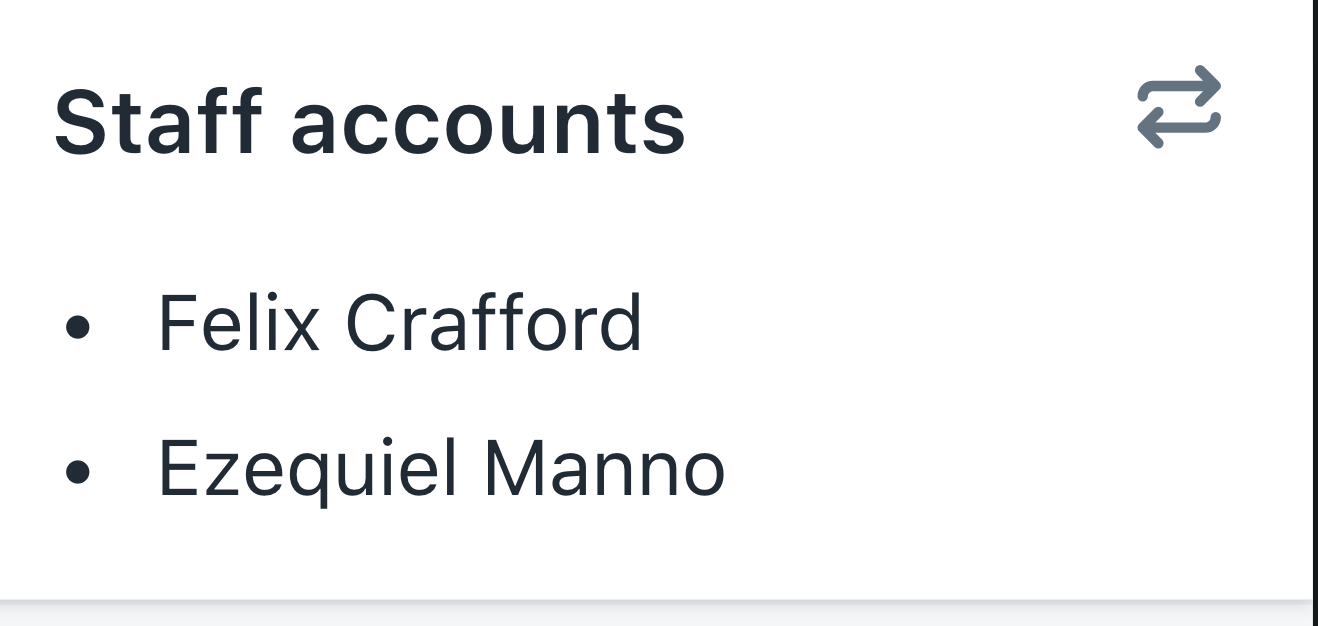
Reduced test case
https://codesandbox.io/s/zwoxr5l0xl
Specifications
- Are you using the React components? (Y/N): Y
- Polaris version number: @shopify/polaris: 3.6.0
- Browser: Chrome
- Device: Laptop
- Operating System: Mac
 jim-chou-shopify
All 6 comments
@ry5n and @sarahill, this issue appears to be closely aligned (pun intended) with #977.
 dpersing
on 11 Feb 2019
dpersing
on 11 Feb 2019
@ry5n and @sarahill, this issue appears to be closely aligned (pun intended) with #977.
I'm not sure in this case that there's anything the component should do here. Since the header accepts a React node, I think it's up to the consumer to space/align the children they provide as they see fit, because the header can't anticipate what its children will be.
 chloerice
on 11 Feb 2019
chloerice
on 11 Feb 2019
I’m kind of surprised that Card.Header takes a title prop at all, since I assumed it was an escape hatch for taking control of the header layout. I would have expected I’d need to include my own Heading, which would let me control its alignment with any actions. However, even if I don’t pass a title, Card.Header renders its markup anyway (A Stack with an empty Heading).
This is maybe where we can improve things.
 ry5n
on 11 Feb 2019
ry5n
on 11 Feb 2019
^ This
chloerice
on 11 Feb 2019
This issue has been inactive for 180 days and labeled with Icebox. It will be closed in 7 days if there is no further activity.
![probot-shopify[bot] picture](https://avatars2.githubusercontent.com/in/10530?v=4&s=40) probot-shopify[bot]
on 16 Oct 2019
probot-shopify[bot]
on 16 Oct 2019
I'm having the same problem when using SkeletonDisplayText component for the title while loading.
For anyone else wanting a quick fix:
.Polaris-Card__Header .Polaris-Stack {
  align-items: center;
}
 meandillar
on 9 Jan 2020
meandillar
on 9 Jan 2020
Related issues
 grandelc
·
3Comments
grandelc
·
3Comments
 MateusJabour
·
3Comments
MateusJabour
·
3Comments
 andrewpye
·
3Comments
andrewpye
·
3Comments
 danrosenthal
·
3Comments
danrosenthal
·
3Comments
danrosenthal
·
3Comments
danrosenthal
·
3Comments
Most helpful comment
I’m kind of surprised that
Card.Headertakes atitleprop at all, since I assumed it was an escape hatch for taking control of the header layout. I would have expected I’d need to include my ownHeading, which would let me control its alignment with any actions. However, even if I don’t pass atitle,Card.Headerrenders its markup anyway (AStackwith an emptyHeading).This is maybe where we can improve things.