Picongpu: Memory consumption
Hello I have a simulation that runs fine for a while and fails at some point. The only changing situation is that there are more electrons released in the system due to ionization and of course their energy increases. The initial number of electrons is 369557 and when it fails this is 1063559 so about 3 - fold increase. My questions are:
- What could I do to accommodate this changing situation?
- Is there a way to scale the memory consumption with the number of particles
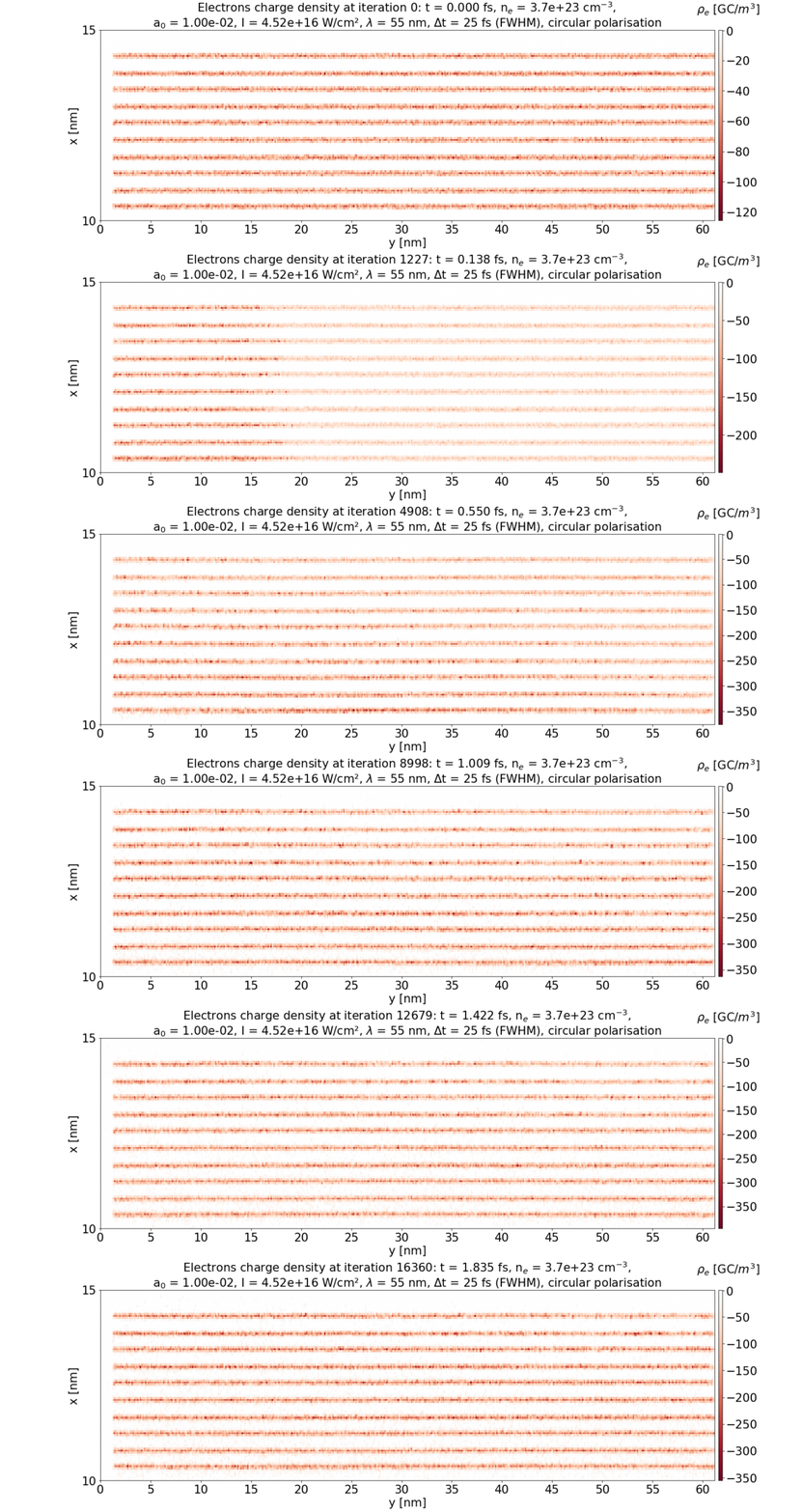
Here is the whole input folder
one-tube-layers-parallel-C.zip
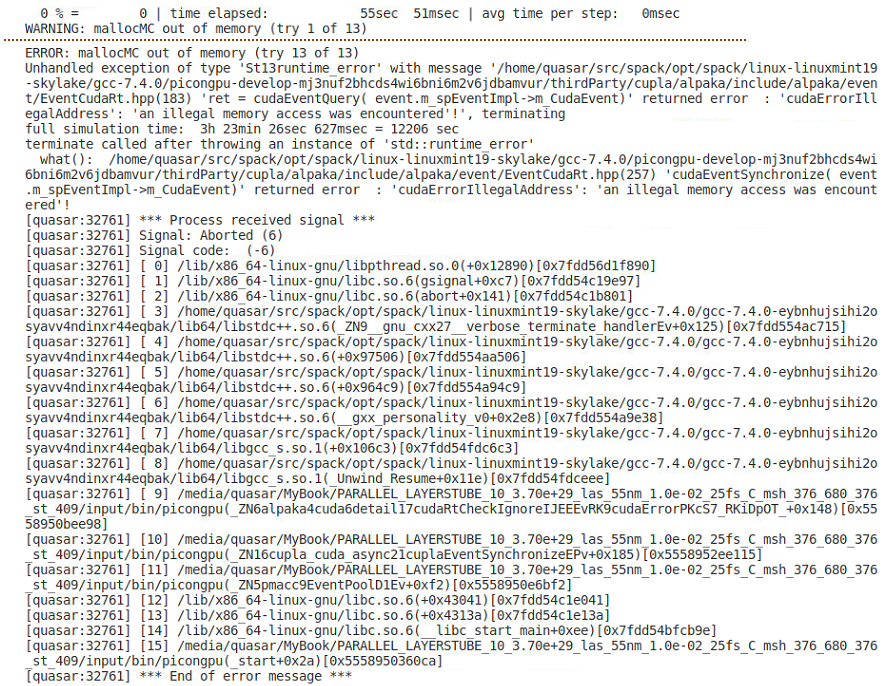
and the error
Thank you
 cbontoiu
All 3 comments
@cbontoiu Regarding your first question:
What could I do to accommodate this changing situation?
There are two options:
- Distribute your simulation to more GPUs ord to GPUs with more memory.
- If a local accumulation of particles occurs (in LWFA usually on the laser axis, for your scenario this might be different) use static load balancing to use GPUs with less spatial volume (and thus fewer particles) to handle dense regions. See here
--gridDist.
Regarding your second question
Is there a way to scale the memory consumption with the number of particles
I am not sure what you mean with that. The memory needed on each GPU scales with the number of particles it needs to handle. What do you mean with scaling in this context?
 PrometheusPi
on 6 Apr 2020
PrometheusPi
on 6 Apr 2020
@cbontoiu Regarding your first question:
What could I do to accommodate this changing situation?
There are two options:
* Distribute your simulation to more GPUs ord to GPUs with more memory.

* If a local accumulation of particles occurs (in LWFA usually on the laser axis, for your scenario this might be different) use static load balancing to use GPUs with less spatial volume (and thus fewer particles) to handle dense regions. See [here](https://picongpu.readthedocs.io/en/0.4.3/usage/tbg.html#cfg-file-macros) `--gridDist`.
Regarding your second question
Is there a way to scale the memory consumption with the number of particles
I am not sure what you mean with that. The memory needed on each GPU scales with the number of particles it needs to handle. What do you mean with _scaling_ in this context?
Thank you for your quick reply. I will look at --gridDist.
With my second question, I meant that I should be able to have an estimate of the memory consumption before launching the application, for the initial number of particles and then multiply that estimate by a factor. This factor would be 6 if I expect full ionization just looking at the number of particles, but maybe it scales differently. Then, knowing my GPU memory I could manage the workload without having the situation that the simulation crashes at sometime after 5-6 hours of running smoothly.
cbontoiu
on 6 Apr 2020
In order to calculate the memory beforehand you can have a look at our memory calculator - it currently assumes a homogeneous macro-particle distribution, which might not be suited for your setup. But you could adjust for this by introducing a factor that reduces the number of macro particles according to the ratio cells with macro particles / total cells
PrometheusPi
on 6 Apr 2020
Related issues
 berceanu
·
4Comments
cbontoiu
·
3Comments
berceanu
·
4Comments
cbontoiu
·
3Comments
 saipavankalyan
·
3Comments
berceanu
·
4Comments
saipavankalyan
·
3Comments
berceanu
·
4Comments
 psychocoderHPC
·
4Comments
psychocoderHPC
·
4Comments
Most helpful comment
In order to calculate the memory beforehand you can have a look at our memory calculator - it currently assumes a homogeneous macro-particle distribution, which might not be suited for your setup. But you could adjust for this by introducing a factor that reduces the number of macro particles according to the ratio
cells with macro particles / total cells