Papirus-icon-theme: [Icon request] XiaomiTool & Draw.io
- App Name: XiaomiTool V2
- Icon Name: xiaomitool
- Description: XiaoMiTool Change rom easily to your Xiaomi device!
Webpage: https://www.xiaomitool.com/
- Original Icon:

App Name: Draw.io Desktop
- Icon Name: drawio
- Description: draw.io is a free online diagram drawing application for workflow, BPM, org charts, UML, ER, network diagrams. No login or registration are required and features include the ability to save locally (including svg), a range of stencils, .vsdx, Lucidchart and Gliffy import and real time diagram sharing.
- Webpage: https://www.draw.io/
- Original Icon:

 ALipAkrohk
All 8 comments
Is there a link to the Draw.io Desktop package that uses drawio as an icon? It because com.jgraph.drawio.desktop and draw.io icons already there.
 SmartFinn
on 4 Oct 2019
SmartFinn
on 4 Oct 2019
Nevermind, I found the package https://github.com/jgraph/drawio-desktop/releases
SmartFinn
on 4 Oct 2019
@APakrohk on DEB i found only this icon

 varlesh
on 5 Oct 2019
varlesh
on 5 Oct 2019
heh)) on tab browser used MIUI logo:

varlesh
on 5 Oct 2019
@APakrohk
Draw this variant:

varlesh
on 5 Oct 2019
👍2
❤1
@SmartFinn
ALipAkrohk
on 5 Oct 2019
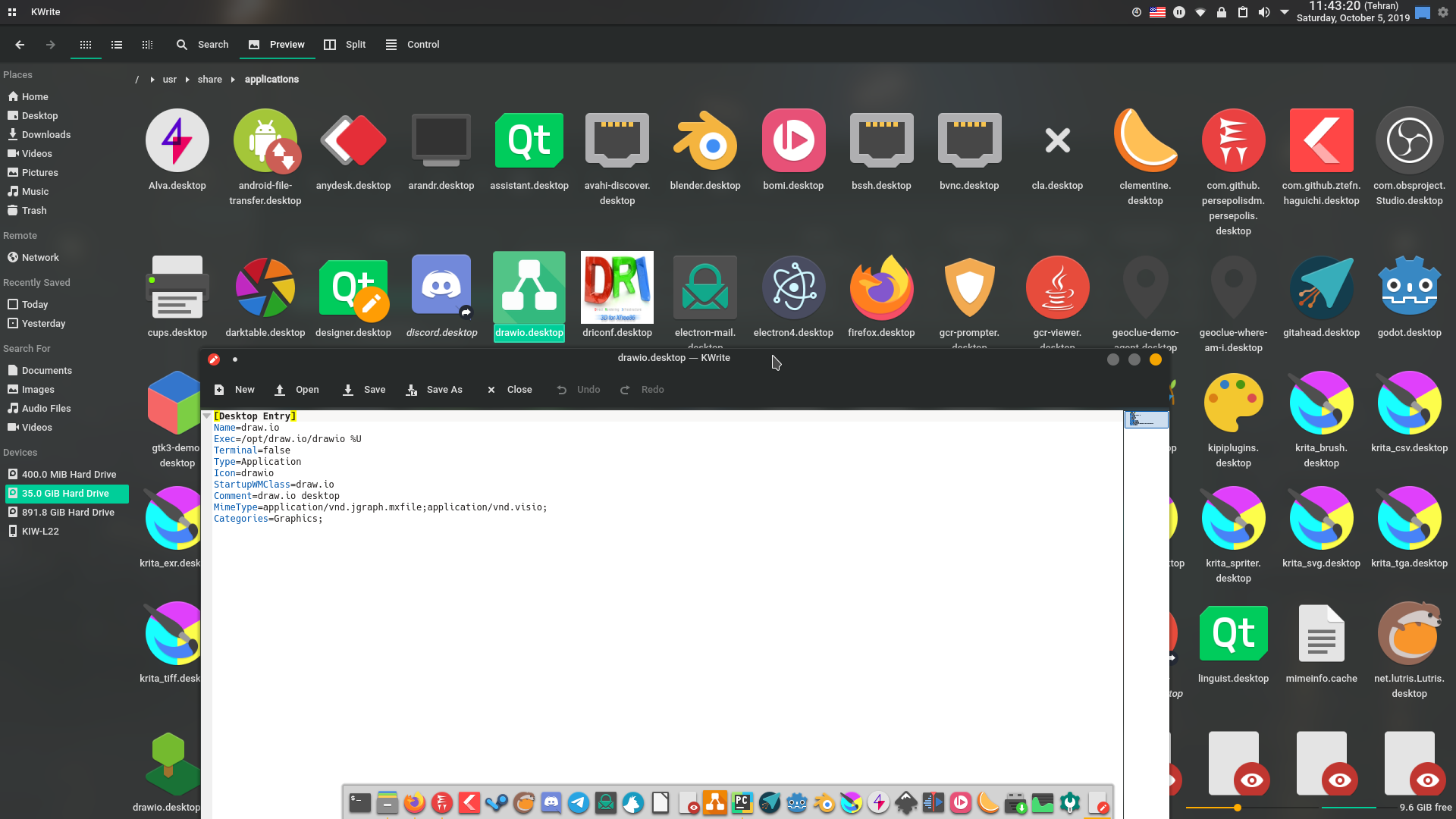
@APakrohk About drawio. It's strange, because drawio.svg exist:
https://github.com/PapirusDevelopmentTeam/papirus-icon-theme/blob/master/Papirus/48x48/apps/drawio.svg
Maybe wrong StartupWMClas or need clear icon cache?
varlesh
on 5 Oct 2019
@varlesh it's because I already added it ;) 8b85555
SmartFinn
on 5 Oct 2019
Was this page helpful?
0 / 5 - 0 ratings
Related issues
 bepvte
·
36Comments
varlesh
·
89Comments
varlesh
·
32Comments
bepvte
·
36Comments
varlesh
·
89Comments
varlesh
·
32Comments
 Doaxan
·
23Comments
Doaxan
·
23Comments
 orschiro
·
23Comments
orschiro
·
23Comments
Most helpful comment
@APakrohk

Draw this variant: