Papirus-icon-theme: Disabling Icon theme just for one program
Thank you for the great theme!
Is it possible to disable the icon theme just for one program (in my case Inkscape)?
 Hofer-Julian
All 25 comments
As far as I know, it's impossible, but you can change GTK theme to more contrasting one https://unix.stackexchange.com/a/185115
 SmartFinn
on 10 Jul 2017
SmartFinn
on 10 Jul 2017
Thank you :)
Hofer-Julian
on 10 Jul 2017
Why this needed?
Papirus - white window & dark panel
Papirus Dark - dark window & dark panel
Papirus Light - light window & light panel
 varlesh
on 10 Jul 2017
varlesh
on 10 Jul 2017
I really like your icons, but there's one exception: Inkscape.
I just like the standard symbols more, because I find the symbol I need immediately when I can distinguish them by their colour.
Hofer-Julian
on 10 Jul 2017
@thraemos I also tried to restore Inkscape default symbols using that guide http://wiki.inkscape.org/wiki/index.php/Customizing_Inkscape#Change_icons but I had no success on Inkscape v0.92
SmartFinn
on 10 Jul 2017
That's too bad, but thank you for trying!
Hofer-Julian
on 10 Jul 2017
Also i'm try this variant, but not worked:
GTK2_RC_FILES=~/my.gtkrc inkscape
~/my.gtkrc :
gtk-icon-theme-name = "Adwaita"
gtk-theme-name = "Adwaita"
gtk-font-name = "DejaVu Sans 11"
Overriding GTK2_RC_FILES seems to work on my KDE plasma
GTK2_RC_FILES=~/.my.gtkrc-2.0 inkscape
~/.my.gtkrc-2.0:
# File created by KDE Gtk Config
# Configs for GTK2 programs

include "/usr/share/themes/Adwaita/gtk-2.0/gtkrc"
style "user-font"
{
    font_name="Noto Sans Regular"
}
widget_class "*" style "user-font"
gtk-font-name="Noto Sans Regular 10"
gtk-theme-name="Arc-solid"
gtk-icon-theme-name="Numix"
gtk-fallback-icon-theme="hicolor"
gtk-cursor-theme-name="breeze_cursors"
gtk-toolbar-style=GTK_TOOLBAR_BOTH_HORIZ
gtk-menu-images=1
gtk-button-images=1
gtk-primary-button-warps-slider=0
I just copied the default ~/.gtkrc-2.0 produced by KDE settings and made by edits. But anyway it would be best if we could choose the theme from inkscape itself.
Off topic: I used Numix (flat but colorful icons) here as it matches the flat appearance of Papirus. This will also pair it up nicely (https://store.kde.org/p/1168331/). If you want "stock" inkscape experience you can use Adwaita icon theme instead.
 kennethso168
on 10 Sep 2017
kennethso168
on 10 Sep 2017
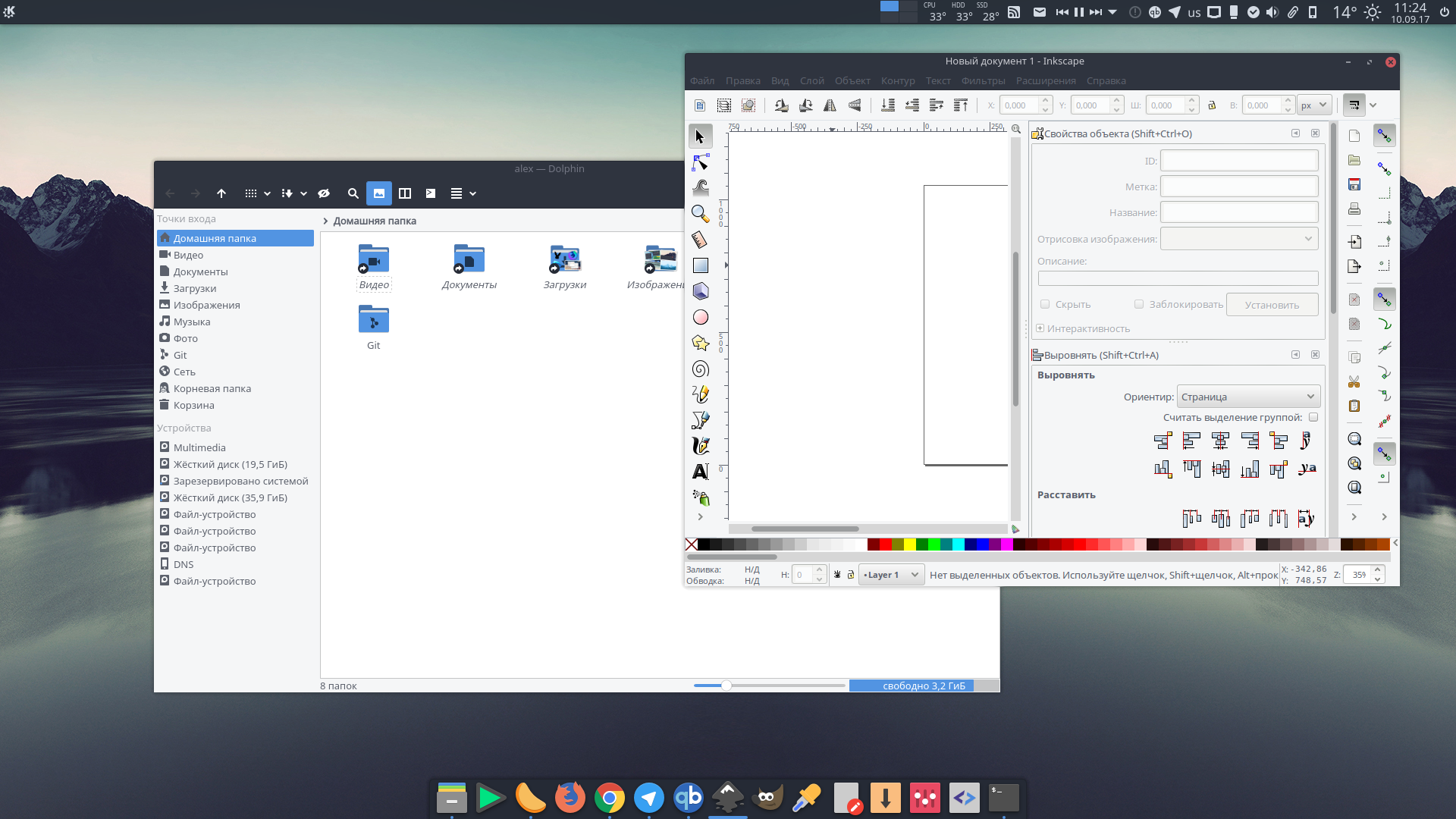
Worked for me:
varlesh
on 10 Sep 2017
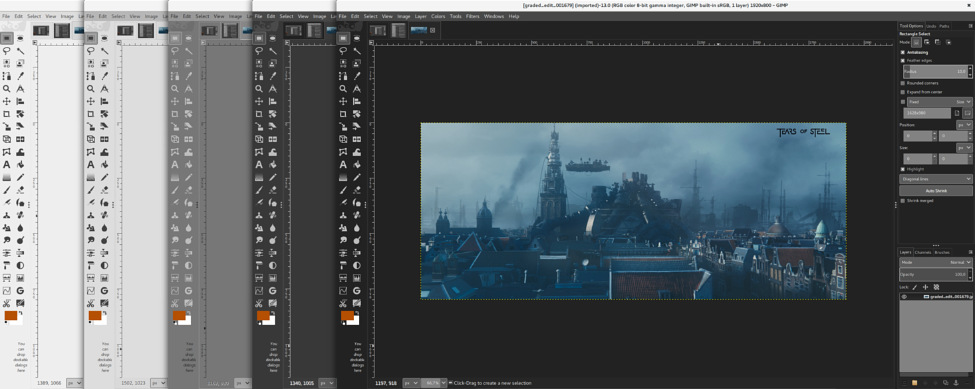
Anybody know PPA with enabled new SVG's-theme for GiMP?
varlesh
on 10 Sep 2017
for Xenial
varlesh
on 10 Sep 2017
varlesh
on 10 Sep 2017
varlesh
on 10 Sep 2017
not worked, broken depend libmypaint >= 1.4 :(
varlesh
on 10 Sep 2017
this worked PPA: https://launchpad.net/~otto-kesselgulasch/+archive/ubuntu/gimp-edge
varlesh
on 10 Sep 2017
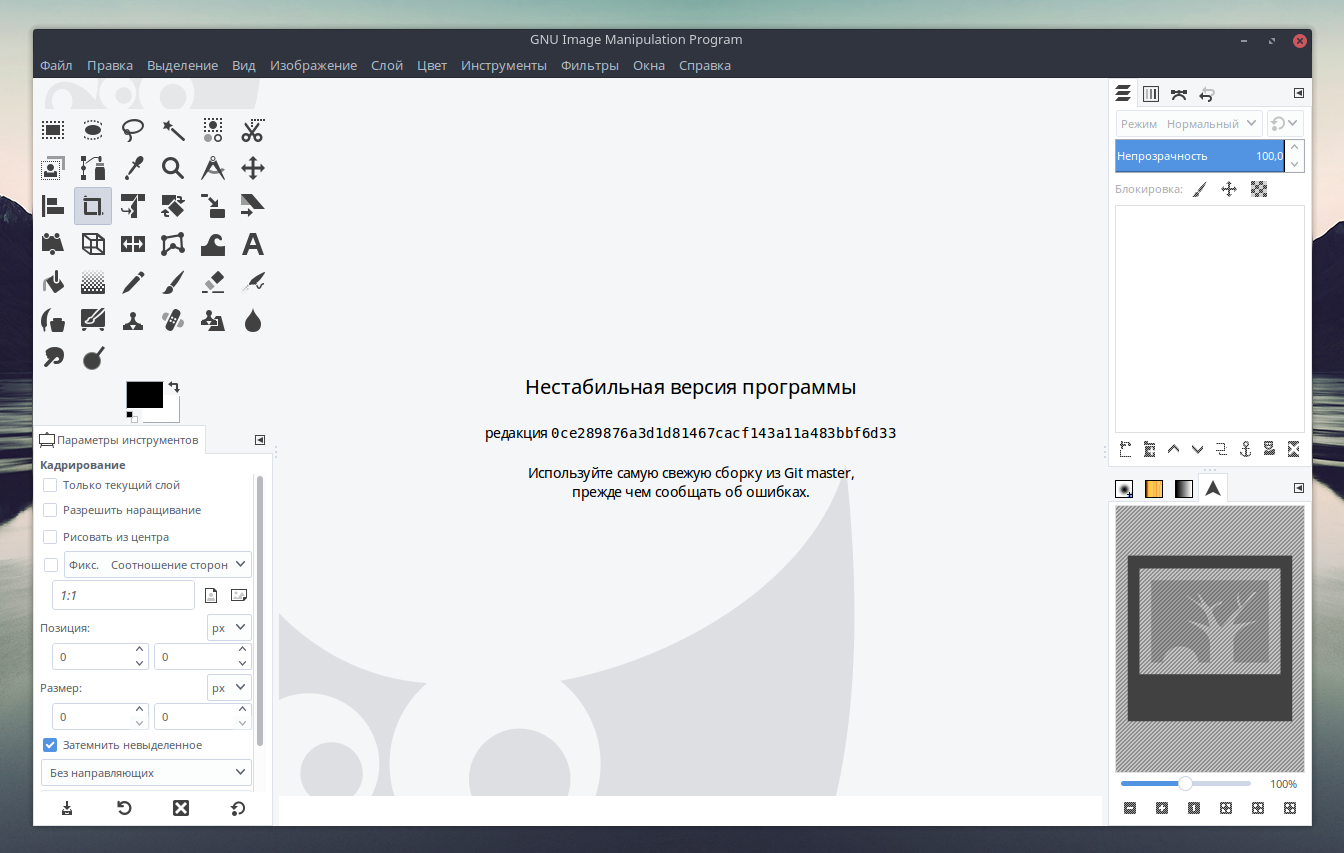
Looking cool ;)
varlesh
on 10 Sep 2017
@varlesh , Are the new Gimp icons SVG files or are they rendered to PNG?
I ask you because I made a Gimp symbolic theme years ago and I'm interesting in the new theme.
Here you can see my work:
http://www.jesusda.com/files/symbolic-gimp.7z
 jEsuSdA
on 10 Sep 2017
jEsuSdA
on 10 Sep 2017
@jEsuSdA Yes SVG
Some fixes )
Papirus Colors:
sudo sh -c "sed -i s/414141/5c616c/g /usr/share/gimp/2.0/icons/Symbolic-Inverted/*/apps/*.svg"
sudo rm -r /usr/share/gimp/2.0/icons/Symbolic-Inverted/*/apps/gimp-wilber*
Papirus Dark Colors:
sudo sh -c "sed -i s/bebebe/d3dae3/g /usr/share/gimp/2.0/icons/Symbolic/*/apps/*.svg"
sudo rm -r /usr/share/gimp/2.0/icons/Symbolic/*/apps/gimp-wilber*
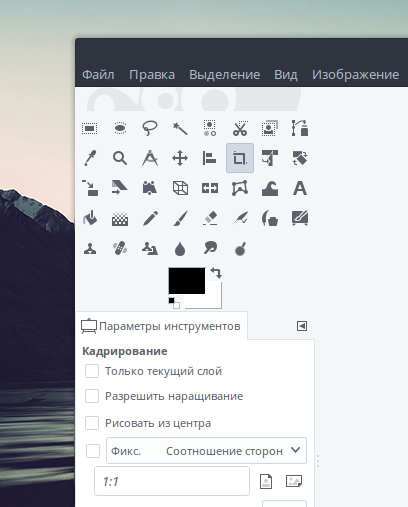
Also on Settings need set "Use icon size from theme" this looking fine:
varlesh
on 10 Sep 2017
I've made a version of the new theme for being used with Gimp 2.8.
I've created 3 size versions: Normal, Medium and Small with the gray color of ePapirus.
Here the comparison:
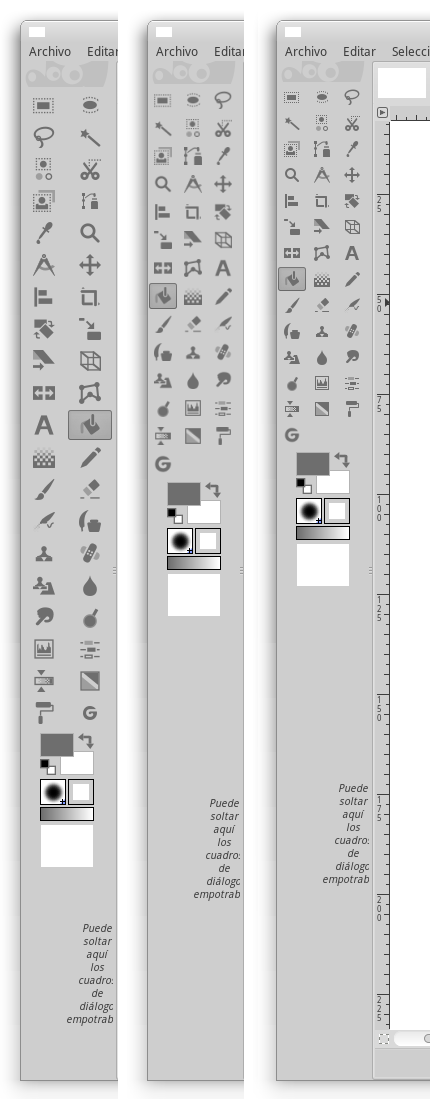
And here, the themes:
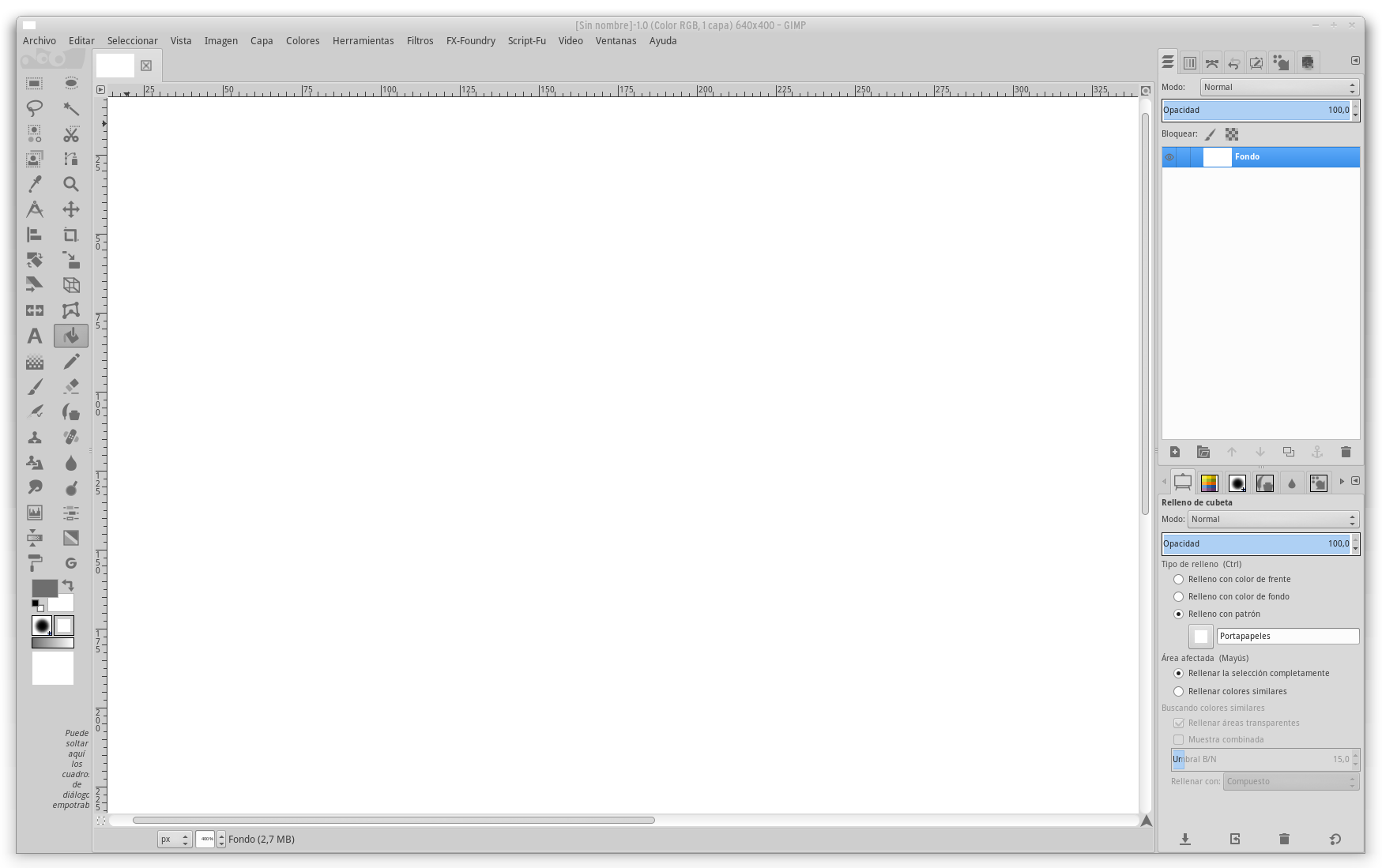
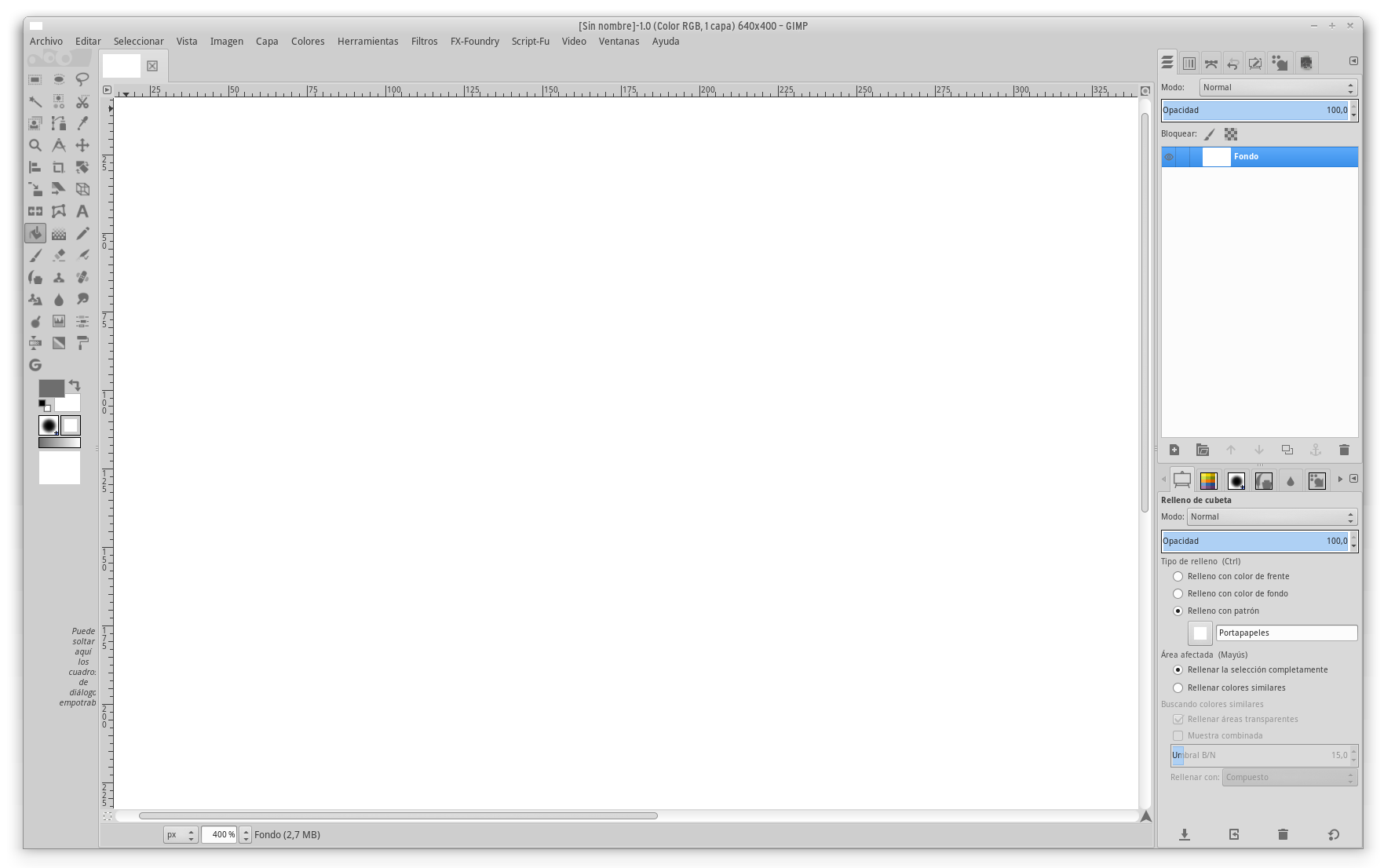
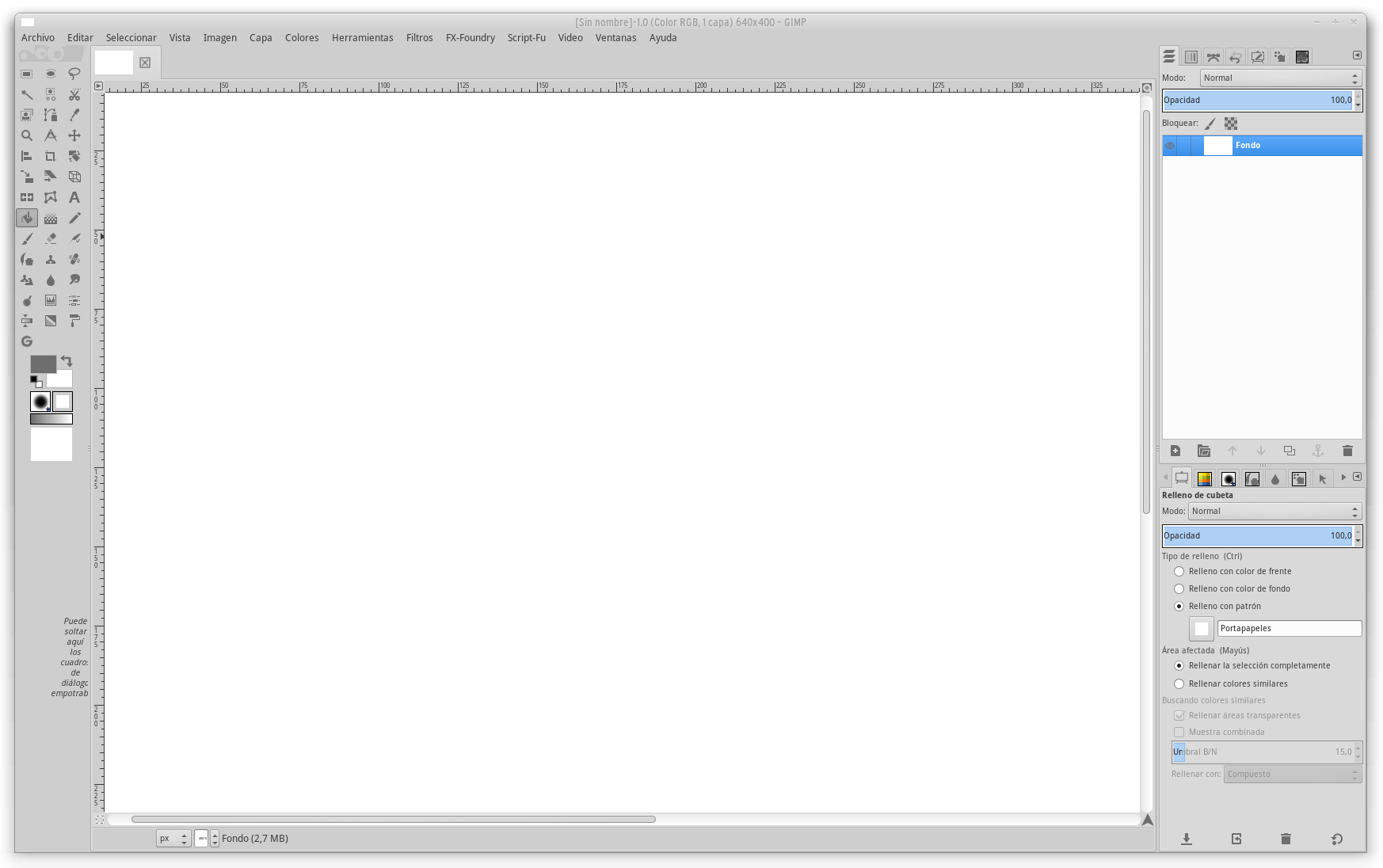
I hope you like it. ;)
jEsuSdA
on 10 Sep 2017
Very good :+1:
PS: But anyway gimp will be updated on the future. And sed universal method for this :)
varlesh
on 10 Sep 2017
Where do I place the .gtkrc-inkscape file?
Below is the contents of the file.
gtk-theme-name="elementary"
gtk-icon-theme-name="ePapirus"
gtk-fallback-icon-theme="hicolor"
 reya276
on 12 Jan 2018
reya276
on 12 Jan 2018
@reya276 where you want. You should pass the path to the file in your inkscape.desktop:
[Desktop Entry]
Version=1.0
Name=Inkscape
GenericName=Vector Graphics Editor
...
Exec=GTK2_RC_FILES=~/.gtkrc-inkscape inkscape %F
TryExec=inkscape
Terminal=false
StartupNotify=true
Icon=inkscape
Does not work. When I add the code "GTK2_RC_FILES=~/.gtkrc-inkscape" inkscape fails to launch.
reya276
on 12 Jan 2018
I don't know why papirus change inkscape icons without user concerns. I've tried multiple ways to change inkscape icons. No one works for inkscape 0.92.
Till I tried SmartFinn recommendations
1) I copied .gtkrc-2.0, change icons value, rename to .gtkrc-2.0.inkscape
2) execute inkscape with $ GTK2_RC_FILES=~/.gtkrc-2.0.inkscape inkscape
 azzamsa
on 13 Jan 2019
azzamsa
on 13 Jan 2019
Related issues
 mrceephax
·
6Comments
jEsuSdA
·
5Comments
mrceephax
·
6Comments
jEsuSdA
·
5Comments
 Tichy
·
3Comments
Tichy
·
3Comments
 serovar
·
5Comments
serovar
·
5Comments
 Chamrosh
·
6Comments
Chamrosh
·
6Comments
Most helpful comment
Overriding
GTK2_RC_FILESseems to work on my KDE plasmaGTK2_RC_FILES=~/.my.gtkrc-2.0 inkscape~/.my.gtkrc-2.0:
I just copied the default ~/.gtkrc-2.0 produced by KDE settings and made by edits. But anyway it would be best if we could choose the theme from inkscape itself.
Off topic: I used Numix (flat but colorful icons) here as it matches the flat appearance of Papirus. This will also pair it up nicely (https://store.kde.org/p/1168331/). If you want "stock" inkscape experience you can use Adwaita icon theme instead.