Openshot-qt: importing video 720p240 (worked in debian stable / 14.3 stopped working in 2.4.1
Hi,
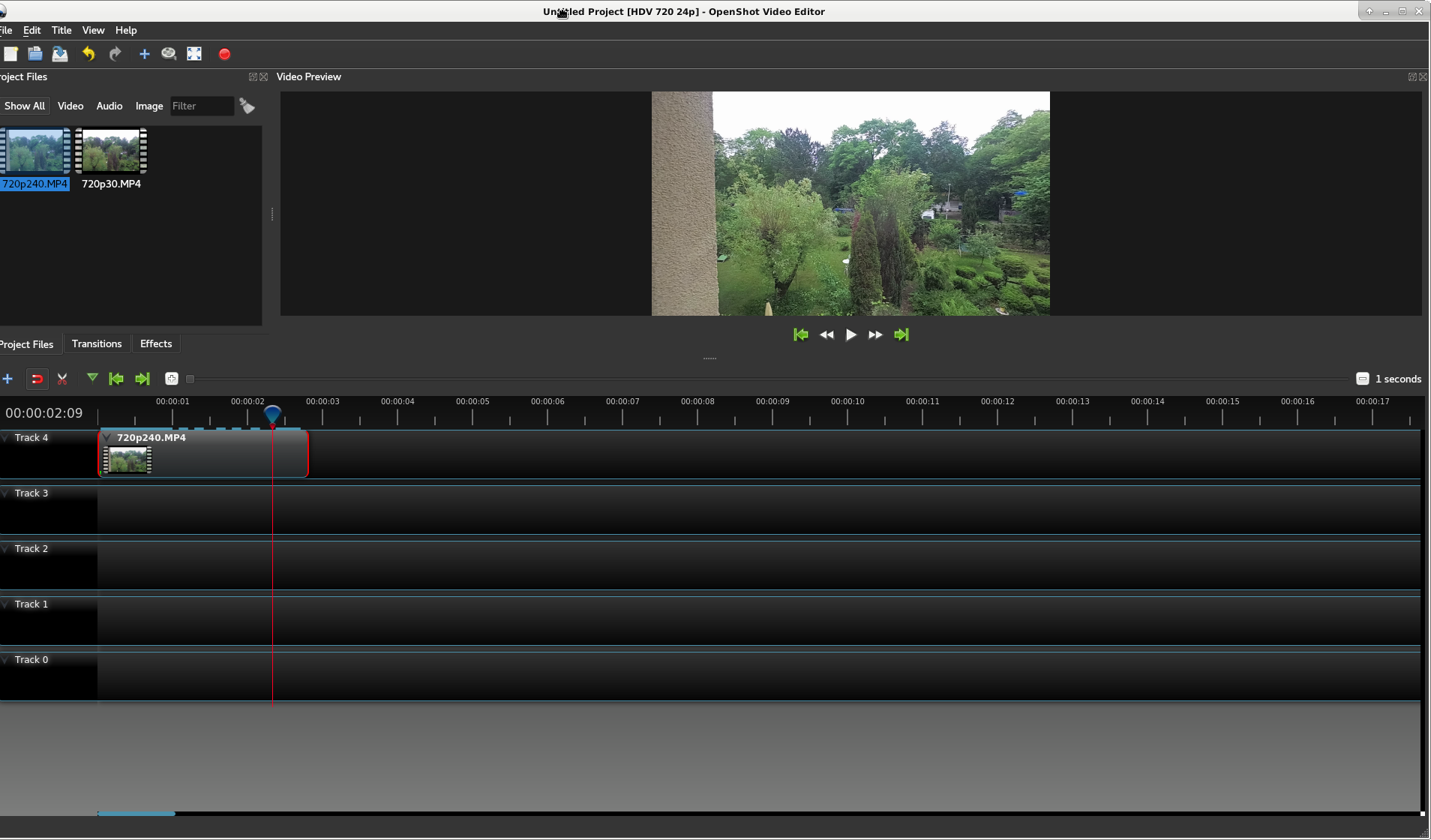
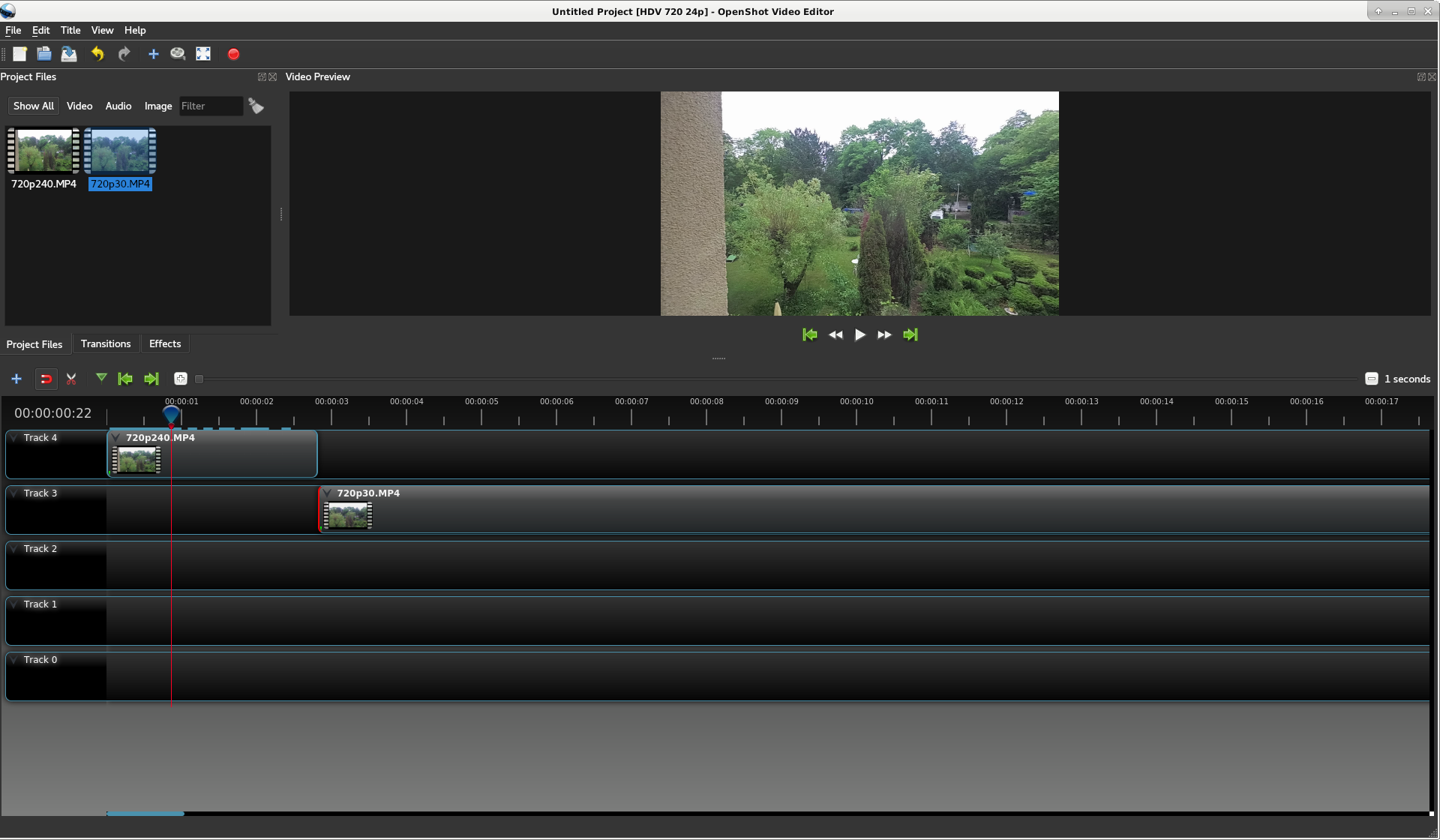
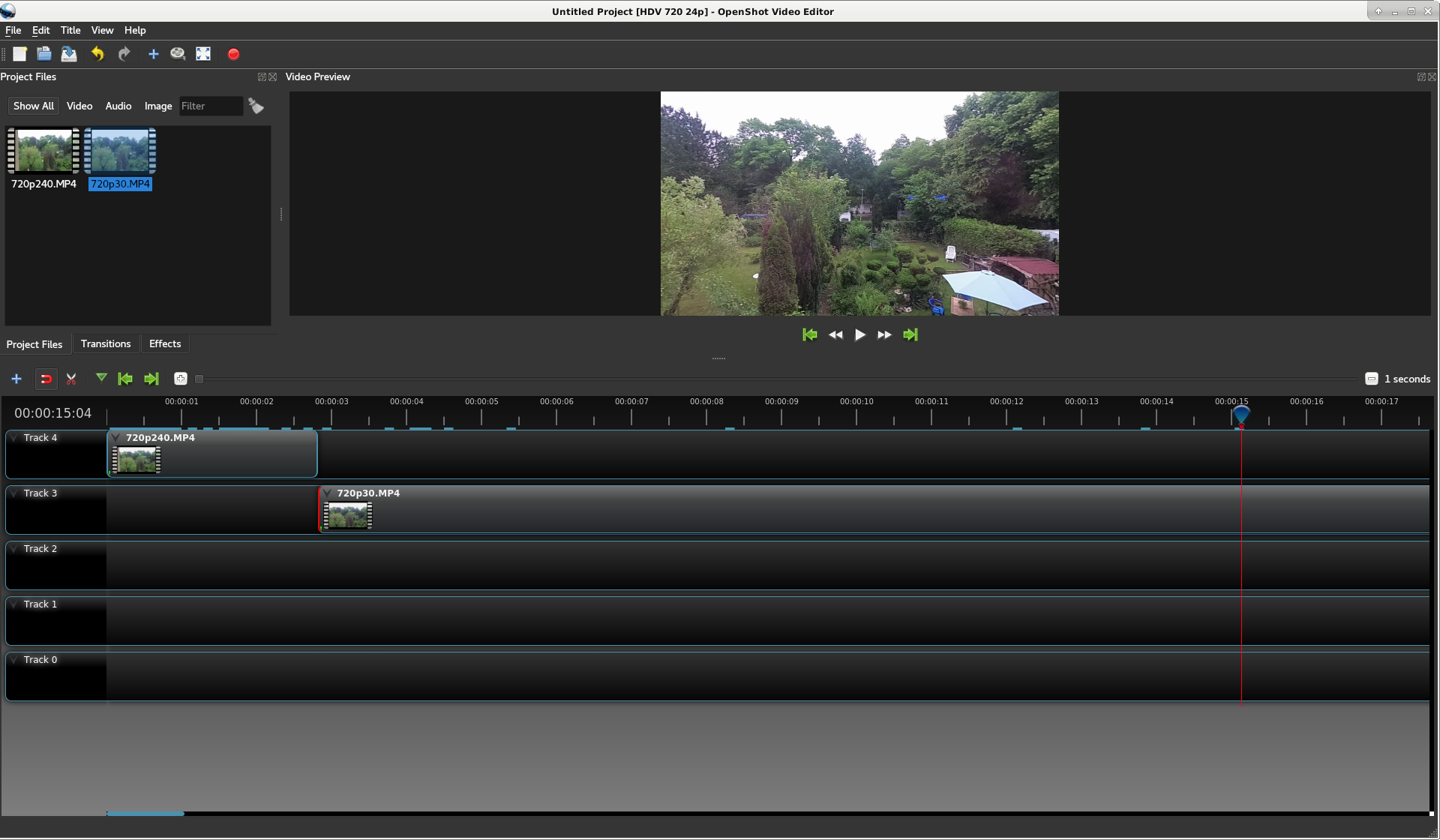
when importing a video from my Yi 4K+ recorded in 720p240 2.4.1 only shows a still image, videos in 720p30 from this camera work fine.
i tried from the PPA (with Debian Stretch) & the version in Debian Buster (amd64).
System Details (please complete the following information):
- Operating System / Distro: Debian Buster (amd64)
- OpenShot Version 2.4.1
To Reproduce
Steps to reproduce the behavior:
- Import Video file (example attached)
- Add it to the timlime
- Move position on timeline
- Watch Preview Window
Expected behavior
Video Content should change while moving playing/ moving the marker on the timeline
Screenshots
If applicable, add screenshots to help explain your problem.
Logs
If you are experiencing a crash, please collect and attach logs of the problem.
Additional context
Add any other context about the problem here.
 gbu-censhare
All 6 comments
gbu-censhare
on 13 May 2018

gbu-censhare
on 13 May 2018
Sorry conntet is a little different, due to size limitations but the issue is the same
gbu-censhare
on 13 May 2018
Hey there,
Thank you for the really great bug report. You have included the video too; this will help others help you.
In the meantime, I would like to suggest that you switch to the daily builds. Perhaps it'll work in the latest daily version.
 peanutbutterandcrackers
on 15 May 2018
peanutbutterandcrackers
on 15 May 2018
I found the issue with 240 fps video:
As a sanity check, libopenshot checks for an unreasonably high frame rate. When this check was written, it appears that 120 fps frame rates were the highest frame rates available in standard equipment, so any frame rate high than that was flagged as invalid.
Since we now have 240 fps video from many cameras, I've submitted a PR which increases the valid frame rates to 240 fps.
 N3WWN
on 15 May 2018
N3WWN
on 15 May 2018
cool, thanks!
gbu-censhare
on 16 May 2018
Related issues
 Obed9
·
3Comments
Obed9
·
3Comments
 gbbbbb
·
3Comments
gbbbbb
·
3Comments
 Emma3993
·
3Comments
Emma3993
·
3Comments
 GrandpaBill3006
·
3Comments
GrandpaBill3006
·
3Comments
 lukashajek78
·
3Comments
lukashajek78
·
3Comments
Most helpful comment
I found the issue with 240 fps video:
As a sanity check, libopenshot checks for an unreasonably high frame rate. When this check was written, it appears that 120 fps frame rates were the highest frame rates available in standard equipment, so any frame rate high than that was flagged as invalid.
Since we now have 240 fps video from many cameras, I've submitted a PR which increases the valid frame rates to 240 fps.