Open-ps2-loader: [FR] Add GSM options
Add overscan and aspect ratio options in the game GSM options, the games have overscan and are in 4:3 aspect ratio on HDTVs when you set them on progressive scan mode
 GKid94
All 98 comments
Changing the overscan for games is not possible, becouse you need a larger rendering area (more rendered pixels). It's not as 'simple' as manipulating CRTC settings.
The same for aspect ratio. There are game hacks that change the game aspect ratio to 16/9. But it's a per-game hack, and not a generic manipulation of the CRTC.
I suggest we close this FR, as it's impossible to implement. Correct me if I'm wrong.
 rickgaiser
on 14 Nov 2020
rickgaiser
on 14 Nov 2020
@rickgaiser There are overscan and aspect ratio settings for OPL, and if they are impossible to add any suggestions how to fix that
GKid94
on 14 Nov 2020
- He knows that these things exist in OPL's GUI, because he wrote the overscan-feature-code and maybe the wide-screen code as well (or made it better?)!
- Like he wrote. There is no way (I think) to "fix" that, because it needs an adaption of every single game and not just one software (like OPL's GUI), hence it is not "a fix" to get them working with this type of feature (request).
 TnA-Plastic
on 18 Nov 2020
TnA-Plastic
on 18 Nov 2020
@TnA-Plastic So it can't be made as an option for all games only one
GKid94
on 18 Nov 2020
Its possible to "force" games into 4:3 by adjusting the horizontal width without manually setting TV to 4:3. I did that with using GSM 0.23x for POPS.
 carl0sjt
on 18 Nov 2020
carl0sjt
on 18 Nov 2020
@carl0sjt I know but I don't want to play games in 4:3 aspect ratio I want to play in 16:9 stretched aspect ratio with progressive scan
GKid94
on 18 Nov 2020
There is no "aspect ratio option" to set. Most games on the PS2 are either 640 or 512 pixels wide. Most ADC will assume 858 sample rate and use the centre 720 pixels as image.
640 interlaced/progressive is sent with a 858 sample rate which result in a image with 40 black pixels on either side.
512 interlaced is sent with a ~686 sample rate which result in a blurry image with black pixels on either side.
512 progressive is sent with a 858 sample rate which result in a image with 104 black pixels on either side.
If the TV wants to display that with a 4:3 or 16:9 AR is up to the TV.
You could try using GSM to send a VGA image instead and hope the TV will recognize it. That could at least fix 640 pixels wide games.
With 512 pixels wide progressive 4:3 games using the normal progressive output and setting the TV to 16:9 should get you very close to a 4:3 image.
512 pixels wide interlaced or 16:9 games I think you need to be able to manipulate the ADC in the TV or use an external ADC like the OSSC and hope the TV will properly recognize strange signals.
 zappepappe
on 18 Nov 2020
zappepappe
on 18 Nov 2020
@zappepappe All the video modes in OPLs GSM won't work instead of the interlaced ones and HDTV 480p which is in 4:3 mode with black spaces left and right when I play the game and it's 16:9 stretched on cutscenes
GKid94
on 19 Nov 2020
But ok the 4:3 aspect ratio is not such a big problem the problem is that the HDTV 480p mode has overscan and the games are cutout on the top and botttom
GKid94
on 19 Nov 2020
As I said before, there is no "4:3 mode". The PS2 outputs frames and it's up to your TV to conform that to 4:3, 16:9, 1:1 or whatever else aspect ratio it supports. If your TV is set to 16:9 and the 480p frames look like 4:3 the game is most likely 512 pixels wide and it just happens to look correct due to all the black pixels on either side. If the cutscenes are 640 pixels wide they will look wider due to less black pixels on either side. The PS2 wasn't designed for a digital display with fixed width.
There is no cutout. Most NTSC games are 480 lines and most PAL games are 576 lines. However, for most games, they only render 448/512 lines. There is nothing more than that to display, you have to either accept the black top and bottom or use the TVs overscan or zoom feature to try and hide them.
The rendered height and width are decisions made by individual games and nothing OPL/GSM can do anything about. GSM can only change the frame the rendered image is put into and do integer height and width upscaling.
zappepappe
on 19 Nov 2020
@zappepappe
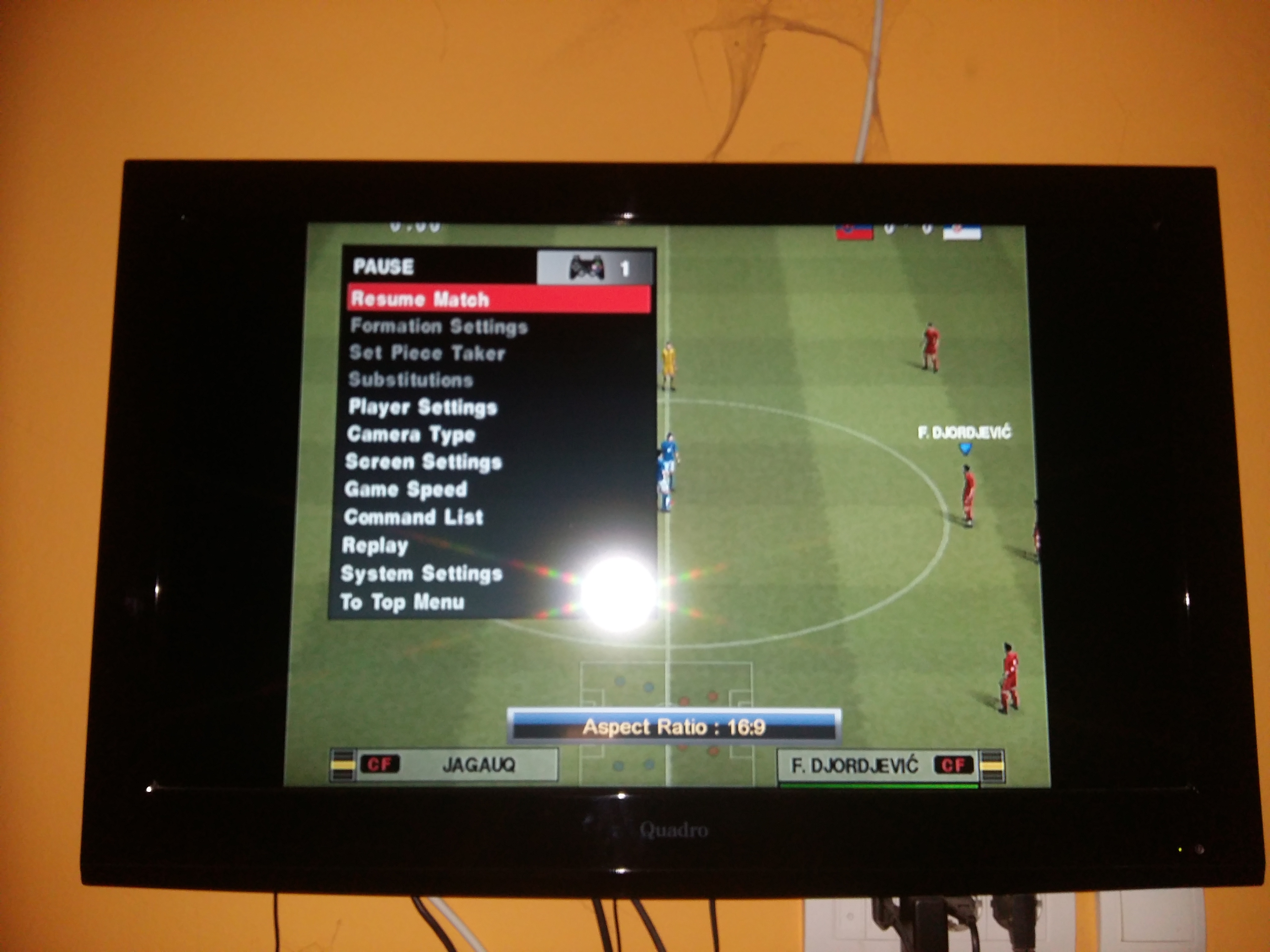
576i 50Hz

480i 60Hz

480p 60Hz
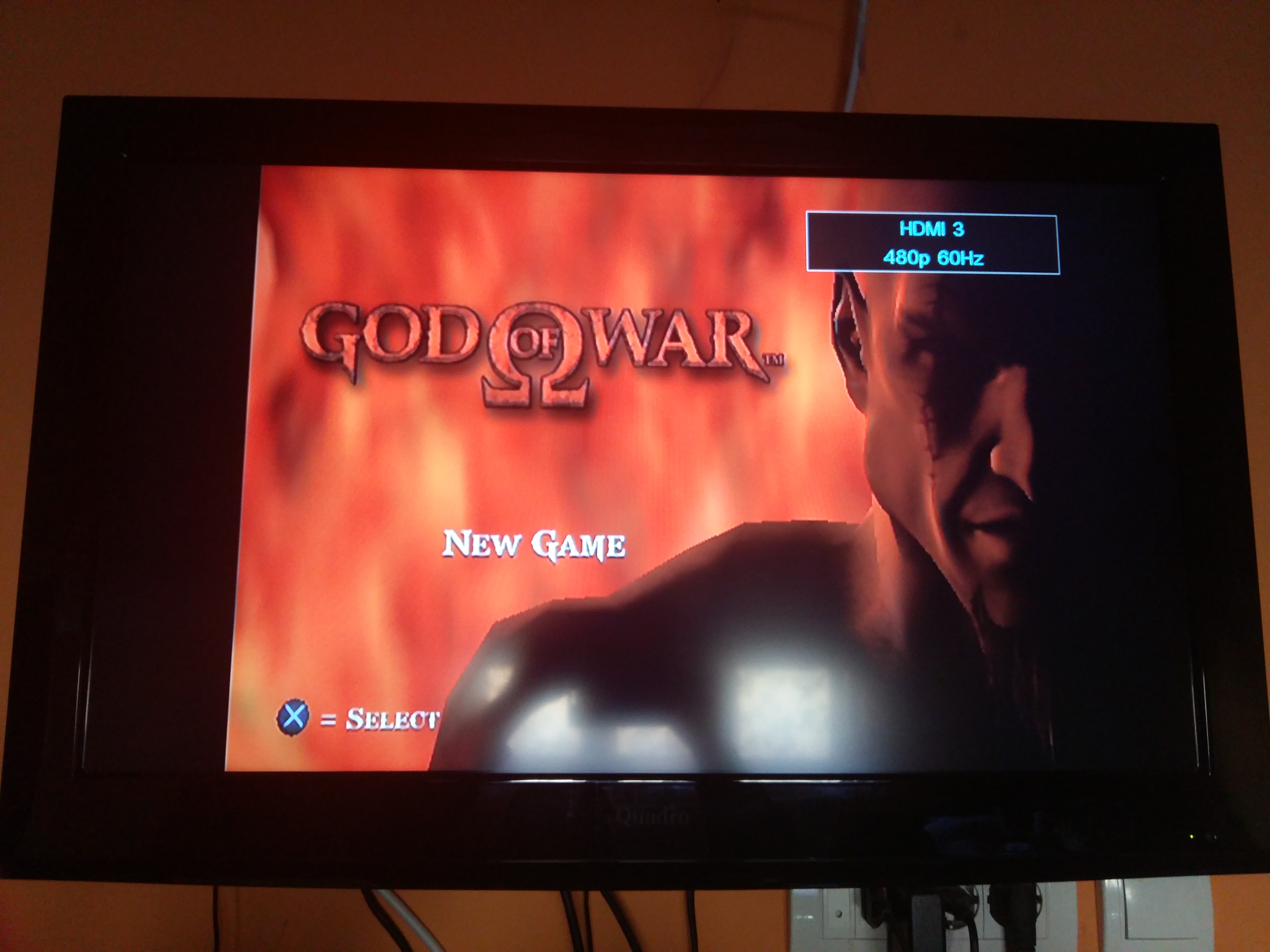
480p 60Hz
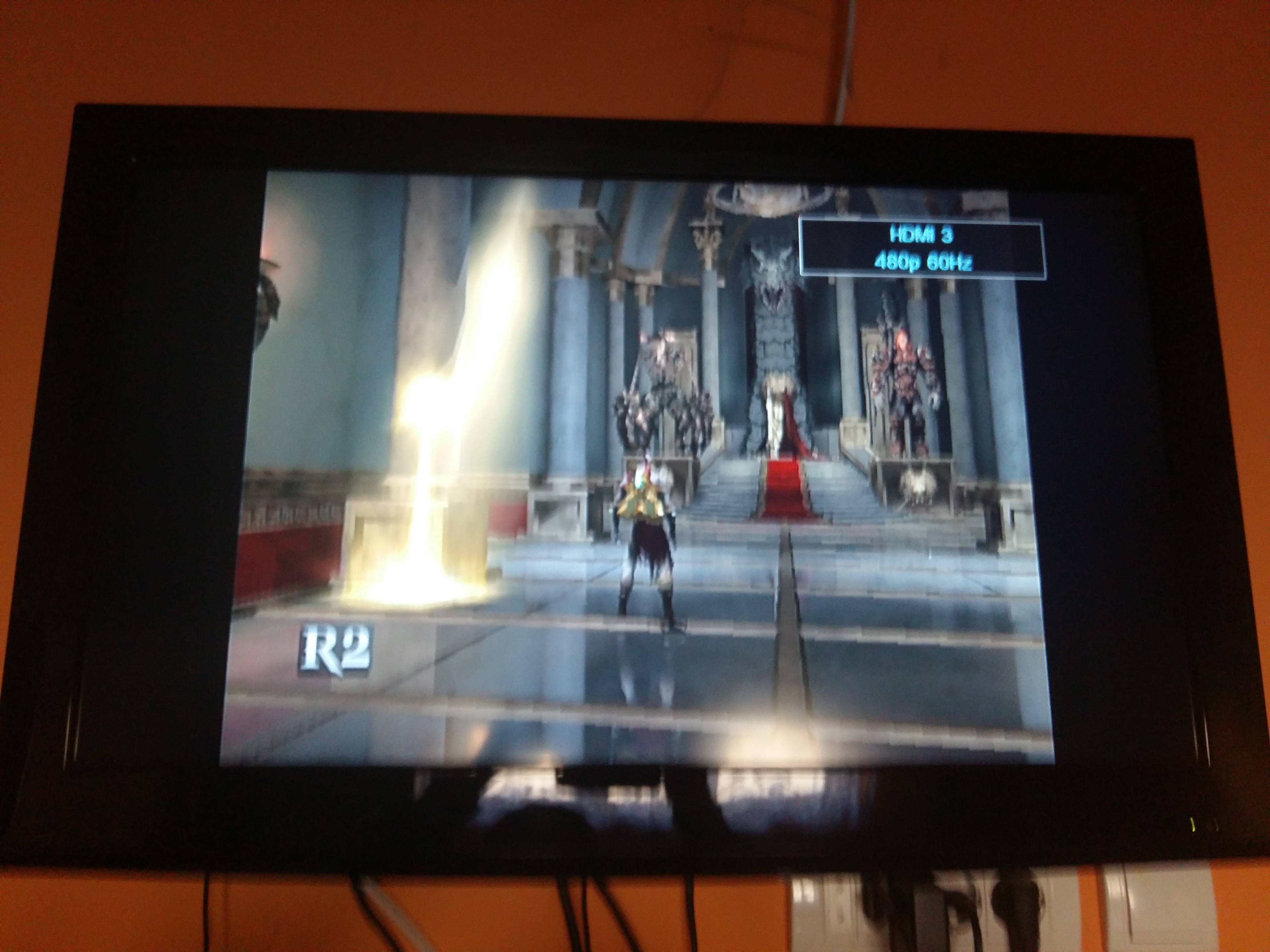
480p 60Hz (you see how the text on the top is cutout because of overscan)
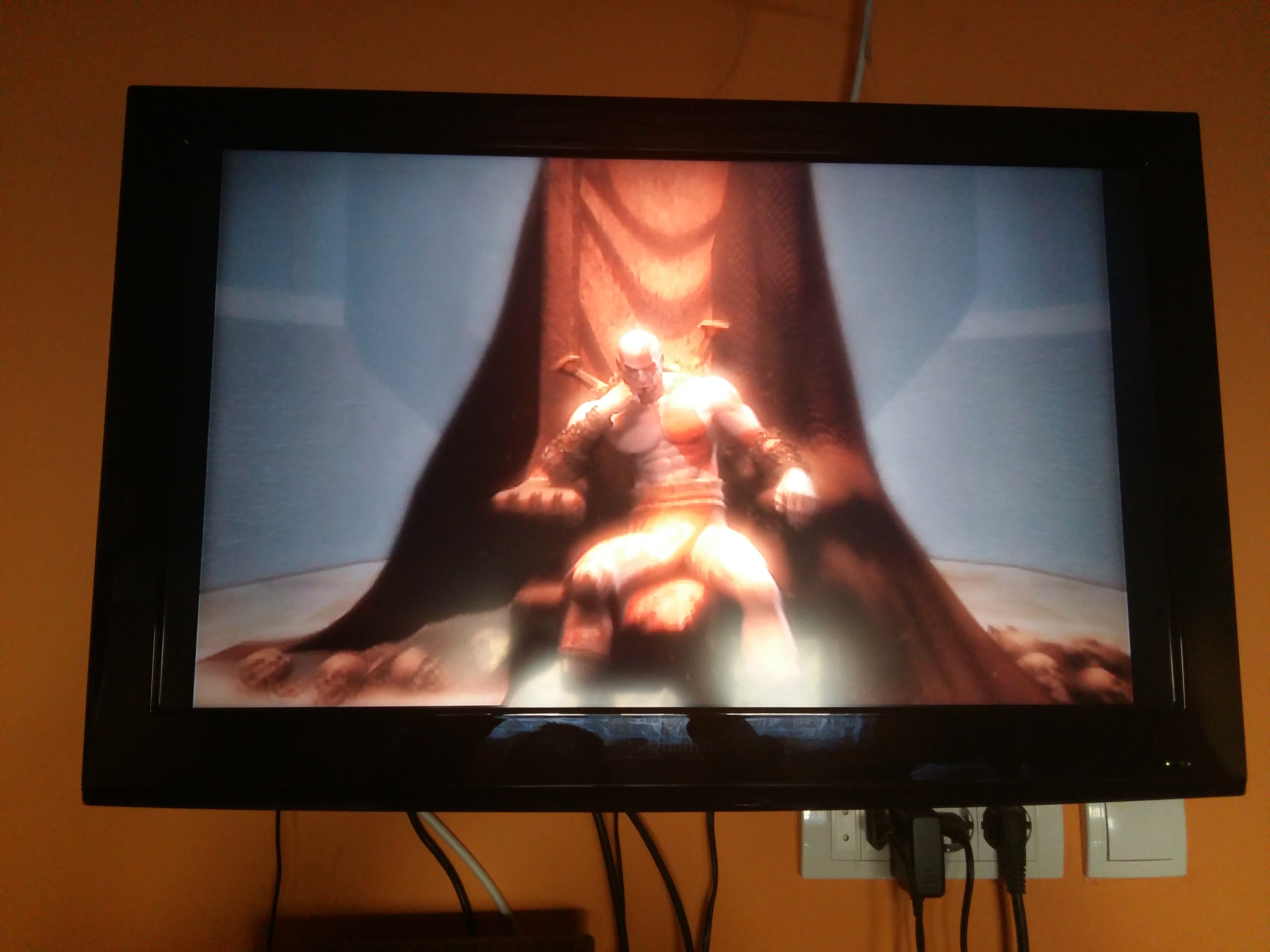
480p 60Hz (cutscenes are wide)
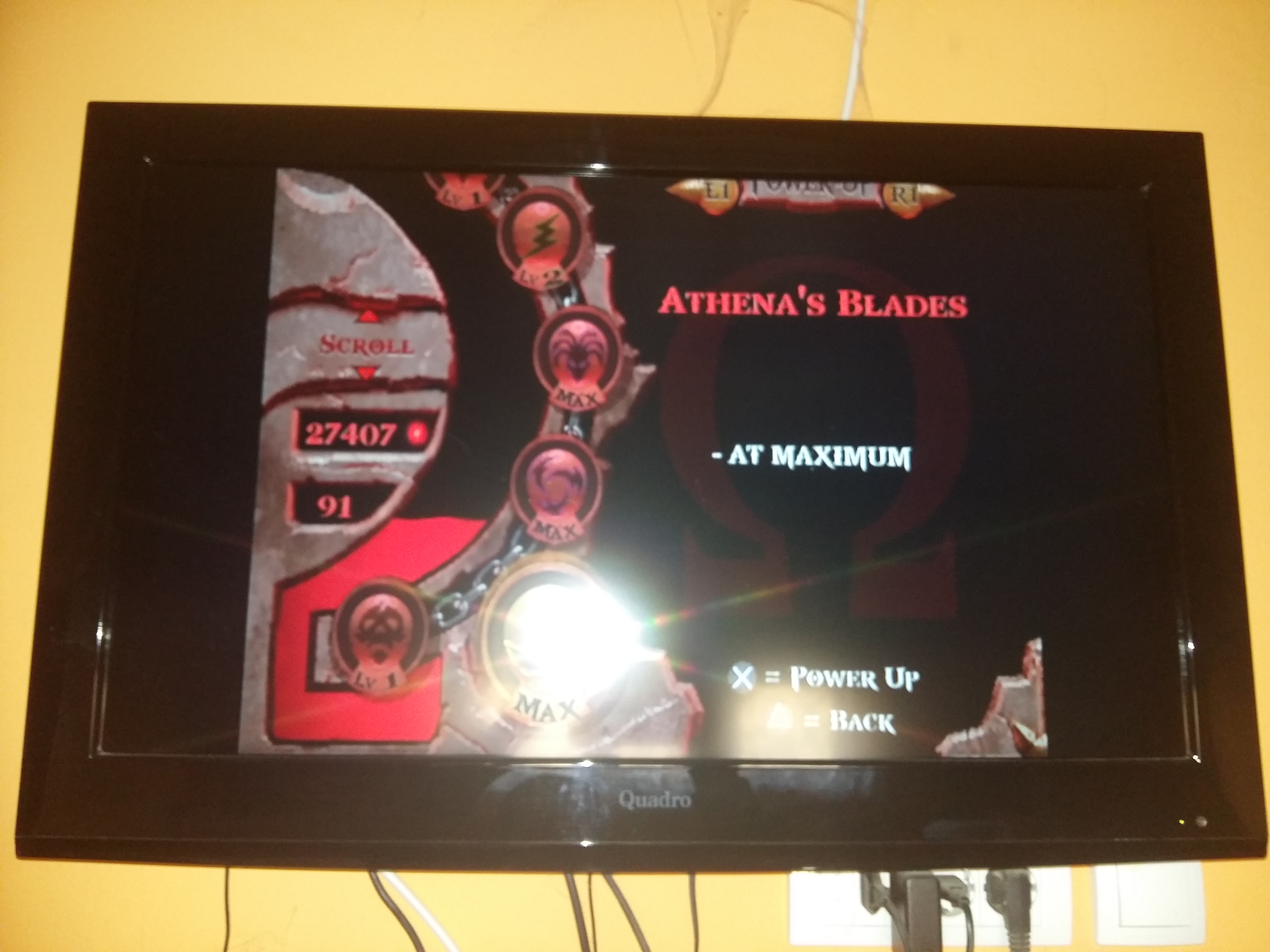
GKid94
on 19 Nov 2020
Is that the PAL version of the game and I see HDMI as the source, what kind of external ADC are you using?
zappepappe
on 19 Nov 2020
@zappepappe Yes it's a PAL version and I'm using a HDMI adapter
GKid94
on 19 Nov 2020
Most likely the game is rendered with 512 lines, putting that inside a 480 line frame will cut 16 lines at the top and bottom.
zappepappe
on 19 Nov 2020
@zappepappe Isn't progressive scan 640x480 not 640x512 resolution
GKid94
on 19 Nov 2020
Yes, and that is why you lose some of the 512 rendered lines. It is supposed to be put in a 576 line frame.
zappepappe
on 19 Nov 2020
@zappepappe I did, you have the 576i image, but the overscan is only in progressive scan mode
GKid94
on 19 Nov 2020
And it's the same resolution as the 480i image
GKid94
on 19 Nov 2020
I explained all of that in my first post.
The game is rendered in 512x512.
If you put that in a 576i frame your ADC will render all the lines with extra black lines on the top and bottom, but the pixel on all lines will be blurry.
If you put that in a 480i frame you will lose 16 lines on the top and bottom and the pixel on all lines will be blurry.
If you put that in a 480p frame you will lose 16 lines on the top and bottom and the pixel on all lines will be sharp, but you will get a lot of extra black on the sides.
Cutscenes are likely 640 pixels wide and will in all cases be sharp but with 40 black pixels on each side.
Your ADC will always assume 858 sample rate with centre 720 image and 525/625 lines with centre 480/576 image.
That is not what the PS2 outputs.
480i should be 858/~686 sample rate with centre 640/512 image.
576i should be 858/~686 sample rate with centre 640/512 image.
480p should be 858 sample rate with centre 640/512 image.
zappepappe
on 19 Nov 2020
@zappepappe I don't know, Tekken 5 and Burnout Revenge are in widescreen when I set them in progressive scan without overscan like the 480i image
GKid94
on 19 Nov 2020
OPL also has overscan when I put it in progressive scan but there is a overscan option where you can make the image smaller to fit the TV
GKid94
on 19 Nov 2020
And I don't think that the image is in 1:1 or 5:4 aspect ratio, it's in 16:9 aspect ratio with the gameplay in 4:3 zoomed in
GKid94
on 19 Nov 2020
You can try yourself and see
GKid94
on 19 Nov 2020
Tekken 5 NTSC is 640x448 which will give 40 black pixels on each side and 16 black lines on top and bottom in 480i/p.
zappepappe
on 19 Nov 2020
@zappepappe Yes then why when I enable progressive scan with GSM it has overscan and without it is fine
GKid94
on 19 Nov 2020
Because it is another Video-Mode, with another resolution...
TnA-Plastic
on 19 Nov 2020
Either you don't understand what I'm saying, your TV uses different settings for interlaced and progressive sources or your ADC is doing something weird.
As of all the pictures you have shown they all look as I would expect them to.
zappepappe
on 19 Nov 2020
@GKid94 Don't you unterstand the MOST BASIC things about resolutions?
Internal a.k.a. "rendered" resolution vs. output-resolution!
When a picture is rendered (INTERNALLY) as 640x512 and shown in a frame with a resolution of LESS vertical resolution, it will cut out the overlapping lines...
What is so hard to unterstand about it?
TnA-Plastic
on 19 Nov 2020
Oh so the OPL GSM progressive scan mode is not the same as the one in the game? Weird because both of them are 480p 60Hz
GKid94
on 20 Nov 2020
I just want to know why can't the OPL's GSM mode have additional options for adjusting overscan and aspect ratio so that users can set the games for their TV
GKid94
on 20 Nov 2020
GSM progressive and in-game progressive are the same thing. However, there might be games where setting the in-game option might also change what is rendered. GSM can't change that. For example GT4, I believe the game is normally rendered at 640x448. But if you change the in-game option to 1080i the game is rendered at 640x512, tripled in width and doubled in height
to 1920x1024 and sent in a 1080i frame.
I did some images to help you visualize how this works, they are just simple images to understand some of what is happening.
Your example of the PAL version of GoW, I believe, is rendered at 512x512 in-game:

It is normally put inside a 576i frame and sent out of the console in a analog signal:

The signal needs to be converted back to digital to be able to display it on a digital screen. However the ADC doesn't know what the original signal looked like and will as standard take 858 samples per line from a 576i analog signal. This will make the image blurry since it doesn't match the original signal (red represent what will be shown as image on the display but isn't part of the rendered image, this is the black borders you see around the image):

GSM can't change the rendered image, only the game can do that. But it can change the frame the image is sent in. In your case you then sent the image in a 480i frame:

The ADC will recognize the 480i signal and as standard it will again take 858 samples per line, making the image blurry. And since only 480 lines are considered image (hence why it's called 480i) the top and bottom of the rendered image will be cut off:

Next you told GSM to send it inside a 480p frame:

Again, the ADC will recognize the the 480p signal, but this time it's correct to to take 858 samples per line, making every pixel sharp. But the rendered image is still to high for the 480 lines and since the ADC will assume all 720 centre pixels to be image there will be a lot of black border on the sides:

Hope this helps you understand some of what is going on.
zappepappe
on 20 Nov 2020
Oh so the OPL GSM progressive scan mode is not the same as the one in the game? Weird because both of them are 480p 60Hz
Correct! GSM changes the Output-resolution, but NOT the internal resolution, whereas a game DOES change the internal resolution!
TnA-Plastic
on 20 Nov 2020
I just want to know why can't the OPL's GSM mode have additional options for adjusting overscan and aspect ratio so that users can set the games for their TV
Because it can NOT "freely scale" the internal resolution to the output-resolution, but only multiply pixel-lines via full numbers!!!
TnA-Plastic
on 20 Nov 2020
@TnA-Plastic @zappepappe Ok so can the GSM adjust the internal or the output resolution or it can't do both
GKid94
on 20 Nov 2020
It can and does ONLY adapt the OUTPUT-RESOLUTION, HENCE what you are requesting would need work and render-patches on every single game and a "universal" solution ist not possible.
There are render-patches for games available on www.ps2wide.net !
TnA-Plastic
on 20 Nov 2020
@TnA-Plastic I don't mind if the game is in 4:3 aspect ratio with black spaces left and right I just want to fix the overscan because the image quality is really good in progressive scan and the game runs much better
GKid94
on 21 Nov 2020
Well... After all these replies you might unterstand the first posts better. ;)
TnA-Plastic
on 21 Nov 2020
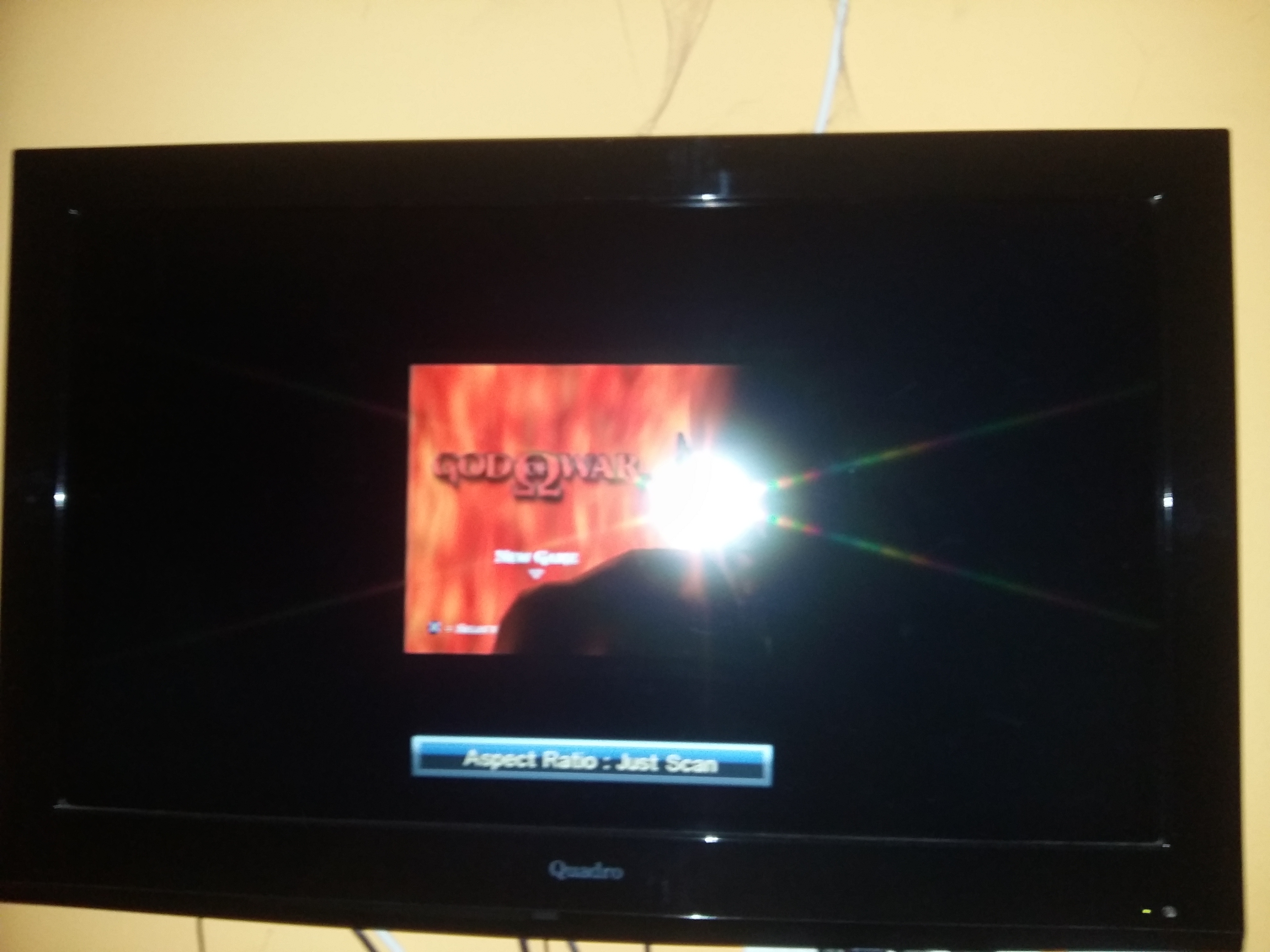
@TnA-Plastic My TV has 4:3, 16:9, Full, Zoom 1, Zoom 2 and Just scan aspect ratio options, and all of them have overscan except the Just scan option where the game is zoomed out in a small square
There is nothing more than that to display, you have to either accept the black top and bottom or use the TVs overscan or zoom feature to try and hide them.
GKid94
on 21 Nov 2020
And I don't know why aren't other progressive scan video modes working only the HDTV 480p option works
GKid94
on 21 Nov 2020
In am just asking out of curiosity. Does that "zoomed out"/"Just scan"-Mode show everything, or is it still "cut off"?
TnA-Plastic
on 21 Nov 2020
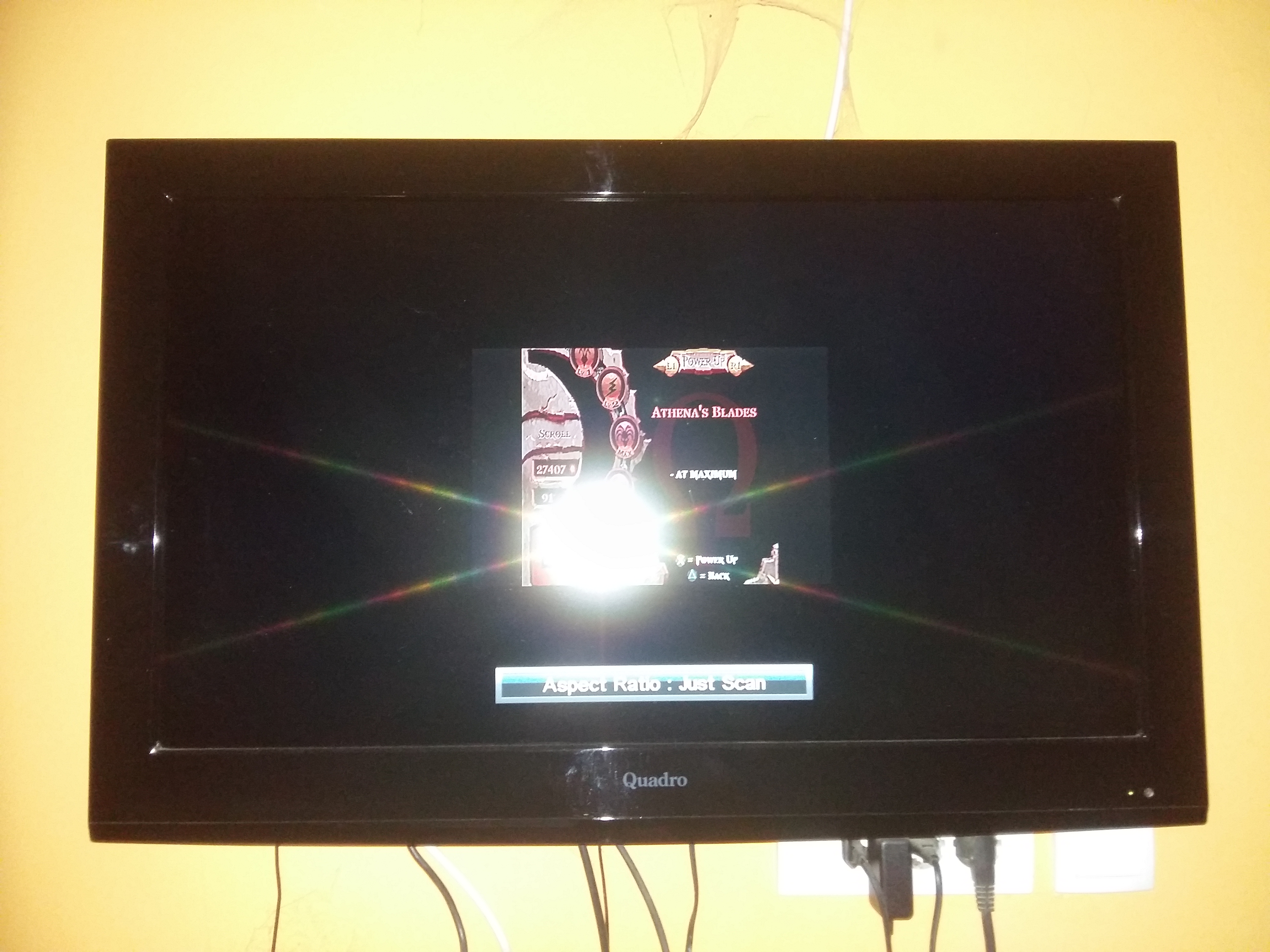
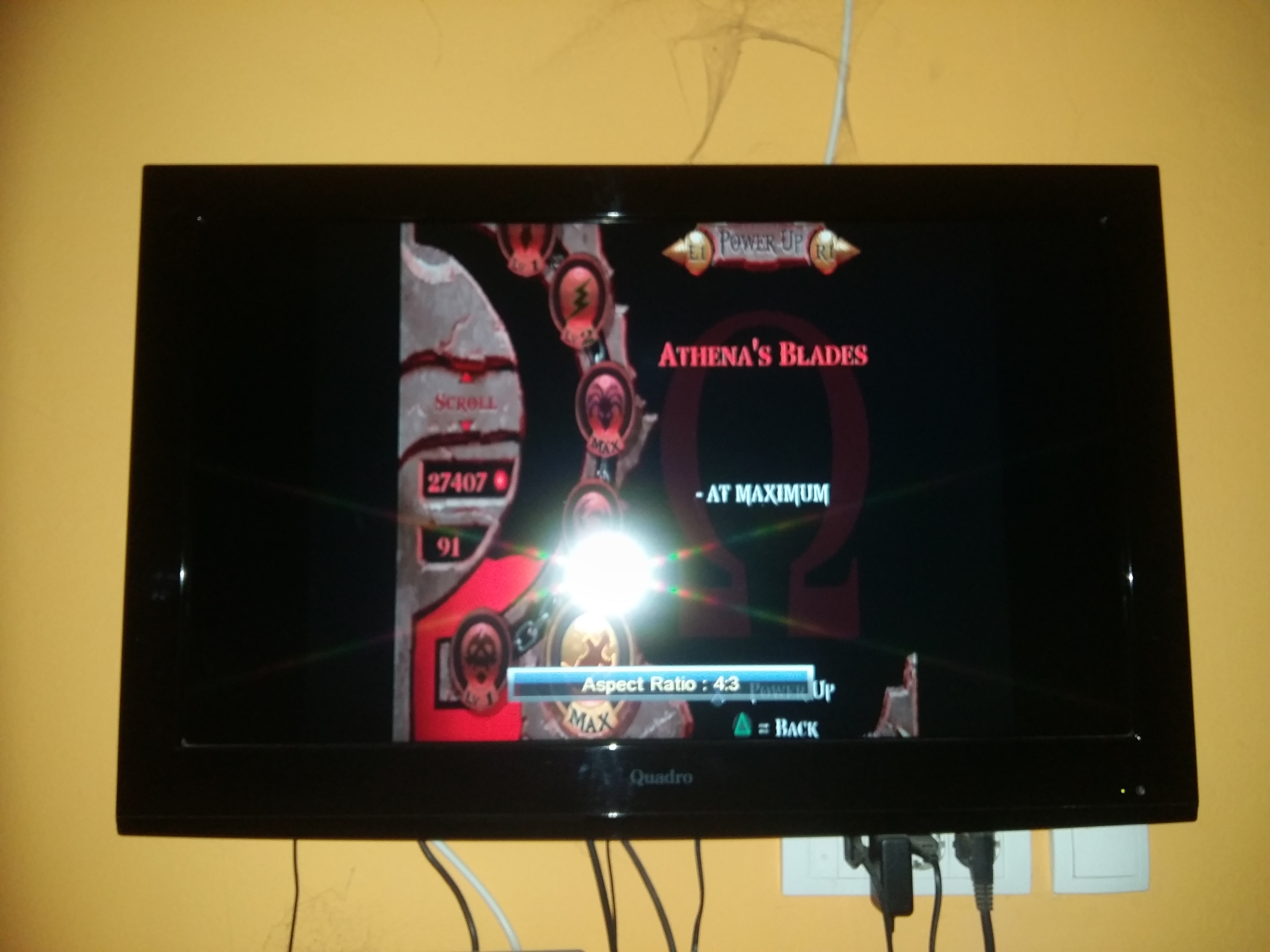
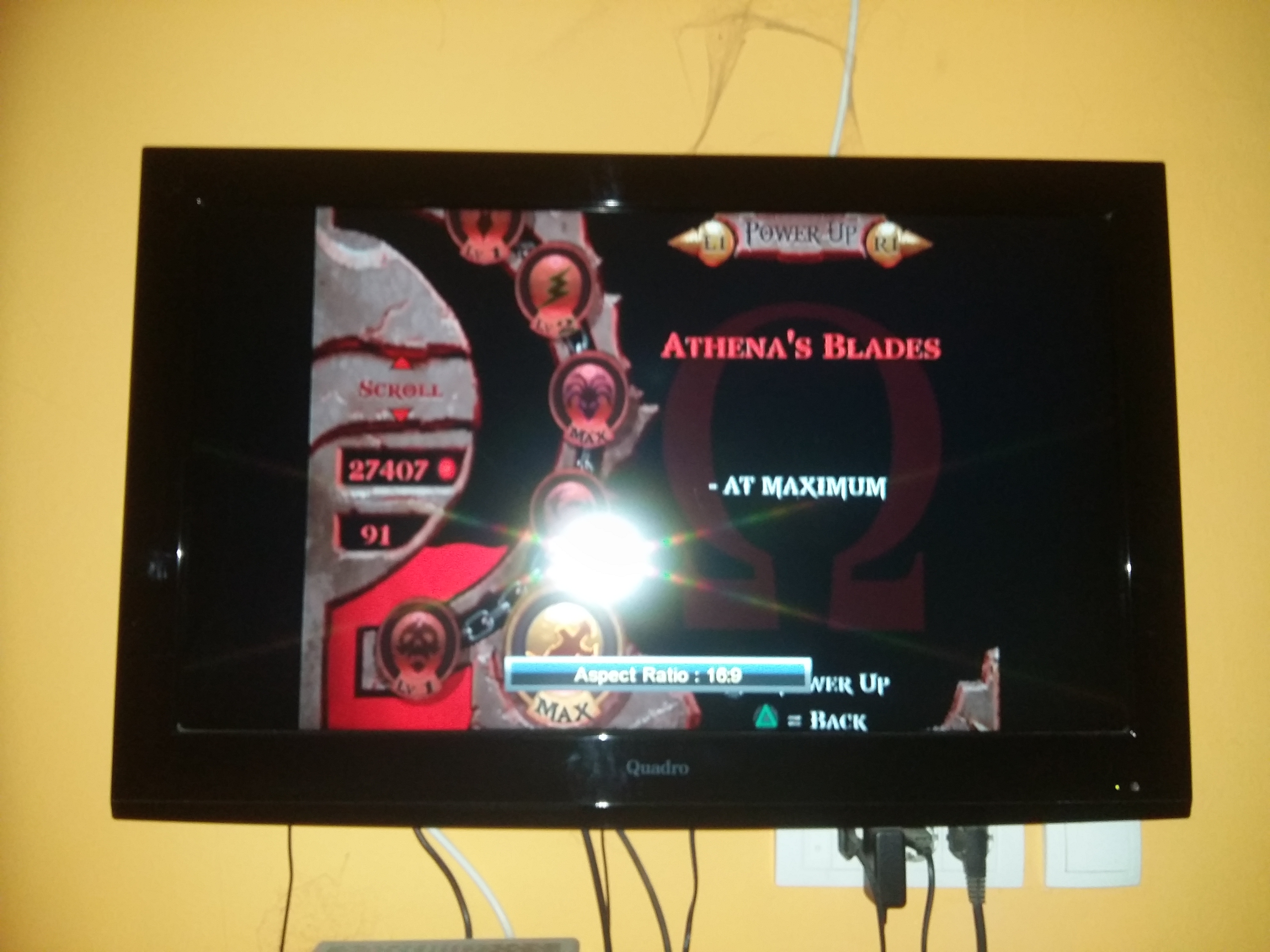
@TnA-Plastic It shows everything as you can see but the image is too small
GKid94
on 21 Nov 2020
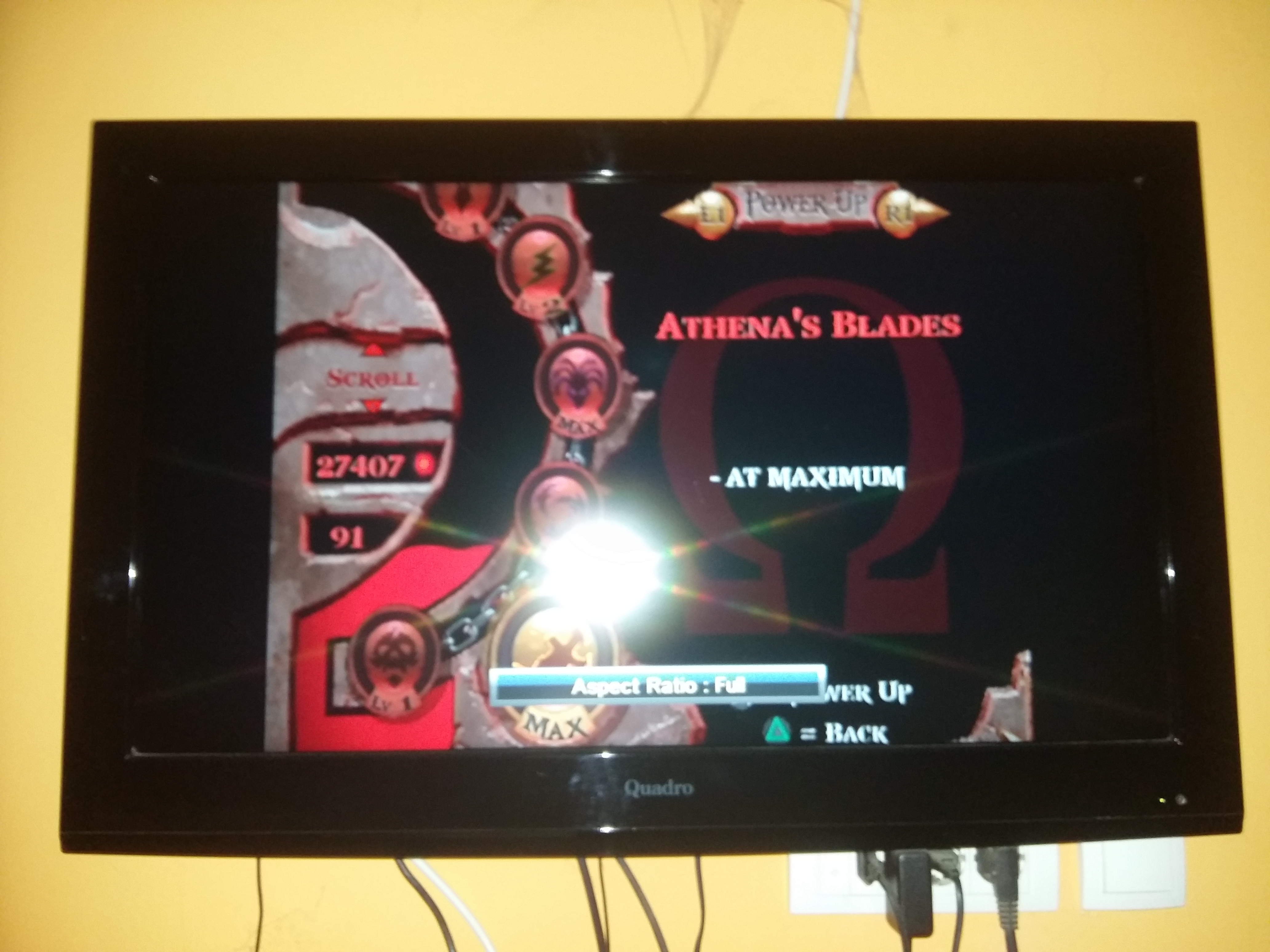
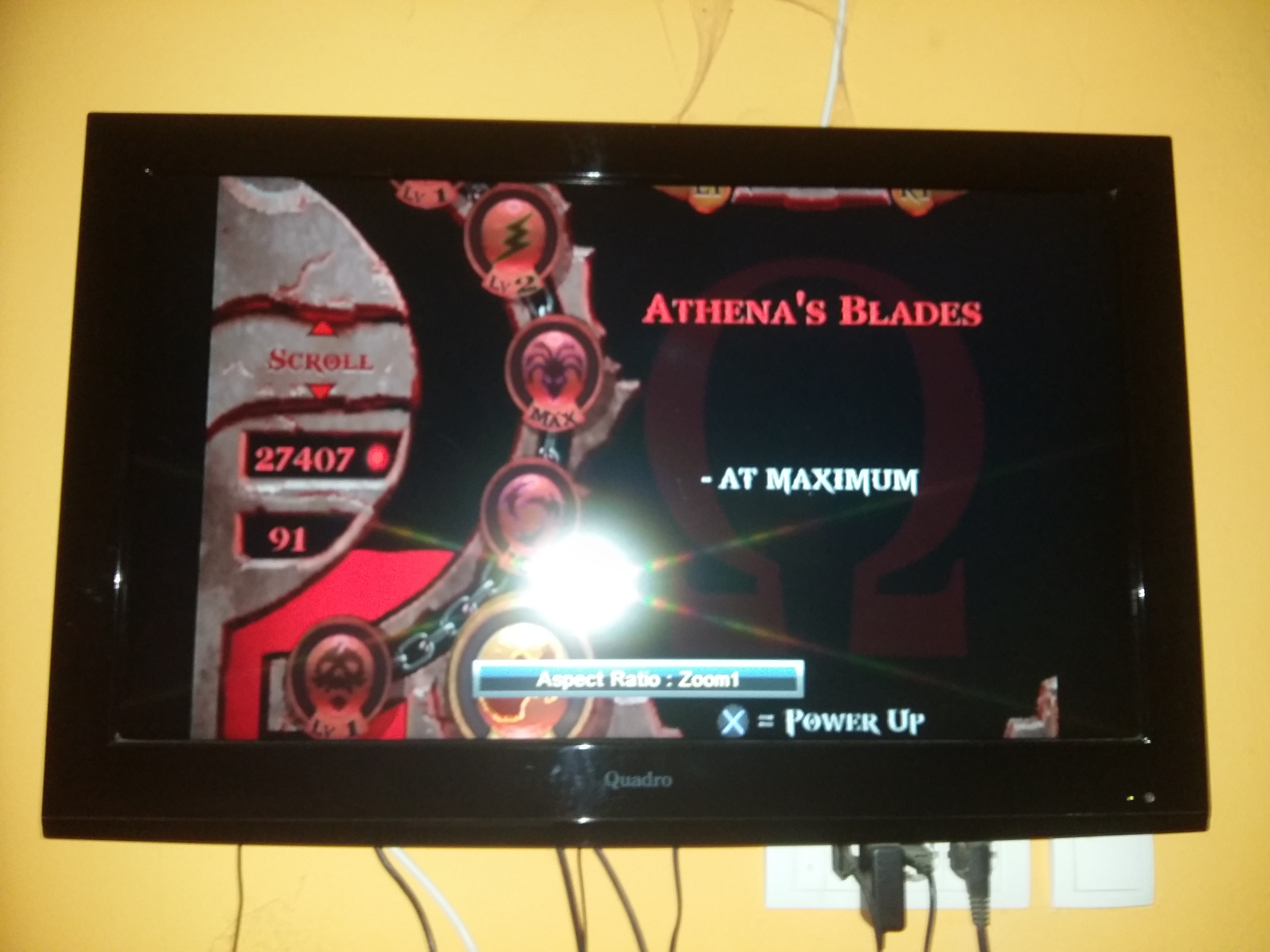
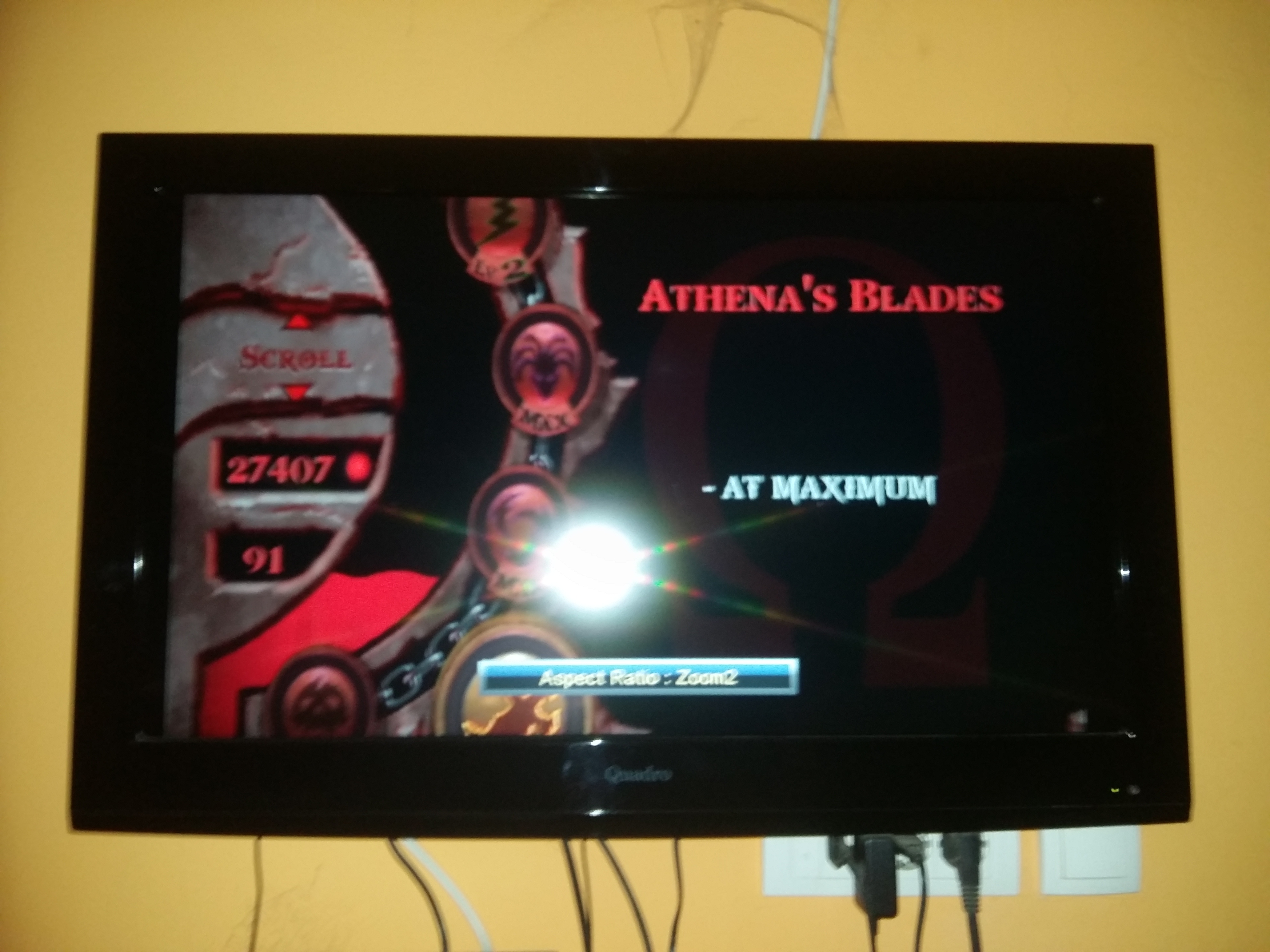
GKid94
on 21 Nov 2020
It seems to show everything on the first 4 pictures. I don't see anything cut off, so I don't get/unterstand the problem.
TnA-Plastic
on 21 Nov 2020
...and I OBVIOUSLY asked, if it is cut off in the forced VModes, using your TV's 'Just scan'...
TnA-Plastic
on 21 Nov 2020
It seems to show everything on the first 4 pictures. I don't see anything cut off, so I don't get/unterstand the problem.
It is cut off a little if you look closely at the top and bottom
GKid94
on 21 Nov 2020
@TnA-Plastic And as I told you in Just scan aspect ratio nothing is cut off but the image is too small as you can see, only in other aspect ratio modes
GKid94
on 21 Nov 2020
Ah. I see...
Some lines indeed only seem to be missing in these scaled modes.
That can be fixed in your TV's Service-Menu!
TnA-Plastic
on 21 Nov 2020
@TnA-Plastic
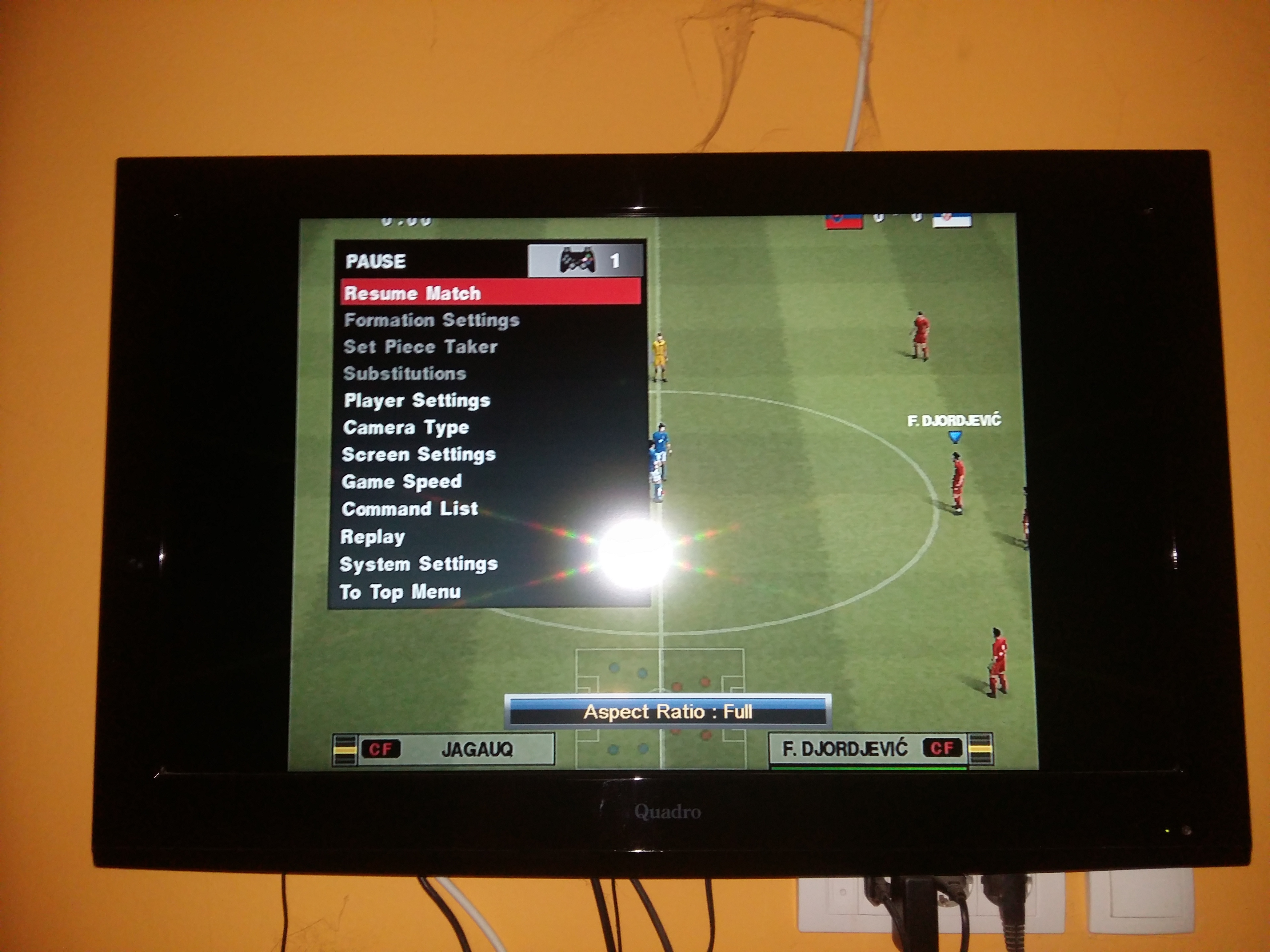
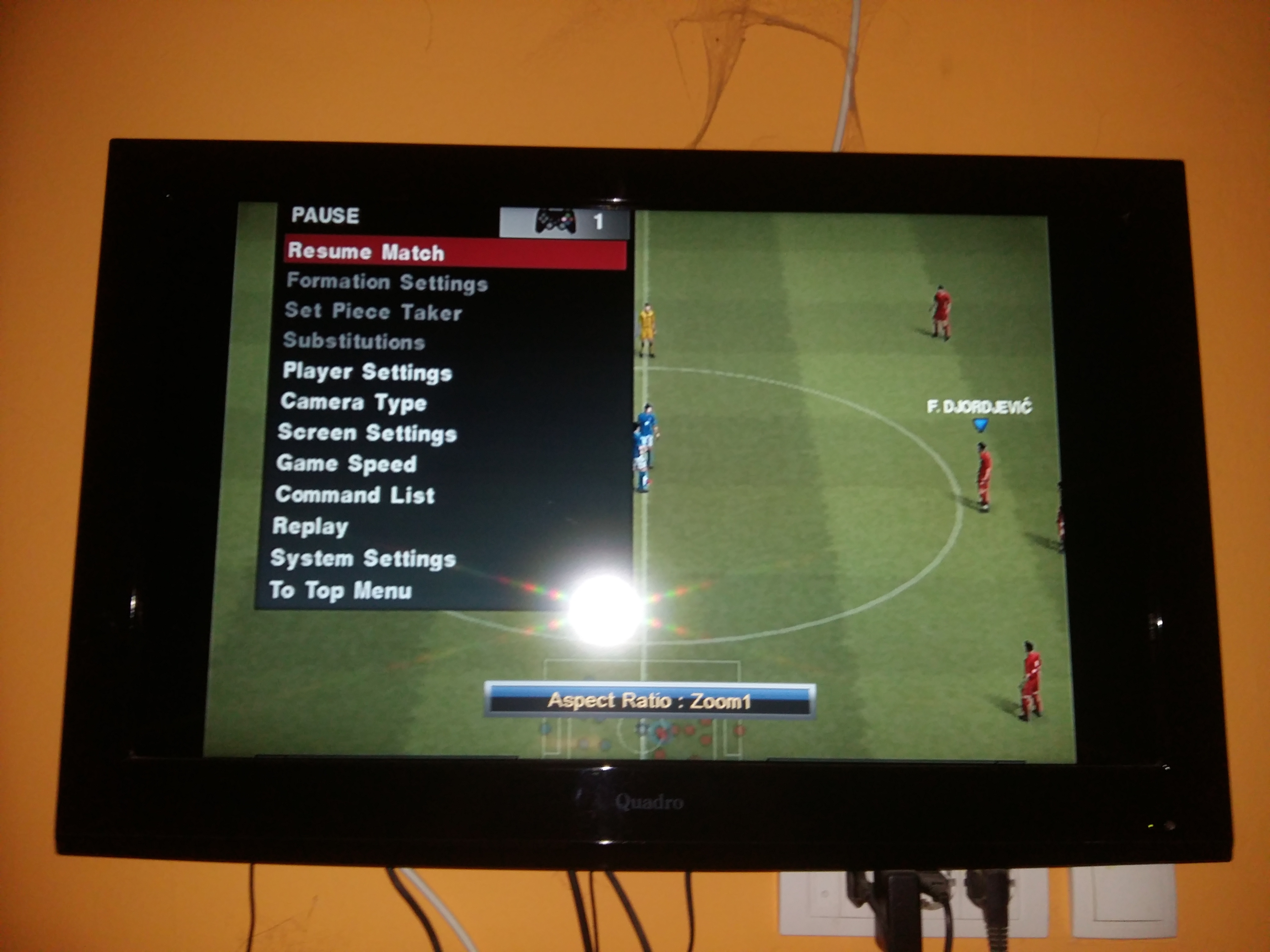
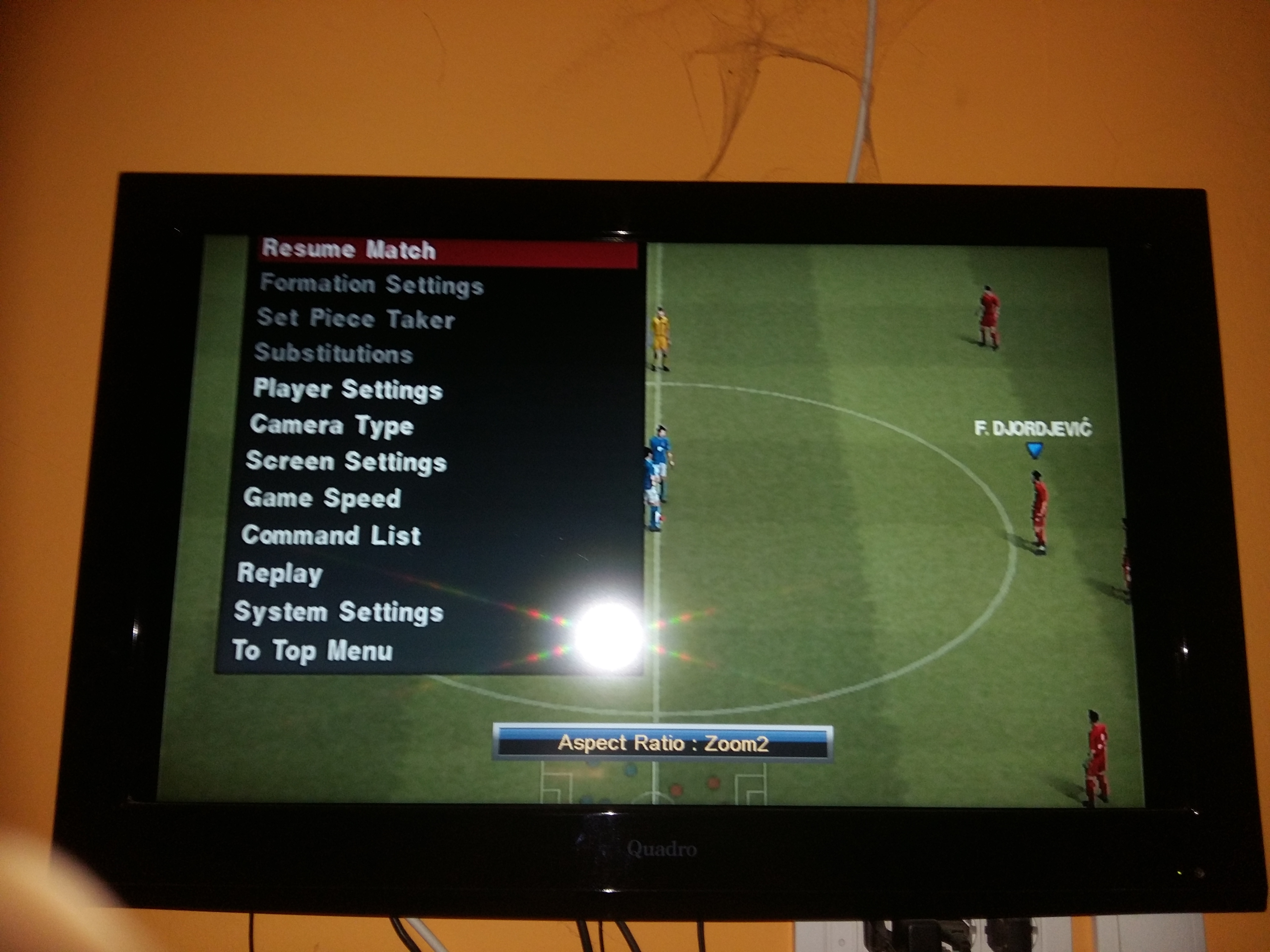
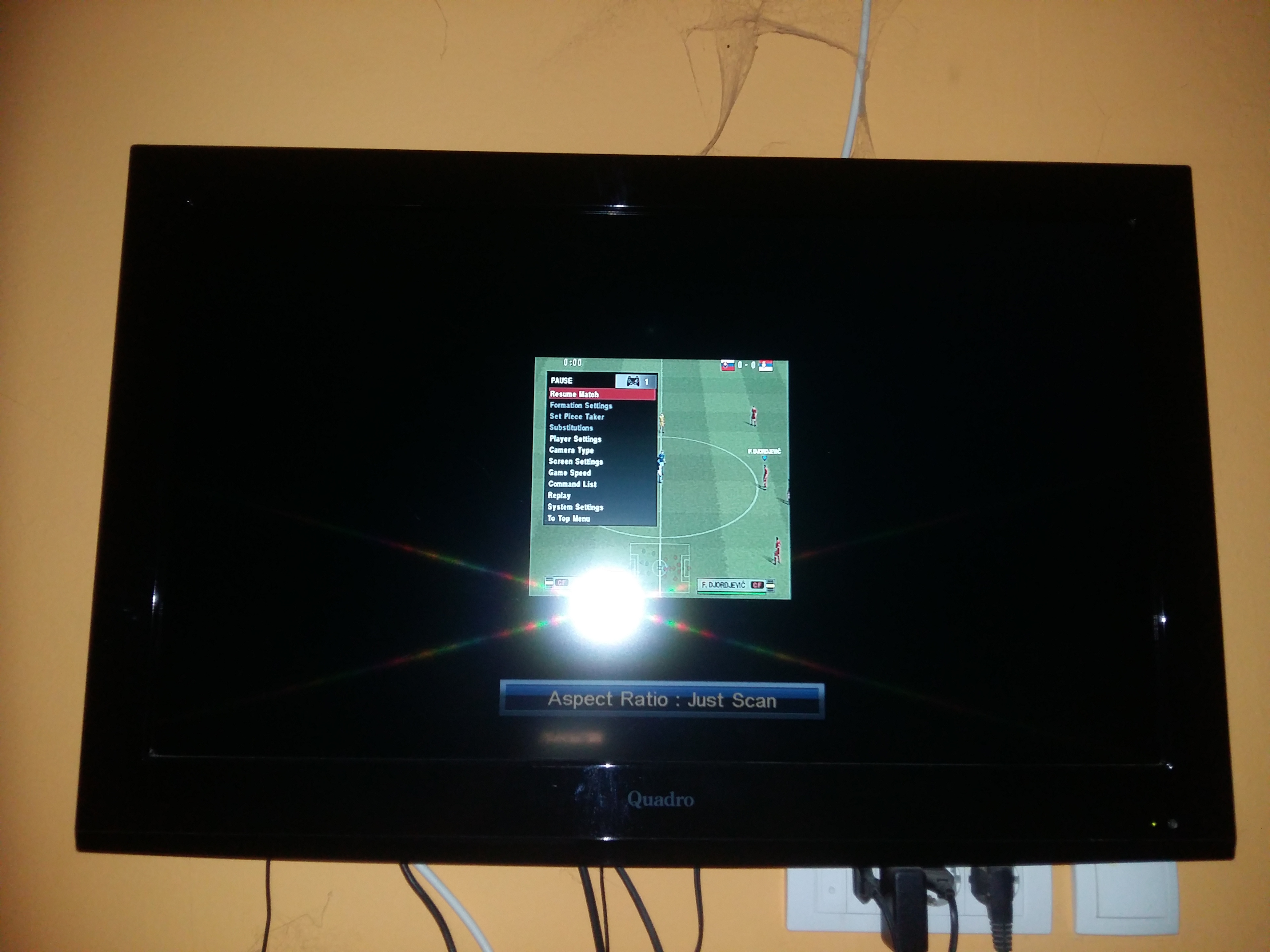
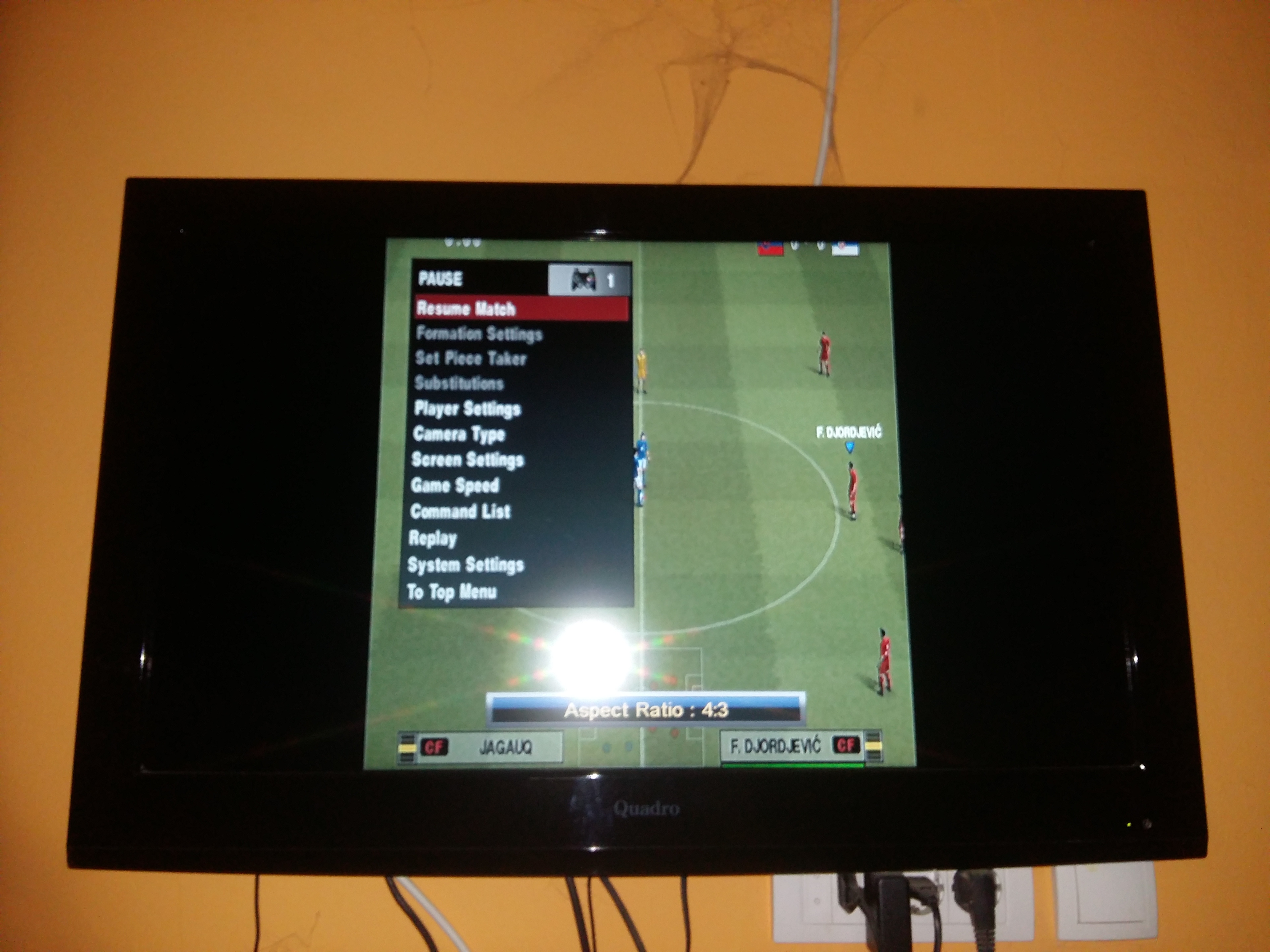
GKid94
on 21 Nov 2020
Just scan is a 1:1 pixel mode. As in no scaling and no overscan, just the raw pixels being displayed.
zappepappe
on 21 Nov 2020
Can you maybe add more progressive scan modes in the GSM
GKid94
on 21 Nov 2020
For what purpose and what modes do you believe will do any difference?
zappepappe
on 21 Nov 2020
In different 480p progressive scan modes
GKid94
on 21 Nov 2020
There is HDTV 480p mode, VGA 480p mode, maybe you can add some more
GKid94
on 21 Nov 2020
So basically you don't know what your problem is and you don't know any way to fix it. But you want someone to implement things that won't help... good luck with that.
zappepappe
on 21 Nov 2020
Your Problem is neither GSM, nor would your suggestion fix anything!
The solution for your problem is either in the settings of your TV, or in it's service-menu!
TnA-Plastic
on 21 Nov 2020
@zappepappe @TnA-Plastic Can you maybe add a 480p option in 4:3 aspect ratio not 1:1 and 5:4
GKid94
on 21 Nov 2020
What parts of the explanations that have already been given to you is it that you don't understand?
zappepappe
on 21 Nov 2020
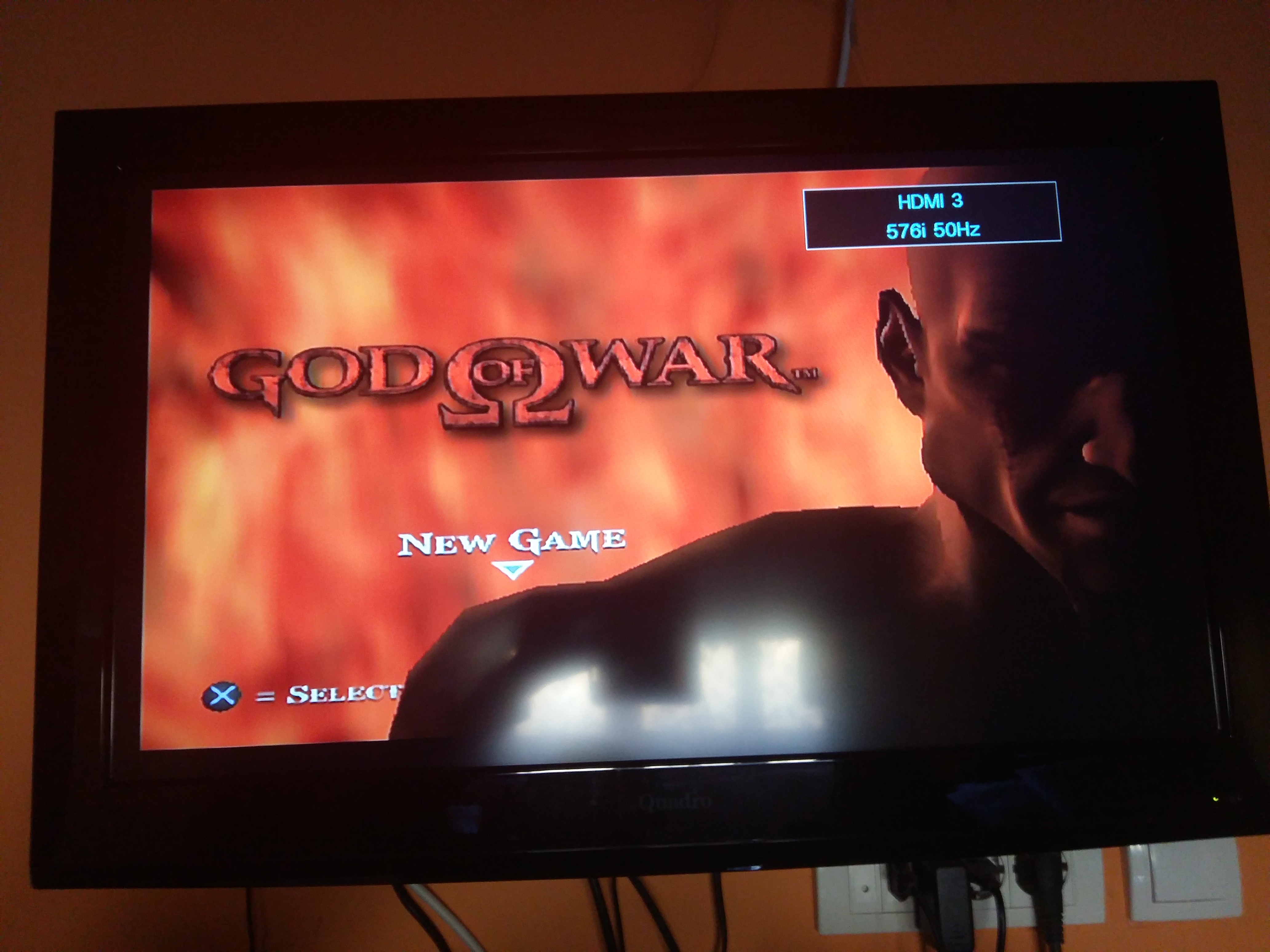
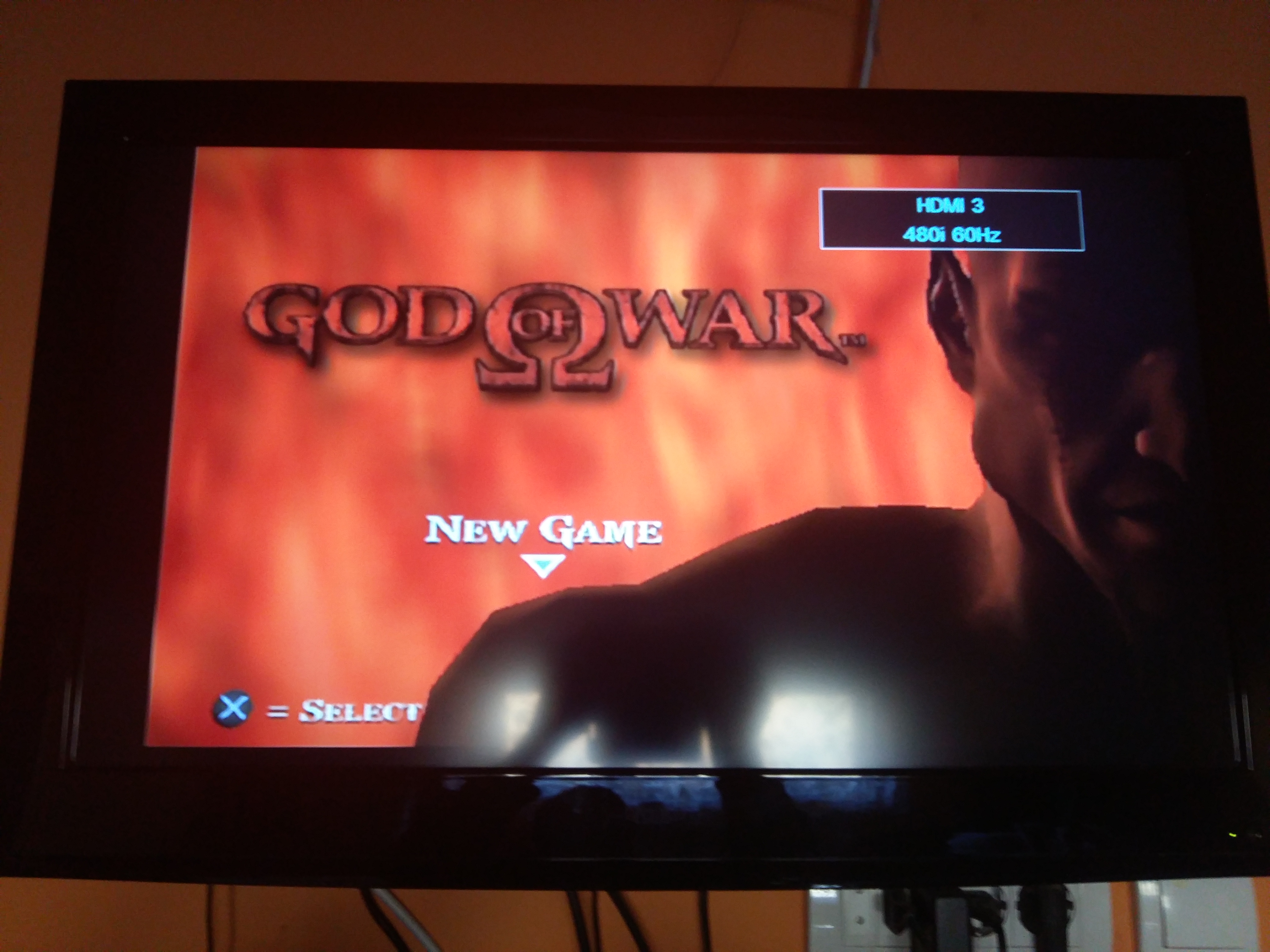
@zappepappe @TnA-Plastic You don't understand what I mean, can you add a 480p mode with the aspect ratio like this, not in 1:1 and 5:4 aspect ratio because it will have cut offs on TVs
GKid94
on 21 Nov 2020
When you figure out how to fit 512 lines inside 480 lines without removing any I will be very happy to hear about it.
zappepappe
on 21 Nov 2020
TECHNICALLY NOT POSSIBLE!
We can ONLY MULTIPLY the internal resolution!!!
We can NOT "free-form" the picture!!!
Do YOU unterstand?
TECHNICALLY... NOT... POSSIBLE!
TnA-Plastic
on 21 Nov 2020
@TnA-Plastic @zappepappe Ok then add other 480p modes that you can make
GKid94
on 21 Nov 2020
THAT... WOULDN'T... CHANGE... A... THING...
Do you unterstand the content of the sentence "TECHNICALLY... NOT... POSSIBLE..."?
There would NOT anything be different with "another" 480p-VMode!!!
TnA-Plastic
on 21 Nov 2020
@TnA-Plastic Why do you think that, maybe it will, you think that I will have cut offs in all 480p modes
GKid94
on 21 Nov 2020
Why?
Because we can ONLY linedouble vertically and horizontally...
AGAIN... Fix the issue in your TV's settings Ort Service-Menu!
Fix =/= In GSM
Fix == Servicemenu or settings of your TV!!!
TnA-Plastic
on 21 Nov 2020
@zappepappe @TnA-Plastic Wait I think I get it now I didn't read the post with the gray images, so GSM cannot change the game size on the black frame, right?
GKid94
on 21 Nov 2020
Correct. The internal resolution of the game can not be changed with GSM. It can only be scaled in integer steps (x2, x3) and put in a different frame.
zappepappe
on 21 Nov 2020
- Google: line-doubling
- You don't read? Then this conversation is senseless.
- THE ISSUE IS NOT GSM, BUT THE SCALING-SETTINGS OF YOUR TV. FIX THESE SETTINGS IN YOUR TV!!!
IN... YOUR... TV!!!!!!!!!!!!!!!!!!!!!!
@ElPatas1 I suggest this issue to be closed...
TnA-Plastic
on 21 Nov 2020
@zappepappe @TnA-Plastic Oh so the GSM only changes the frame and the console then thinks the resolution is changes so it changes the display mode, right?
GKid94
on 21 Nov 2020
The frame is the display mode.
zappepappe
on 21 Nov 2020
@zappepappe Ok then if you try to resize the frame or change it's top and bottom size will the game still be out of the frame and have cut offs
GKid94
on 21 Nov 2020
YOUR TV's SCALING IS OFF...
What is so hard to unterstand about that?
If something is only cut off, when no "just scan" is turned on, it is OBVIOUSLY YOUR TV's FAULT and NOT GSM's!!!!!!!!!!!!!!!!!
TnA-Plastic
on 21 Nov 2020
@TnA-Plastic Yes but I don't know how to fix that on the TV
GKid94
on 21 Nov 2020
YOUR TV'S FAULT!!!
YOUR TV'S FAULT!!!
YOUR TV'S FAULT!!!
YOUR TV'S FAULT!!!
YOUR TV'S FAULT!!!
NOT GSM'S FAULT!!!
CAN YOU COMPREHEND THAT FACT?!?!?!?!?!?!?!?
TnA-Plastic
on 21 Nov 2020
@
YOUR TV'S FAULT!!!
YOUR TV'S FAULT!!!
YOUR TV'S FAULT!!!
YOUR TV'S FAULT!!!
YOUR TV'S FAULT!!!NOT GSM'S FAULT!!!
CAN YOU COMPREHEND THAT FACT?!?!?!?!?!?!?!?
@TnA-Plastic Yes but I don't know how to fix that on the TV
GKid94
on 21 Nov 2020
@TnA-Plastic Yes but I don't know how to fix that on the TV
SERVICE-MENU OR SETTINGS!!!!!!!!! HOW MORE OFTEN SHOULD I WRITE THAT AND HOW MORE OFTEN DO YOU IGNORE IT?!?!?!?!?!?
TnA-Plastic
on 21 Nov 2020
@TnA-Plastic Yes but I don't know how to fix that on the TV
SERVICE-MENU OR SETTINGS!!!!!!!!! HOW MORE OFTEN SHOULD I WRITE THAT AND HOW MORE OFTEN DO YOU IGNORE IT?!?!?!?!?!?
I don't know how to open the service menu
GKid94
on 21 Nov 2020
I don't think it's a good idea to mess about in the service menu. What issue are trying to fix?
zappepappe
on 21 Nov 2020
@zappepappe He told me to open the service menu but I don't know how, I asked if you try to resize the frame or change it's top and bottom size will the game still be the same and out of the frame and have cut offs
GKid94
on 21 Nov 2020
Then look up the service-manual for your TV...
Sometimes it can be accessed by holding some of the front-buttons, etc.
@zappepappe His messed up scaling.
"Just scan" doesn't cut off the picture.
Maybe it can be fixed in his normal picture-settings instead of the Service-Menu.
TnA-Plastic
on 21 Nov 2020
Then look up the service-manual for your TV...
Sometimes it can be accessed by holding some of the front-buttons, etc.@zappepappe His messed up scaling.
"Just scan" doesn't cut off the picture.Maybe it can be fixed in his normal picture-settings instead of the Service-Menu.
@TnA-Plastic I only have color, brightness, aspect ratio, and noise reduction options in video settings
GKid94
on 21 Nov 2020
On point... There is not nothing which GSM can do, nor anything that can be done to GSM, to "fix" that...
Point blank and I suggest the issue to be closed for that reason!
He needs to fix the issue of his TV and that's it... Nothing GSM can do about it.
TnA-Plastic
on 21 Nov 2020
Then look up the service-manual for your TV...
Sometimes it can be accessed by holding some of the front-buttons, etc.
@zappepappe His messed up scaling.
"Just scan" doesn't cut off the picture.
Maybe it can be fixed in his normal picture-settings instead of the Service-Menu.@TnA-Plastic I only have color, brightness, aspect ratio, and noise reduction options in video settings
Then look for the service-manual of your TV...
TnA-Plastic
on 21 Nov 2020
@
Then look up the service-manual for your TV...
Sometimes it can be accessed by holding some of the front-buttons, etc.
@zappepappe His messed up scaling.
"Just scan" doesn't cut off the picture.
Maybe it can be fixed in his normal picture-settings instead of the Service-Menu.@TnA-Plastic I only have color, brightness, aspect ratio, and noise reduction options in video settings
Then look for the service-manual for your TV...
I don't have a service manual and there is no manual on the internet for my TV
GKid94
on 21 Nov 2020
@TnA-Plastic And I don't think it's safe to change the service mode settings
GKid94
on 21 Nov 2020
Then you just have to live with it...
TnA-Plastic
on 21 Nov 2020
Then you just have to live with it...
@TnA-Plastic Can you answer my question about the frame
@zappepappe Ok then if you try to resize the frame or change it's top and bottom size will the game still be out of the frame and have cut offs
GKid94
on 21 Nov 2020
If you change the number of lines in the frame you go out-of-spec and there is a good chance the ADC won't recognize the signal. And I don't believe any out-of-spec display mode like that will be added to GSM.
Better to take control of the ADC with something like the OSSC and hope the TV is able to display it.
Or, you know, use a CRT like the PS2 was designed for.
zappepappe
on 21 Nov 2020
We already told you...
WE... can NOT... "freely stretch"... the "rendered picture"/"internal resolution"... but ONLY MULTIPLY...
DOUBLE, TRIPLE, QUADROUPLE...
Regarding the output-resolution: Like @zappepappe wrote... It would end up in invalid output-resolutions/VModes.
TnA-Plastic
on 21 Nov 2020
If you change the number of lines in the frame you go out-of-spec and there is a good chance the ADC won't recognize the signal. And I don't believe any out-of-spec display mode like that will be added to GSM.
Better to take control of the ADC with something like the OSSC and hope the TV is able to display it.
Or, you know, use a CRT like the PS2 was designed for.
We already told you...
WE... can NOT... "freely stretch"... the "rendered picture"/"internal resolution"... but ONLY MULTIPLY...
DOUBLE, TRIPLE, QUADROUPLE...Regarding the output-resolution: Like @zappepappe wrote... It would end up in invalid output-resolutions/VModes.
Ok thx that's what I wanted to know, I don't know why is the 480p game resolution in 1:1 or 5:4 aspect ratio instead of 4:3
GKid94
on 21 Nov 2020
The game resolution is the same no matter what output you use.
GSM only changes the frame.
Your ADC interprets the analog signal.
Your TV try to show what the ADC sends it.
The only one in that chain that cares about aspect ratio is your TV.
Nothing to do with the aspect ratio. You are trying to put a round peg (analog signal) into a square hole (digital display).
Since your converter isn't interpreting the signal correctly and even if it did there is a good chance the TV would not display it correctly since it's not a standard digital signal, this is what you end up with.
zappepappe
on 21 Nov 2020
I close this, since something like this cannot be handled by GSM and
there have been plenty of explanations about it.
Best regards.
 ElPatas1
on 21 Nov 2020
ElPatas1
on 21 Nov 2020
I thought about this and I think that @TnA-Plastic is right, the GSM displays the game without overscan just like when I switch to Just scan mode but my TV shows the image with cut offs and I don't know why
GKid94
on 22 Nov 2020
@zappepappe @TnA-Plastic @ElPatas1 Is it maybe possible to have the same HDTV 480p frame but smaller
GKid94
on 22 Nov 2020
Like this, the red is the frame

GKid94
on 22 Nov 2020
First of, this is a issue tracker for OPL and not a general help forum. There are other places for that, and this feature request have been closed.
But since I'm already making a post I might as well try to answer. The Just Scan pictures you posted of GoW are actually not the entire picture. They don't have the 16 lines at the top and bottom, just like I showed in my explanation.
The rest of the missing picture in other modes are because of the TVs overscan setting. Most TVs have an option in the settings menu to turn off overscan, some you have to set the TV to a "PC" mode or something similar to turn it off.
If it's smaller it's not the same... There are basically two widely used standards for 480p.
The TV standard that is used by DTV, DVD and most consoles that support it.
The PC standard called VGA.
If you want to add anything besides that you can try and implement it. But I guess you will have to make a pretty good argument to get it pulled in.
zappepappe
on 22 Nov 2020
First of, this is a issue tracker for OPL and not a general help forum. There are other places for that, and this feature request have been closed.
But since I'm already making a post I might as well try to answer. The Just Scan pictures you posted of GoW are actually not the entire picture. They don't have the 16 lines at the top and bottom, just like I showed in my explanation.
The rest of the missing picture in other modes are because of the TVs overscan setting. Most TVs have an option in the settings menu to turn off overscan, some you have to set the TV to a "PC" mode or something similar to turn it off.If it's smaller it's not the same... There are basically two widely used standards for 480p.
The TV standard that is used by DTV, DVD and most consoles that support it.
The PC standard called VGA.
If you want to add anything besides that you can try and implement it. But I guess you will have to make a pretty good argument to get it pulled in.
Oh ok so if you reduce the frame the console won't render it the same as HDTV 480p, or it won't render the image at all right?
GKid94
on 22 Nov 2020
@zappepappe I'm also curious why the GSM 720p and 1080p mode doesn't work, if I could play the game in 1080p I could switch the aspect ratio to Just scan and I would have the full image on the whole screen without overscan
GKid94
on 22 Nov 2020
Please post your question in the official forum of psx-place which is a most appropriate place:
https://www.psx-place.com/forums/open-ps2-loader-opl.77/
Best regards.
ElPatas1
on 22 Nov 2020
Related issues
 yoshi314
·
10Comments
yoshi314
·
10Comments
 Aced14
·
4Comments
carl0sjt
·
8Comments
carl0sjt
·
10Comments
Aced14
·
4Comments
carl0sjt
·
8Comments
carl0sjt
·
10Comments
 gingerbeardman
·
4Comments
gingerbeardman
·
4Comments