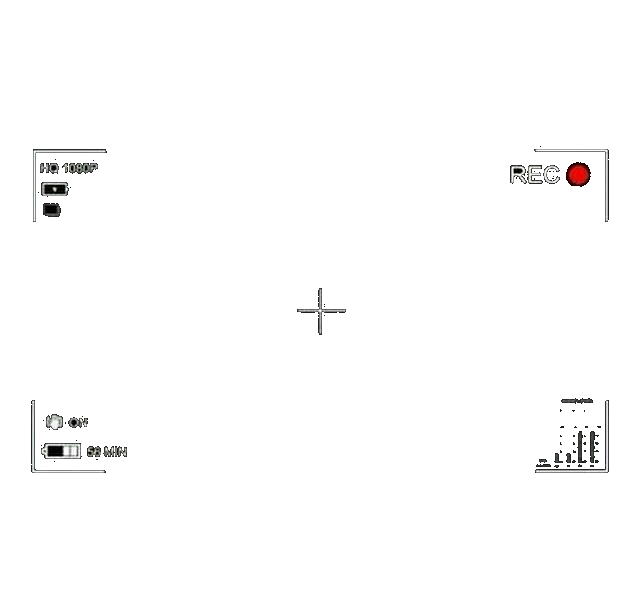
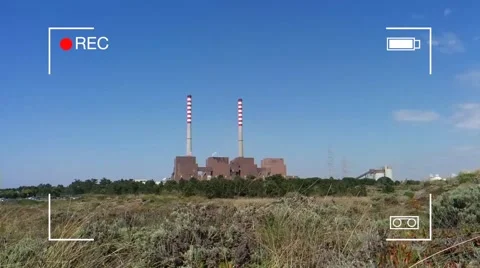
Olive: Add "Render > CAM Overlay Display" effect
Add "CAM Overlay Display" ("Screen Overlay", "HUD") effect
- Templates;
- Customized animated elements/indicators (connected to sequence properties & time position);
- Volume indicator;
- Other useful features.
 Symbian9
All 5 comments
Project/Image imports can already do this, why make effect specifically for it?
 oc1024
on 19 Apr 2019
oc1024
on 19 Apr 2019
Because "CAM Overlay" is common video effect.
Symbian9
on 19 Apr 2019
That's not an excuse for something that is also commonly done using an image, heck you even posted one!
 benrob0329
on 19 Apr 2019
benrob0329
on 19 Apr 2019
It would only really be worth it when you want an animated one, but even so, it's not something to ask for this early in the development process. itsmattkc might start looking into effects like these after Olive reaches beta, but I bet that somebody will have made this effect as some sort of plugin by the time that happens (I'm not sure about the details, but, from what I understand, support for plugins or something similar is being worked on at the moment).
 elsandosgrande
on 25 Apr 2019
elsandosgrande
on 25 Apr 2019
I don't think Olive is the right program for this, this is a very specific preset with a very specific style and I think most Olive users would probably prefer to make their own overlay that suited their needs if they needed such a thing.
 itsmattkc
on 2 May 2019
itsmattkc
on 2 May 2019
Related issues
Symbian9
·
18Comments
 zakaria-chahboun
·
21Comments
zakaria-chahboun
·
21Comments
 prokoudine
·
38Comments
prokoudine
·
38Comments
 libalis
·
39Comments
libalis
·
39Comments
 pgilfernandez
·
18Comments
pgilfernandez
·
18Comments
Most helpful comment
Project/Image imports can already do this, why make effect specifically for it?