Obs-mac-virtualcam: Image coming through distorted on non-standard resolutions
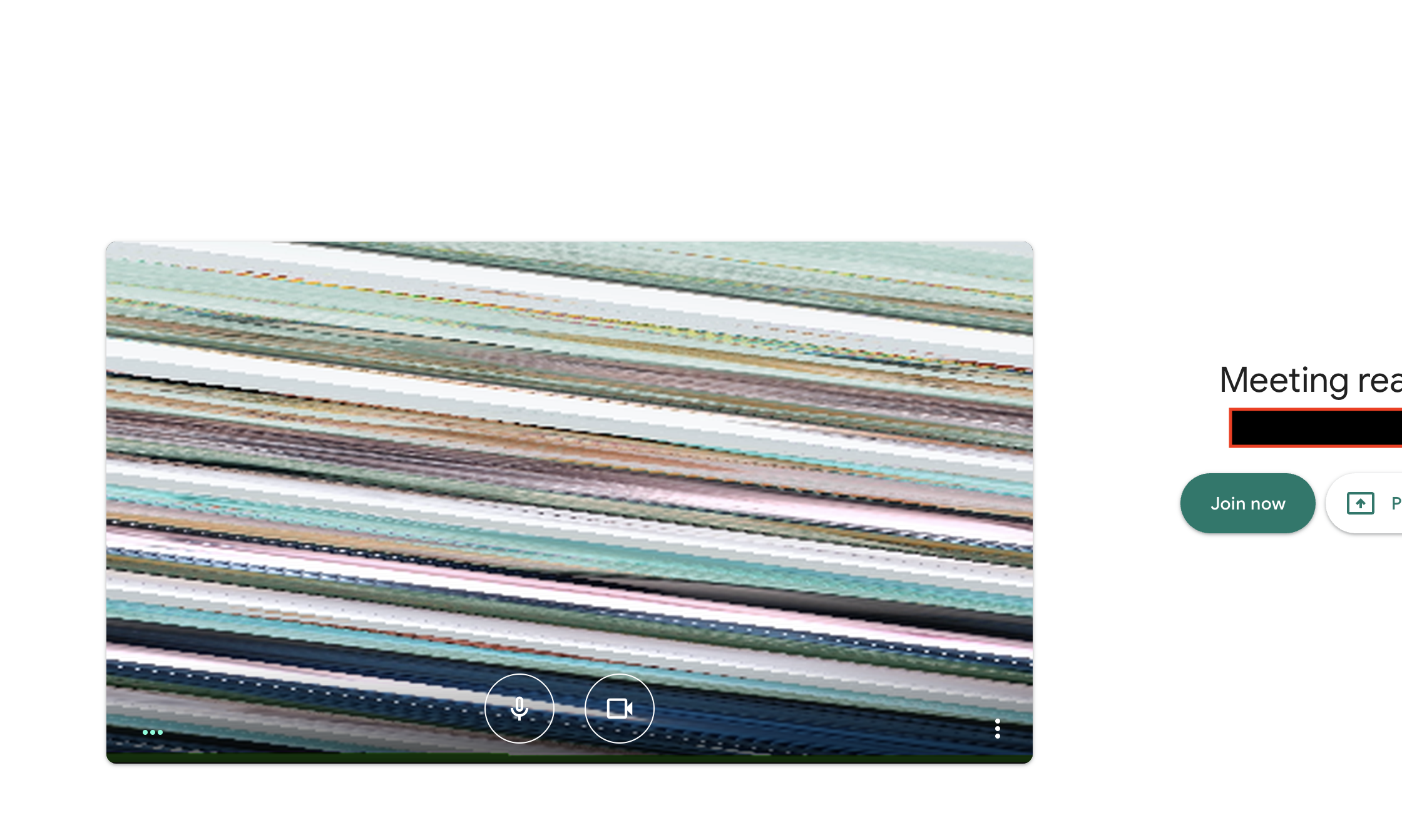
The plug-in had been working fine until recently the virtual camera feed was very distorted and pixilated
To Reproduce
Steps to reproduce the behavior:
- Open OBS
- Start the Virtual Webcam
- Open google meets and start a meeting
Expected behavior
That the feed would come in without being pixelated
Desktop (please complete the following information):
-Catalina 10.15.4
- Chrome
- 1.1.0
- OBS version 25.0.8
Additional context
It had been working perfectly the other day, I also tried uninstalling and re-installing.
ScreenShot:
 mchety
All 20 comments
What resolution are you using in OBS?
 johnboiles
on 20 May 2020
johnboiles
on 20 May 2020
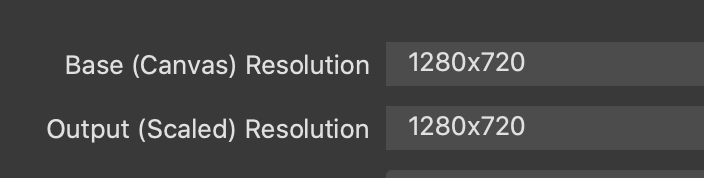
720x1280
mchety
on 20 May 2020
Interseting! Portrait? Is that the resolution for both the canvas and scaled resolutions?
johnboiles
on 20 May 2020
Sorry, it's actually 1280 by 720, and that is for the base canvas, the output is 424x240.

mchety
on 20 May 2020
It is actually working now after setting both the base and output to 16x9
mchety
on 20 May 2020
We should probably add a "Distorted aspect ratio" and "Unusual resolution" warning.
Might send a proposal tomorrow.
 gxalpha
on 20 May 2020
gxalpha
on 20 May 2020
Awesome! Thank you!
It's also not clear to me what resolutions are supported by the dal plugins. I originally had thought it was something about the mismatch between canvas and scaled resolutions but that seems like not the case. If I set both to 424x240 then things still show as garbled in QuickTime.
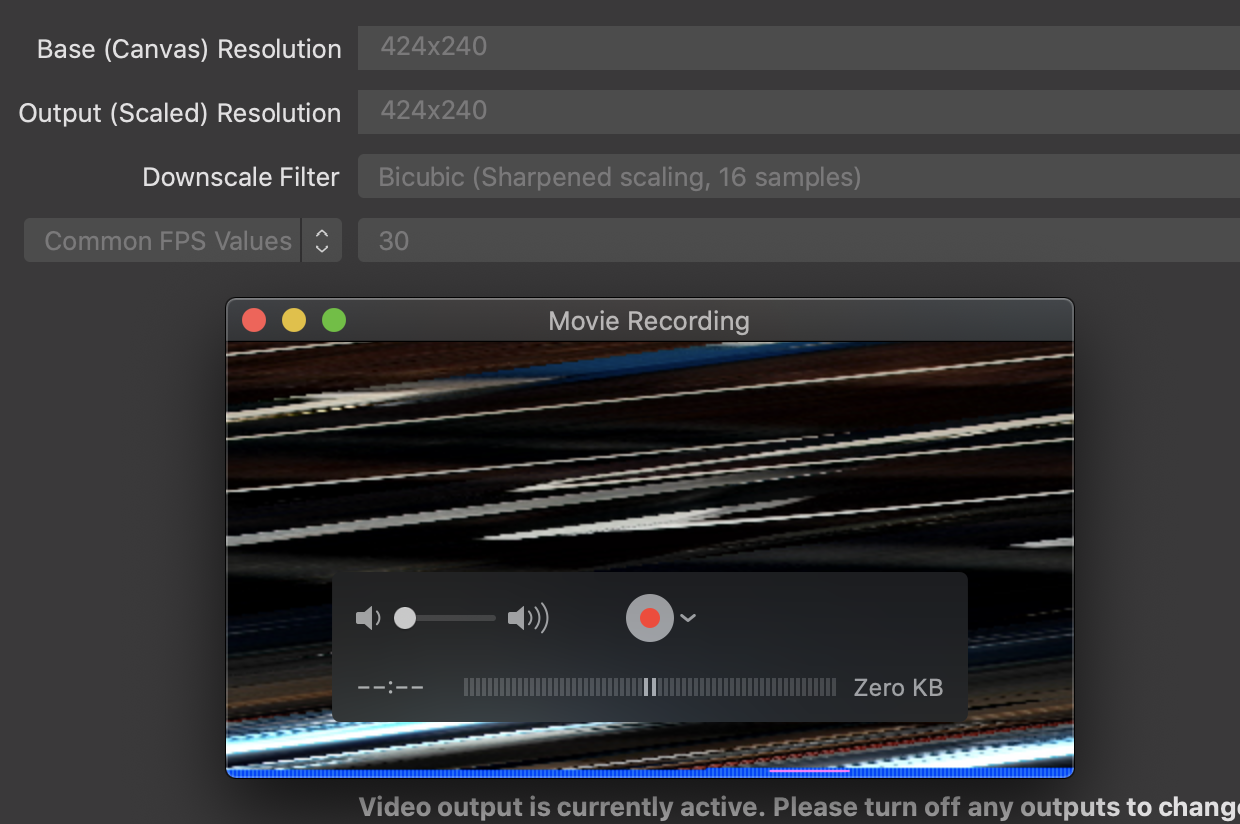
Maybe things need to be multiples of 16? Would be good to try to further understand what is going on here.
johnboiles
on 21 May 2020
Reopening to track this issue. We should either fix this (if possible) or provide a warning
johnboiles
on 21 May 2020
I ran into this issues as well. This thread saved me!
 rydalch
on 22 May 2020
rydalch
on 22 May 2020
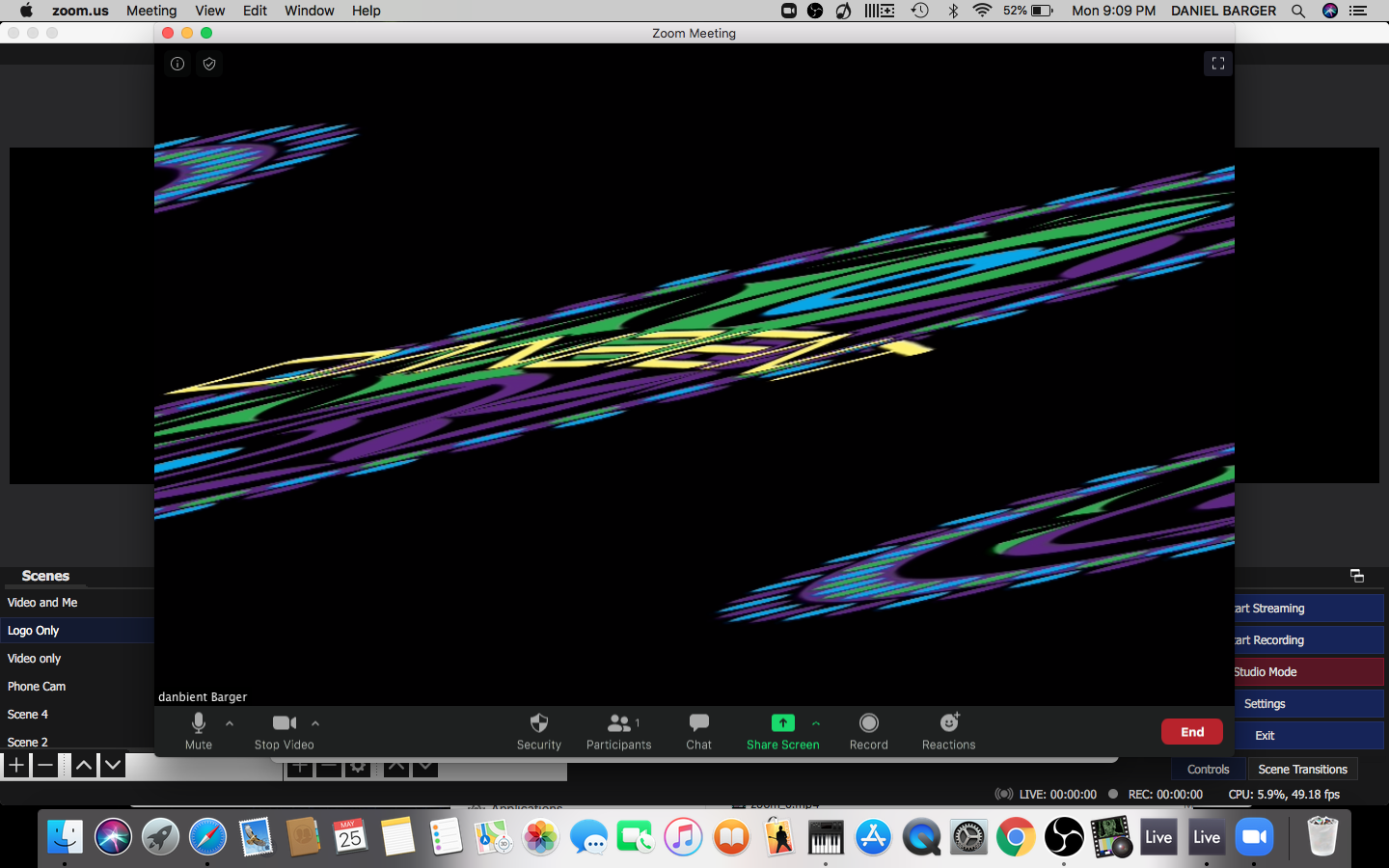
Sorry I just posted about this bug. I am having the same issue going into Zoom. They released a new version that allows for virtual cams again. But I can't get it to not be diagonal...
 therealdanbient
on 26 May 2020
therealdanbient
on 26 May 2020
This is probably a problem with your resolution, only certain resolutions seem to work.
Could you try setting both resolutions to 1280x720?
Also this should be addressed with #138, kinda.
gxalpha
on 26 May 2020
I just did some quick tests with some random resolutions and it seems to me, that as long as both dimensions are divisible by 16, it works fine. I don't totally understand what's happening here but I'm seeing 16 as a magic number for video encoding online.
johnboiles
on 26 May 2020
What about divisible by 8? Or is 16 the smallest increment that produces usable video?
 dodgepong
on 26 May 2020
dodgepong
on 26 May 2020
I haven't done super thorough tests (I have some documented in #138) but the resolution I had above (424x240) is divisible by 8 (but not 16) and does not work.
I haven't found a resolution that's divisible by 16 that _doesn't_ work, but I have found some resolutions that are _not_ divisible by 16 that still seem to work. The divisible-by-16 thing is totally just a hypothesis at this point. Possible there's some other pattern this is adhering to.
johnboiles
on 26 May 2020
This is interesting, though it mentions 16-byte alignment (which would be 8 pixels). Maybe I can log CVPixelBufferGetBytesPerRowOfPlane and see if that gives me any clues.
johnboiles
on 26 May 2020
Going to try this out and see if it gives me any hints
diff --git a/src/dal-plugin/CMSampleBufferUtils.mm b/src/dal-plugin/CMSampleBufferUtils.mm
index 4eb33b26..a301b386 100644
--- a/src/dal-plugin/CMSampleBufferUtils.mm
+++ b/src/dal-plugin/CMSampleBufferUtils.mm
@@ -25,6 +25,11 @@ OSStatus CMSampleBufferCreateFromData(NSSize size, CMSampleTimingInfo timingInfo
         return err;
     }

+    size_t dstRowbytes = CVPixelBufferGetBytesPerRowOfPlane(pixelBuffer, 0);
+    if (dstRowbytes != (size.width * 2)) {
+        ELog(@"CVPixelBufferGetBytesPerRowOfPlane gives a different number of bytes per row than expected (expected:%d returned:%d", (int)(size.width * 2), (int)dstRowbytes);
+    }
+
     // Generate the video format description from that pixel buffer
     CMFormatDescriptionRef format;
     err = CMVideoFormatDescriptionCreateForImageBuffer(NULL, pixelBuffer, &format);
diff --git a/src/obs-plugin/plugin-main.mm b/src/obs-plugin/plugin-main.mm
index ac2ae39a..a2a31c2a 100644
--- a/src/obs-plugin/plugin-main.mm
+++ b/src/obs-plugin/plugin-main.mm
@@ -74,6 +74,10 @@ static void virtualcam_output_raw_video(void *data, struct video_data *frame)
     CGFloat width = ovi.output_width;
     CGFloat height = ovi.output_height;
     uint8_t *outData = frame->data[0];
+    if (frame->linesize[0] != (ovi.output_width * 2)) {
+        blog(LOG_ERROR, "VIRTUALCAM resolution not expected expected:%d, actual:%d", (ovi.output_width * 2), frame->linesize[0]);
+    }
+
     [sMachServer sendFrameWithSize:NSMakeSize(width, height) timestamp:frame->timestamp frameBytes:outData];
 }
Ok! That gave me OBSDAL: CVPixelBufferGetBytesPerRowOfPlane gives a different number of bytes per row than expected (expected:848 returned:864
So it looks like CVPixelBuffer creates certain width buffers.
johnboiles
on 26 May 2020
Ok I think I have a fix. I'd love some help testing if y'all could download artifacts from that build and test it out. https://github.com/johnboiles/obs-mac-virtualcam/runs/711046656
johnboiles
on 27 May 2020
Ok went ahead and created a new release with this fix. Seems to fix the issue for @gxalpha and I and I'm pretty confident it won't break anything for more normal resolutions. Can y'all go try it out?
johnboiles
on 27 May 2020
Looks like this is still an issue #160
 wesalvaro
on 9 Jul 2020
wesalvaro
on 9 Jul 2020
Related issues
 jdgwf
·
13Comments
jdgwf
·
13Comments
 clemkn
·
12Comments
clemkn
·
12Comments
 teacherguy2020
·
10Comments
teacherguy2020
·
10Comments
 gep13
·
8Comments
gep13
·
8Comments
 technovangelist
·
4Comments
technovangelist
·
4Comments
Most helpful comment
Interseting! Portrait? Is that the resolution for both the canvas and scaled resolutions?