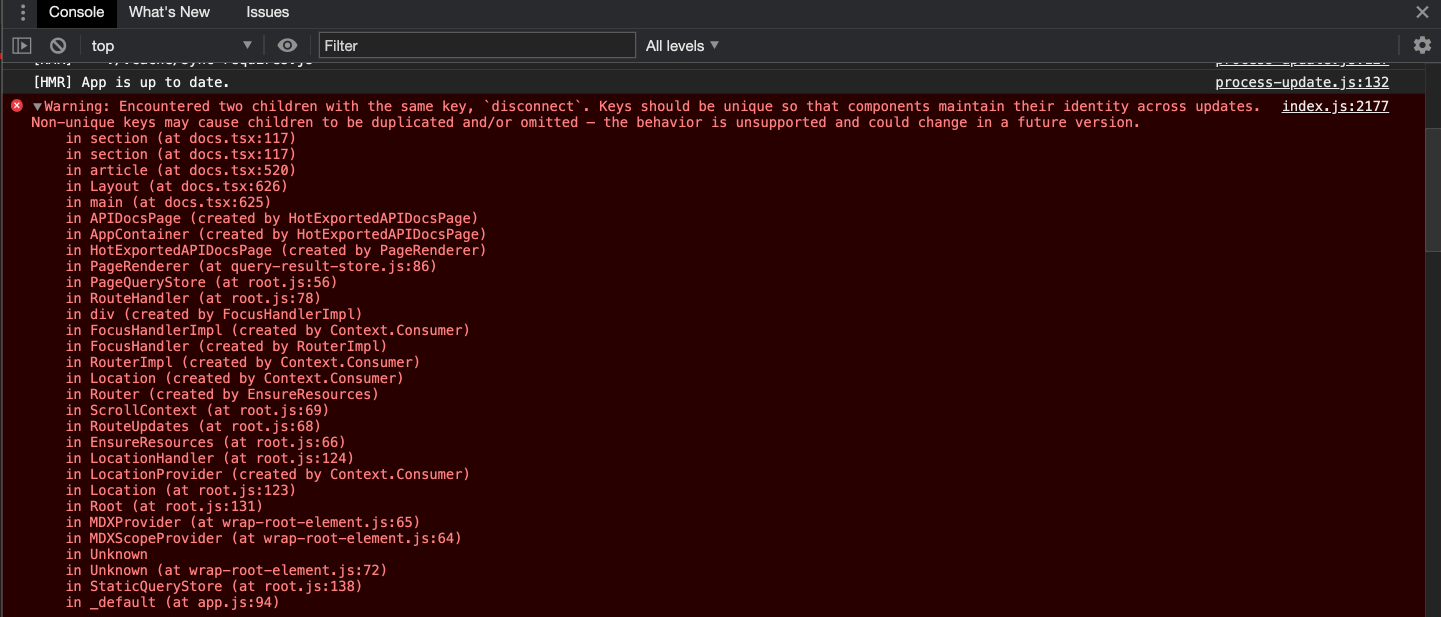
Nodejs.dev: docs page: console warning: Encountered two children with the same key
Steps to reproduce
Navigate to /docs and select any topic then switch to another topic
For example select http then select http2
Expected result
No errors or warnings
Actual result
See screenshot
- OS Version: macOS
- Browser Version: Chrome
 benhalverson
All 8 comments
Hi @benhalverson I think it's an issue where we might be assigning keys based on some dynamic value but for some reason, that value is same for a hierarchy. Is it ok if I look into this issue and update here? Let me know.
Thanks!
 Bhavin789
on 4 Oct 2020
Bhavin789
on 4 Oct 2020
Yep feel free to create a PR with a fix.
benhalverson
on 4 Oct 2020
Awesome, thanks!
Bhavin789
on 4 Oct 2020
Hi @benhalverson
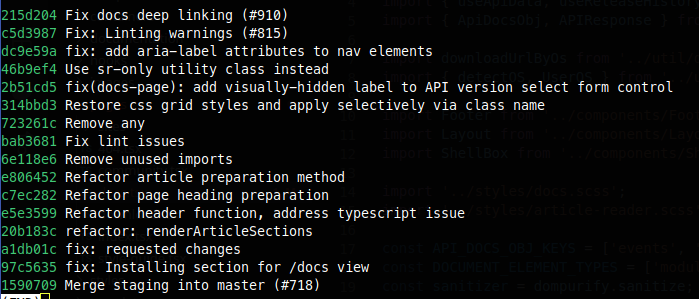
I was trying to make a commit following the commit guidelines and was trying to figure out the affected subsystem. I ran the command suggested but it provided me a list of some commit messages with multiple subsystems like fix and refactor. Can you please guide me on how can I create the commit message? Is there a way or provision to add multiple subsystems? PFA for the list of messages:
Thanks a ton!
Bhavin789
on 4 Oct 2020
Hey @Bhavin789, I'm not @benhalverson but I can help too 😄
In your case, when you're fixing a warning, most likely the perfect choice would be using fix subsystem.
For example, your commit message could like this:
fix: Prevent warnings related to duplicate keys in the docs page.
Additionally, take a look into our contribution guidelines. Also, conventional commits page is worth reading to further understand commit conventions.
 sbielenica
on 4 Oct 2020
sbielenica
on 4 Oct 2020
The commit messages in this repo are not super strict.
I would do something like fix(docs.tsx) Thing I fixed
Personally I use a global npm package called commitizen npm install -g commitizen
My workflow looks like this
git add filename
git cz
select the option from the cli
- The cli will ask you a few questions and will format the message for you
- https://www.npmjs.com/package/commitizen
git push origin branch-name
benhalverson
on 4 Oct 2020
Thanks a lot for the info @sbielenica , had the same thought but just wanted to be sure before for committing :smile: This helped, thanks again!
Bhavin789
on 4 Oct 2020
Thanks @benhalverson for sharing this :smiley: . This package looks super cool, heard for the first time :sweat_smile: . Will definitely try this out and update here.
Bhavin789
on 4 Oct 2020
Related issues
 antsmartian
·
3Comments
antsmartian
·
3Comments
 BeniCheni
·
4Comments
BeniCheni
·
4Comments
 giankotarola
·
4Comments
giankotarola
·
4Comments
 marcustisater
·
3Comments
marcustisater
·
3Comments
 lidoravitan
·
4Comments
lidoravitan
·
4Comments
Most helpful comment
The commit messages in this repo are not super strict.
I would do something like
fix(docs.tsx) Thing I fixedPersonally I use a global npm package called commitizen
npm install -g commitizenMy workflow looks like this
git add filename
git cz
select the option from the cli
git push origin branch-name