Nighttab: Add ability to use thumbnails for icons for better visuals to sites
Add ability to use thumbnails for icons for better visuals to sites. my kid uses the comp a lot and hes 5 so reading isnt his strong-suit yet
 gtanime
All 14 comments
Hi, unfortunately images or thumbnails are out of scope of this project. Since the project does not store any information on a database there is a limit to the amount of data in the browsers cache for extensions or sites. Allowing website thumbnails or images would very likely exceed the local storage limits. Please also see #100.
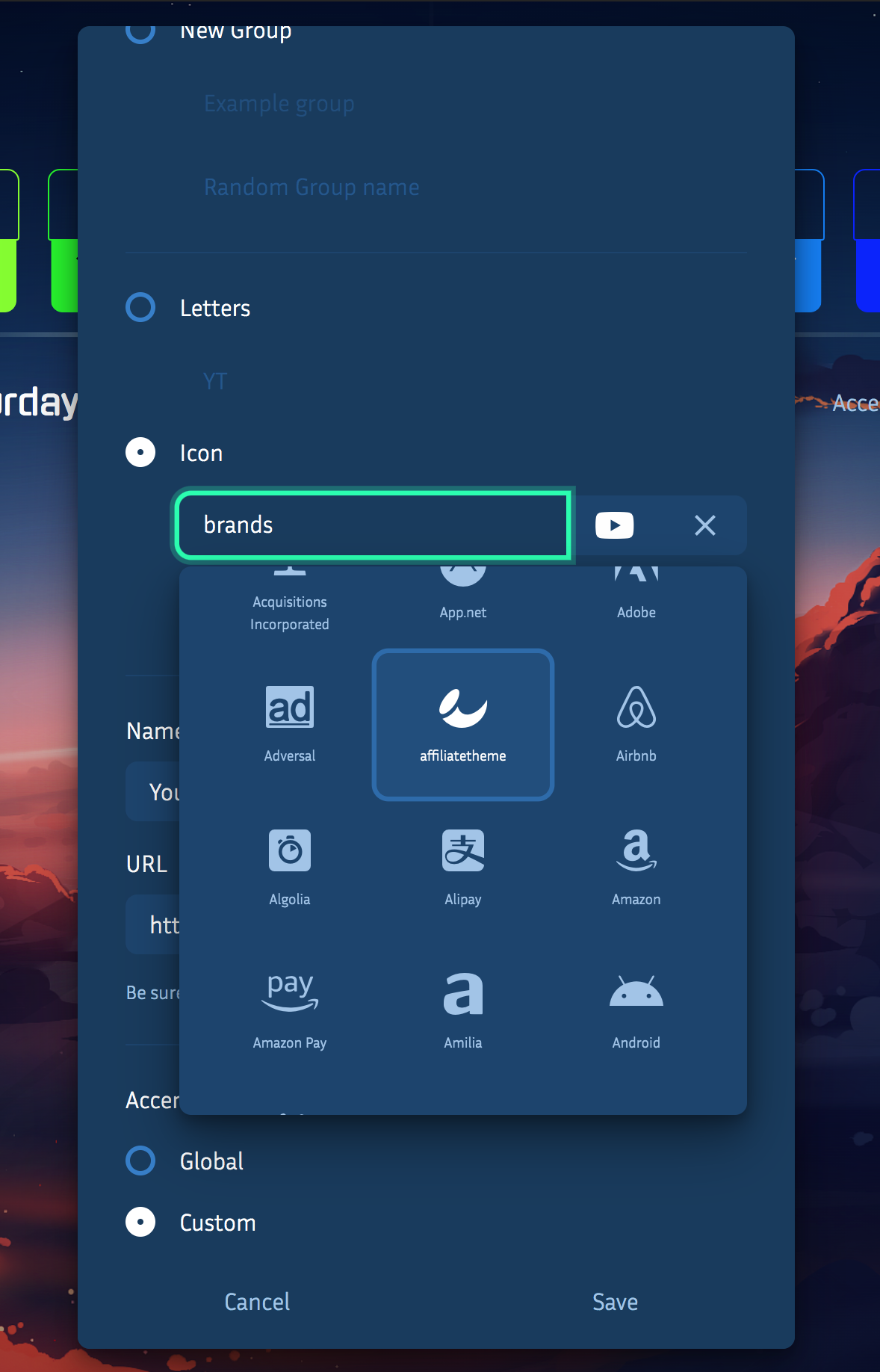
nightTab does however support icons from the fontawesome project. Each bookmark can show an icon in place of a letter using the bookmark edit modal:
 zombieFox
on 5 Apr 2020
zombieFox
on 5 Apr 2020
In my opinion the font awesome icons are enough.
But how about loading icons/images from a URL?
 Excigma
on 6 Apr 2020
Excigma
on 6 Apr 2020
But how about loading icons/images from a URL?
This could be an option. I'll investigate.
zombieFox
on 8 Apr 2020
But how about loading icons/images from a URL?
I would use that feature if it was there as I really prefer good looking icons that match one of the websites than text or an icon that kinda makes you think of the website. For example, with my bookmark to the arch wiki, I had to put a literal arch! 😂
Even though the icons wouldn't be automatically themed, I think I would figure out how to retheme one into the right colour and then upload it somewhere to use it.
 mutageneral
on 24 Apr 2020
mutageneral
on 24 Apr 2020
But how about loading icons/images from a URL?
Would also love this! I have 50+ Bookmarks and only like 5 of them have an icon from fontawesome. It's becoming very hard to find certain sites now... Loading icons from another source would be amazing!
 Arch-Storm
on 1 May 2020
Arch-Storm
on 1 May 2020
Loading icons from another source would be amazing!
This feature would very likely be loading an image file from an outside source. So the hosting, appearance, size and transparacy of the icon/image would rely on the user to manage.
Still investigating. 🌵 💻
zombieFox
on 1 May 2020
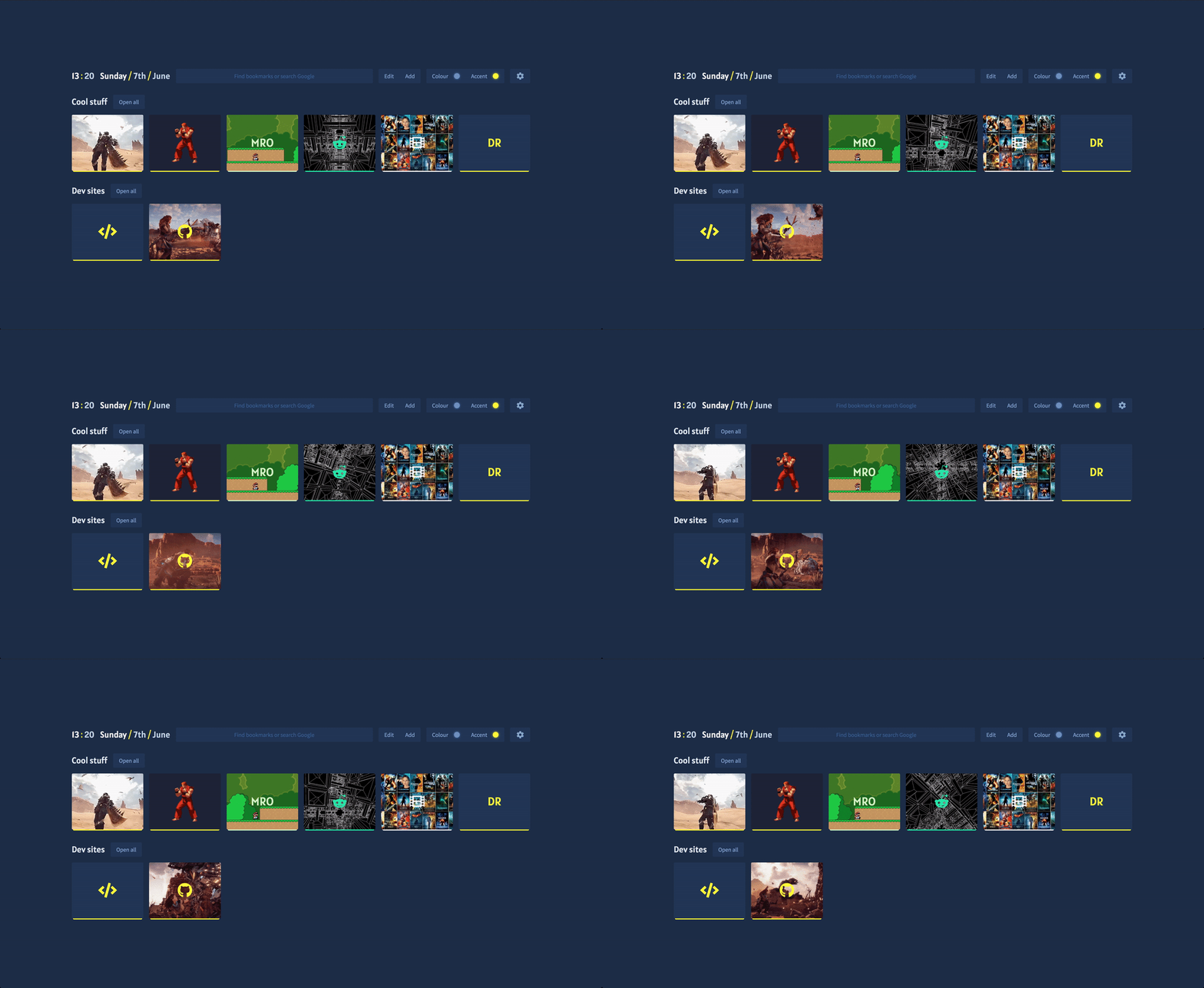
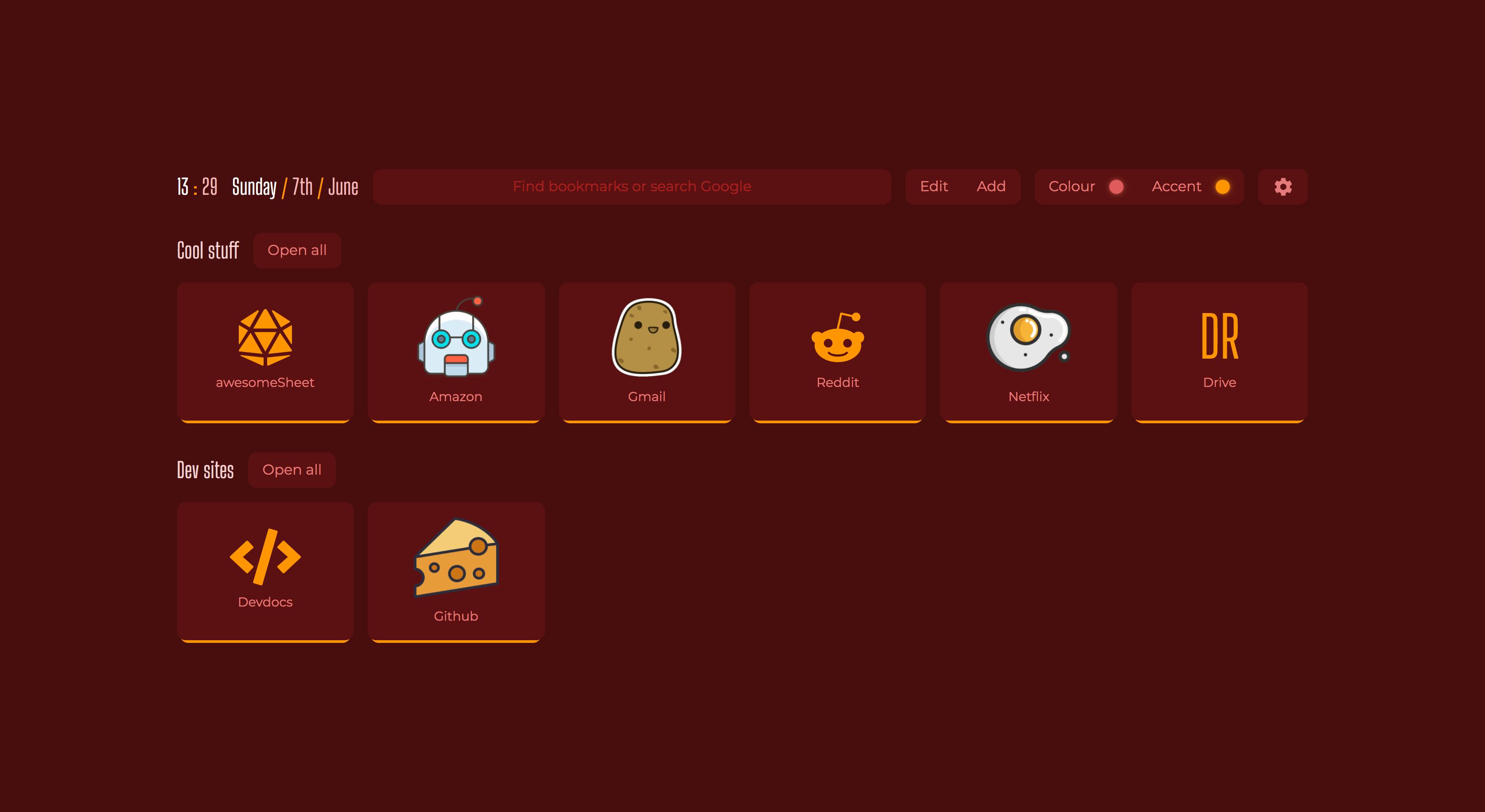
Turns out adding support for bookmark images also adds support for animated gifs 👾
zombieFox
on 7 Jun 2020
First of all a big thanks for this extension! It's great , intelligent, fully customizable and just perfect.
To get back to the topic: It would be also nice if you we could give a path on PC to bookmark images.
This way there is no need to get them from an online source or save them in addon. Just a folder on the PC where you store your personalized icons and favicons etc.
 rezpower
on 7 Jun 2020
rezpower
on 7 Jun 2020
First of all a big thanks for this extension!
Thanks!
It would be also nice if you we could give a path on PC to bookmark images.
I'm pretty sure browser extensions are not able to access local system files for security reasons.
zombieFox
on 7 Jun 2020
what about only picking the file once from a local folder and saving it, just like when you pick a background picture?
rezpower
on 8 Jun 2020
Yes a file can be accessed via the files type input element, this is indeed how the background image upload works.
However this solution has some major issues when working on a project like this, eg, no database and storing all data in browser local storage.
Storage space is one of the issues, image support is another. Please see issue #69 for more details. Users have also encountered major bugs caused by large image date stored in the local storage causing nightTab updates to fail. It is a difficult isses, one which I have not found a solution to yet (other than perhaps removing the background image upload feature all together [still considering this]).
Short version, it is safer and more predictable for the end user to use external resources accessed by URLs for assets not controled by nightTab.
zombieFox
on 8 Jun 2020
You could upload the icons to Imgur, or something similar and use that I guess
Excigma
on 10 Jun 2020
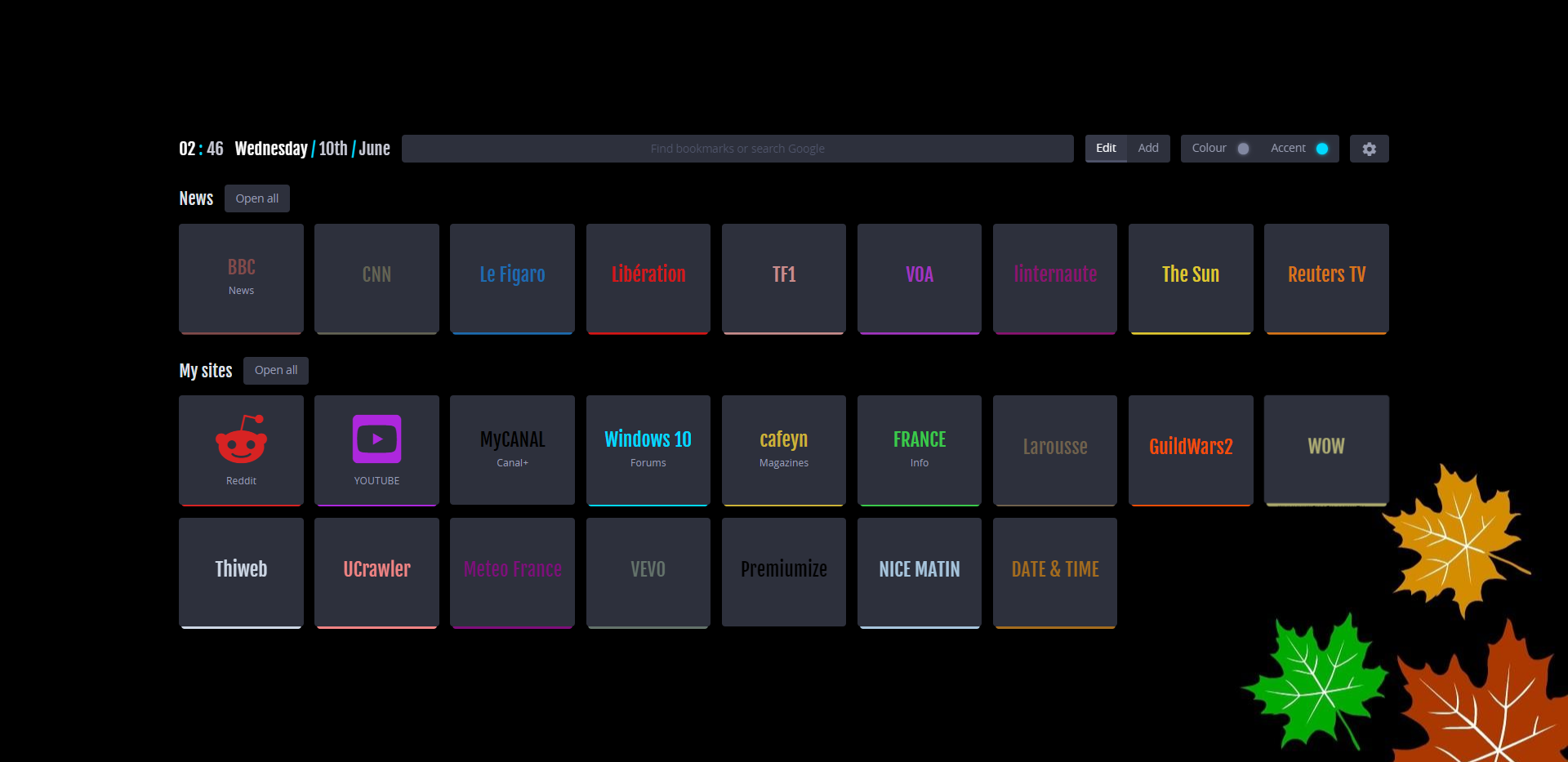
Thanks a lot for all the info. Finally the damn extension is soooo good and customizable that you almost forget any need for thumbnails!
rezpower
on 10 Jun 2020
This feature is now on live 🤖
zombieFox
on 15 Jun 2020
Related issues
 smaragdus
·
4Comments
smaragdus
·
4Comments
 zethexx
·
6Comments
zethexx
·
6Comments
 Q-out
·
3Comments
Q-out
·
5Comments
smaragdus
·
5Comments
Q-out
·
3Comments
Q-out
·
5Comments
smaragdus
·
5Comments
Most helpful comment
Thanks a lot for all the info. Finally the damn extension is soooo good and customizable that you almost forget any need for thumbnails!
