Materialdesigninxamltoolkit: Validation in textbox remains in other slide in transition


Good day Sir,
Here is the bug again. Don't know how to deal with this bug. I remove the transition effect and the bug is still there. I hope you can help me. Thanks in advance. God speed :)
 darturdotnetdeveloper
All 11 comments
btw i'm using the latest version :)
darturdotnetdeveloper
on 22 Apr 2017
If the view is scroll-able, after scrolling, the validation text will be apart from binded textbox.
 Tonghua-Li
on 31 Oct 2017
Tonghua-Li
on 31 Oct 2017
@darturdotnetdeveloper the root of the problem comes from the way the transitioner works. When the slides transition it toggles the opacity of the slides. Because the validation is shown in a popup it persists and sits on top of the other slides. There is an attached property you can set to hide the validation.
This is probably a bug that should be fixed in MDIX (don't show validation if Opacity is 0), but in the meantime a workaround like this should work (untested code).
<TextBox>
    <TextBox.Style>
        <Style TargetType="TextBox" BasedOn="{StaticResource MaterialDesignTextBox}">
            <Style.Triggers>
                <Trigger Property="Opacity" Value="0">
                    <Setter Property="materialDesign:ValidationAssist.Suppress" Value="True" />
                </Trigger>
            </Style.Triggers>
        </Style>
    </TextBox.Style>
</TextBox>
 Keboo
on 1 Nov 2017
Keboo
on 1 Nov 2017
Thanks for the response. Gonna try it this day and I will update this thread for the result.
darturdotnetdeveloper
on 14 Nov 2017
I am running into this same issue. I tried the fix but it did not work. It looks like the suggested workaround is looking for the opacity of the TextBox to go to 0.
You do not have to switch slides to have this issue. You can see it reproduced in the demo on the fields tab. It does not even change slides. If you go to the Tight Space Validation example and enter some text then delete it. The validation rule will come up. Move your mouse over to the side and scroll down and the validation rule will follow.
 Tide
on 16 Dec 2017
Tide
on 16 Dec 2017
Doesn't seem to be resolved yet. Tweaking @Keboo's workaround, this worked for me:
<Style
    x:Key="{x:Type md:TransitionerSlide}"
    BasedOn="{StaticResource {x:Type md:TransitionerSlide}}"
    TargetType="md:TransitionerSlide">
  <Style.Triggers>
    <Trigger Property="Opacity" Value="0">
  </Style.Triggers>
</Style>
 nmaillet
on 19 Nov 2018
nmaillet
on 19 Nov 2018
1334 (duplicate of this error) has an example project attached to it as well.
Keboo
on 28 Jul 2019
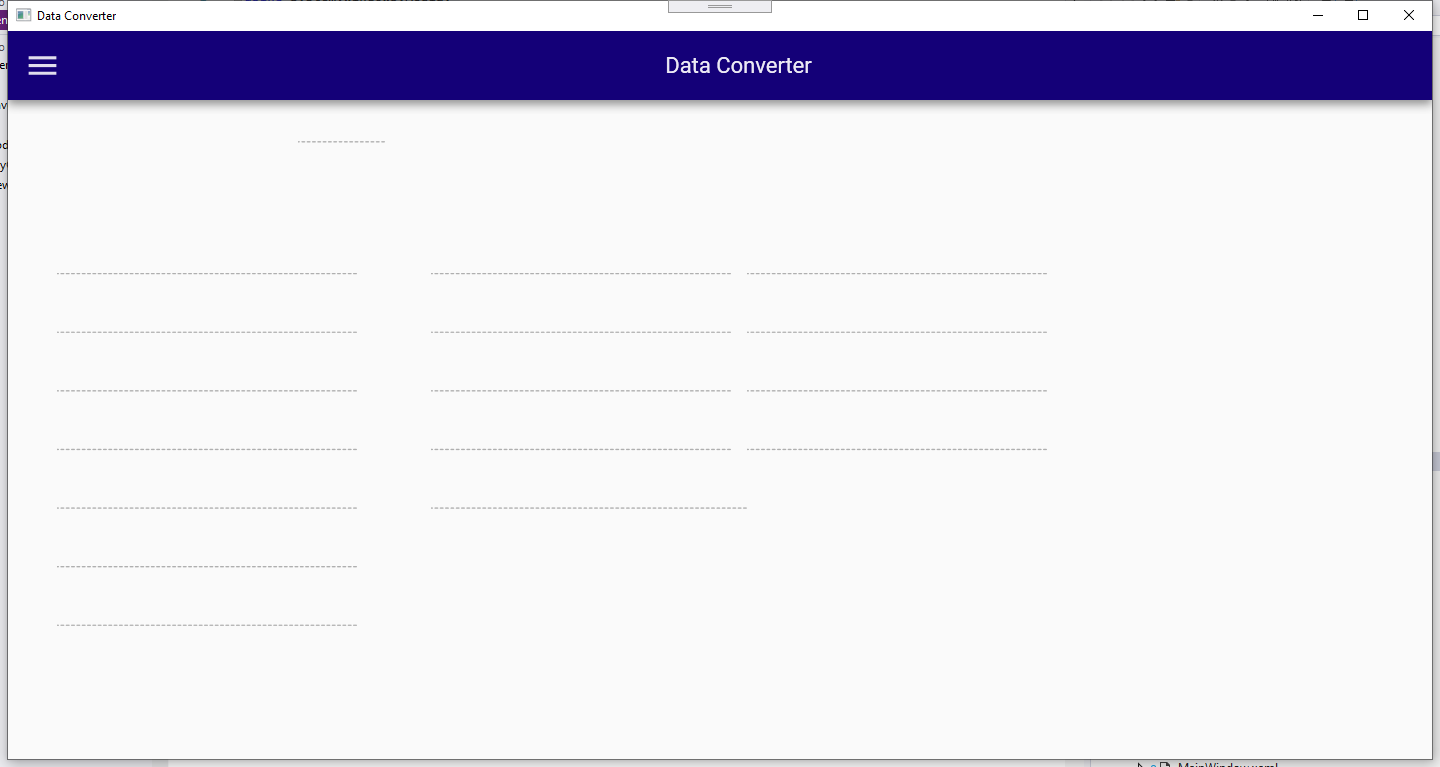
I am having a related issue with the TextBoxUnderlines:
 wim07101993
on 3 Jun 2020
wim07101993
on 3 Jun 2020
@wim07101993 Can you test with the latest 3.2.0 preview NuGet package, I believe your issue is already resolved.
Keboo
on 8 Jun 2020
Tried and verified
wim07101993
on 13 Jun 2020
Hi Kevin. It's already good.
thanks for asking
On Sun, Jun 14, 2020 at 9:11 AM Kevin B notifications@github.com wrote:
Closed #695
https://github.com/MaterialDesignInXAML/MaterialDesignInXamlToolkit/issues/695
.—
You are receiving this because you were mentioned.
Reply to this email directly, view it on GitHub
https://github.com/MaterialDesignInXAML/MaterialDesignInXamlToolkit/issues/695#event-3441297485,
or unsubscribe
https://github.com/notifications/unsubscribe-auth/AGUXVLUAKWUIMCE5SM63OEDRWQPUDANCNFSM4DIUC7FA
.
--
Darwin Cyril Turingan
Software Engineer
Visionaire Software Solutions Inc
9115 Don Bosco St., Brgy Sirang Lupa
Calamba City, Laguna 4027
darturdotnetdeveloper
on 15 Jun 2020
Related issues
 shunjid
·
23Comments
shunjid
·
23Comments
 ttweixiao9999
·
14Comments
ttweixiao9999
·
14Comments
 swingfox
·
25Comments
swingfox
·
25Comments
 StephanBis
·
16Comments
StephanBis
·
16Comments
 oSethoum
·
10Comments
oSethoum
·
10Comments