Material-theme-jetbrains: The UI is unstable and finally crashes when using light themes
Summary
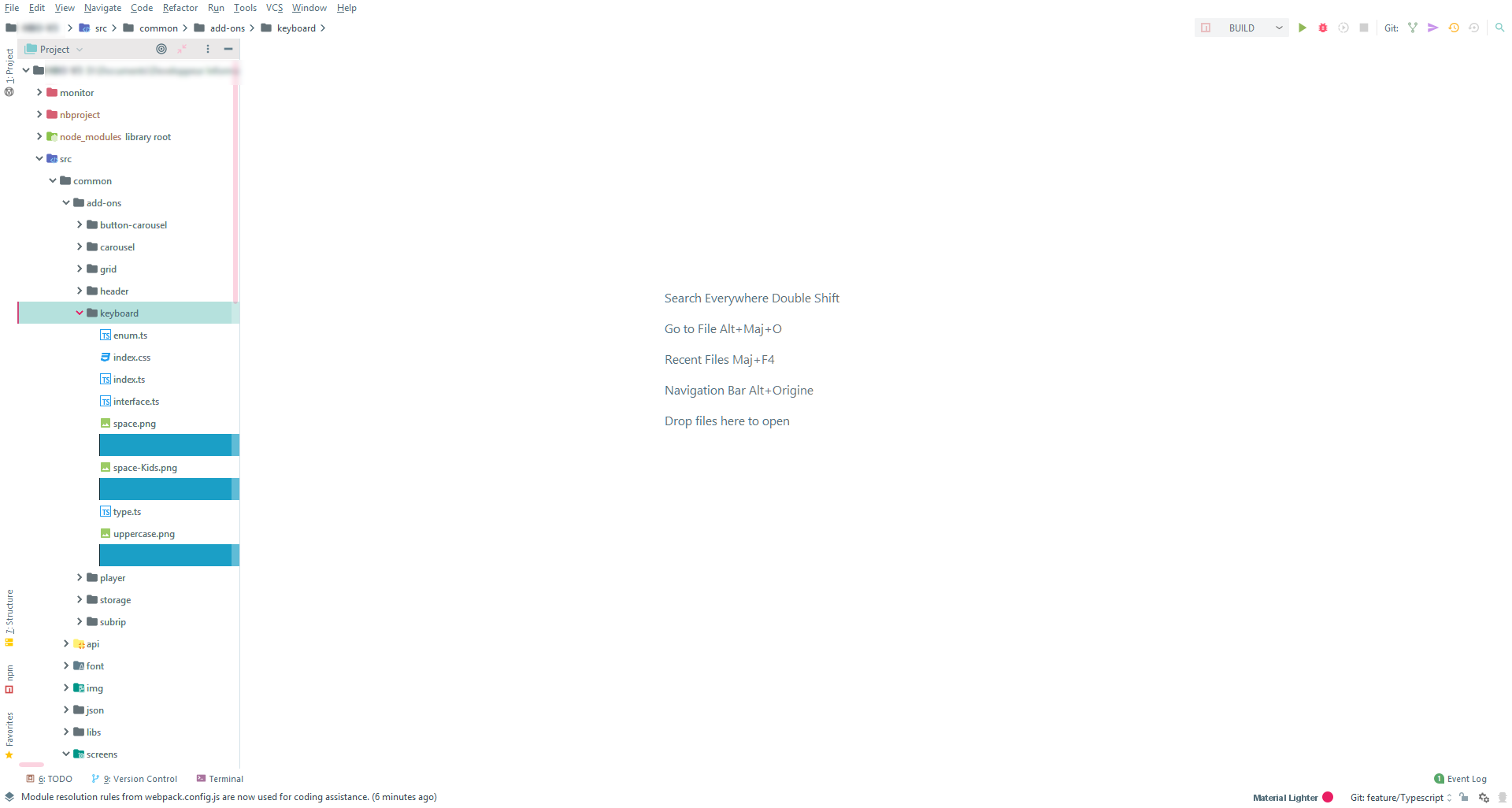
Since version 3.9.3 WebStorm is unstable and finally unusable when using light themes (Material Lighter, Atom One Light and Solarized Light) if the parameter
File iconsis enabled and SVG files are displayed in the Project panel.Expected behavior
No crash using light themes in all cases
Actual behavior
WebStorm is unstable and finally unusable in some conditions.
Steps to reproduce (if needed)
These conditions must be filled:
- use a light theme
- enable the setting
File iconsinAppareance & Behavior>Material Theme>Icons tabs. Obviously the settingHide File Iconmust be disabled.- SVG file is present in the project.
Set a light Theme (like
Material Lighter)Open a folder where a SVG file is present => Instead of the icon + name of an file we have a blue rectangle.
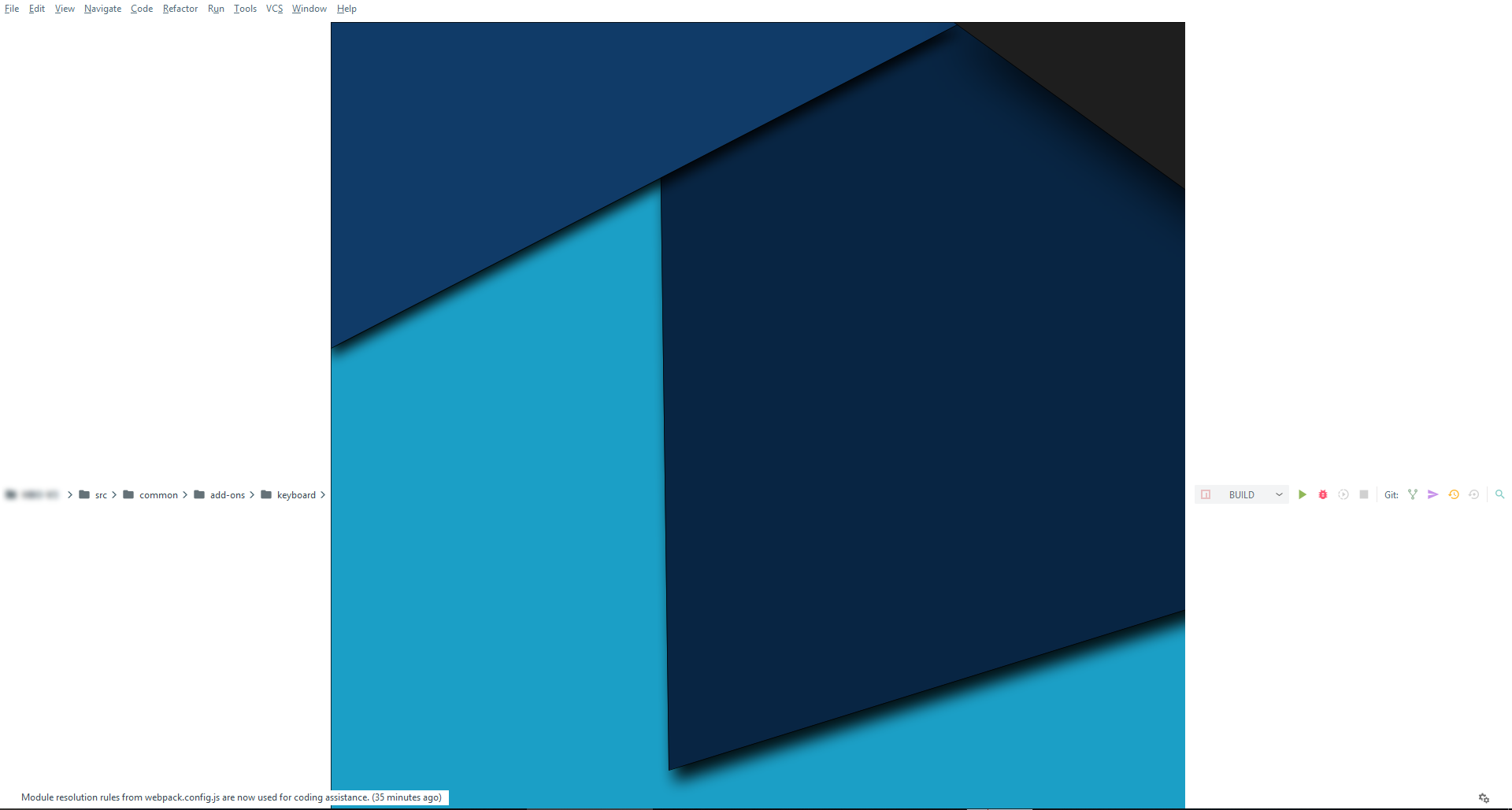
Click on this rectangle to open the svg => the UI crashed. You have to restart the IDE.
Disable the setting
File icons/ choose a dark theme => The problem has disappeared.Environment
* Windows 10 1803

* WebStorm 2019.1.1

  * Build #WS-191.6707.60, built on April 16, 2019

* Material Theme UI 3.9.3
 jeugeneDS
All 12 comments
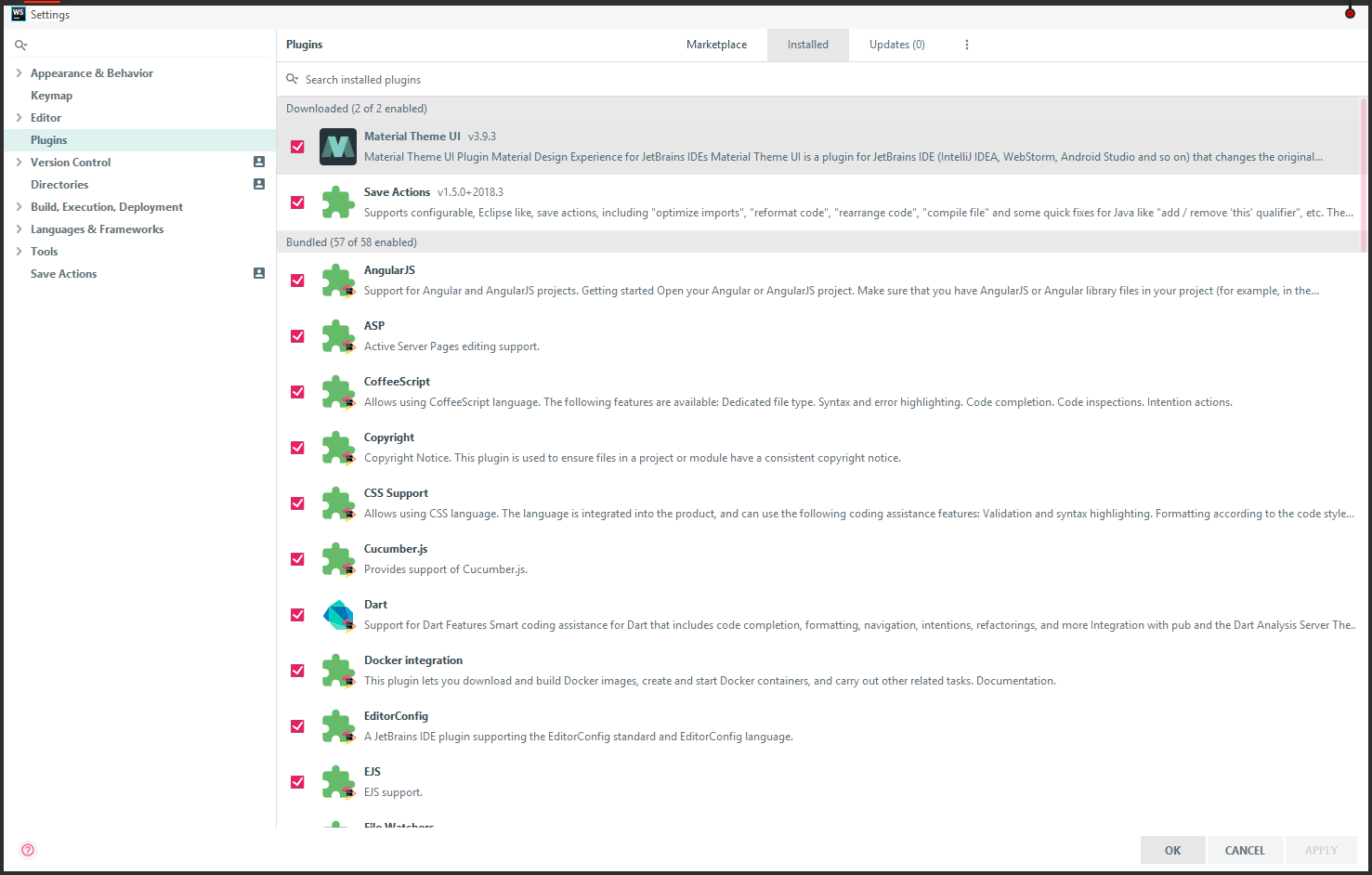
Can you show me which plugins you have currently ?
 mallowigi
on 1 May 2019
mallowigi
on 1 May 2019
@jeugeneDS
mallowigi
on 1 May 2019
@mallowigi The only two plug-ins I have downloaded are Material UI and Save Actions.
The others are plugins installed by default.
jeugeneDS
on 1 May 2019
Same issue after updating Material-UI this morning.
@mallowigi any info I can provide you?
 egorzekov
on 3 May 2019
egorzekov
on 3 May 2019
I'm not able to reproduce, sadly. Is it happening with previous versions as well ?
mallowigi
on 4 May 2019
I did a fresh install of Webstorm and Material UI 3.9.3 on another PC. The default settings being used; new project. It's 100% reproducible.
This is not reproducible on the 3.9.2.
When the UI freeeze before to display the blue rectangle a new folder threadDumps-freeze is created in system/log. I don't know if that can help.
threadDumps-freeze-20190505-020022-WS-191.7141.24-17sec.zip
jeugeneDS
on 5 May 2019
Hello @mallowigi.
I didn't happen before the latest update. The problem usually occurs for me when I open a folder in Navigator which has svg file inside:
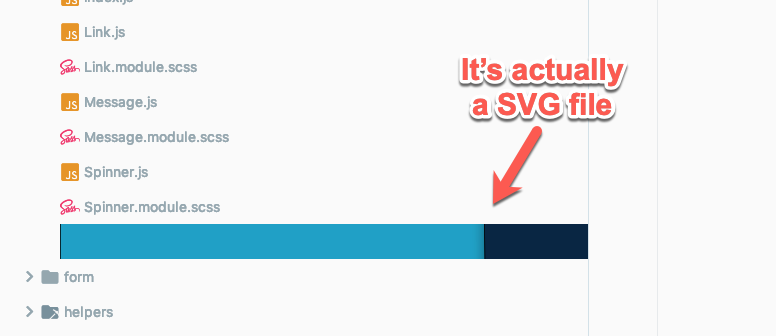
After opening such folder, my Webstorm starts freezing, indicating some sort of memory leak.
It seems that the strange image located instead of filename.svg is the part of your logo or something like that.
egorzekov
on 5 May 2019
I still can't reproduce. Can you send me the svg file, maybe there's a connection to it ?
mallowigi
on 7 May 2019
Reproduced on a fresh install. Investigaitng
mallowigi
on 7 May 2019
Ok it's fixed. I don't know what happened, it looks like the version has been corrupted for some reason. Just redeployed now and it looks ok.
mallowigi
on 7 May 2019
Excellent! Thank you for your work and your reactivity.
jeugeneDS
on 7 May 2019
Yeah, it works properly after the update.
Thanks a lot @mallowigi!
egorzekov
on 8 May 2019
Related issues
 nammaianh
·
3Comments
nammaianh
·
3Comments
 ddnexus
·
3Comments
ddnexus
·
3Comments
 anstarovoyt
·
3Comments
anstarovoyt
·
3Comments
 timrspratt
·
3Comments
timrspratt
·
3Comments
 dg00GT00
·
3Comments
dg00GT00
·
3Comments
Most helpful comment
Reproduced on a fresh install. Investigaitng