Magisk: Latest Canary release is failing to repackage
Hey @topjohnwu
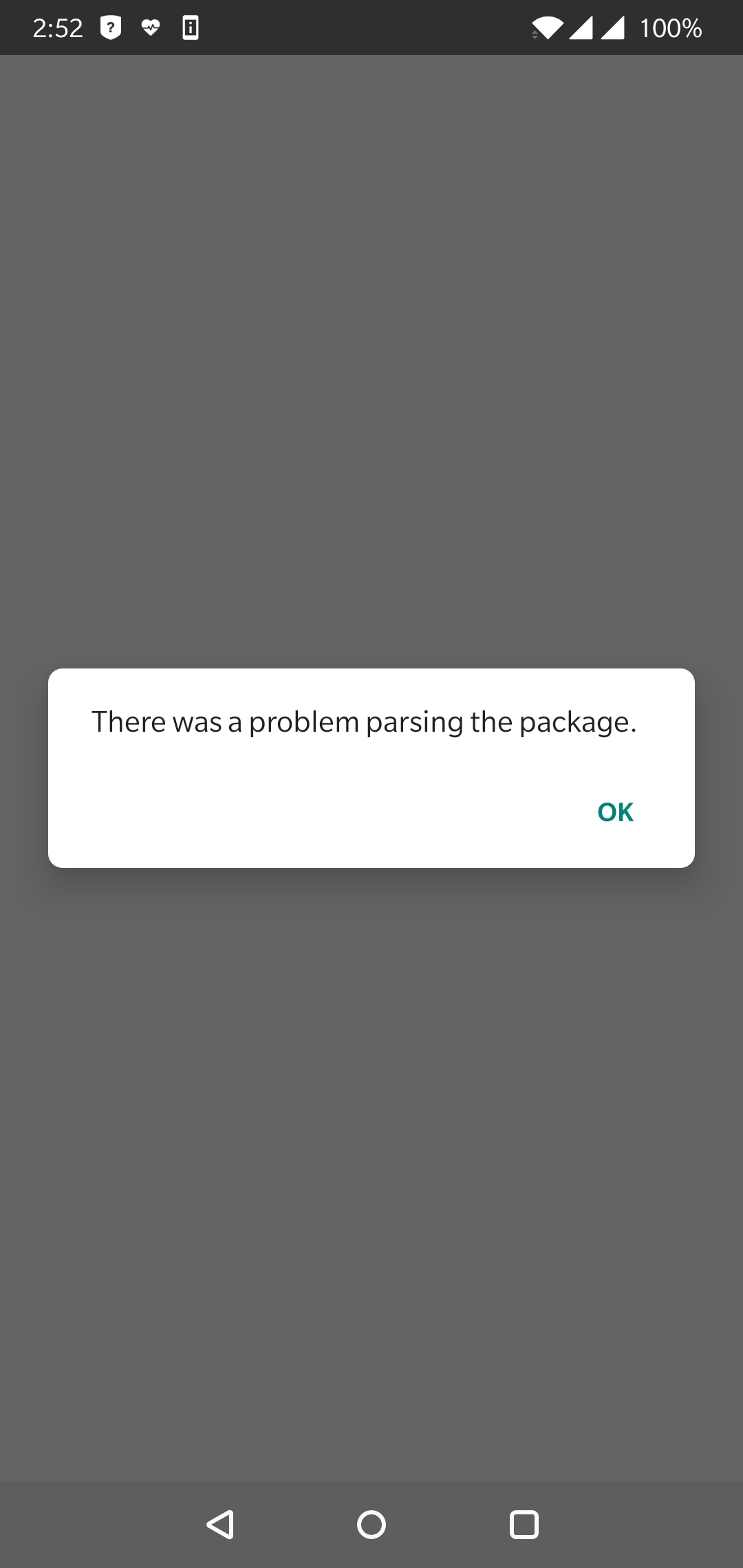
Trying to install the latest canary version, if I have the manager hidden, I get the message on the screenshot.
By installing manually the latest canary build, repackage is also failing with a toast message "Hide failed".
I'm on OnePlus 6 with OOS OB17
Hiding works as usual with other releases.
[logcat_05-13-2019_14-50-46.txt]
(https://github.com/topjohnwu/Magisk/files/3172693/logcat_05-13-2019_14-50-46.txt)
 DenyDarko
All 7 comments
Hey @DenyDarko,
this is ~sadly in~sufficient bug report. ~Please provide a logcat after reproducing the issue and attach it (link) here.~ Thanks!
 diareuse
on 13 May 2019
diareuse
on 13 May 2019
https://github.com/topjohnwu/Magisk/files/3172693/logcat_05-13-2019_14-50-46.txt
The logcat is on the original post, right above the screenshot
DenyDarko
on 13 May 2019
https://github.com/topjohnwu/Magisk/files/3172693/logcat_05-13-2019_14-50-46.txt
The logcat is on the original post, right above the screenshot
My bad, glanced over it and seemed like a screenshot link. 😅
diareuse
on 13 May 2019
_Relevant log:_
[05-13 14:50:35.559 14515:14883 W/System.err] org.bouncycastle.operator.OperatorCreationException: cannot create signer: The BC provider no longer provides an implementation for Signature.SHA1WITHRSA.  Please see https://android-developers.googleblog.com/2018/03/cryptography-changes-in-android-p.html for more details.
m.err] at org.bouncycastle.operator.jcajce.JcaContentSignerBuilder.build(Unknown Source:53)
[05-13 14:50:35.559 14515:14883 W/System.err] at com.topjohnwu.signing.SignAPK.writeSignatureBlock(SignAPK.java:313)
[05-13 14:50:35.559 14515:14883 W/System.err] at com.topjohnwu.signing.SignAPK.signFile(SignAPK.java:530)
[05-13 14:50:35.559 14515:14883 W/System.err] at com.topjohnwu.signing.SignAPK.sign(SignAPK.java:132)
[05-13 14:50:35.559 14515:14883 W/System.err] at com.topjohnwu.signing.SignAPK.sign(SignAPK.java:95)
[05-13 14:50:35.559 14515:14883 W/System.err] at com.topjohnwu.signing.SignAPK.sign(SignAPK.java:76)
[05-13 14:50:35.559 14515:14883 W/System.err] at com.topjohnwu.signing.SignAPK.sign(SignAPK.java:68)
[05-13 14:50:35.559 14515:14883 W/System.err] at com.topjohnwu.magisk.utils.PatchAPK.patch(PatchAPK.java:133)
[05-13 14:50:35.559 14515:14883 W/System.err] at a.a.patchAPK(a.java:11)
[05-13 14:50:35.559 14515:14883 W/System.err] at java.lang.reflect.Method.invoke(Native Method)
[05-13 14:50:35.559 14515:14883 W/System.err] at a.Hy.a(:1)
[05-13 14:50:35.559 14515:14883 W/System.err] at a.pA.a(Unknown Source:0)
[05-13 14:50:35.559 14515:14883 W/System.err] at a.cA.run(Unknown Source:4)
[05-13 14:50:35.559 14515:14883 W/System.err] at java.util.concurrent.ThreadPoolExecutor.runWorker(ThreadPoolExecutor.java:1167)
[05-13 14:50:35.559 14515:14883 W/System.err] at java.util.concurrent.ThreadPoolExecutor$Worker.run(ThreadPoolExecutor.java:641)
[05-13 14:50:35.559 14515:14883 W/System.err] at java.lang.Thread.run(Thread.java:764)
It looks as though the built in updater DLs the files and then hides them. Only problem it hides them from itself.
After several attempts at installing I uninstalled the previous version. DL the new version and then installed it using TWRP, then installed the apk.
I may NOT have needed to uninstall, but as I was beginning to lose track of what I was doing I felt a clean start might be a good idea.
Hope this helps.
 zzz2002
on 13 May 2019
zzz2002
on 13 May 2019
Disabling manager hiding fixes this, but after that Magisk Manager will be unable to hide itself.
 AaronKeener
on 13 May 2019
AaronKeener
on 13 May 2019
Fixed in latest canary.
diareuse
on 14 May 2019
Related issues
 georgekav2
·
3Comments
georgekav2
·
3Comments
 ThiefMaster
·
3Comments
ThiefMaster
·
3Comments
 HikariCalyx
·
3Comments
HikariCalyx
·
3Comments
 Fs00
·
3Comments
Fs00
·
3Comments
 KaMyKaSii
·
3Comments
KaMyKaSii
·
3Comments
Most helpful comment
_Relevant log:_