Magisk: HDFC bank app v10.0.1 detected root
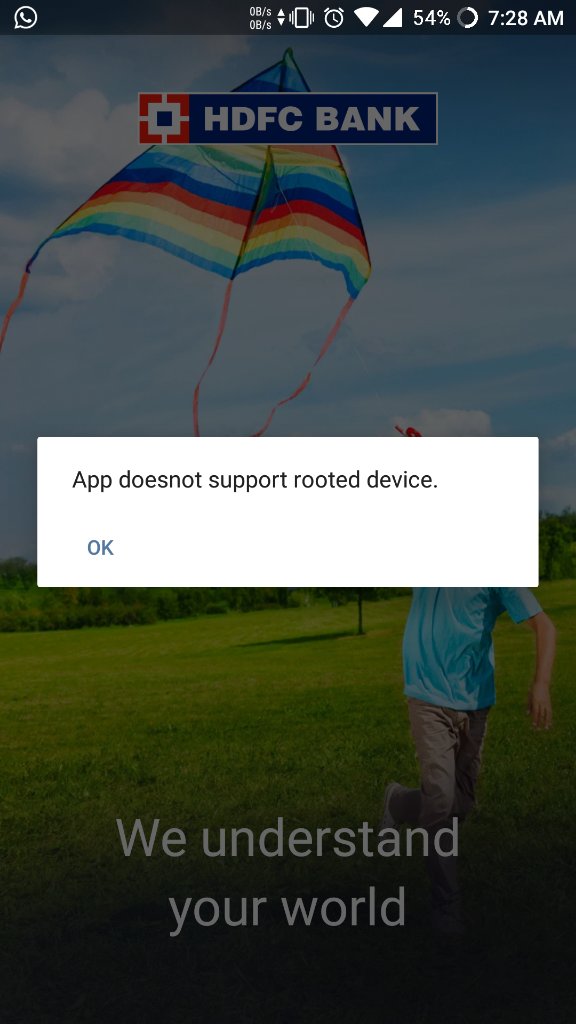
HDFC app v10.0.1 detects root on startup.
Package/activity name: com.snapwork.hdfc/com.hdfc.retail.netbanking.HDFCBank
Magisk version: 18.2-5764f0c8(18110)
Magisk App: v7.0.0-5764f0c8(190)
Tested on Magisk canary debug build.
 SasikumarN
All 12 comments
No it doesn't.

 DenyDarko
on 28 Feb 2019
DenyDarko
on 28 Feb 2019
You are using old version (v7). That was working fine with magisk hide.
New version v10.0.1 version which is always finding the root.
-
SasikumarN
on 28 Feb 2019
@topjohnwu
I mentioned clearly in the first post as HDFC Bank app v10 has this issue. But @DenyDarko shared HDFC Bank app v7 screenshot.
This issue has to be reopened since I shared the enough detail in above post.
SasikumarN
on 28 Feb 2019
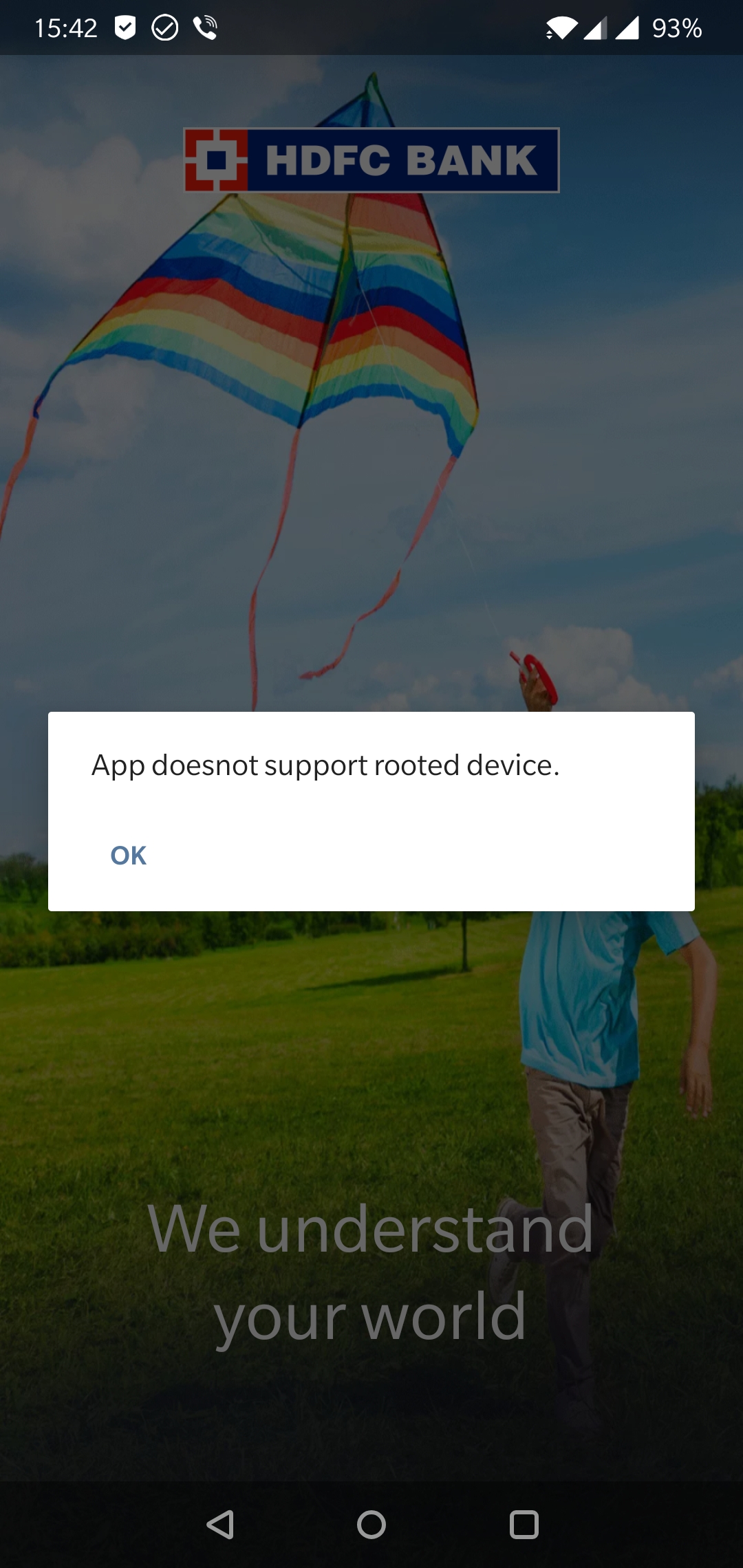
I've managed to find the new v10.
So.. Opened it, and as expected detected root:
Then, I've went into MagiskManager and enabled hiding for the app. It launched just fine:
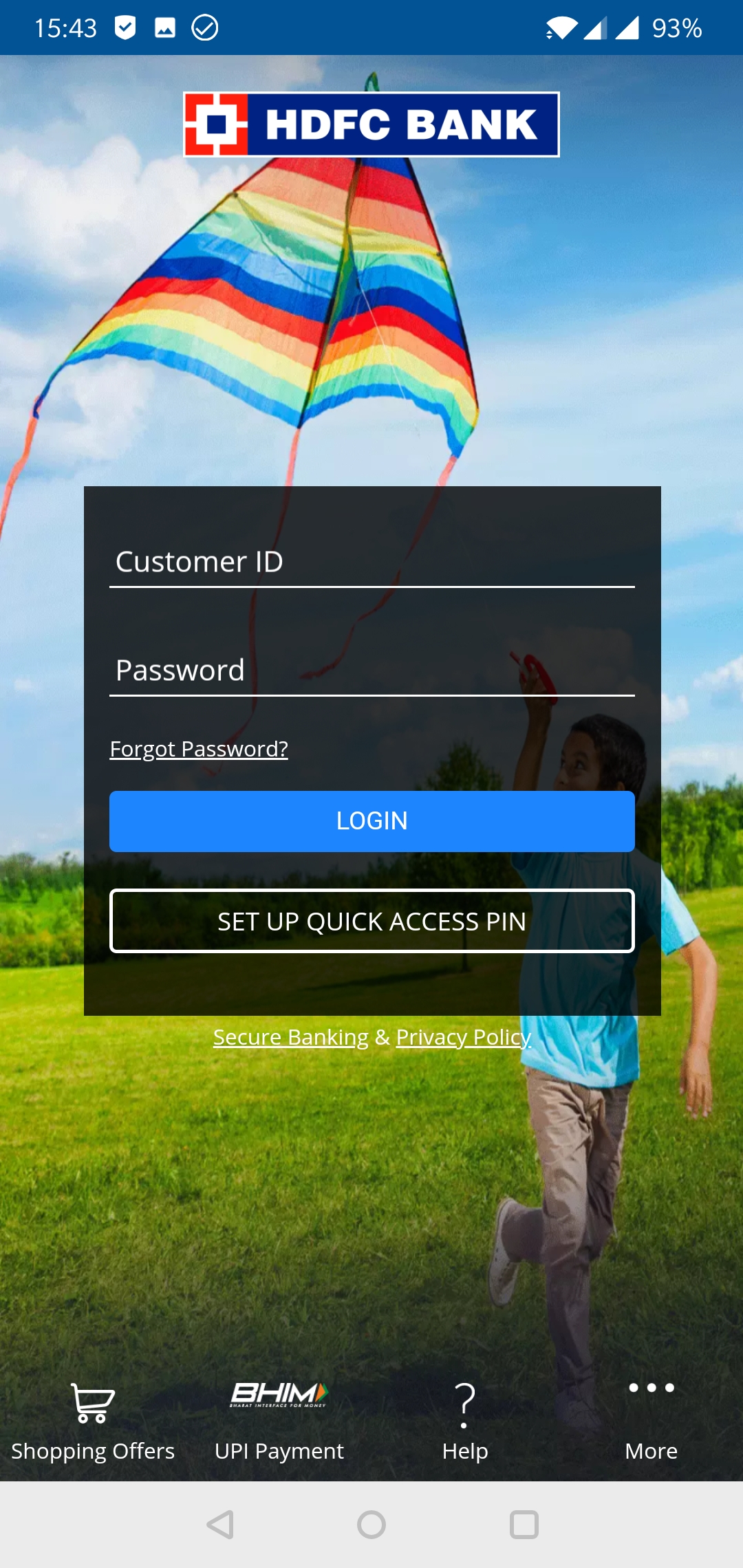
This is not a Magisk issue. Check out XDA support thread for support.
There's something with your setup.
DenyDarko
on 28 Feb 2019
@DenyDarko
could you please link me the steps that I need to do for debugging this?
I have tried the following,
- Uninstalled root required app such as titanium backup.
- Enable /disable magisk hide after adding hdfc to hide list
- Every time rebooted for each and every settings change
- Magisk canary release build
- Magisk debug build (No failures detected. It seems log is normal)
None of these works for me. FYI, I haven't installed any modules in magisk.
SasikumarN
on 28 Feb 2019
Is MagiskManager hidden? (4th option in settings)
Do you pass the Safetynet test?
DenyDarko
on 28 Feb 2019
@DenyDarko
Now I'm on magisk 18.1.
- Manager package name randomized
- Safetynet passed
I can see the below error in 18.1 but not on canary debug build.
03-01 06:50:31.454 1927 4366 I Magisk : * Stopping MagiskHide
03-01 06:50:37.355 1927 4368 I Magisk : * Starting MagiskHide
03-01 06:50:37.355 1927 4368 I Magisk : hide_utils: Hiding sensitive props
03-01 06:50:37.355 1927 4368 I Magisk : hide_list: [com.google.android.gms/.droidguard.DroidGuardService]
03-01 06:50:37.392 1927 4368 I Magisk : hide_list: [com.snapwork.hdfc]
03-01 06:50:58.350 4497 4497 E Magisk : write failed with 32: Broken pipe
03-01 06:51:04.117 1927 4368 I Magisk : proc_monitor: com.google.android.gms/.droidguard.DroidGuardService PID=[4966] ns=[4026533830]
SasikumarN
on 1 Mar 2019
I can see the below error in 18.1 but not on canary debug build.
Bug reports concerning the stable release are not interesting if they cannot also be reproduced with the current Canary build. Especially if we're talking about MagiskHide, since it has been rewritten from scratch.
Only work with the Canary builds when debugging...
 Didgeridoohan
on 1 Mar 2019
Didgeridoohan
on 1 Mar 2019
Okay, I found my problem statement.
Uninstalling HDFC bank and reinstalling it worked. But force stop & clearing the app data not helped here.
@DenyDarko Thanks for your input :)
SasikumarN
on 1 Mar 2019
I have the same issue, tried magisk core only modules, reinstalling the app, turn ff phone permission for google play services. But it still detects roots.
 aadithya96
on 29 Mar 2019
aadithya96
on 29 Mar 2019
For me the above is not solved with the above solution. Seems hdfc have updated the app and its still finding the root.
Edit: Working fine after repacking the MM App
 binoysankar
on 13 Jul 2019
binoysankar
on 13 Jul 2019
I have tried all the possible provided methods but hdfc v10 app detects root.
I have the latest magisk installed
I have passed net safety test.
Device is certified in playstore.
Hidden all the banking apps in magisk hide
Repacked the magisk with different name.
Result all banking apps work but HDFC net banking app is not working.
I even tried reinstalling the apk
Also tried restarting the device but nothing works for HDFC netbanking app. Every time I open it, it detects root. Can you please check and help me out.
I'm using Asus Zenfone 5z.
Rooted using patched boot.img
Thanks in advance.
 tousief
on 27 Dec 2019
tousief
on 27 Dec 2019
Related issues
 martyfender
·
3Comments
martyfender
·
3Comments
 KaMyKaSii
·
3Comments
KaMyKaSii
·
3Comments
 HikariCalyx
·
3Comments
HikariCalyx
·
3Comments
 ananjaser1211
·
4Comments
ananjaser1211
·
4Comments
 Kratos291
·
3Comments
Kratos291
·
3Comments
Most helpful comment
For me the above is not solved with the above solution. Seems hdfc have updated the app and its still finding the root.
Edit: Working fine after repacking the MM App