Lottie-web: Blank black window on Bodymovin's launch
Hello!
Have a problem couldn’t find a solution.
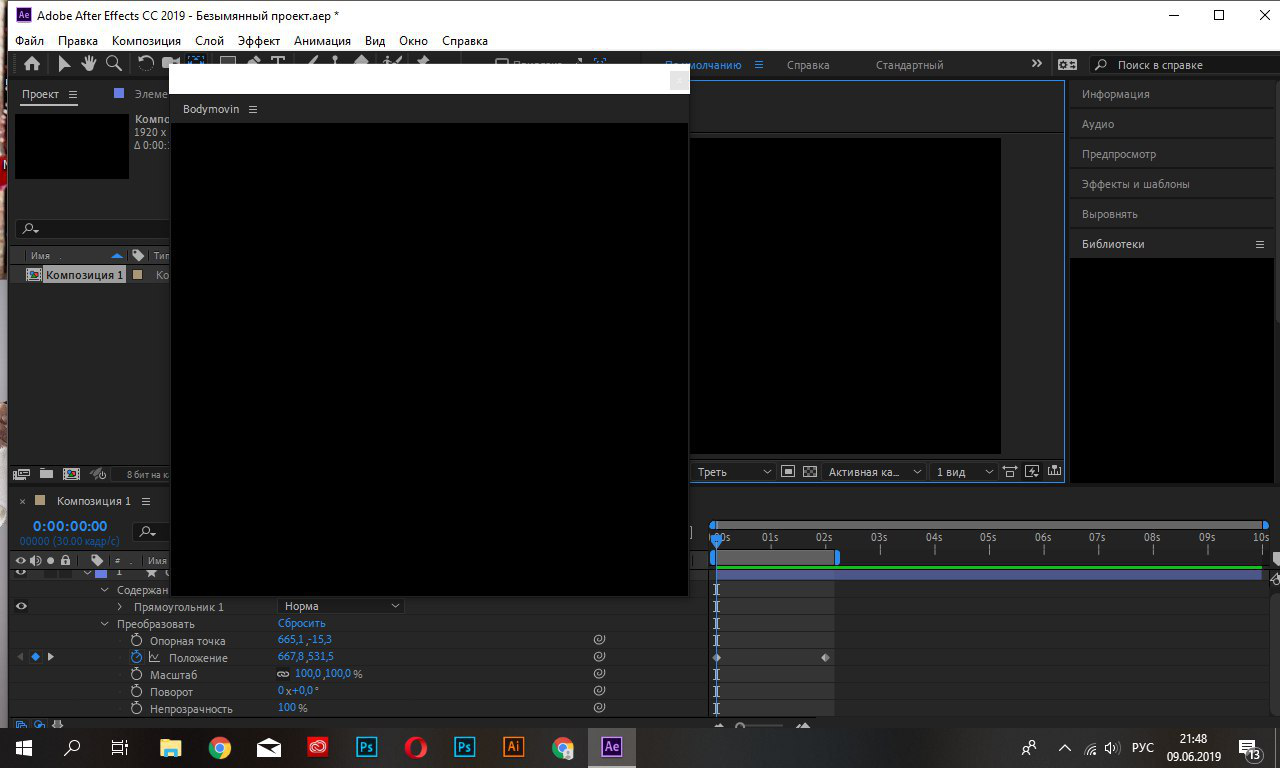
When I’m launching Bodymovin plugin, only blank black window appears.
What it may be and how can I fix it?
After Effects cc 2019
Tried to reinstall Bodymovin – same result.
Thank you!
 YEMacademy
All 22 comments
Hello, it looks like an error is being thrown on the panel's launch to prevent it from rendering. We can manually see the debugging console by following the instructions at this link.
On Windows, open the Start menu and type "regedit". You'll see a program pop up, click on it, then follow this path: HKEY_CURRENT_USER/Software/Adobe/CSXS.9
Once there, right click on the table to add a new value: PlayerDebugMode of type "string" with the value of "1".
Now, with After Effects and bodymovin's panel open, you're able to open a Chrome window and go to localhost:8092. Click on the "React panel" link and it'll show a Dev Tools window which is inspecting the Bodymovin' panel. We should see any errors being thrown on your computer via the Console, which you can open/close by the Escape key.
 Inventsable
on 9 Jun 2019
Inventsable
on 9 Jun 2019
Thank you for the answer.
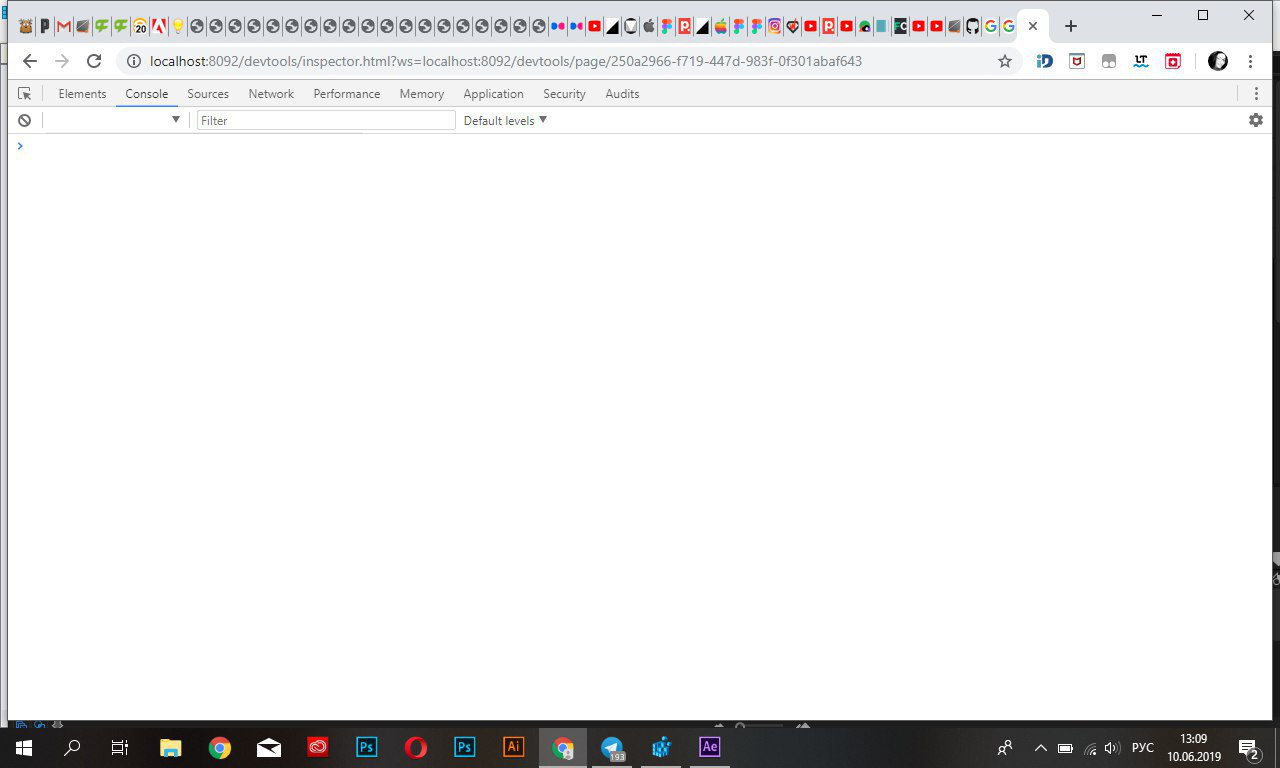
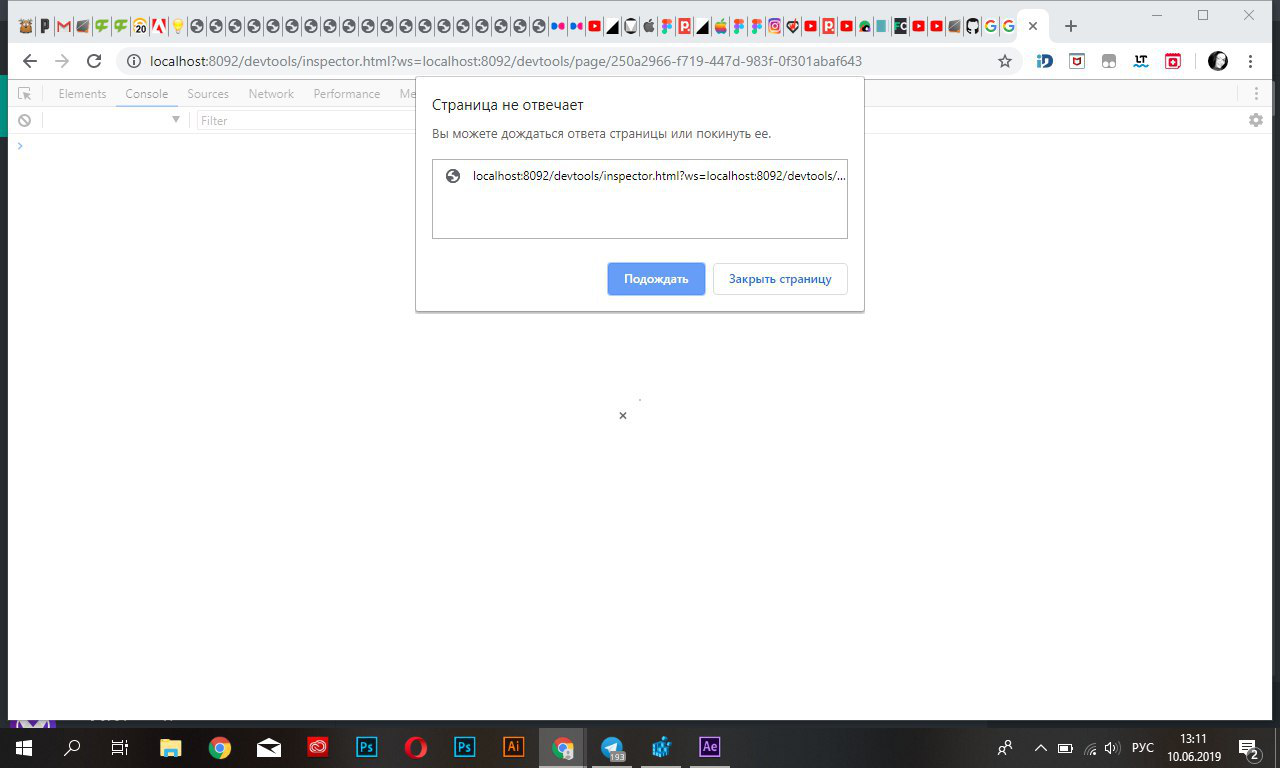
After completing the instructions when i go to localhost:8092 and open the console, no errors are visible, but after a while Chrome stops responding.
YEMacademy
on 10 Jun 2019
Hmmm, typically when this happens while developing CEP extensions there would be a console error. Just an fyi, you should move this issue to the extension itself:
https://github.com/bodymovin/bodymovin-extension
This repo is for the underlying lottie engine that actually implements the animation, the one above is for the After Effects panel which renders it. Otherwise you'll risk being buried under other requests, this gets a few issues per hour whereas the correct one above hardly gets any traffic and would really guarantee a response.
Inventsable
on 10 Jun 2019
@Inventsable Hi I'm also facing this issue.. I've done the instructions that you provided above. But still the panel looks empty and the localhost:8092 throws errror :
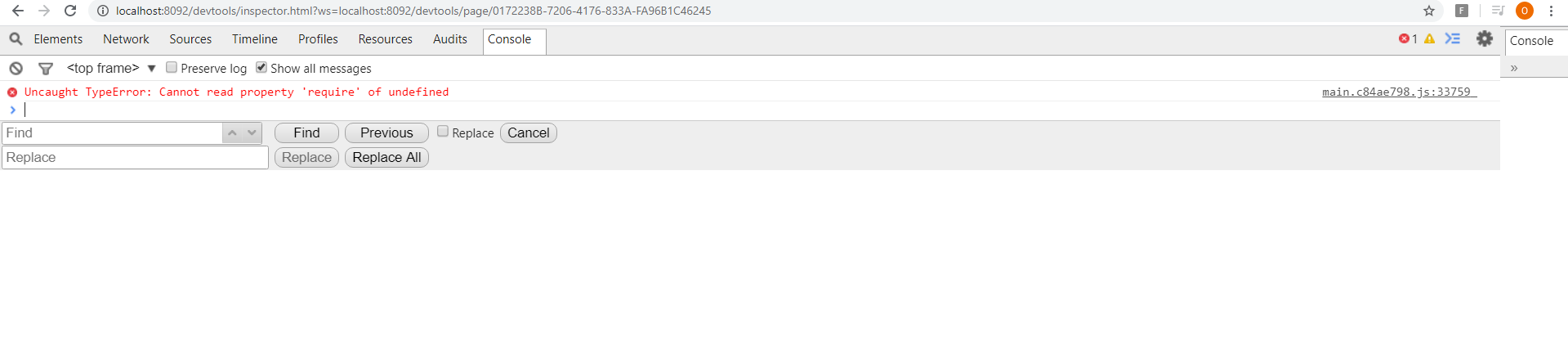
Please help!
 dinvel
on 6 Feb 2020
dinvel
on 6 Feb 2020
Hi @dinvel, that must be alluding to an undefined window object since window.require is a method used in the panel. Did you use a ZXP installer or did you clone the original repo?
Again despite thumbs down on my original message, there is a specific Bodymovin panel repo for reporting issues that has far less traffic and would result in issues being more visible there. Any issues with the rendering panel should be posted there, since this isn't an issue with lottie-web, it's an Issue with the original Bodymovin panel.
I don't know of a solution that doesn't involve changing the source code, it may be an issue with your current build. I'd suggest posting this in that repo though
Inventsable
on 6 Feb 2020
Hi @Inventsable Thank you for the response. I downloaded the bodymovin package from the github and installed the package using ZXP installer by dragging the build file into it.
I have some doubts, should we need to install anyother additional packages such as agular, react, npm? I've installed after effects alone. and is there any relation adobe cc license with this?
dinvel
on 14 Feb 2020
hi @dinvel can you try typing cep and cep_node and hit enter on each case in the console and see if they are available?
 bodymovin
on 15 Feb 2020
bodymovin
on 15 Feb 2020
Hi @bodymovin , Thank you for the reply.. Unfortunately I'm new to this environment so I couldn't understand the cep and cep_node commands.. Please brief me where should I type those commands and how to find the console. Should I have to install node.js and react.js also? Please explain.
Thank you!
dinvel
on 15 Feb 2020
On the screenshot you shared, below the red message that says Uncaught TypeError there is a caret cursor.
Can you try typing it there?
bodymovin
on 18 Feb 2020

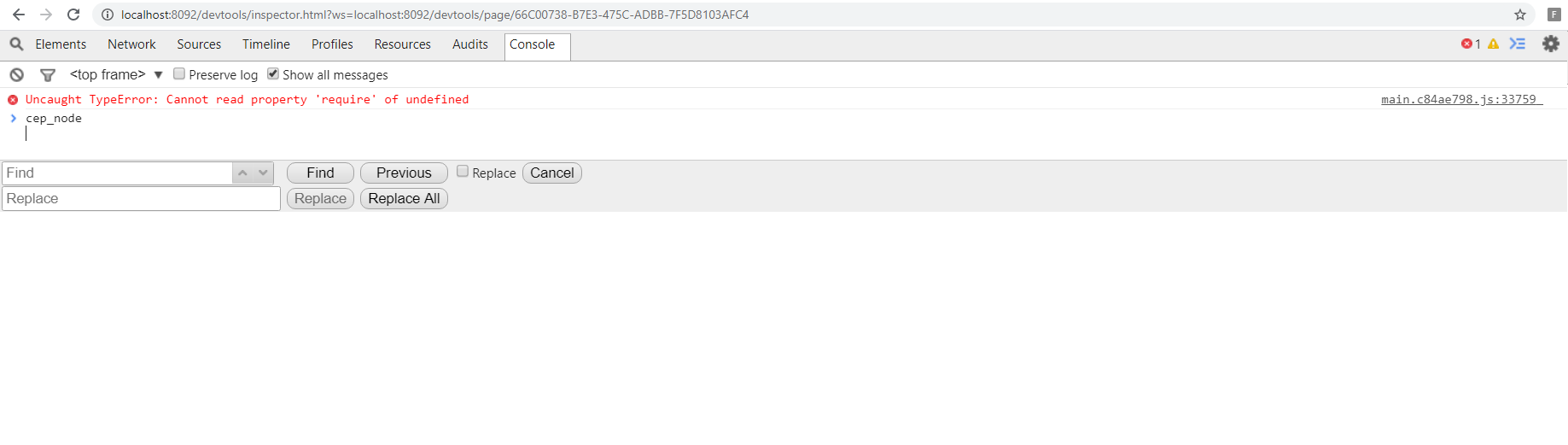
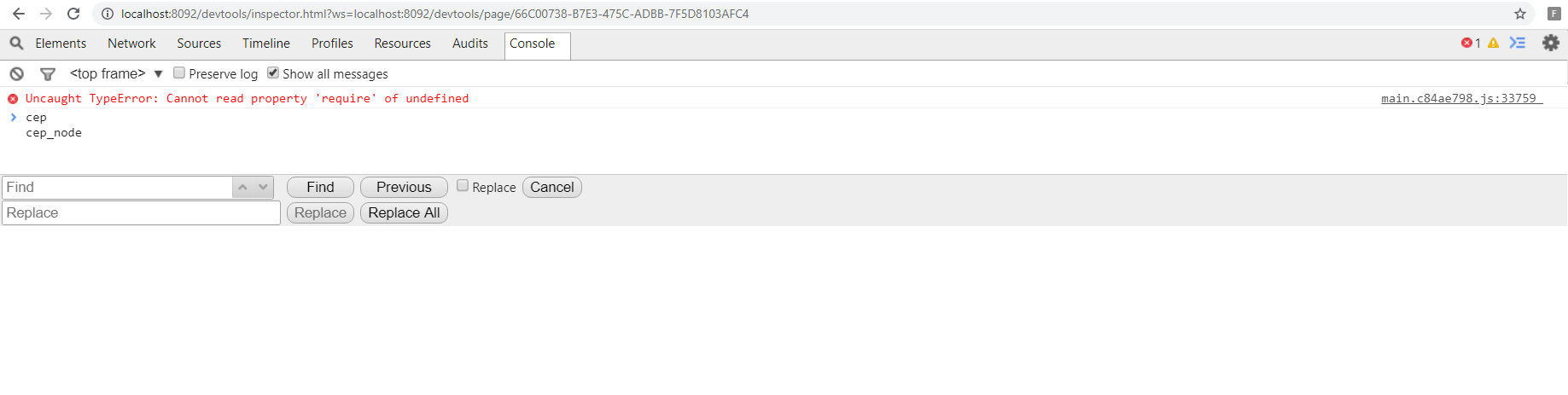
Hi @bodymovin, I tried all cases, unfortunately nothing is shown in the console.
Kindly check and give me a solution.
Thank you!
dinvel
on 18 Feb 2020
Hi, not sure what could be going on.
It seems that those global variables are not available.
But I have never seen that before.
bodymovin
on 19 Feb 2020
@bodymovin Installing Angular.js or react.js in my system will solve this issue?
dinvel
on 19 Feb 2020
Unfortunately not.
Can you think of any app or extension you have installed that might be conflicting with this?
bodymovin
on 19 Feb 2020
Hi @bodymovin,I have adobe's other products also such as photoshop, illlustrator etc, I don't know what type of conflict is occured. I have a doubt, should we need to completely purchase After effects cc from creative cloud to use bodymovin or else shall we use trial version of AE and some other ways? Hope you understand!
Please help me to solve this issue, I have been struggling more than a month to fix this issue but I couldn't even to identify what the problem is. Please give me some solution!
Thank you!
dinvel
on 20 Feb 2020
No, you shouldn't need to purchase anything else.
bodymovin
on 20 Feb 2020
@bodymovin Thanks for your kind replies. Please let me know if u find anything to solve this issue.
Thanks a lot!
dinvel
on 20 Feb 2020
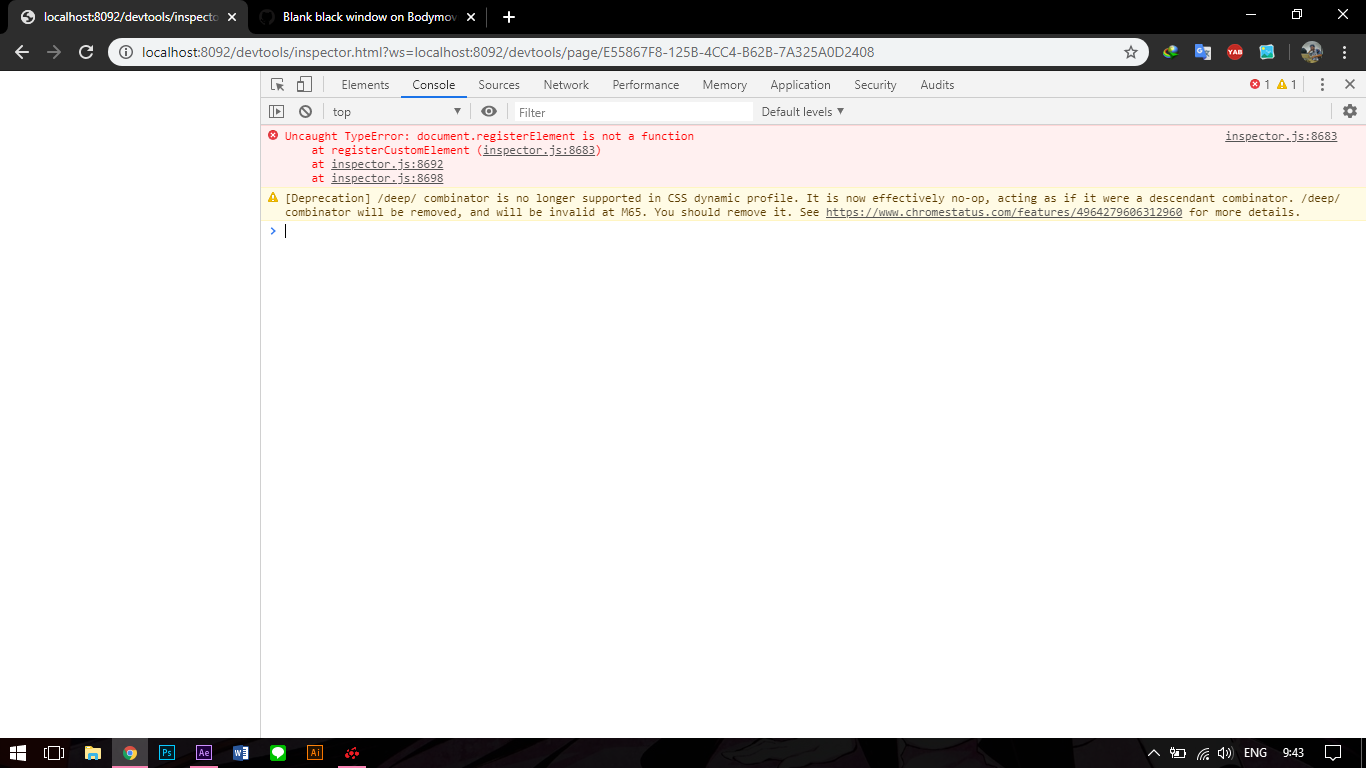
i have the same problem and here's the error message, what should i do? @bodymovin
 mafumafu12
on 21 Feb 2020
mafumafu12
on 21 Feb 2020
Just a heads up @bodymovin, the error message may be entirely misleading and actually referring to CEP debugging and newest versions of Chrome being incompatible as of Chrome 80. Unfortunately I can't reproduce this so I'm not able to show off an error in the recommended CEFClient program in the above linked Issue
Inventsable
on 21 Feb 2020
Looks like you already knew since there was a issue filed in 🌈 the correct place 🌈 😏
Would it be worth changing the port number from 3000 to something more obscure and less common, since the issue could be a localhost conflict between some other program or extension?
Inventsable
on 21 Feb 2020
@Inventsable so if im downgraded the chrome it will be fixed?
mafumafu12
on 21 Feb 2020
@Inventsable so if im downgraded the chrome it will be fixed?
Unfortunately not, as far as I know that would only show us the correct console error (assuming there is one being thrown) or allow us to inspect whatever it is that's currently using port 3000 instead of the panel.
Just for kicks I tried forking the panel, changing the port, and resigning/repackaging it as a new zxp -- but I'm not familiar with the gulp/React setup being used, and didn't see an obvious way to provide whatever is needed beyond the build command unless in a developer context. It does work but only in a developer context meaning you'd have to type in a terminal command or two in order for it to function, and it would've only been a temporary bandaid fix to see if the port was the problem. Sorry! I tried, but it might be better if hernan handled this.
Inventsable
on 21 Feb 2020
Hi, port 3000 is no longer being used.
And the Chrome issue is solvable following this instructions
https://community.adobe.com/t5/get-started/adobe-extension-debuger-problem/td-p/10911704?page=1
But in this case, the problem is not Chrome.
It looks like the window instance is not exposing the cep modules.
bodymovin
on 22 Feb 2020
Related issues
 wanbinkimoon
·
61Comments
wanbinkimoon
·
61Comments
 Ishua-issue
·
22Comments
Ishua-issue
·
22Comments
 pprochnicki
·
32Comments
pprochnicki
·
32Comments
 sbalko
·
18Comments
sbalko
·
18Comments
 bruroar
·
36Comments
bruroar
·
36Comments
Most helpful comment
No, you shouldn't need to purchase anything else.