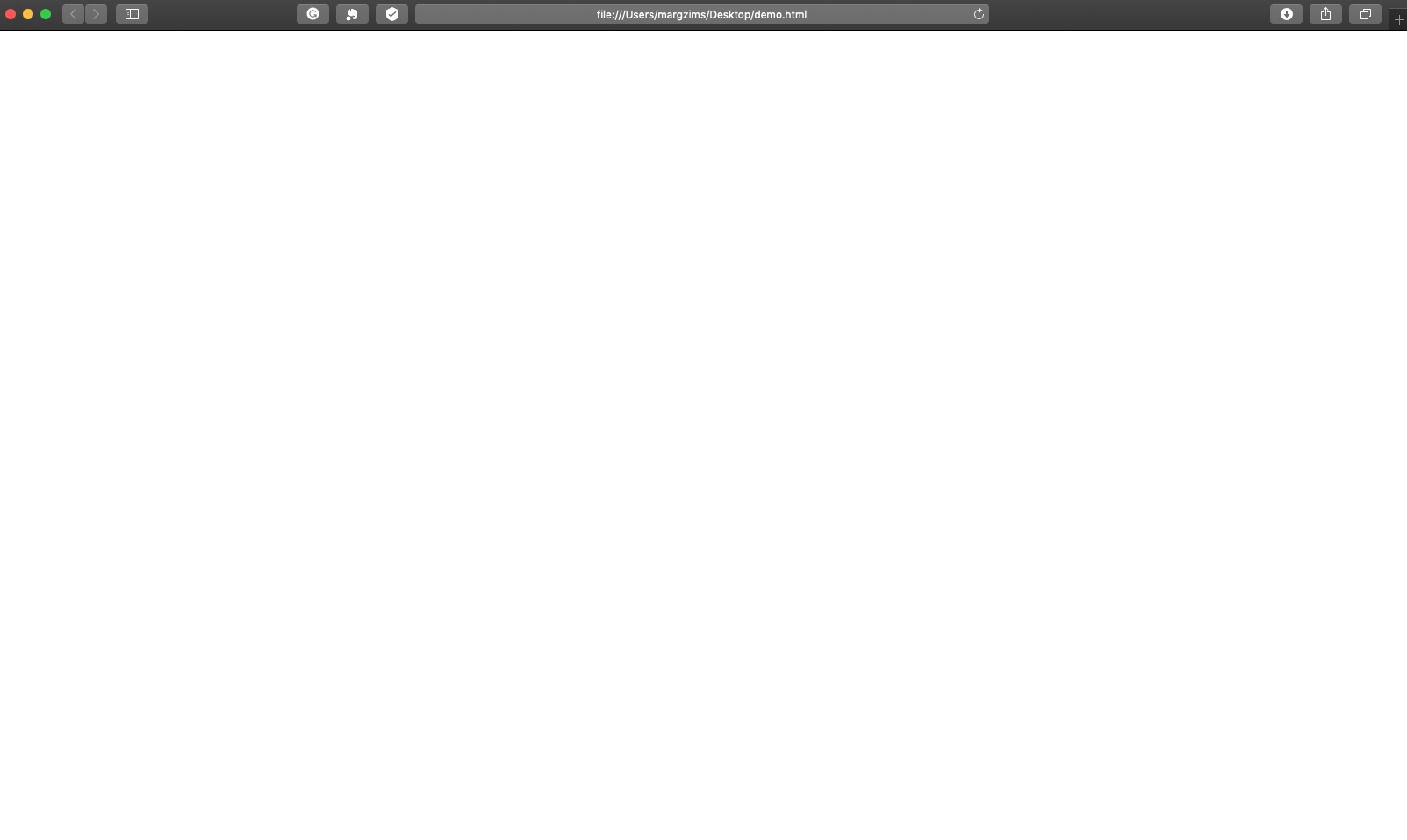
Lottie-web: Bodymovin doesn't export animation. Only empty demo and json with long encrypted code
Hello,
I'm a graphic designer - branding and identity expertise.
Beginner in After Effects.
I have used MotionBro ready animations for some logo reveal animations and tried to create animated parts for my website (like a header this time).
While exporting the animation using Bodymovin, the result is an empty demo file and JSON file that doesn't work on my WordPress. It is uploading but the result is empty.
When I've opened the JSON file in script editor it shows a very long code. Looks like encrypted.
Is there any way to export it to SVG or html5 or any other format so I could upload it to the WordPress web?
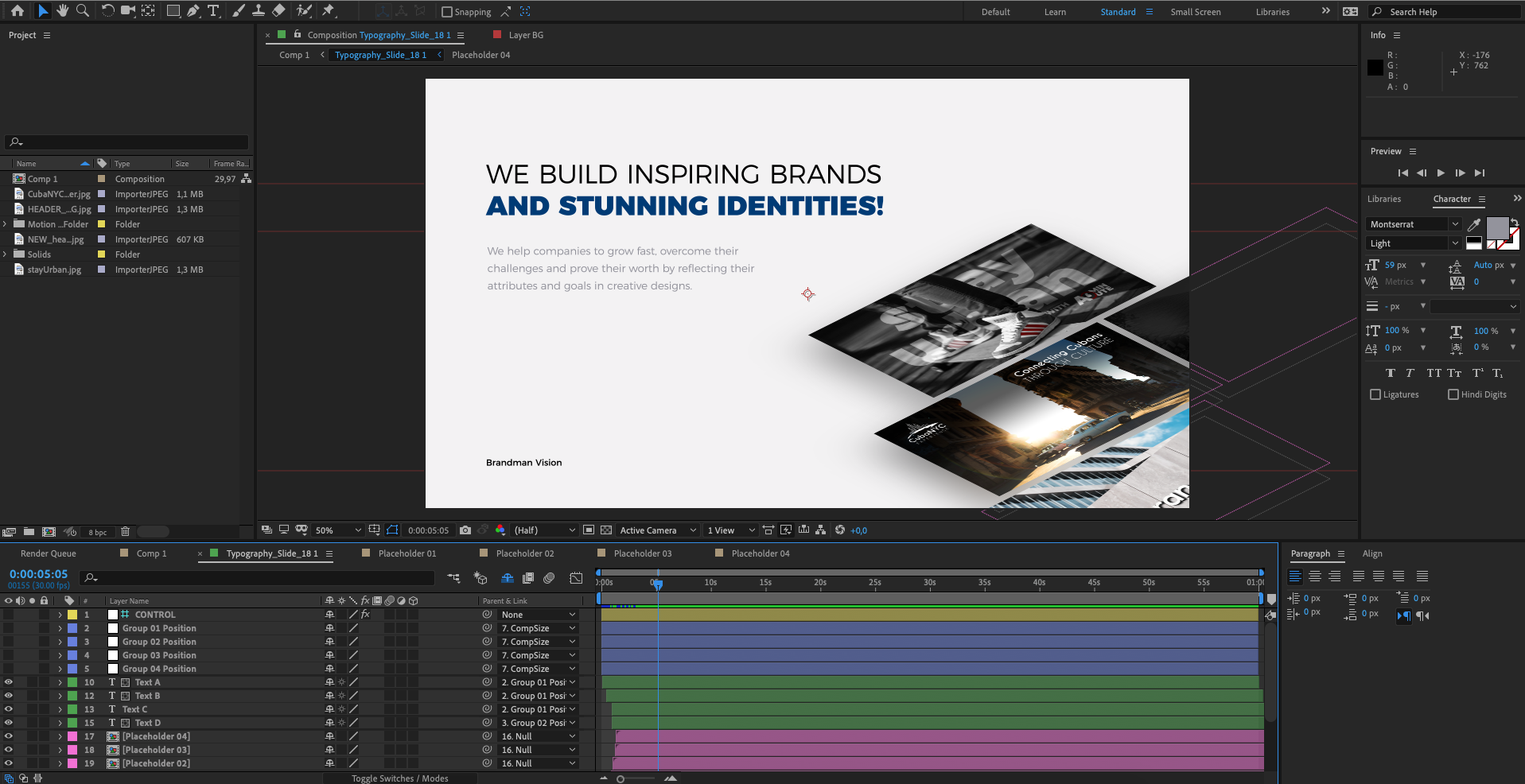
Attached animation .aep file and screenshots. To be honest, any animation I did, gave the same results.
I've read a lot of posts here and other forums but didn't find a solution.
FILE LINK (google drive)
I've checked the demo file using Chrome and Safari 12.0.
After Effects 16.0.1 Build42


 margzims
All 21 comments
I've been having a similar issue. Bodymovin doesn't preview or properly render the animation into the json file. I am trying to use the animation for an iOS app. When I try to display the animation none of my vectors show.
 lairebecca
on 20 Mar 2019
lairebecca
on 20 Mar 2019
@lairebecca did you find any solution for that? So far I've placed the animation as a mp4 on my site but loading time is killing it. Tried to export it and convert to other formats but none of Creative Suite software can change movie to svg. Or I just don't know how yet
margzims
on 20 Mar 2019
@margzims I checked your animation and it uses features that are not supported by the player.
For example markers and Fast blur effect.
Unfortunately, I don't think there's a workaround for it.
 bodymovin
on 20 Mar 2019
bodymovin
on 20 Mar 2019
@lairebecca can you share the .aep?
bodymovin
on 20 Mar 2019
@bodymovin Do you suggest to simplify it by discarding those features? Is there a problem with specific features or using the motion bro plugin?
I mean I have a few other animations - logo reveals (created using motion bro) so if they won't have listed features they should work though?
margzims
on 20 Mar 2019
@margzims I don't know that plugin or what features it uses, so I can't help there. But I suggest starting with a simple animation to get the hang of it and then checking supported features here http://airbnb.io/lottie/#/supported-features
bodymovin
on 20 Mar 2019
@bodymovin I see. Of course, that's what I'm going to do. Thanks anyway for support! For me the thread is closed. I hope you can help @lairebecca :)
margzims
on 20 Mar 2019
@lairebecca can you share the .aep?
lairebecca
on 20 Mar 2019
@lairebecca the problem is in layer: "Shape Layer 2". You are using multiple repeaters and sequential repeaters are not supported.
bodymovin
on 21 Mar 2019
@lairebecca the problem is in layer: "Shape Layer 2". You are using multiple repeaters and sequential repeaters are not supported.
I removed my Shape Layer 2, but my json is still not working right. The HTML file now loads. The Xcode project returns errors such as "img_1.png" does not exist. Found the problem, the thread is closed for me. :)
lairebecca
on 21 Mar 2019
guys can you help !! i have same problem, i wanna export aep to json with Bodymovin but the file is not working good !!
data.zip
 yeubix
on 4 Dec 2019
yeubix
on 4 Dec 2019
@yeubix Hi, have you checked the supported features?
https://airbnb.io/lottie/#/supported-features
bodymovin
on 4 Dec 2019
no i didnt checked i will thanks.
yeubix
on 5 Dec 2019
Hi @bodymovin ,
I am trying to export a json file from my animation which is just a sequence of pngs.
But every time I render it, no json file is created.
Can you help me figure out what the problem is?

 shantanuatul
on 1 Feb 2020
shantanuatul
on 1 Feb 2020
@shantanu0923 hi, what version of bodymovin are you using?
if it's lower than 5.6.3 can you try upgrading?
bodymovin
on 1 Feb 2020
@bodymovin Thanks!
I had v5.6.2.
Now its working!
shantanuatul
on 1 Feb 2020
@bodymovin why when I have rendered the project, then I display a preview on lottiefiles.com the image is broken? thx
 mimannurdin
on 28 Jul 2020
mimannurdin
on 28 Jul 2020
@Camper76 can you ask the lottiefiles team about it? With that info I don't know what could be going on.
bodymovin
on 3 Aug 2020
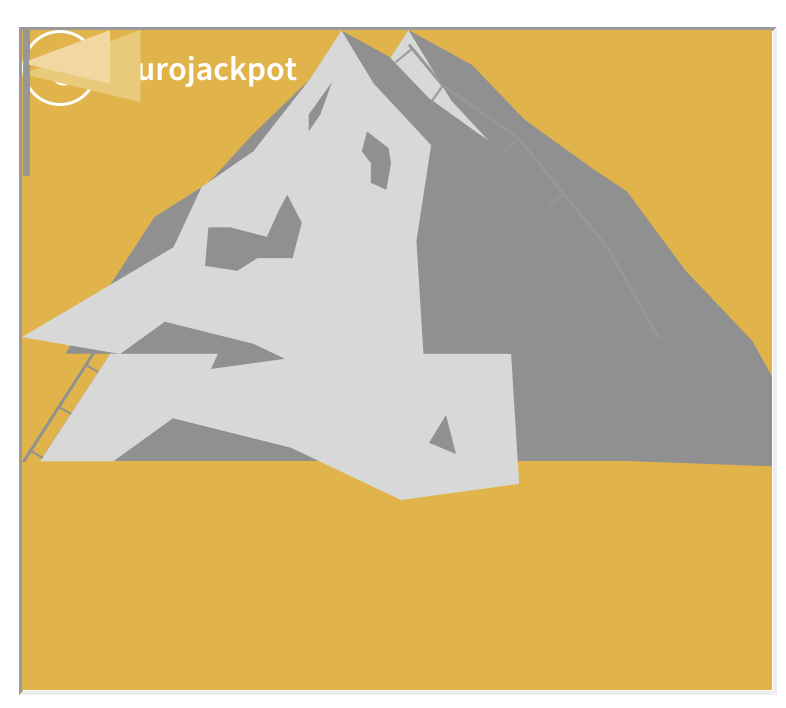
@bodymovin Hey I have the same (maybe a little different) problem. I try to render my animation (AE 17.1.4) with Bodymovin (v5.7.6) but it only renders the pngs into the json file and not the animation. Maybe you can help me!
 aia-sophie
on 3 Feb 2021
aia-sophie
on 3 Feb 2021
@aia-sophie hi, it looks like the file wasn't uploaded correctly
bodymovin
on 6 Feb 2021
@bodymovin oh sorry.. Animation_folder.zip
aia-sophie
on 6 Feb 2021
Related issues
 staytoooned
·
24Comments
staytoooned
·
24Comments
 gghhjj
·
18Comments
gghhjj
·
18Comments
 sowmyy
·
18Comments
sowmyy
·
18Comments
 riscovo
·
155Comments
riscovo
·
155Comments
 grant-rogers
·
36Comments
grant-rogers
·
36Comments