Lottie-web: Does not export the right colors by the bodymovin in the gradient
USING:
Windows 10
Adobe After Effects CC 2019
Bodymovin 5.4.2
I'm having some problems with gradients.
I have an illustration in ".AI" when I import into After Effects and I create vector layers they stay in solid gray fill and lose the gradient, so I recreate the gradients by going to "Add> Gradient Fill" I select the right colors, I do the animation, when I export through the bodymovin the gradient turns black and white or it generates a totally random color, the worst I do not understand is that some the gradient works and another does not.
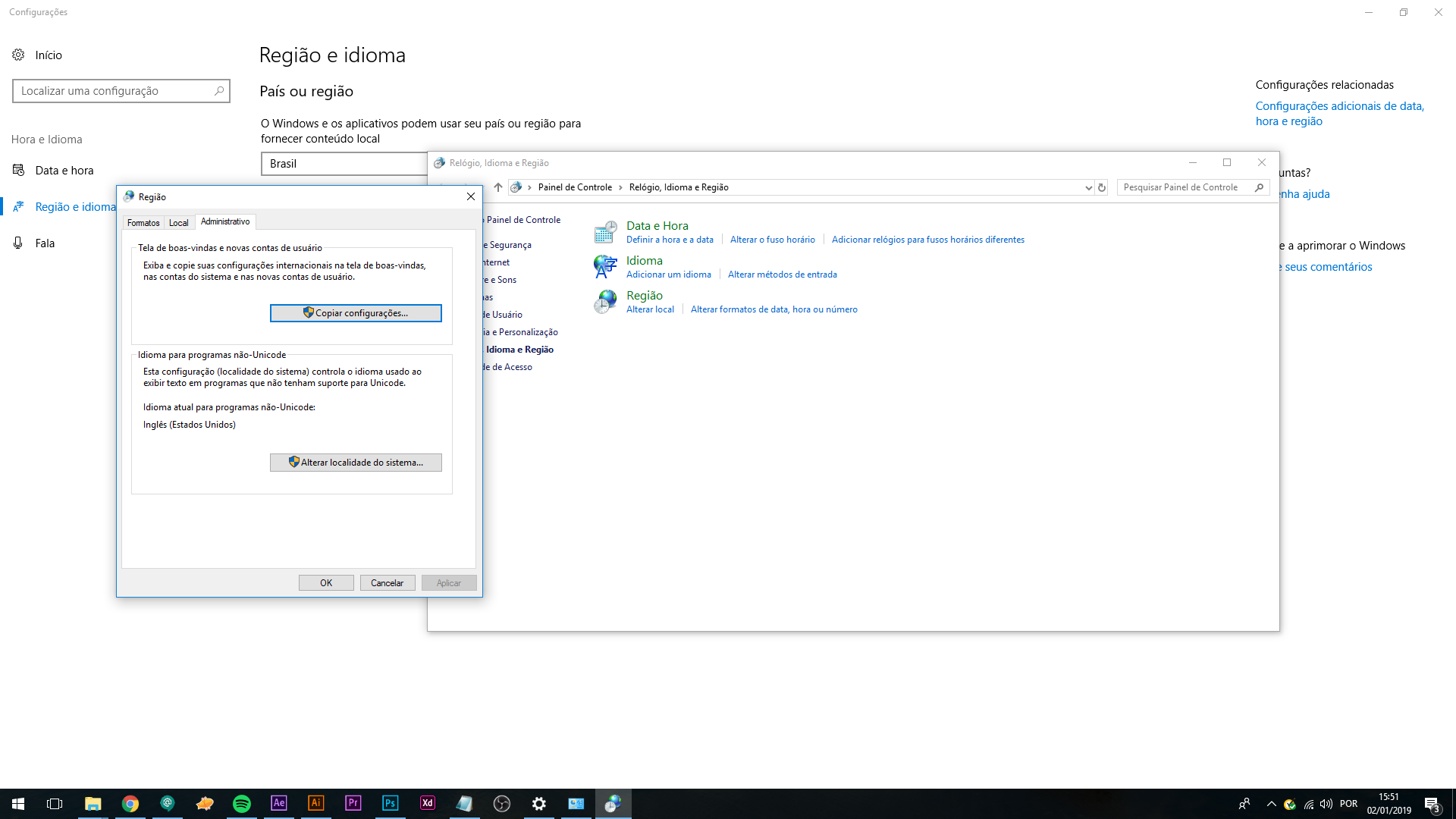
I have already switched the unicode language from the system to English (USA), the language of the software is in English as well.
Example 01:
• On After Effects:

• Exported (Demo web):

• Exported (Preview Lottie):

Exemple 02:
• On After Effects:

• Exported (Demo web):

@bodymovin Please Help me guys.
 manchasan
All 12 comments
There's usually two reasons why it won't find the correct gradient color:
First, if layers or gradient properties have the same name, it might find an incorrect value.
Second, make sure the project is saved before exporting.
If it still fails, can you share the .aep?
 bodymovin
on 3 Jan 2019
bodymovin
on 3 Jan 2019
@bodymovin here the zip with .aep and .ai
manchasan
on 3 Jan 2019
Try changing the names of gradient properties that don't work.
For example in layer CABEÇA HOMEM > Contents > Grupo 1
I changed "Preenchimento de gradiente 1" to "Gradient 1" and it got fixed.
bodymovin
on 3 Jan 2019
I've change the names take a look

Some change but other take a random color, the skin and hair of the man fixed but de sunset doesn't :(

manchasan
on 3 Jan 2019
I solved my problem by importing .ai again with my After Effects in English, when I started the project it was in Portuguese :)
Thanks
manchasan
on 3 Jan 2019
There's usually two reasons why it won't find the correct gradient color:
First, if layers or gradient properties have the same name, it might find an incorrect value.
Second, make sure the project is saved before exporting.If it still fails, can you share the .aep?
hi I'm also facing this issue can help me pls!
 ppcD-er
on 27 Feb 2020
ppcD-er
on 27 Feb 2020
@ppcD-er hi, can you provide more info?
bodymovin
on 29 Feb 2020
@ppcD-er hi, can you provide more info?
hi, Thanks for responding, I found out the reason already :) My Gradient was having an issue because there was a clash in my assets folder when I imported the ai files from a few files. After deleting all the ai files, the gradient issues were resolved. Could be because of conflicts in similar file names.
thxs again for responding
ppcD-er
on 2 Mar 2020
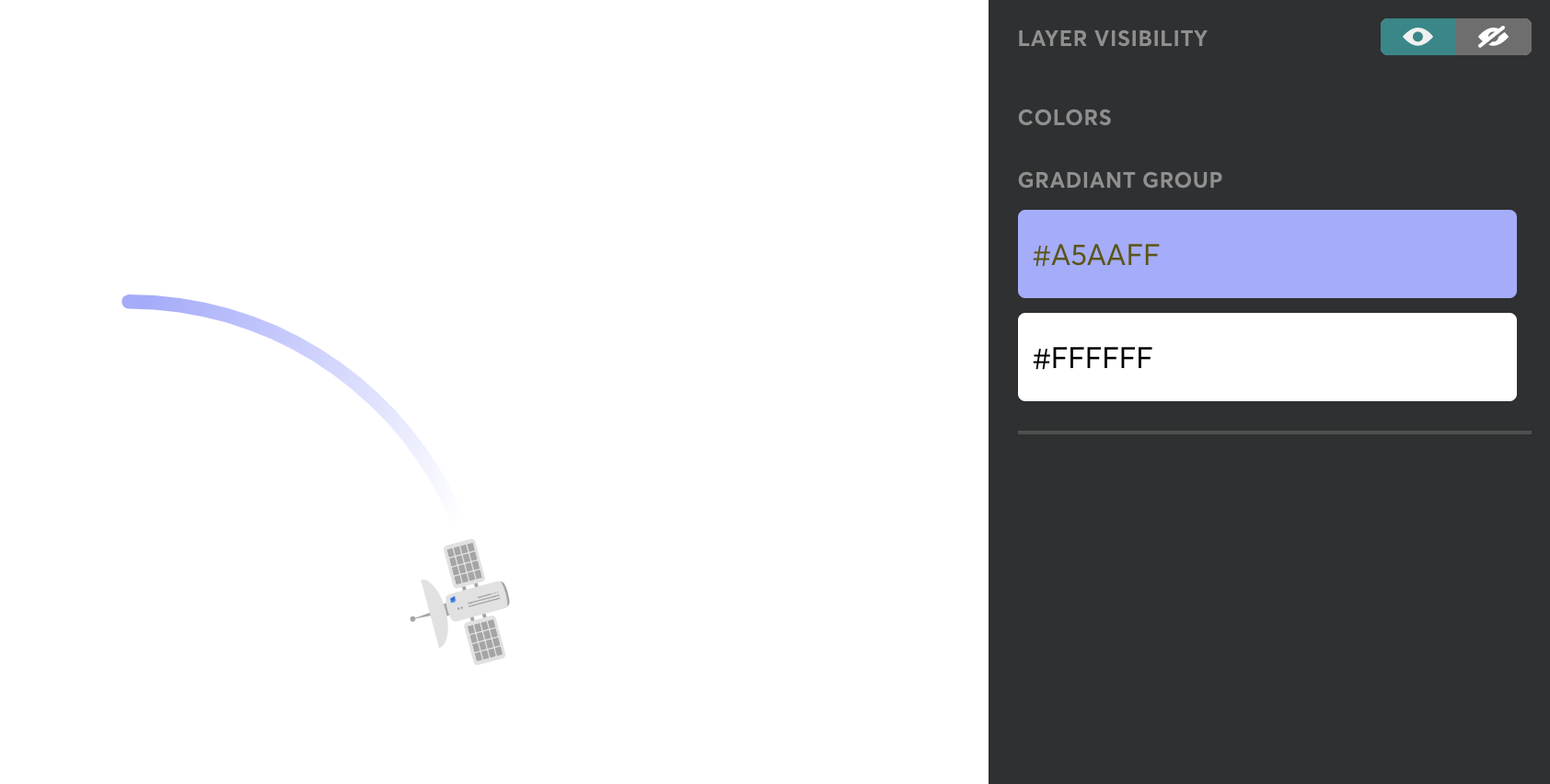
There is a feature in the Lottiefiles Preview Window (German):

There you are able to change the gradients of single objects:
 samdiener
on 31 Mar 2020
samdiener
on 31 Mar 2020
The solution is to rename all gradients "Gradients Fill 1" into Gradient Fill_1, Gradient Fill_2,Gradient Fill_3.... AND ALSO what had closed all still remaining problems after that is to rename all sublayerd Groups from Group 1, Group 2, Group 3 where gradients are presented to Group_1, Group_2, Group_3. This closed my problems.
 d-korolkov
on 22 Apr 2020
d-korolkov
on 22 Apr 2020
The solution is to rename all gradients "Gradients Fill 1" into Gradient Fill_1, Gradient Fill_2,Gradient Fill_3.... AND ALSO what had closed all still remaining problems after that is to rename all sublayerd Groups from Group 1, Group 2, Group 3 where gradients are presented to Group_1, Group_2, Group_3. This closed my problems.
Thank you very much. This worked.
 pradipvaghasiya
on 9 May 2020
pradipvaghasiya
on 9 May 2020
The solution is to rename all gradients "Gradients Fill 1" into Gradient Fill_1, Gradient Fill_2,Gradient Fill_3.... AND ALSO what had closed all still remaining problems after that is to rename all sublayerd Groups from Group 1, Group 2, Group 3 where gradients are presented to Group_1, Group_2, Group_3. This closed my problems.
Work for me. Thanks
 googincheng
on 6 Nov 2020
googincheng
on 6 Nov 2020
Related issues
 staytoooned
·
24Comments
staytoooned
·
24Comments
 wanbinkimoon
·
61Comments
wanbinkimoon
·
61Comments
 margzims
·
21Comments
margzims
·
21Comments
 sowmyy
·
18Comments
sowmyy
·
18Comments
 balinabbb
·
35Comments
balinabbb
·
35Comments
Most helpful comment
There's usually two reasons why it won't find the correct gradient color:
First, if layers or gradient properties have the same name, it might find an incorrect value.
Second, make sure the project is saved before exporting.
If it still fails, can you share the .aep?