Live-share: Unable to log in Live Share succesfully
Hello, I am Steven.
My friend had problem in logging in Live Share, it results in the incapability of inviting him into our group project.
Here is how the problem happens. At first, Live Share requested user to log in, and it directs user to Github account, and my friend did it. However, after he clicked authorizing linked to Github account, then the web page shows succesfully login but he still could not do anything for Live share. Please solve the problem as soon as possible.
 ste176876
All 14 comments
Hello!
Thanks for reaching out. Can you give us more details about your scenario? Are you using Visual Studio or Visual Studio Code?
Also, your logs may provide us with helpful information. For VS Code: You can access them via the Live Share: Export Logs command from the command palette (ctrl + shift + p) and attach them to this issue. For VS: You can find your logs in the %TEMP%/VSFeedbackVSRTCLogs directory.
 aletsdelarosa
on 18 Oct 2019
aletsdelarosa
on 18 Oct 2019
i have same issues, two computers failed to log in. mac and windows. i can't find the export logs you mentioned either..
 martianmartian
on 27 Oct 2019
martianmartian
on 27 Oct 2019
I am experiencing the same problems. I am asked to login with github/microsoft, i successfully login and then vscode never updates and creates the session. stuck in "sign in to proceed"
 tjj9020
on 1 Nov 2019
tjj9020
on 1 Nov 2019
@tjj9020, what operating system and browser are you using?
 Moniarchy
on 1 Nov 2019
Moniarchy
on 1 Nov 2019
Hello! I am using macOS Catalina v10.15
tjj9020
on 1 Nov 2019
I have a Windows 10 PC and two different Macs (MacBook and Mac mini) running macOS Catalina 10.15.1
- Live Share login works fine on Windows 10
- Live Share login hangs on both macs (after logging in) on the "Sign in to proceed" dialog in Code.
Same behavior for either Github or Windows live login.
I've tested the same Macbook both on my home network and my workplace network - same behaviour.
Visual Studio Code version 1.39.2
Google Chrome version 79.0.3945.16 (Official Build) beta (64-bit)
I don't know exactly when the problem started, I haven't used Live Share lately, but Live Share was definitely working for me on the Macbook on the 24:th of October.
 Mellbourn
on 4 Nov 2019
Mellbourn
on 4 Nov 2019
I have the exact same issue!!! Is anybody fixing this?
 joebentaylor1995
on 4 Nov 2019
joebentaylor1995
on 4 Nov 2019
We're looking into this. Thanks for your patience. @joebentaylor1995, @Mellbourn, @tjj9020, can you tell me what browser you're using? Also, uploading your logs here would be helpful for our investigation. You can access them via the Live Share: Export Logs command from the command palette (ctrl + shift + p) and attach them to this issue.
Moniarchy
on 5 Nov 2019
Also, for those of you who are still experiencing this, in the meanwhile, you can also try signing in with the user code that's given to you when you see the success page.
On that page, you can click "Having trouble? Click here for user code directions" and copy the 16 digit code that's displayed. Once it's copied to your clipboard, you can open the command palette (ctrl or cmd + shift + p), then type "user code", select "Live Share: Sign In With User Code", then paste the code.
Moniarchy
on 5 Nov 2019
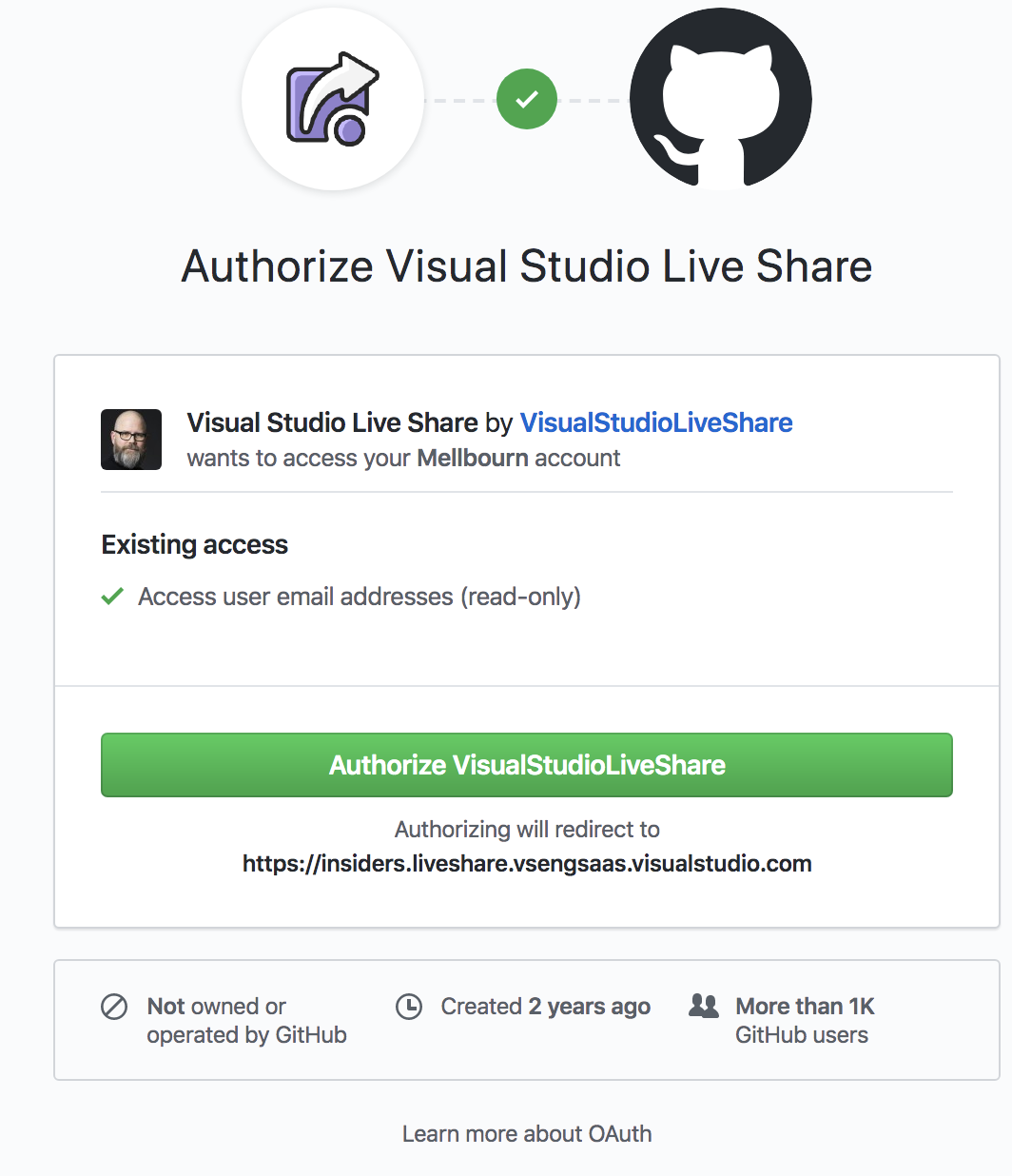
One more thing: it seems that I have to reauthorize Live Share to Github every time I log in, I did not use to have to do that.
Mellbourn
on 5 Nov 2019
I have mailed my logs to @Moniarchy
Mellbourn
on 5 Nov 2019
i have similar issue,
using the Sign In With User Code works for me
But there's no button to get to the user code input on the bubble notification,
you must need to get there via the command plate
the UX there is very sketchy
 Bnaya
on 6 Nov 2019
Bnaya
on 6 Nov 2019
Dup: https://github.com/MicrosoftDocs/live-share/issues/2982
Please follow issue above.
 fubaduba
on 14 Nov 2019
fubaduba
on 14 Nov 2019
Hello!
Thanks for reaching out. Can you give us more details about your scenario? Are you using Visual Studio or Visual Studio Code?Also, your logs may provide us with helpful information. For VS Code: You can access them via the
Live Share: Export Logscommand from the command palette (ctrl + shift + p) and attach them to this issue. For VS: You can find your logs in the %TEMP%/VSFeedbackVSRTCLogs directory.
https://github.com/MicrosoftDocs/live-share/issues/2989#issue-523044714
 mrisby
on 14 Nov 2019
mrisby
on 14 Nov 2019
Related issues
 Luchiwis
·
3Comments
Luchiwis
·
3Comments
 PranavGPR
·
3Comments
PranavGPR
·
3Comments
 dec0dOS
·
4Comments
dec0dOS
·
4Comments
 csharpfritz
·
4Comments
csharpfritz
·
4Comments
 mpearon
·
4Comments
mpearon
·
4Comments
Most helpful comment
I have a Windows 10 PC and two different Macs (MacBook and Mac mini) running macOS Catalina 10.15.1
Same behavior for either Github or Windows live login.
I've tested the same Macbook both on my home network and my workplace network - same behaviour.
Visual Studio Code version 1.39.2
Google Chrome version 79.0.3945.16 (Official Build) beta (64-bit)
I don't know exactly when the problem started, I haven't used Live Share lately, but Live Share was definitely working for me on the Macbook on the 24:th of October.