Label-studio: Importing data for NER doesn't work / works inconsistently
Describe the bug
Importing data for NER works inconsistently (works for one example, for some reason not another).
To Reproduce
Steps to reproduce the behavior:
label-studio init ner
label-studio start ner
- Choose named entity recognition as task
- Use the following config:
<View>
  <Labels name="entity" toName="text">
    <Label value="PER" background="#E85D75"/>
    <Label value="LOC" background="#464D77"/>
    <Label value="ORG" background="#21A179"/>
    <Label value="MISC" background="#01BAEF"/>
  </Labels>

  <Text name="text" value="$text"/>
</View>
Try to upload this example using the text field in the Import tab:
{
    "predictions": [
      {
        "id": 8001,
        "result": [
          {
            "from_name": "entity",
            "parent_id": null,
            "source": "$text",
            "to_name": "text",
            "type": "labels",
            "value": {
              "end": 31,
              "labels": [
                "LOC"
              ],
              "start": 22,
              "text": "Castleton"
            }
          },
          {
            "from_name": "entity",
            "parent_id": null,
            "source": "$text",
            "to_name": "text",
            "type": "labels",
            "value": {
              "end": 6,
              "labels": [
                "ORG"
              ],
              "start": 0,
              "text": "Police"
            }
          }
        ],
        "score": 0.5
      }
    ],
    "data": {
      "text": "Police: Feud built to Castleton stabbing"
    }
  }
Notice that this example works correctly.
Now, try to upload this example under Import:
    {
        "predictions": [
            {
                "id": 8002,
                "result": [
                    [
                        {
                            "from_name": "entity",
                            "parent_id": null,
                            "source": "$text",
                            "to_name": "text",
                            "type": "labels",
                            "value": {
                                "start": 0,
                                "end": 7,
                                "labels": [
                                    "ORG"
                                ],
                                "text": "Ryanair"
                            }
                        }
                    ]
                ],
                "score": 0.9
            }
        ],
        "data": {
            "text": "Ryanair boss Michael O'Leary accused of racism"
        }
    }
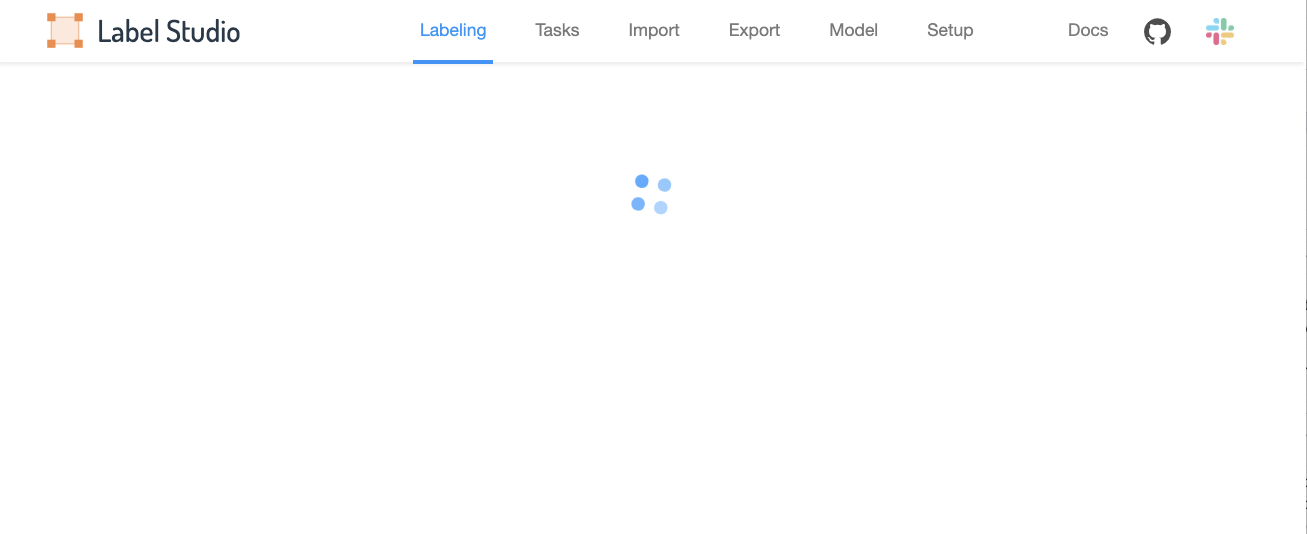
LabelStudio will say that the task imported correctly. Go attempt to label this example via the Labeling tab, and notice that the app hangs/loads indefinitely without displaying the example. (Meanwhile, the previous example displays correctly and is available for labeling.)
Expected behavior
The second example has the same JSON structure as the first example. I would expect that it should display and I should be able to label it.
Screenshots
Screenshot of the loading screen the app gets stuck on.
Environment (please complete the following information):
- MacOS Catalina 10.15.6
- Chrome 84.0.4147.135
- label-studio 0.7.4.post0
I followed the label-studio installation process specifically for the ML backend when setting up this environment. I assumed that this would produce equivalent functionality to installing label-studio normally, but maybe that has something to do with it.
Additional context
The following is logged to the console, but I'm not versed in web dev, so I don't know if it's relevant - thought I would include it just in case.
Uncaught (in promise) TypeError: Cannot read property 'split' of undefined
    at CompletionStore.js:374
    at Array.forEach (<anonymous>)
    at Object.deserializeCompletion (CompletionStore.js:372)
    at ge (mobx.module.js:914)
    at r (mobx.module.js:901)
    at mobx-state-tree.module.js:2564
    at K (mobx-state-tree.module.js:2427)
    at Object.r (mobx-state-tree.module.js:2454)
    at AppStore.js:294
    at AppStore.js:304
    at Array.forEach (<anonymous>)
    at Object.initializeStore (AppStore.js:304)
    at ge (mobx.module.js:914)
    at r (mobx.module.js:901)
    at mobx-state-tree.module.js:2564
    at K (mobx-state-tree.module.js:2427)
    at Object.r (mobx-state-tree.module.js:2454)
    at lsf-sdk.js:115
DevTools failed to load SourceMap: Could not load content for http://localhost:8080/static/js/popper.min.js.map: HTTP error: status code 404, net::ERR_HTTP_RESPONSE_CODE_FAILURE
DevTools failed to load SourceMap: Could not load content for http://localhost:8080/static/js/tippy-bundle.umd.min.js.map: HTTP error: status code 404, net::ERR_HTTP_RESPONSE_CODE_FAILURE
 chambliss
All 2 comments
I think you have an incorrect result field in prediction, it's an excess array bracket:
 "result": [
                    **[**
 makseq
on 5 Sep 2020
makseq
on 5 Sep 2020
Had a feeling it must have been something like that :) thanks for the help!
Would recommend based on this experience that it would be helpful for other new users if the app complained when it came across similar parsing issues, if possible.
chambliss
on 5 Sep 2020
Related issues
makseq
·
6Comments
 kgeis
·
4Comments
kgeis
·
4Comments
 kasuteru
·
3Comments
kasuteru
·
3Comments
 Rishabh-hyperverge
·
3Comments
Rishabh-hyperverge
·
3Comments
 vkovac2
·
6Comments
vkovac2
·
6Comments
Most helpful comment
Had a feeling it must have been something like that :) thanks for the help!
Would recommend based on this experience that it would be helpful for other new users if the app complained when it came across similar parsing issues, if possible.