Label-studio: Overlapping audio regions
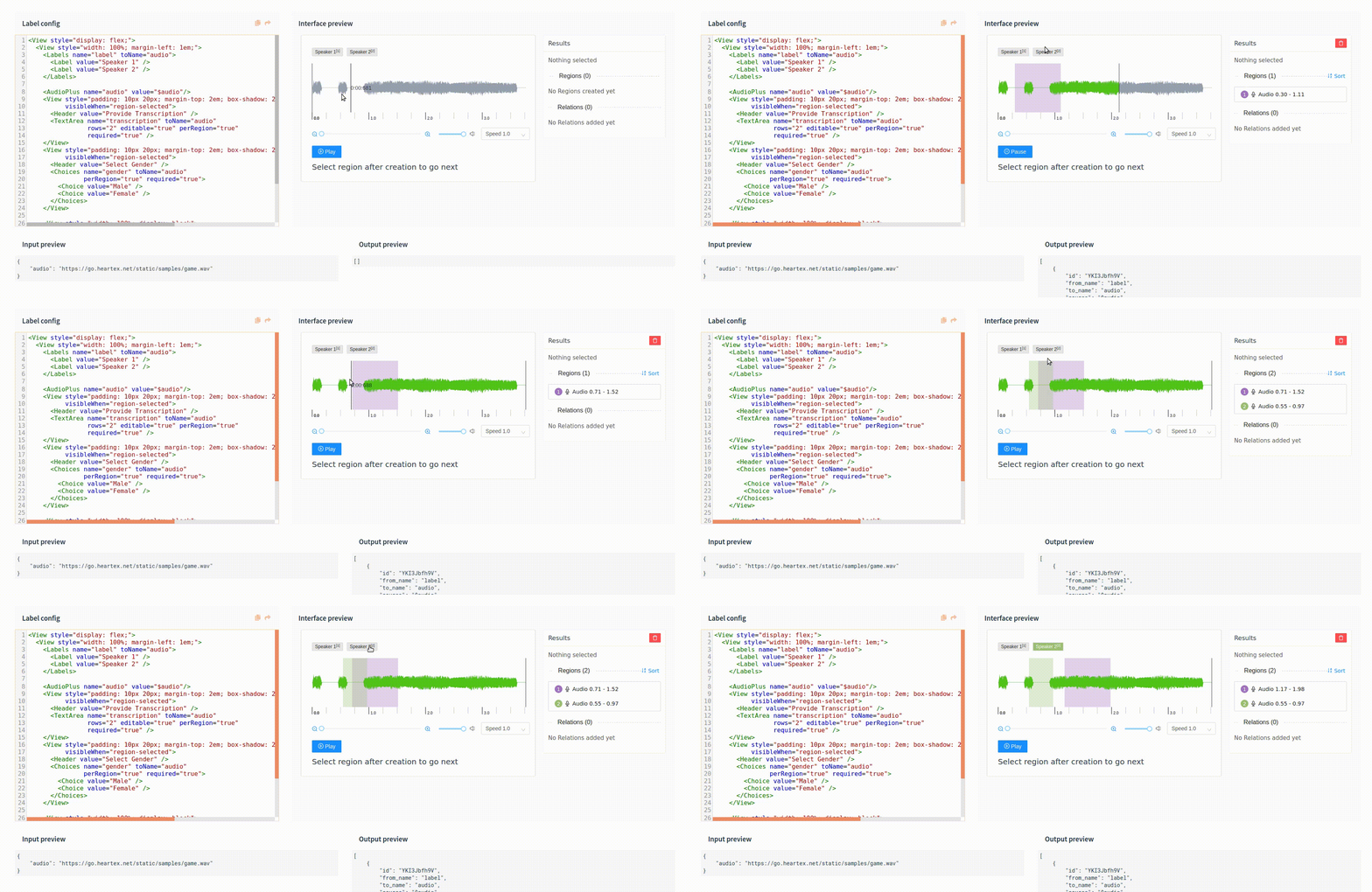
I am trying to annotate "multilabel" audio regions (which is basically multi-label for my video segments); my problem is that after selecting region1, if region2 starts after region1 does, theres no way to label that overlap because instead it ends up _moving_ region1. I have added in an example screen recording when I tried to do this on the playground too, so I think this may not be a feature yet...but definitely a useful feature to have
It seems to work if region2 starts before region1 and continues into region1, though.
_Originally posted by @stalagmite7 in https://github.com/heartexlabs/label-studio/issues/296#issuecomment-645742387_
 makseq
All 6 comments
@stalagmite7
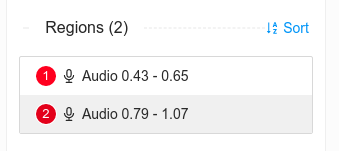
Try to select the region using Results panel
makseq
on 19 Jun 2020
But its not about selecting region2, its about trying to _create_ region2 with a starting point that lies between region1's starting and ending point. To create region2, i have to move region1 out of the way after remembering its position, mark region 2, and move region1 back to its original position
 stalagmite7
on 19 Jun 2020
stalagmite7
on 19 Jun 2020
@hlomzik it seems we need to note this. One of possible solutions is to lock underlying regions with special action (e.g. lock icon in Result panel). And after the lock regions are not affect anything.
makseq
on 19 Jun 2020
Oh, yes, this is important problem for audio/image regions, because we don't want to loose ability to move them easily, but it's necessary to create them in any place.
The good solution is to move regions only after selecting them. So any drag would create new region, because creating regions is more important than editing them.
I think that's better?
 hlomzik
on 22 Jun 2020
hlomzik
on 22 Jun 2020
What about a lock button? Something like Photoshop or image editor layers. If you block a region you should be able to overlap new regions without move the blocked ones
 jonorozcoc
on 1 Oct 2020
jonorozcoc
on 1 Oct 2020
@jonorozcoc In the last releases we added "eye" button to hide regions, it can be used as lock in some meaning.
makseq
on 14 Oct 2020
Related issues
 dalekube
·
5Comments
dalekube
·
5Comments
 atakanokan
·
3Comments
atakanokan
·
3Comments
 vkovac2
·
6Comments
vkovac2
·
6Comments
 p-sodmann
·
3Comments
p-sodmann
·
3Comments
 andreaferretti
·
6Comments
andreaferretti
·
6Comments