Hello,
Faced with issue trying to sync KeeWeb with my Dropbox account.
What Exactly I did:
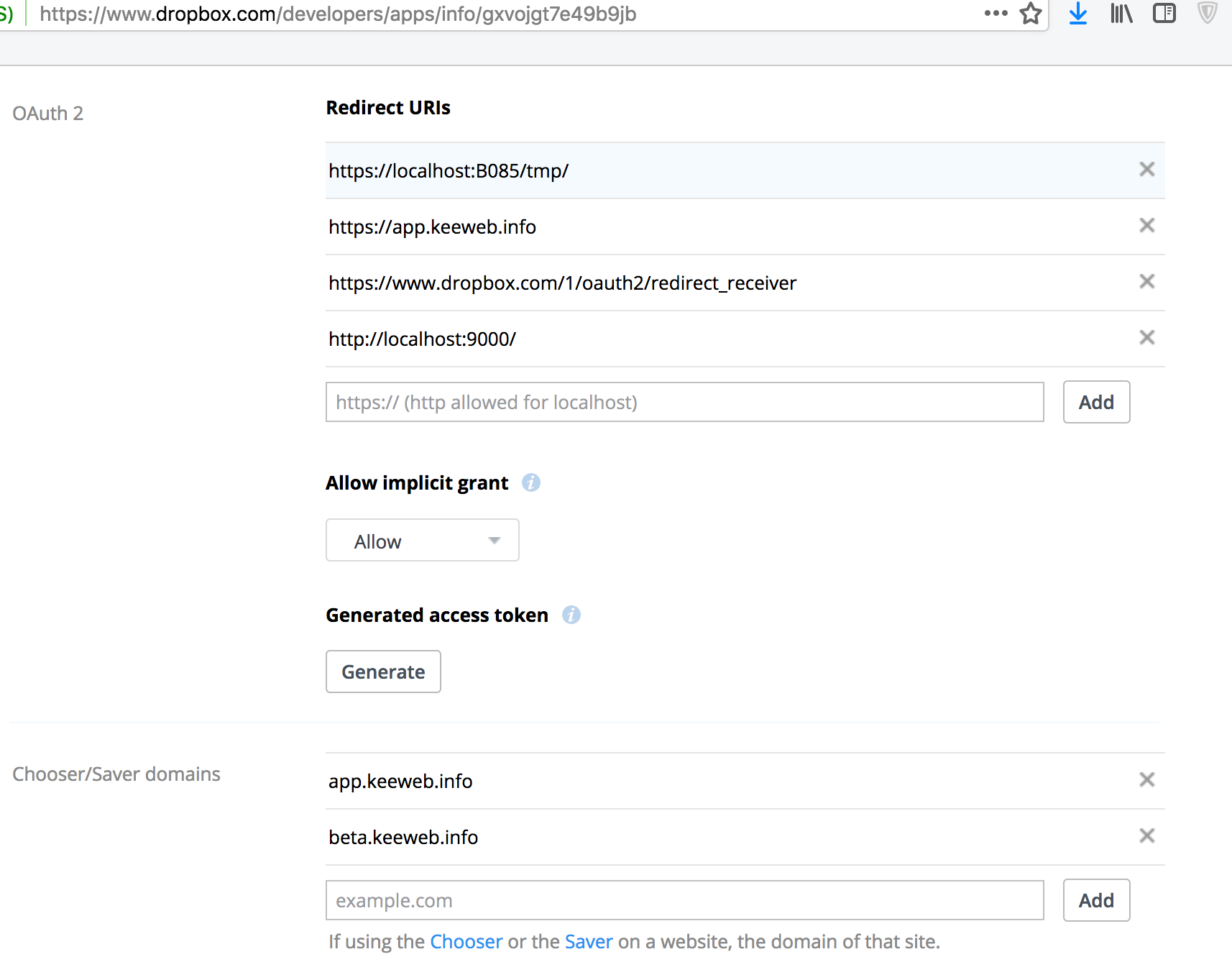
- Created new App, aded all strings from these instructions: https://github.com/keeweb/keeweb/wiki/Dropbox-and-GDrive
- Added my App key to Keeweb settings
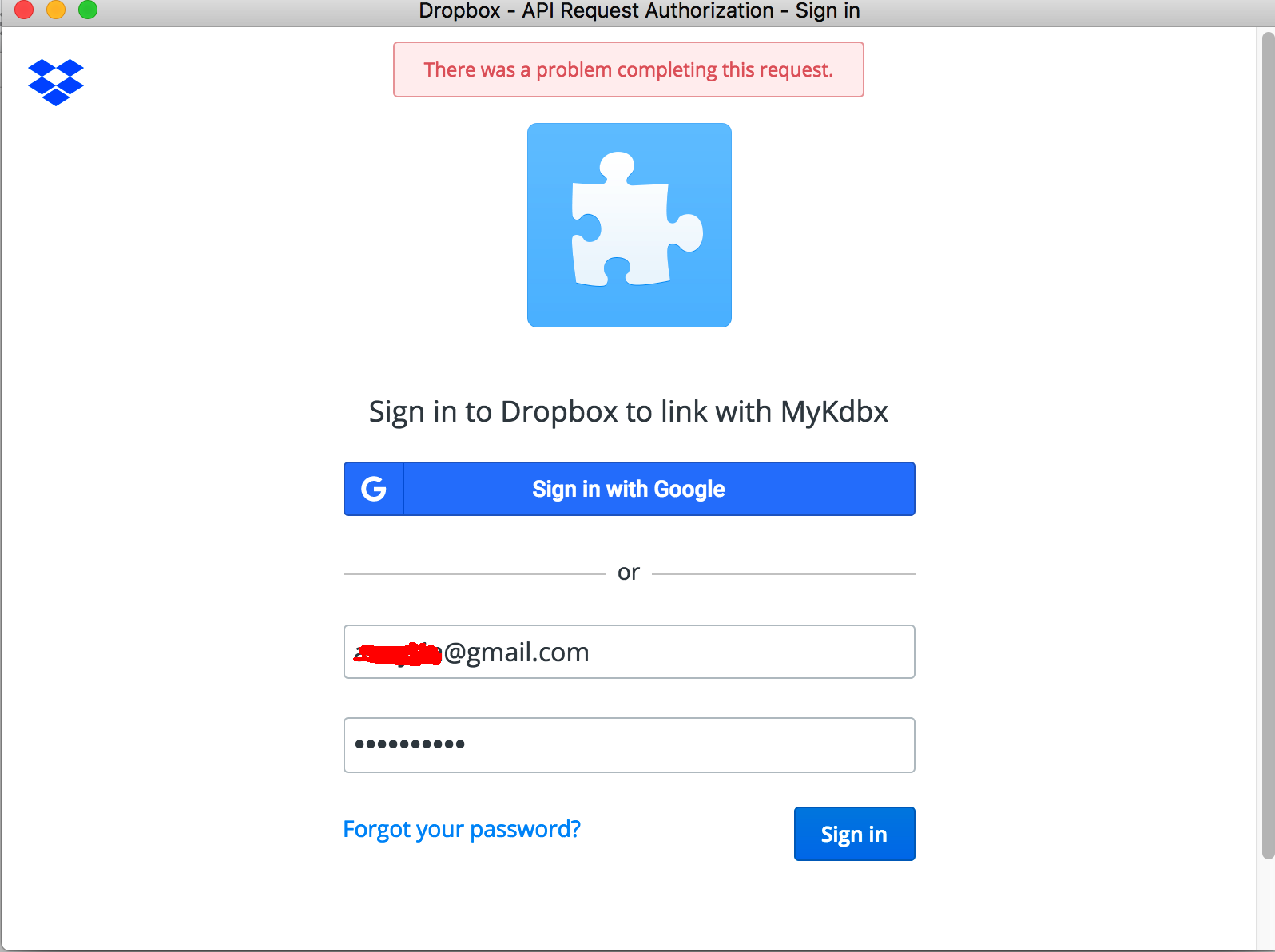
- Entered valid login and pass in "Dropbox - API Request Authorization - Sing in" window
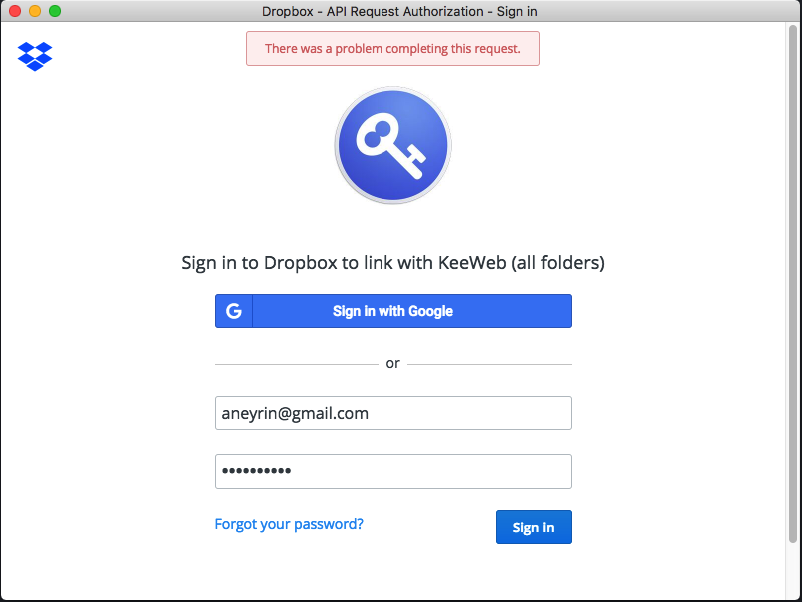
- Have issue "There was a problem completing this reguest" in Dropbox Authorization window
Please look at attached screenshots for details. Any idea how to fix it?
 Aneyrin
All 28 comments
Hi,
It looks like, you need to add your server to RedirectURIs.
 antelle
on 7 Feb 2018
antelle
on 7 Feb 2018
Thank for your suggestion. Any idea what I need to add there? I don't have local server.
Aneyrin
on 7 Feb 2018
How do you access your keeweb app without a server?
antelle
on 7 Feb 2018
I`m using local *.kdbx file and KeeWeb for MacOS application. Where can I find my local server adress?
Aneyrin
on 7 Feb 2018
Hm. Then it should just work, is there anything interesting in devtools?
antelle
on 7 Feb 2018
I`m successfully synced to Dropbox with web version of KeeWeb, but still can't do the same with installed App (issue message on second screenshot). I guess anything good with devtols, other way it wasn't work with web app. Probably I need modify this string "https://localhost:B085/tmp/" in redirect URLs? Any other idea?
Aneyrin
on 7 Feb 2018
No, the app doesn't use this url, it's using app.keeweb.info, so this url won't help.
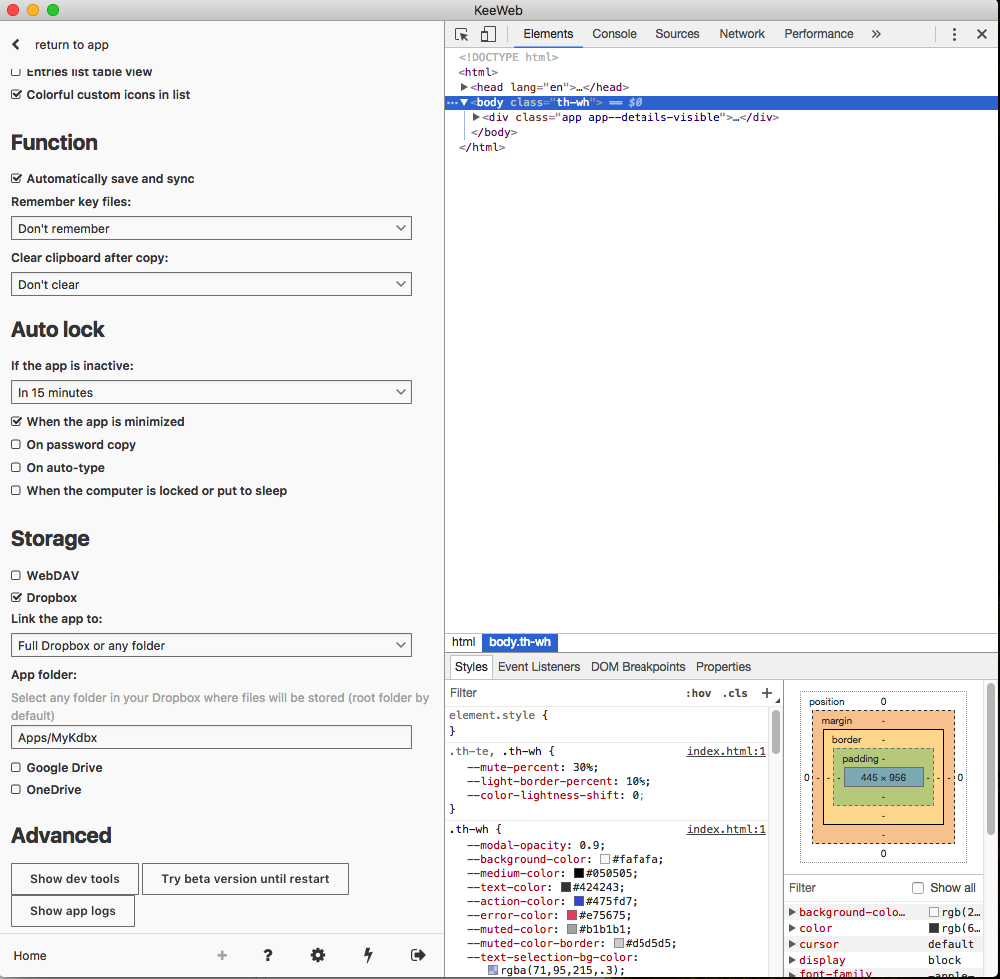
You can open devtools in apps from Settings -> General -> Advanced.
antelle
on 7 Feb 2018
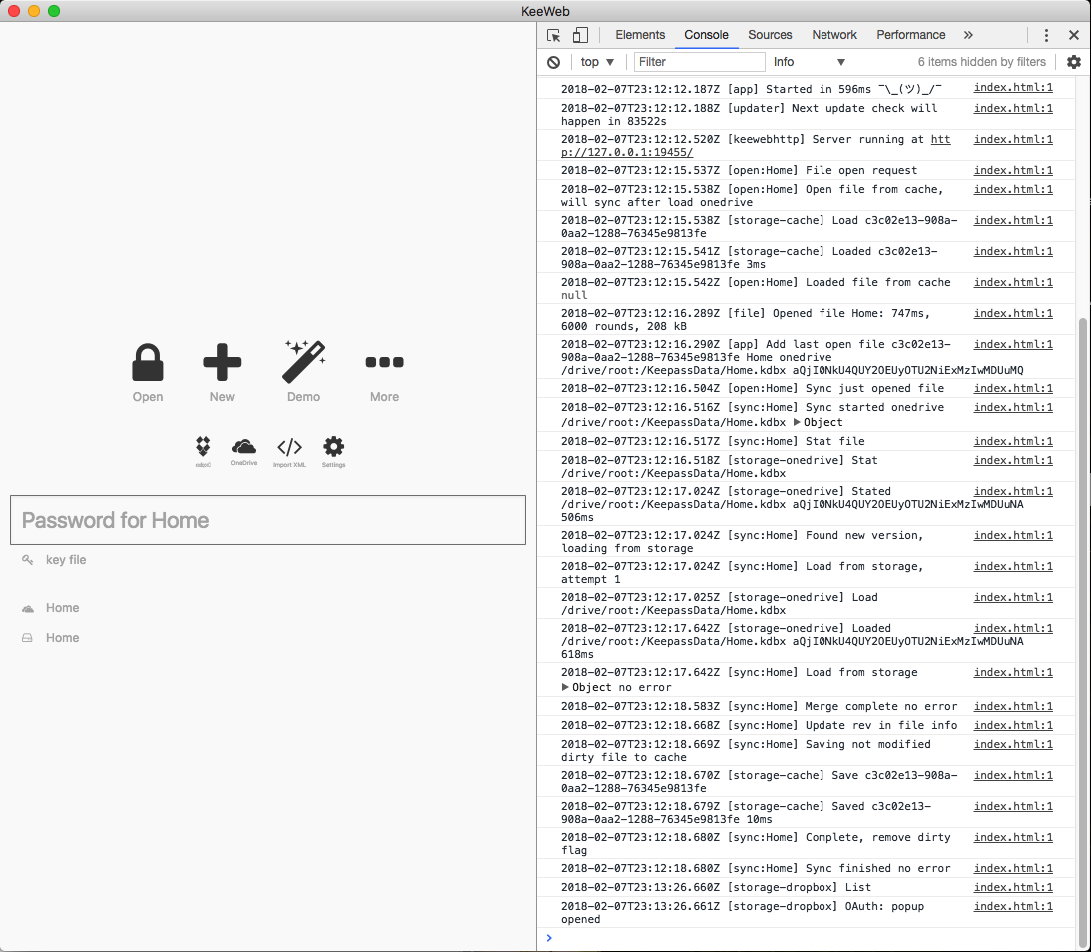
Anything interesting here?
Aneyrin
on 7 Feb 2018
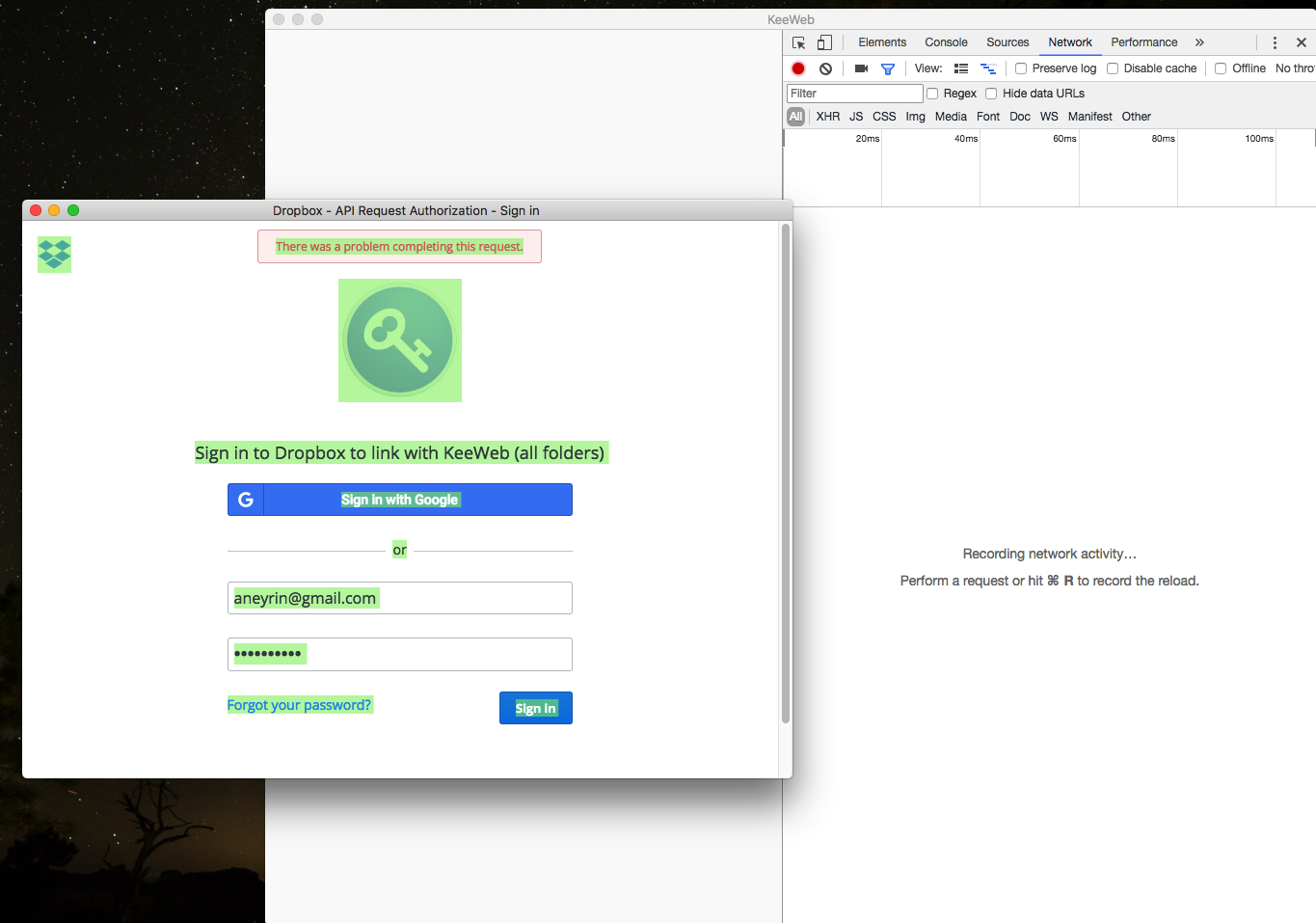
Try Network or Console panel, they can have something :)
antelle
on 8 Feb 2018
Aneyrin
on 8 Feb 2018
we need to open devtools in this popup :( but it’s not possible.
I can make a build for it, would you lile to test it?
antelle
on 8 Feb 2018
Sure, let's do it.
Aneyrin
on 8 Feb 2018
ok, I’ll upload it tomorrow
antelle
on 8 Feb 2018
Uploaded it to beta, you can switch to beta build in Settings -> Advanced, devtools will open automatically, probably there will be something interesting in Natwork panel.
antelle
on 8 Feb 2018
Hi,
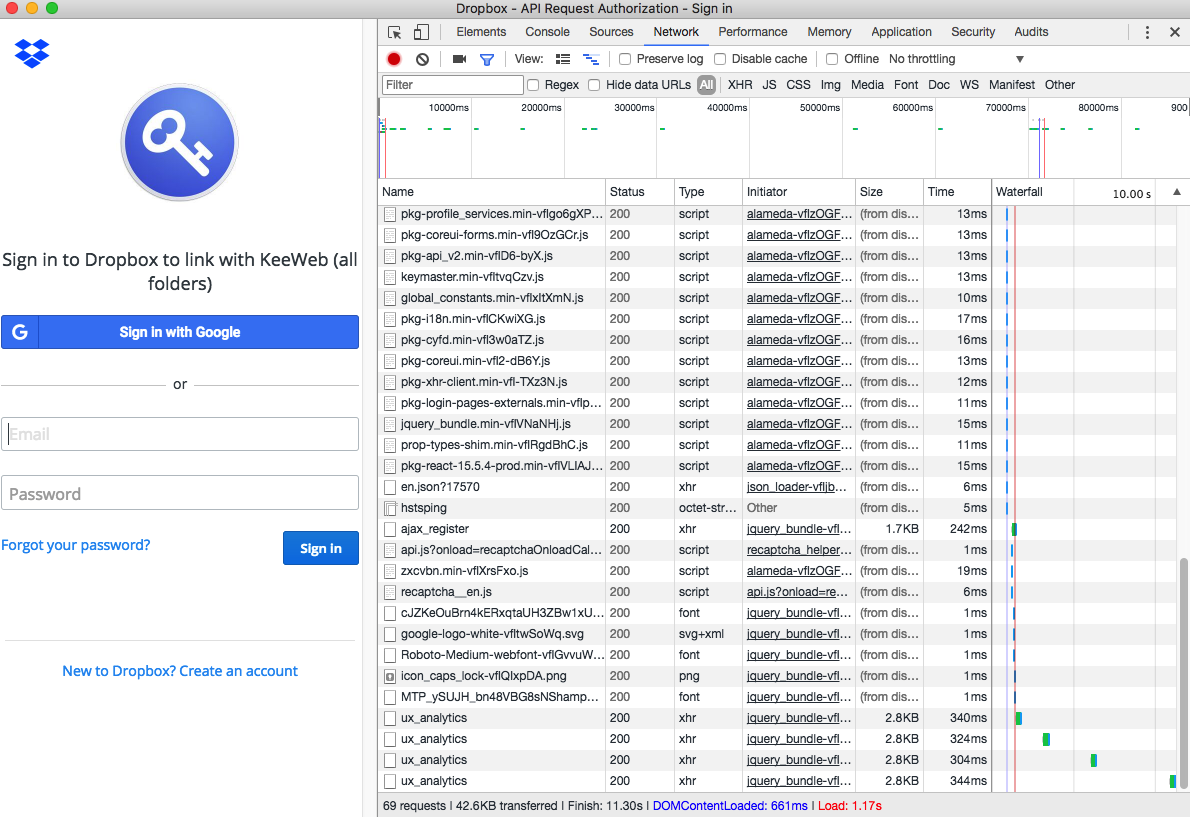
I hope it`s will be helpful. Let me know if I can to try something else.
Aneyrin
on 8 Feb 2018
Sorry, I don't see a failed request there. Also, your Dropbox window doesn't show any sign of error (like on the previous screenshot you posted).
Please try to repeat the error, then find a failed request(s) (it will be red), select it, and see what's there in the response.
antelle
on 8 Feb 2018
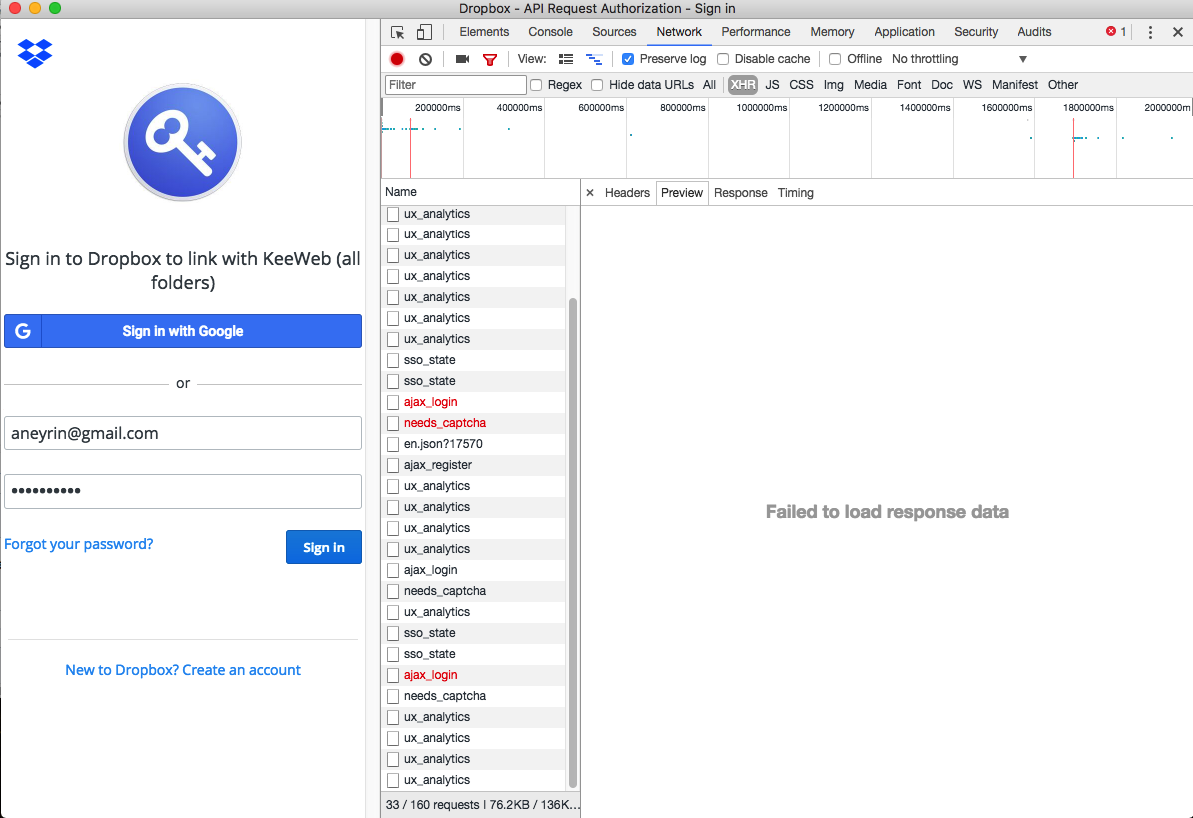
error message dissapear too fast. Did the same this time screen with error:

Aneyrin
on 8 Feb 2018
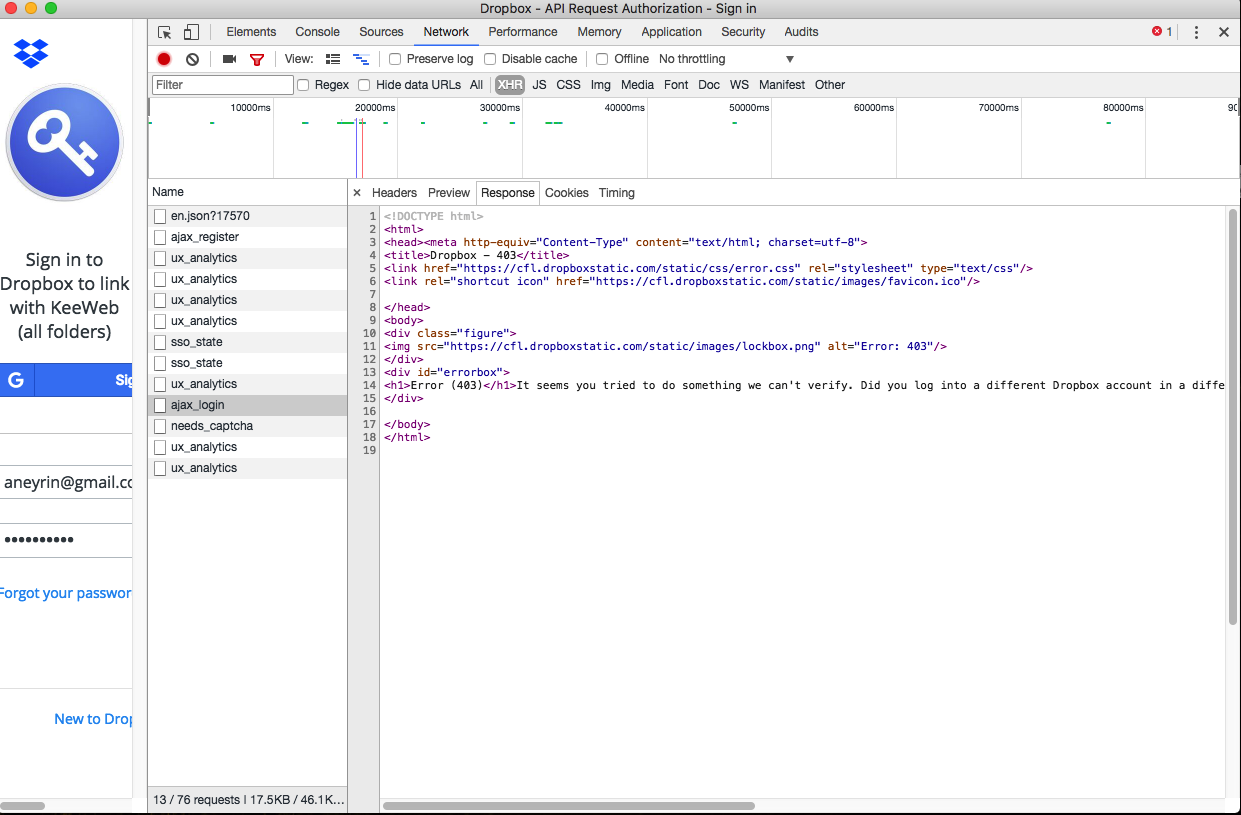
Interesting. Let's try filtering by XHR, maybe there's anything interesting there? E.g. requests with non-200 status codes?
antelle
on 8 Feb 2018
Aneyrin
on 8 Feb 2018
That's more interesting, gives a hope :)
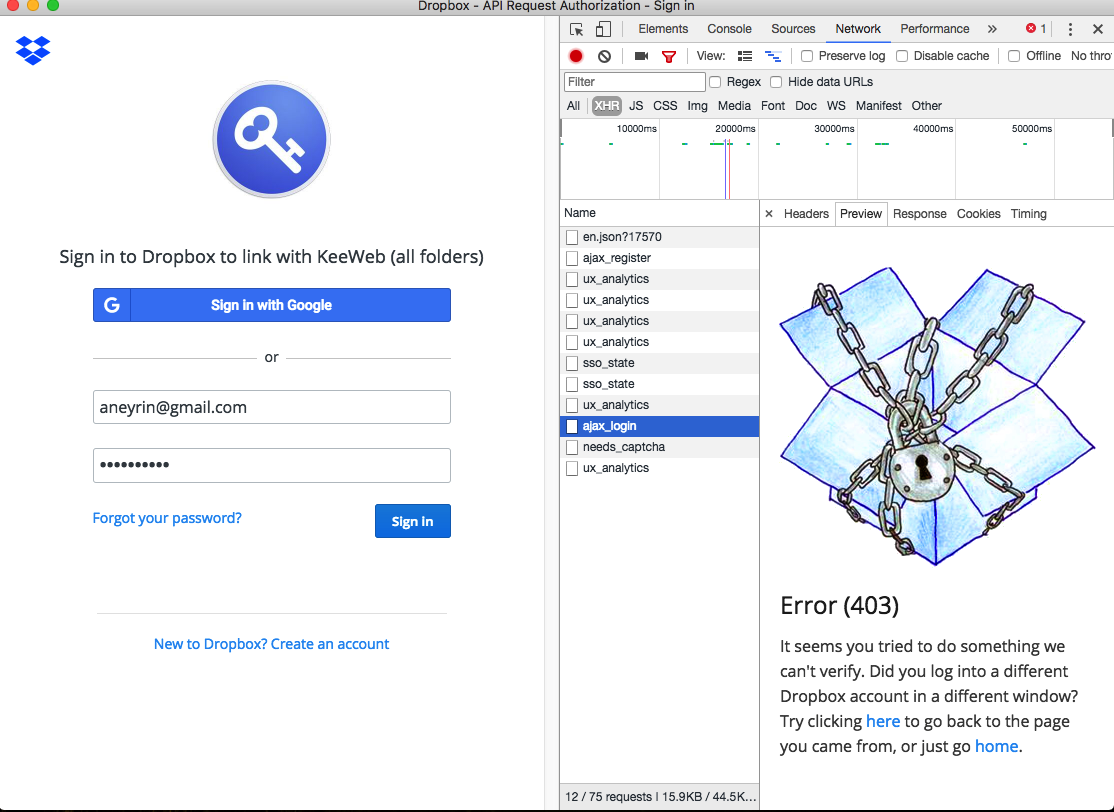
Let's select the first request (ajax_login) and check the Response tab for it
antelle
on 8 Feb 2018
Aneyrin
on 8 Feb 2018
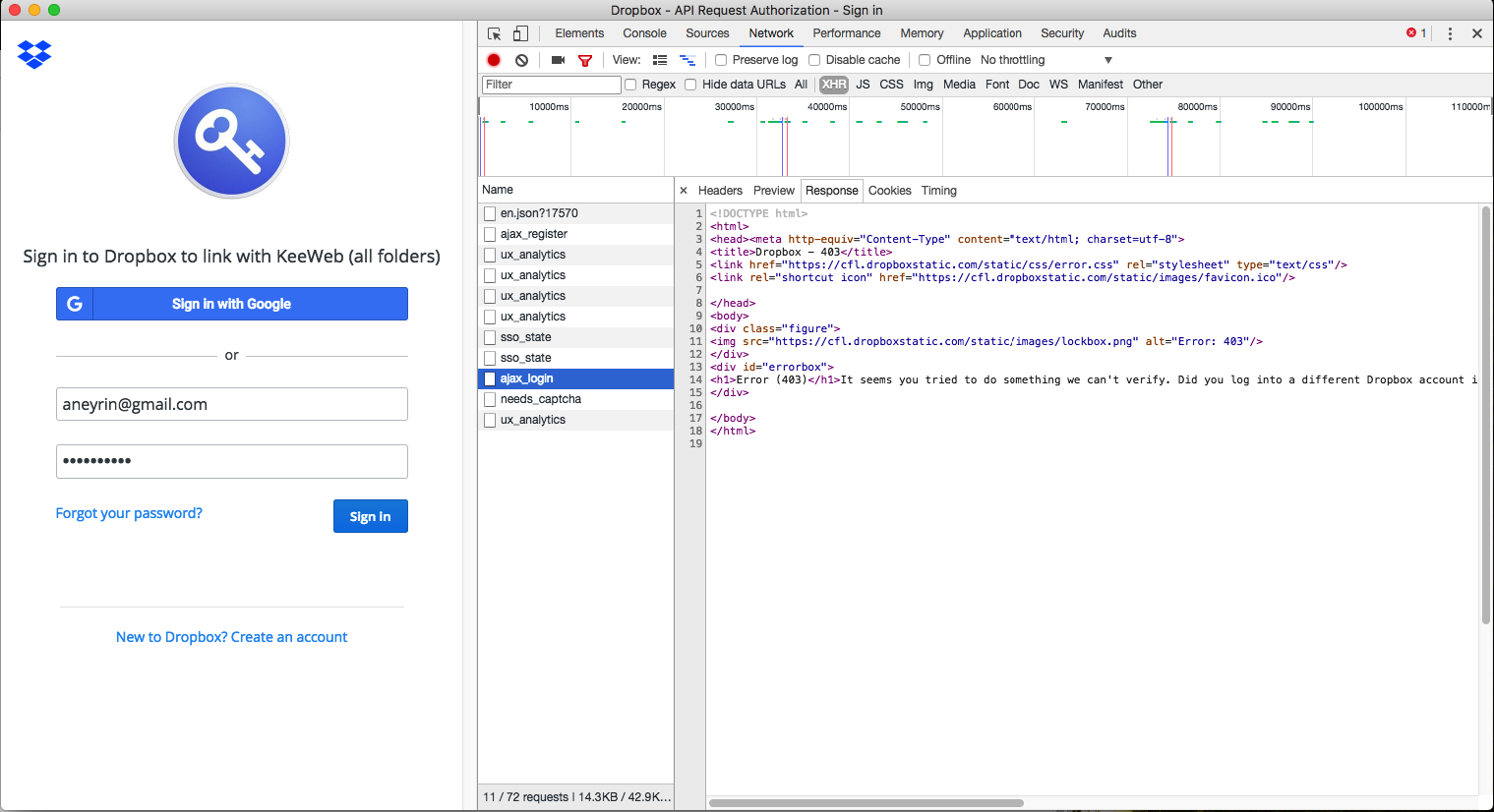
Try to uncheck Dropbox in app settings and then check it back, it will reset cookies.
antelle
on 8 Feb 2018
I did the same many times. This is what I got:
Aneyrin
on 8 Feb 2018
Deleting this app settings file could also help:
~/Library/Application\ Support/KeeWeb/app-settings.json
(but please make a backup of it somewhere before you delete it)
antelle
on 8 Feb 2018
Any idea what else I can try? (
Aneyrin
on 8 Feb 2018
Maybe also this: Library/Application\ Support/KeeWeb/runtime-data.json, or whole directory: Library/Application\ Support/KeeWeb/
antelle
on 8 Feb 2018
When I delete whole directory: Library/Application\ Support/KeeWeb/ it works again :) thank you
 Tiposbingo
on 22 Oct 2018
Tiposbingo
on 22 Oct 2018
Could be fixed in v1.7
antelle
on 7 Jan 2019
Related issues
 alexandru
·
27Comments
alexandru
·
27Comments
 blsz
·
31Comments
blsz
·
31Comments
 loilo
·
49Comments
loilo
·
49Comments
 elproducto
·
39Comments
elproducto
·
39Comments
 leolivier
·
46Comments
leolivier
·
46Comments