Keepassxc-browser: OTP field value never inputs
Expected Behavior
TOTP codes added to OTP field
Current Behavior
TOTP codes are not added to OTP fields. If I click the TOTP icon, it never adds the code from the database. The field name for example in Protonmail is twoFactorCode and on GitHub it's otp. The icon shows up but the nothing is inputted.
I even tried adding: KPH: {TOTP} with the value `{TOTP}.
Steps to Reproduce (for bugs)
- Click icon or right click add OTP
Debug info
KeePassXC - 2.5.1
KeePassXC-Browser - 1.5.4
Operating system: Linux
Browser: Firefox
 mustaqimM
All 15 comments
Does it copy the TOTP normally if you right-click the entry in KeePassXC and use TOTP... -> Copy TOTP?
 varjolintu
on 29 Dec 2019
varjolintu
on 29 Dec 2019
Ya, that's how I have to do it now
mustaqimM
on 29 Dec 2019
Strange, because I use Protonmail daily with this feature and it has always worked.
One thing you could try is to select the credentials again using the extension popup from the icon when you are in the 2FA page, then try to fill TOTP again.
varjolintu
on 29 Dec 2019
That works. If I don't re-select the credential, the TOTP code won't input
mustaqimM
on 29 Dec 2019
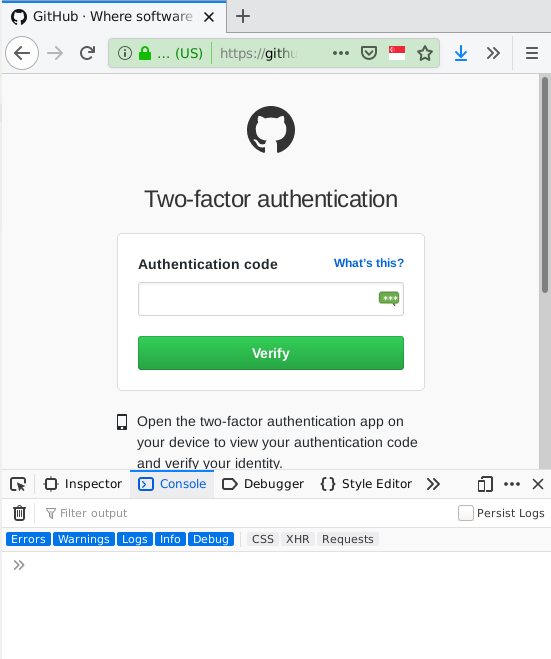
If you can, please open the Web Developer Inspector and see if there's any error messages in the console during the login in process. The only reason this might not work is that saving the filled credentials are not saved properly for the 2FA page, but I haven't seen such behaviour yet.
varjolintu
on 29 Dec 2019
I have the same issue. And there is no error message in the console.
KeePassXC-Browser Version: 1.5.4
KeePassXC Version: 2.3.4
Operating system: Debian Buster
Browser: Firefox ESR 68
 tomac4t
on 30 Dec 2019
tomac4t
on 30 Dec 2019
I could not reproduce this. GitHub site works normally for me. The only way to see where the problem possible is, is to debug the content script and check what happens inside keepassxc-browser.js at kpxc.fillInFromActiveElementTOTPOnly.
varjolintu
on 30 Dec 2019
I can see the kpxc.credentials have my username and password, but 'KPH: {TOTP}' and kpxc.credentials[index].totp value are undefined. (I have no idea how to debug with that.)

tomac4t
on 31 Dec 2019
@tomac4t Just noticed that you are using KeePassXC 2.3.4. Please upgrade and try again. Still, the KPH: {TOTP} method should work with the older release, so that might be a bug.
varjolintu
on 31 Dec 2019
Just noticed that you are using KeePassXC 2.3.4. Please upgrade and try again. Still, the KPH: {TOTP} method should work with the older release, so that might be a bug.
I build the Keepassxc 2.5.1 from source and try it. KeePassXC-Browser extension is work for input the OTP field now. Thanks. @varjolintu
tomac4t
on 31 Dec 2019
Running 2.5.2, KPH: {TOTP} no longer works, I was running 2.5.0 before and it worked fine for paypal/github.
 OneOfOne
on 12 Jan 2020
OneOfOne
on 12 Jan 2020
@OneOfOne Just tested it. Works normally.
varjolintu
on 12 Jan 2020
There are no errors or anything in the browser console, it just doesn't work, clicking the icon that extension puts on OTP fields does nothing.
OneOfOne
on 12 Jan 2020
@OneOfOne Can you do the same debugging that is made in the comments above?
Some sites can be problematic with this, and if you can select the credentials again using the popup, try that and then try to fill again. I haven't had any problems with the GitHub site.
varjolintu
on 12 Jan 2020
At last inputting TOTP codes works! I'm currently on:
KeePassXC - 2.5.3
KeePassXC-Browser - 1.6.2
Related issues
 mrmeszaros
·
3Comments
mrmeszaros
·
3Comments
 dgnuff
·
3Comments
dgnuff
·
3Comments
 Ana06
·
4Comments
Ana06
·
4Comments
 whit-colm
·
4Comments
whit-colm
·
4Comments
 derula
·
4Comments
derula
·
4Comments