Keepassxc-browser: github totp hotkey not work
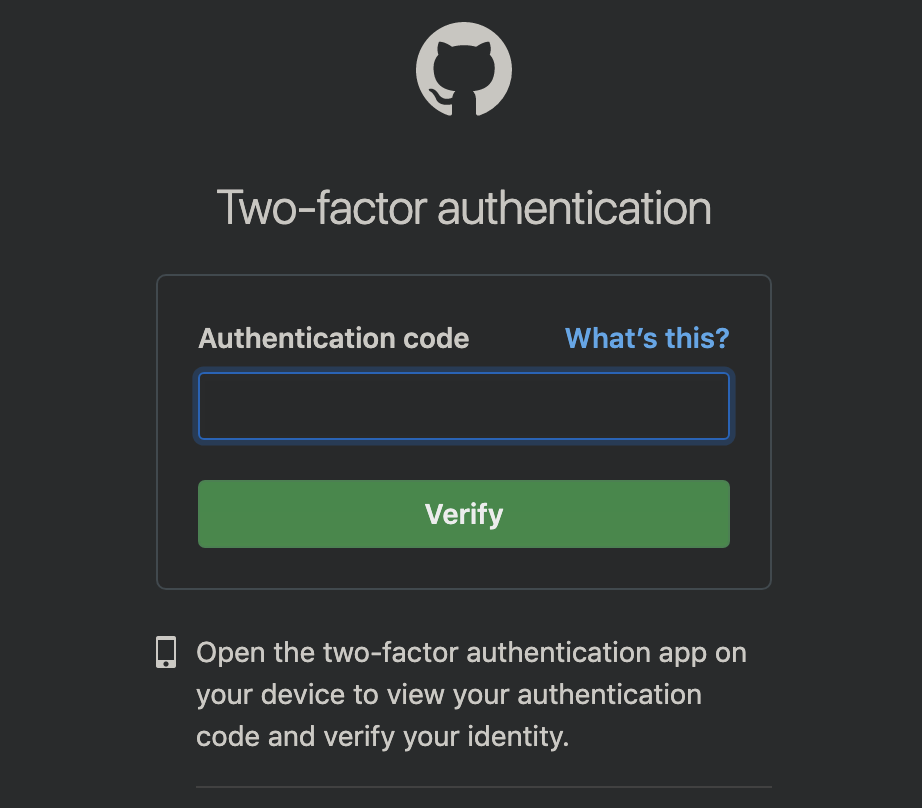
## github totp not work, but dropbox is normal.
 AriaLyy
All 21 comments
Does the popup have any credentials visible when this happens? Please re-check your entry that is has been setup properly.
 varjolintu
on 18 Jun 2019
varjolintu
on 18 Jun 2019
The login interface has credentials
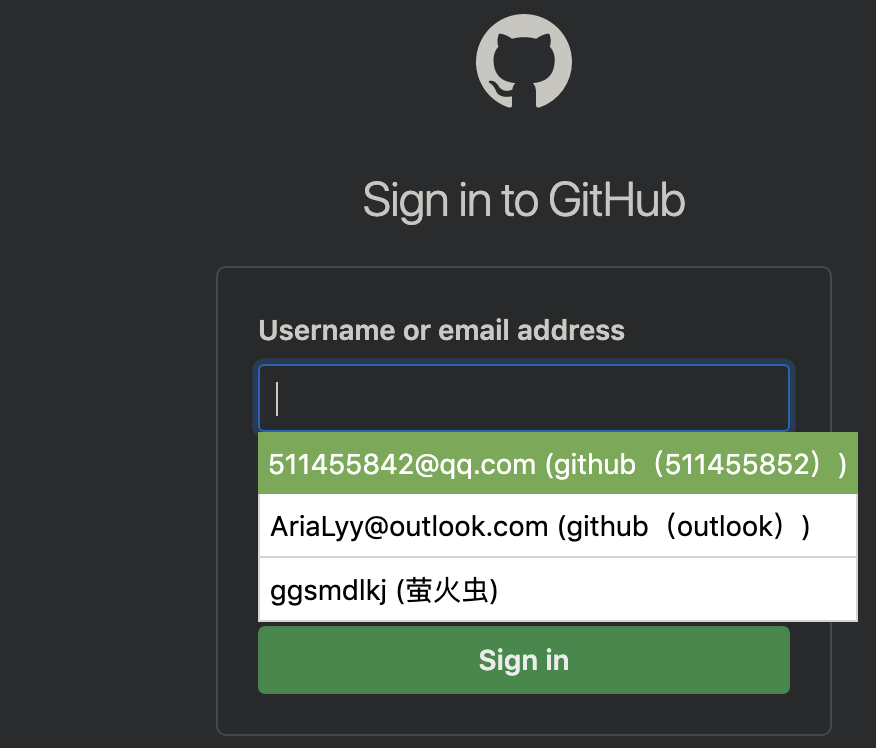
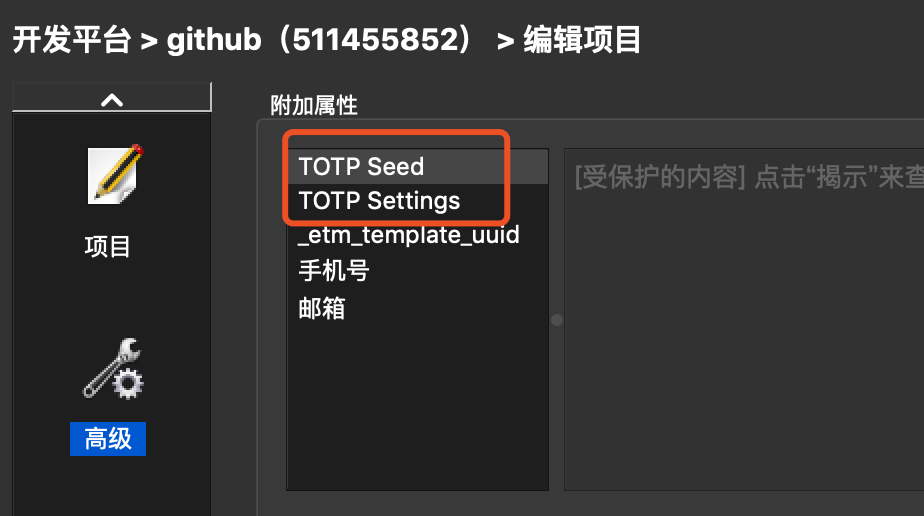
but the TTOP page does not have any credentials, The shortcut does not react at all.

In the keepassxc database, TTOP has been set, I can use the shortcut key in keepassxc to get the TTOP verification code.
AriaLyy
on 18 Jun 2019
The TOTP filling should remember the credentials filled from the previous page. If it doesn't work, check the extension popup. You can reselect the credentials from there (it doesn't fill anything) and then try to fill the TOTP again.
varjolintu
on 18 Jun 2019
Double check that the TOTP shortcut is actually setup. Does the right click menu work for filling TOTP?
 droidmonkey
on 18 Jun 2019
droidmonkey
on 18 Jun 2019
@droidmonkey @varjolintu
This question is related to the language. If the system language is English, it is normal.
but, If it is Simplified Chinese, it is not work.
language is english
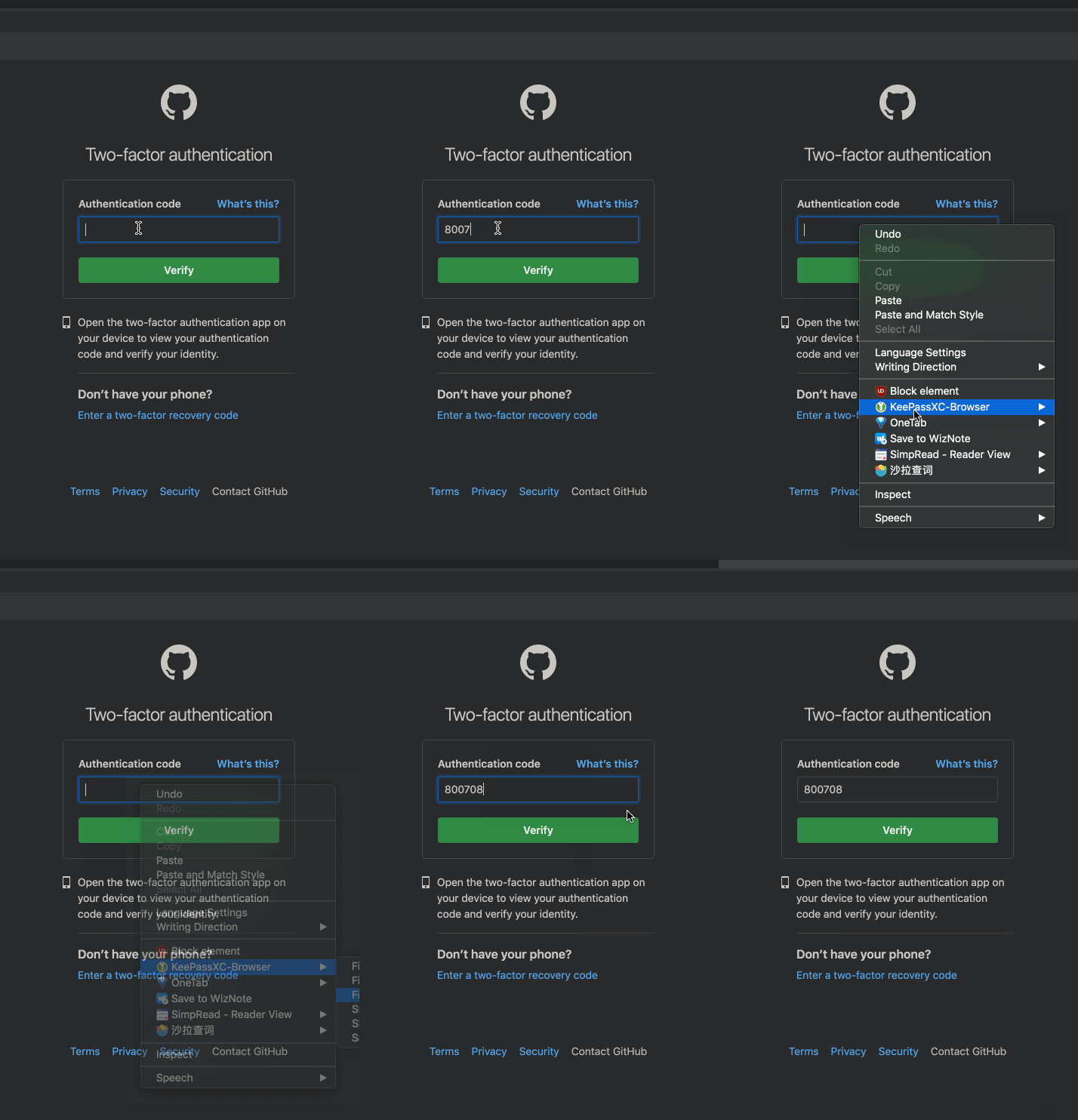
language is chinese
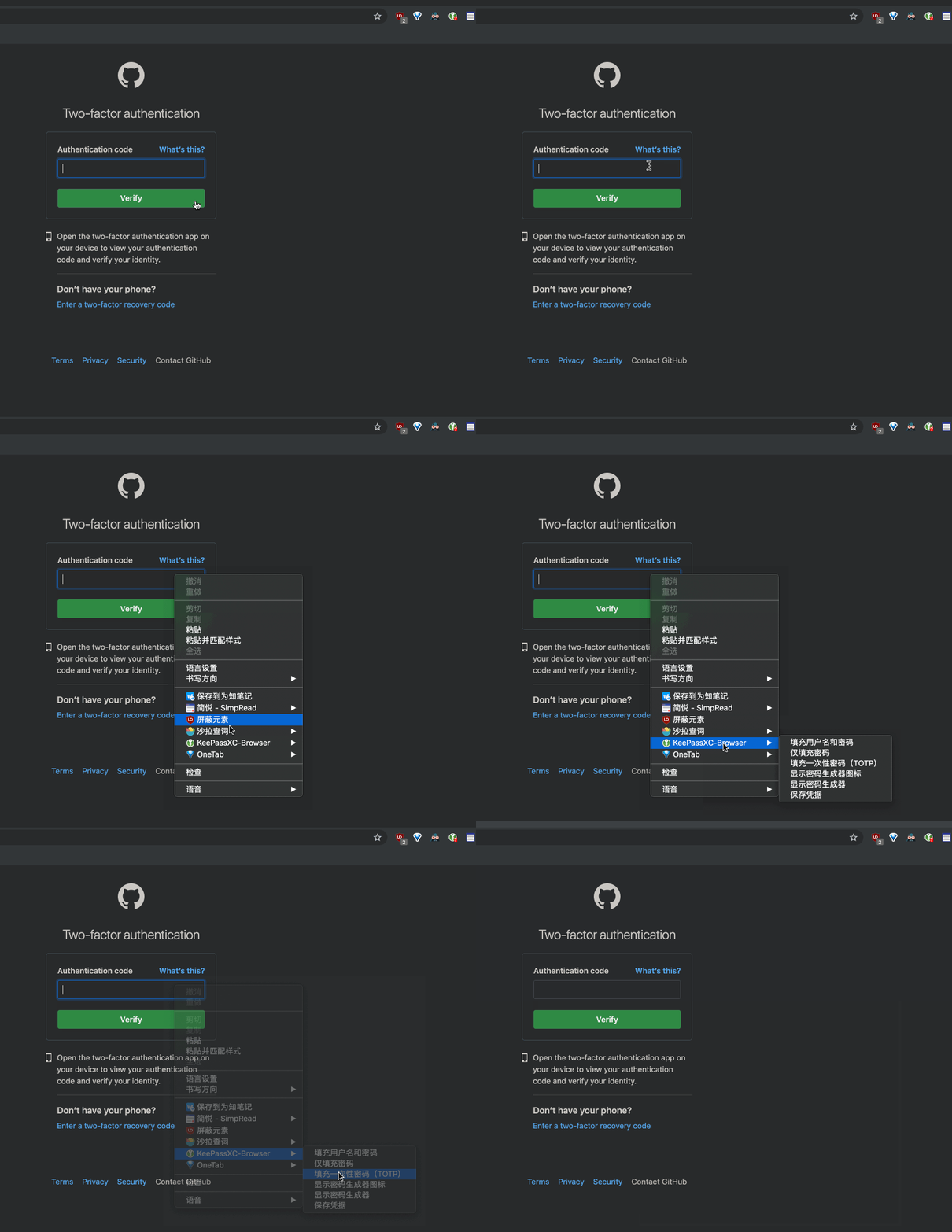
Debug info
keePassXC - 2.4.3
KeePassXC-Browser - 1.4.6
Operating system: Mac
Browser: Chrome
AriaLyy
on 18 Jun 2019
Interesting!
droidmonkey
on 18 Jun 2019
😂
AriaLyy
on 18 Jun 2019
This problem also exists on Firefox....
AriaLyy
on 20 Jun 2019
I couldn't reproduce this if I just start a browser with a different locale. Haven't tried the whole system language change yet.
varjolintu
on 10 Jul 2019
I switched to the system language and restarted the chrome browser.
AriaLyy
on 10 Jul 2019
That did not work either. Can you debug the content script and see what's happening? But a breakpoint to line 1157 in keepassxc-browser.js. And make sure you first select credentials, then fill the TOTP.
https://github.com/keepassxreboot/keepassxc-browser/wiki/Troubleshooting-guide#debug-the-content-script
varjolintu
on 10 Jul 2019
I have the same issue and found this possible cause:
The index returned by page_get_login_id does not match the index in kpxc.credentials. The order of entries differs between kpxcAutocomplete.elements in autocomplete.js line 47 and kpxc.credentials in keepassxc-browser.js line 1157.
1) The issue only occurs if there are at least two credential entries.
- Thus for testing you can simply add some dummy id to you keepss database (this Id does not have an account at github)
2) In line 1157 pos is 0, even if the selected entry has index ´1inkpxc.credentials`.
3) My keepassxc database contains two entries for github: "htgoebel" (my main one) and "dummyId" (a fake one for use in this issue only). Relevant is
- "htgoebel" is used much more often, while "dummyId" comes first in the alphabet.
- for "htgoebel" TOTP is configured, for "dummyId" it is not.
- When selecting an Id in the "Username or email address" field, the order is "htgoebel", "dummyId".
Now when debugging this (around line 1157):
- In
kpxc.credentialsthe order is "dummyId", "htgoebel"
3) The following "trick" verifies that indexes are mixed up: Filling TOTP can be tricked like this:
  1) In "Username or email address" select "dummyId", then write "htgoebel" behind the username and remove "dummyID"
  --> This will avoid the user-id pop-up to be shown again
  --> This will make the browser extension think, the "dummyId" entry is selected.
  2) Enter the correct password for "htgoebel"
  3) Press "Sign in"
  4) On the "Two-factor authentication" page select "Fill TOTP"
  --> htgoebel's TOTP will be filled in.
 htgoebel
on 8 Sep 2019
htgoebel
on 8 Sep 2019
@htgoebel Thank you for the details! I have seen the same thing: the order sometimes changes without any good reason. But this definitely helps doing the fix.
varjolintu
on 8 Sep 2019
@varjolintu Please note that different variables are used: in autocomplete.js line 47 it's kpxcAutocomplete.elements, whereas in keepassxc-browser.js line 1157 it's kpxc.credentials.
htgoebel
on 8 Sep 2019
Addendum to https://github.com/keepassxreboot/keepassxc-browser/issues/569#issuecomment-529215016
I also tried the following (without debugging):
- Auto-fill the login-from with data for "htgoebel" and press sign-in
- In keepassxc: Change the URL für "dummyId" (thus only "htgoebel" will match)
- Try to "Fill TOTP" -> failed
- Reload page, then try to "Fill TOTP" -> failed, too.
- Gor back to login-page, login again. "Fill TOTP" -> worked
htgoebel
on 8 Sep 2019
For me it's not the github but other totp fields that do not work. And in one particular case there are no other accounts or entries for that URL in keepass. I can try to figure out and debug.
 janis91
on 9 Oct 2019
janis91
on 9 Oct 2019
First thing that stuck out:
line 41:
kpxc.fillInFromActiveElementTOTPOnly(false);
why "false", the fillInFromActiveElementTOTPOnly function doesn't expect a parameter?
In line 1248
if (index >= 0 && kpxc.credentials[index]) {
it looks like, that in my case kpxc.credentials is empty. And therefore index = 0 is undefined.
I think the reason for this is, that in line 973
kpxc.retrieveCredentialsCallback(credentials, false);
The call to really set the newly retrieved credentials, is not awaited. So the async function will be called and in parallel the logic tries to get the index 0 of the not yet set credentials object. I think there is missing an await inside receiveCredentialsIfNecessary function.
Maybe this is not the same issue, as yours, but I think it definitely is an issue, since sometimes it works, and sometimes not. And I am very sure, that this behavior is caused by the async parallel execution.
janis91
on 9 Oct 2019
@janis91 Thanks for finding that. This error is probably caused by the major UX improvements PR that was merged recently.
varjolintu
on 9 Oct 2019
@varjolintu
This error is probably caused by the major UX improvements PR that was merged recently.
Which are really cool btw ;-)
Is there a plan to fix it or should I submit a PR?
janis91
on 10 Oct 2019
@janis91 I already have a PR ready for pushing. I'm also making some other code cleaning for it.
varjolintu
on 10 Oct 2019
Alright, that's why I asked 👍
janis91
on 10 Oct 2019
Related issues
 FWDekker
·
3Comments
FWDekker
·
3Comments
 mrmeszaros
·
3Comments
mrmeszaros
·
3Comments
 maniqui
·
3Comments
maniqui
·
3Comments
 Ana06
·
4Comments
Ana06
·
4Comments
 dgnuff
·
3Comments
dgnuff
·
3Comments
Most helpful comment
Addendum to https://github.com/keepassxreboot/keepassxc-browser/issues/569#issuecomment-529215016
I also tried the following (without debugging):