Operating system
- [ ] Windows
- [x ] macOS
- [ ] Linux
- [ ] Android
- [ ] iOS
Application
- [x ] Desktop
- [ ] Mobile
- [ ] Terminal
Perhaps I'm missing something, but I see no way to adjust the type size in either the preview or markdown panes. Using Joplin on a 15" MBP the default typesizes are way too small to read comfortably.
So consider this a feature request. Also a way to select which fonts are used would be nice. Thanks.
 bluefuzz
All 9 comments
There's a "Set application zoom percentage" on the options that will apply to the viewer and editor.
 laurent22
on 17 Feb 2018
laurent22
on 17 Feb 2018
I'm not sure if the "Global zoom percentage is really working. It seems like it's not doing anything. Here's the editor in 100% (default) (Windows 10):
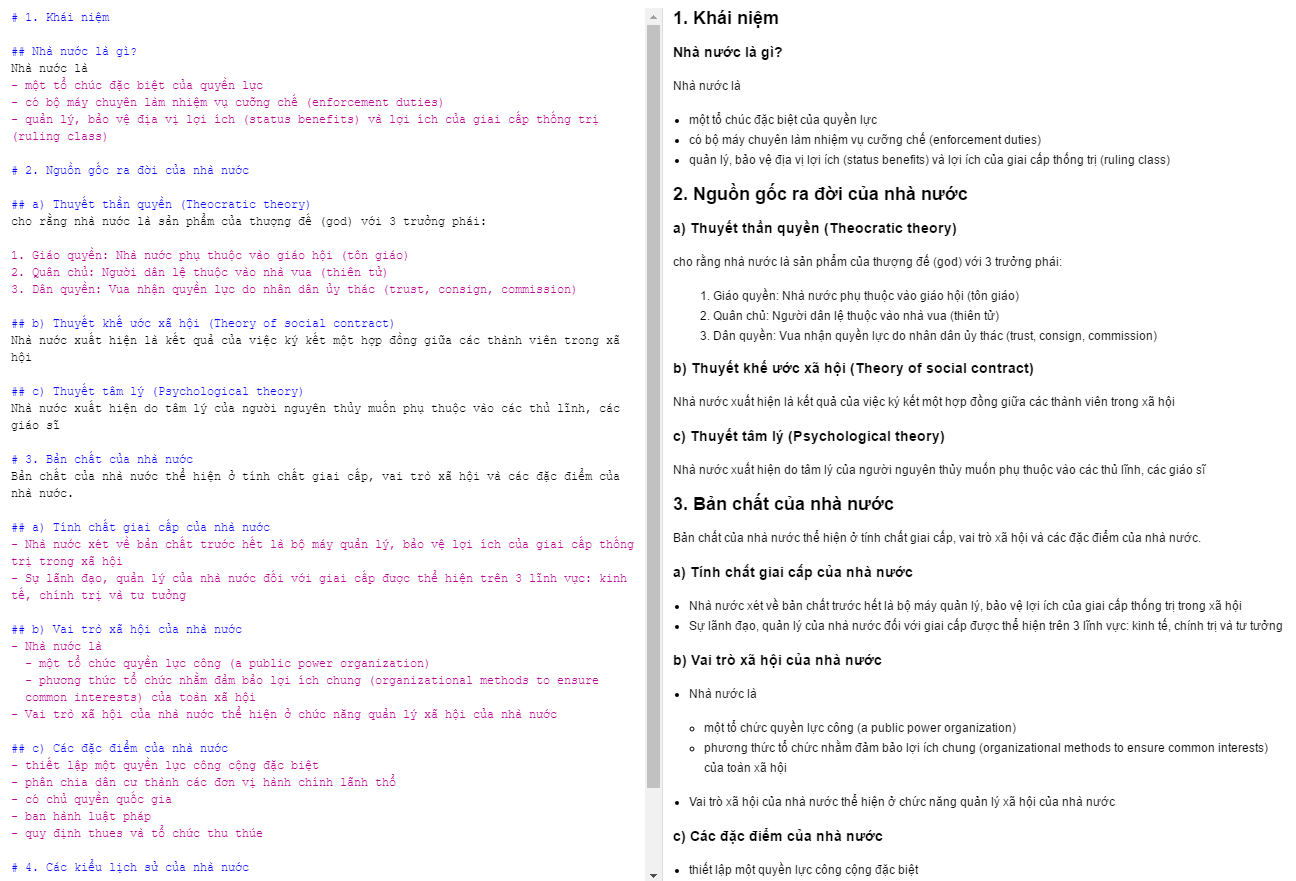
And this in 300:

Just for a test, this is 1500:
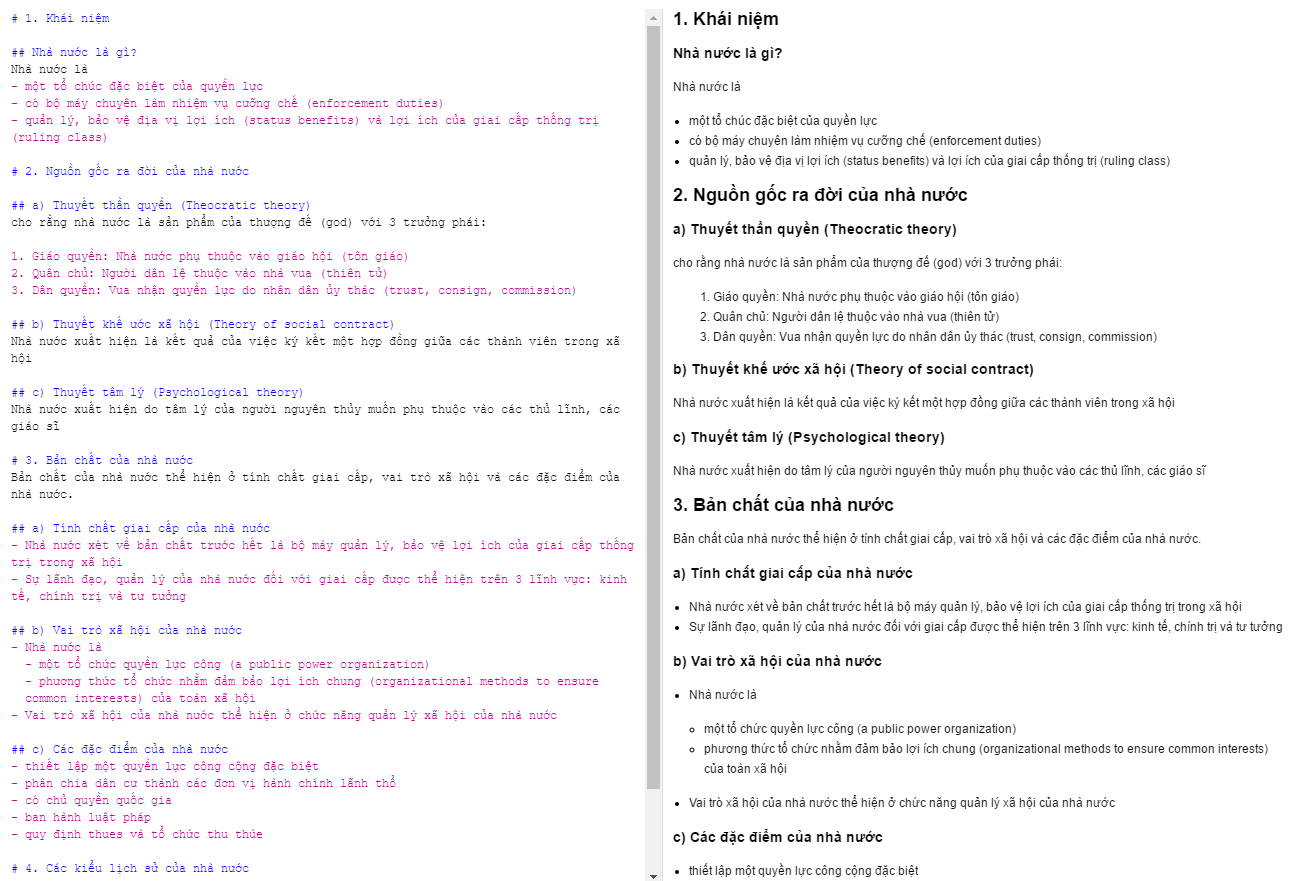
I don't see any difference :/
 Minh049
on 25 Apr 2018
Minh049
on 25 Apr 2018
I can confirm that this is not working on Linux (Debian).
It behaves in the way described by @Minh049 - so it does not work at all. :-(
/cc @laurent22
 stefan2904
on 3 Jul 2018
stefan2904
on 3 Jul 2018
Also confirming here not working on MacOSX, version 1.0.104.
 apoloval
on 30 Aug 2018
apoloval
on 30 Aug 2018
this works with Linux Debian 9
After changing the value, I did "apply" then "ok" then I restarted the app.
 foxmask
on 7 Sep 2018
foxmask
on 7 Sep 2018
Didn't work for me in Windows 10,
but after following foxmask steps (click "apply", restarting app at the end), it worked!
 jbriales
on 23 Nov 2018
jbriales
on 23 Nov 2018
Is it possible to change font size without changing zoom level?
 JaPyR
on 28 Nov 2018
JaPyR
on 28 Nov 2018
@jaPyR did you try:
<style>
body { font-size: 2em; }
</style>
 subi54
on 28 Nov 2018
subi54
on 28 Nov 2018
Custom CSS is also supported via a stylesheet - https://joplin.cozic.net/#custom-css
laurent22
on 28 Nov 2018
Related issues
 deftdawg
·
3Comments
deftdawg
·
3Comments
 yschutz
·
3Comments
yschutz
·
3Comments
 xfrose
·
3Comments
xfrose
·
3Comments
 kopfuss
·
3Comments
kopfuss
·
3Comments
 jurgenhaas
·
3Comments
jurgenhaas
·
3Comments
Most helpful comment
this works with Linux Debian 9
After changing the value, I did "apply" then "ok" then I restarted the app.