Jetpack: Photon: disable intermediate image sizes not working
As we're using Photon to optimize and serve our images, we don't need to have intermediate image sizes generated.
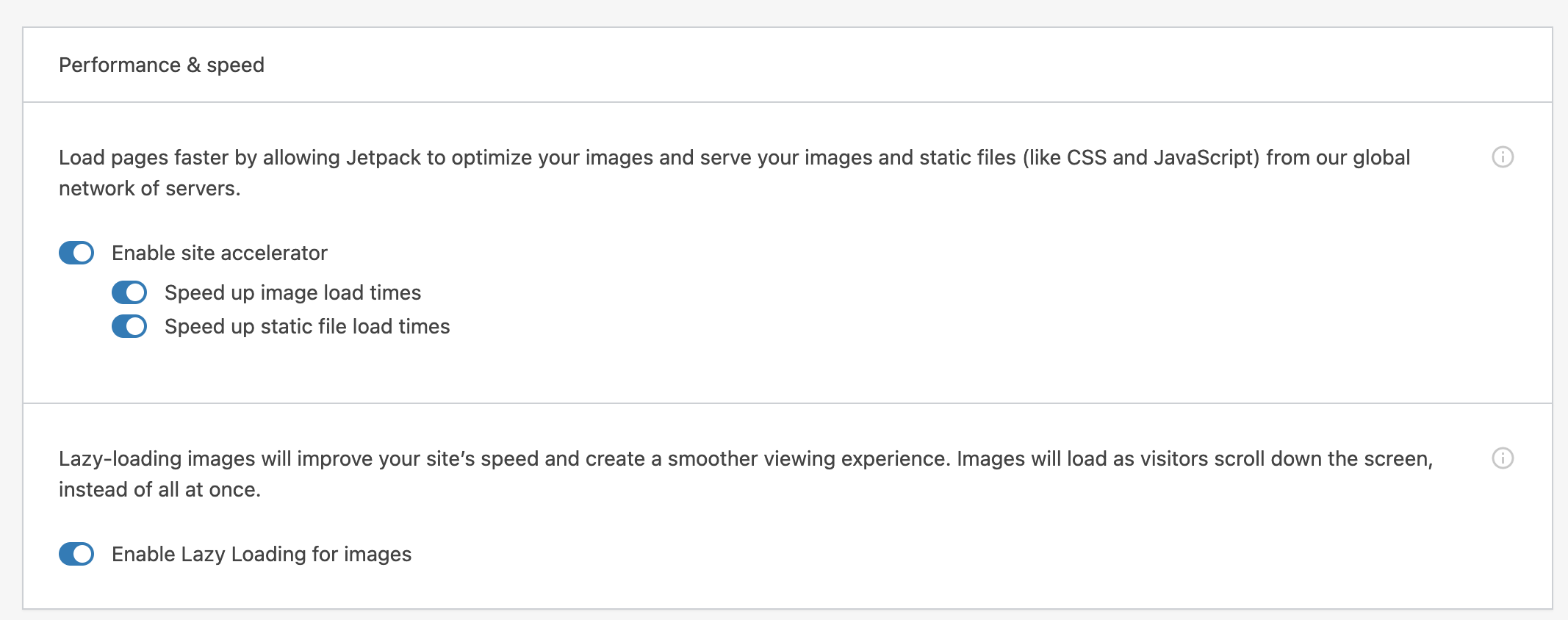
I filled an issue at https://github.com/Automattic/newspack-theme/issues/1262 and @laurelfulford pointed that Jetpack had this feature https://github.com/Automattic/jetpack/pull/11287
Steps to reproduce the issue
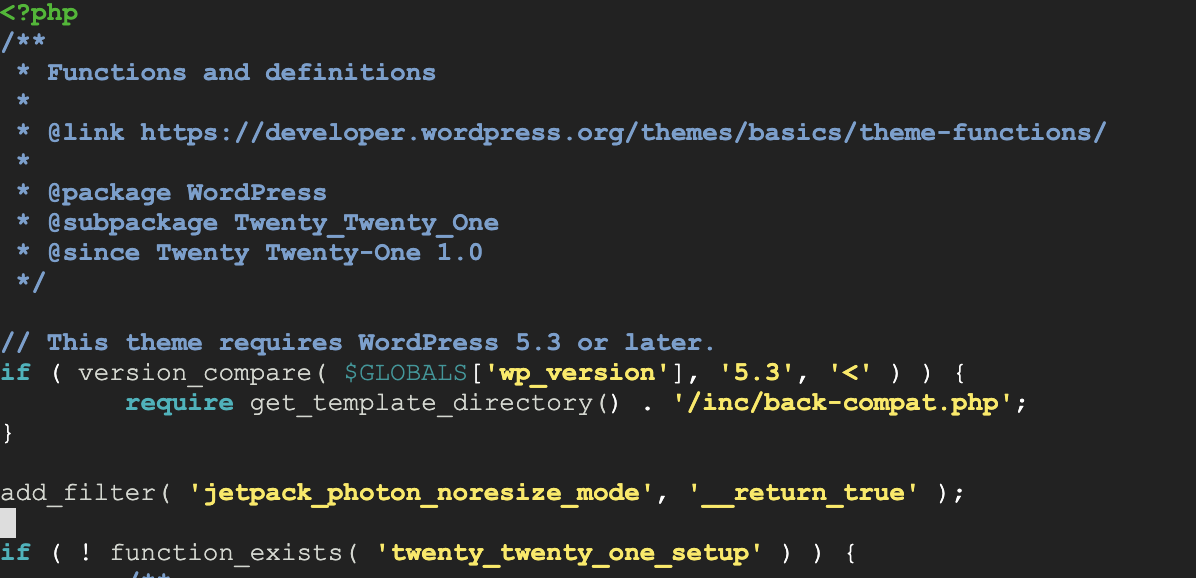
- To enable the noresize, add this filter to Twenty Twenty-One's functions.php:
add_filter( 'jetpack_photon_noresize_mode', '__return_true' );
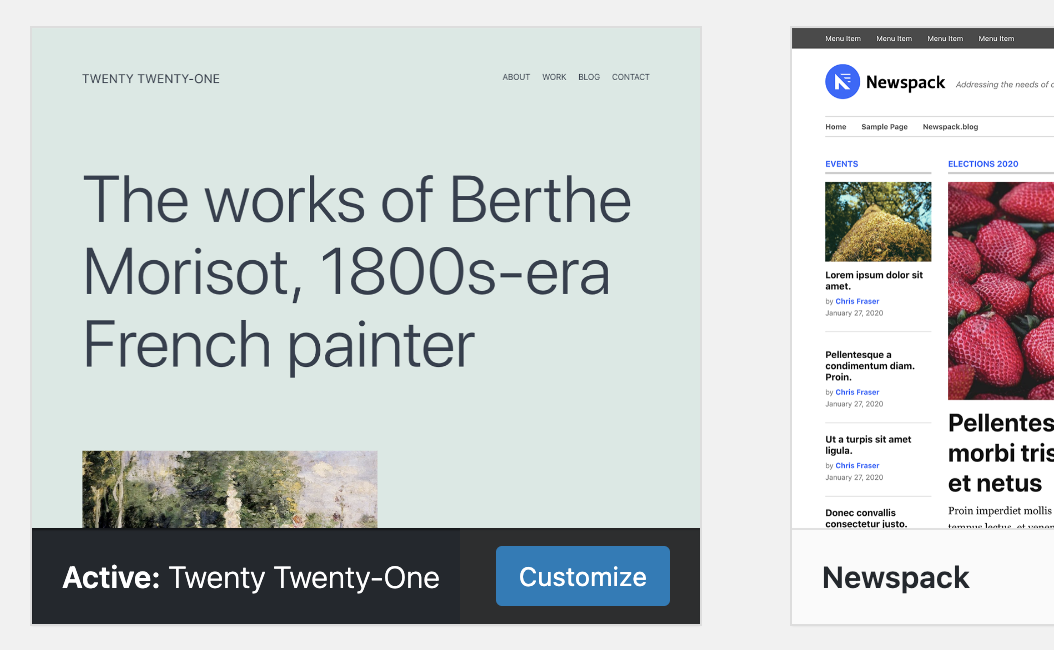
Enable the Twenty Twenty-One theme
Upload a sample image
- Go to upload's folder on file explorer, it's generating intermediate image sizes.
What I expected
I expected to see only the uploaded file.
What happened instead
It still generates all intermediate image sizes

 eduardogoncalves
All 7 comments
cc @zinigor, who may be familiar with the filter and its current implementation on WoA.
 jeherve
on 2 Mar 2021
jeherve
on 2 Mar 2021
I have tried reproducing the problem on my test site just now, and I don't see any additional sizes generated. The image gets uploaded, appears once in the uploads folder, and correctly uses srcset URLs with Photon arguments. Are you sure this is caused by the theme? Maybe this is something related to other plugins? I'm happy to help debug this if needed.
 zinigor
on 3 Mar 2021
zinigor
on 3 Mar 2021
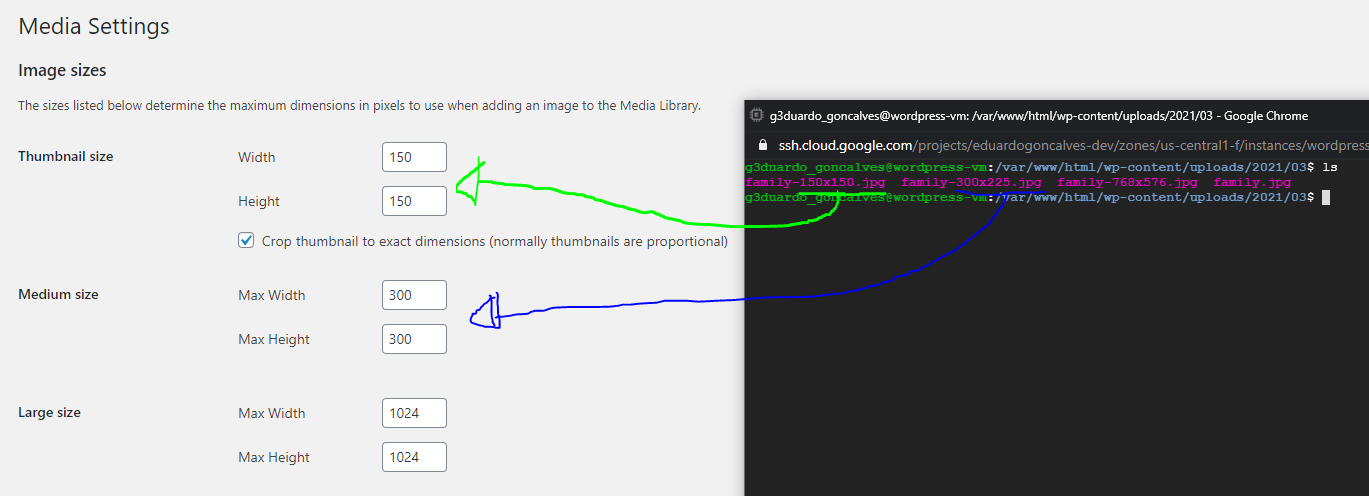
I disabled all plugins, except Jetpack, LiteSpeed Cache and Regenerate Thumbnails, than the thumbnail sizes registered drop to 7
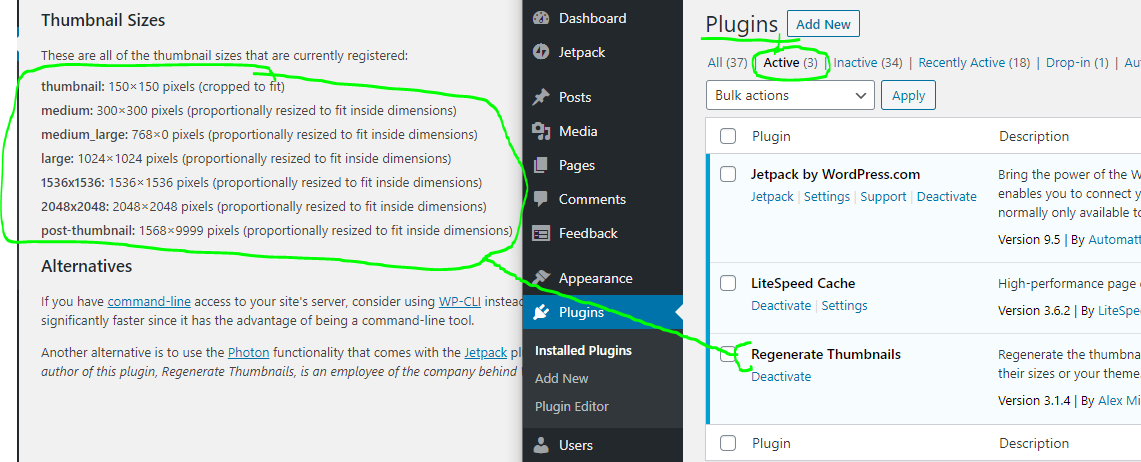
But when I upload some image, it's generating intermediate sizes
eduardogoncalves
on 3 Mar 2021
Thanks for the extra details! I was able to reproduce the problem - at first it wasn't working for me in the same setup, but then I decided to try to place the add_filter statement to the same position in the code where you had it. Bingo, it turns out that having it in the functions.php file of the theme is either too late in the execution, or is entirely off the path of the upload. I don't know which reason it is, but it makes sense to avoid loading themes when all you need is to upload an image. Do you have another place where you can put the add_filter snippet?
zinigor
on 4 Mar 2021
Hello @zinigor where is the recommend place to have this filter enabled?
Btw, is it possible to add a toggle under 'speed up image load times' to 'disable intermediate image sizes generation'?
Thanks a million!
eduardogoncalves
on 4 Mar 2021
Whoops, sorry it took me a while to get back to you! As for a recommended place, I would say any plugin code that you have access to will do, maybe even an mu-plugin that you have installed somewhere. I wouldn't recommend editing WordPress code though, so it's either some plugin code that you have control over, or any "WordPress Code Snippet" plugin out there that can do it for you.
As for the toggle - it's a good idea, thank you! I don't know when we'll be able to do it though, no one is currently working on the Accelerator UI.
zinigor
on 12 Mar 2021
Thanks @zinigor
It worked adding the filter to a plugin
eduardogoncalves
on 14 Mar 2021
Related issues
 aheckler
·
3Comments
aheckler
·
3Comments
 kevinlisota
·
3Comments
kevinlisota
·
3Comments
 Viper007Bond
·
3Comments
Viper007Bond
·
3Comments
 abidhahmed
·
3Comments
abidhahmed
·
3Comments
 MichaelArestad
·
3Comments
MichaelArestad
·
3Comments