Jetpack: Map Block: Reusable block with markers steals focus
Originally reported at p58i-7sR-p2 #comment-40517 while testing on WP.com
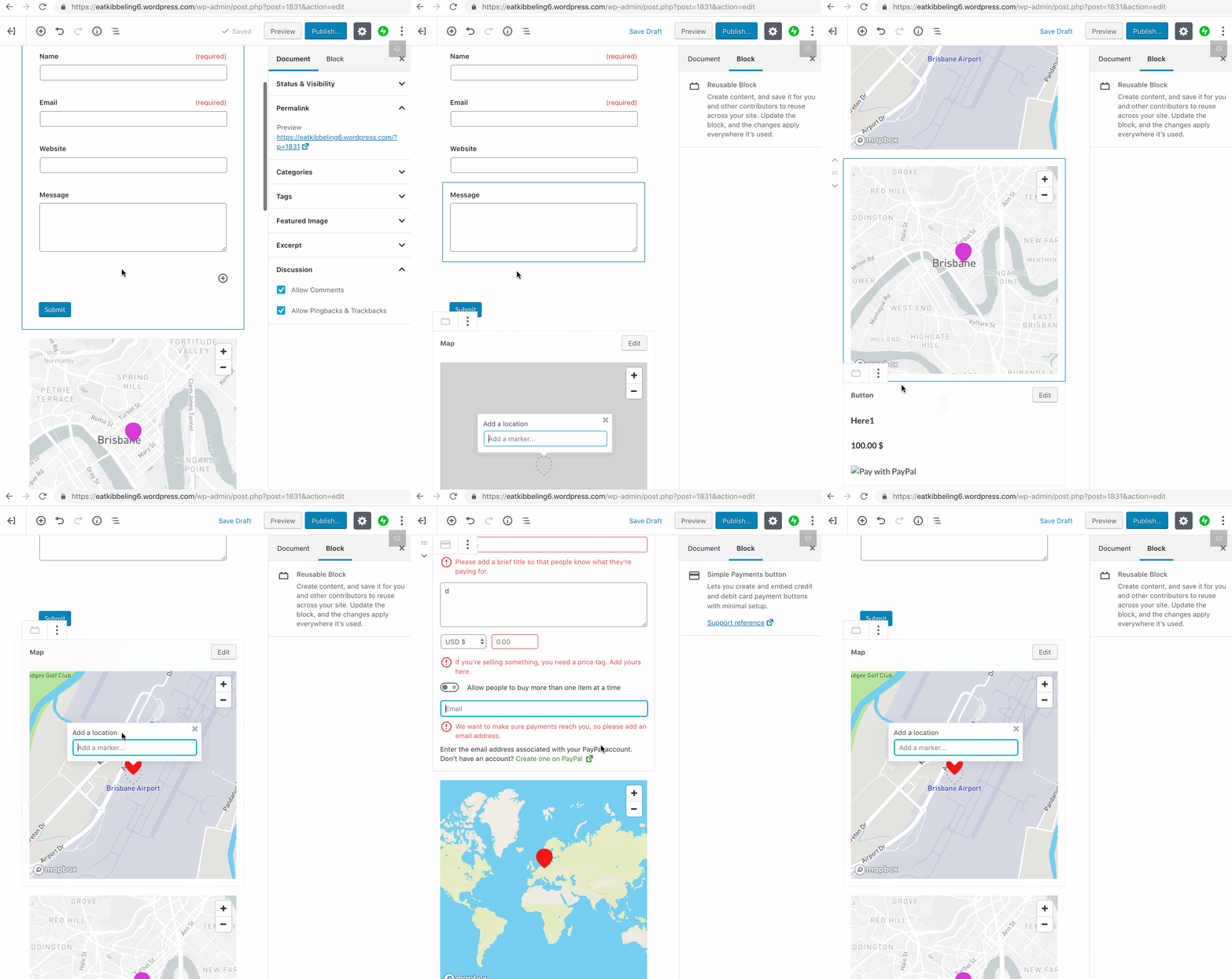
Saving a map with a marker as a reusable block means that each time you add the reusable map block to a post/page it takes focus and jumps to the reusable block to add a marker (even though it already has a marker).
Steps to reproduce
- Create map block with 1 marker
- Save this map block with 1 marker as reusable
- Enter the reusable block into a new post or page – note it asks to add a marker – dismiss marker
- Add a diff
Screenshot / Video
/cc @jeffersonrabb @enejb @sirreal
 ockham
All 3 comments
Seems that the correct solution is to show the ADD MARKER UI on initialization _only_ if there are no markers. If any markers are set, the user must click the toolbar icon to reveal the UI. Does this seem right?
 jeffersonrabb
on 5 Dec 2018
jeffersonrabb
on 5 Dec 2018
If any markers are set, the user must click the toolbar icon to reveal the UI. Does this seem right?
Yes that sounds like a good solution
 alisterscott
on 5 Dec 2018
alisterscott
on 5 Dec 2018
It doesn't need to be reusable — this happens when editing a page that already has a map block inserted.
+1 to @jeffersonrabb's proposed solution.
 melchoyce
on 2 May 2019
melchoyce
on 2 May 2019
Related issues
 Viper007Bond
·
3Comments
Viper007Bond
·
3Comments
 jeherve
·
3Comments
jeherve
·
3Comments
jeherve
·
3Comments
jeherve
·
3Comments
 NicktheGeek
·
3Comments
NicktheGeek
·
3Comments
 chrisaldrich
·
3Comments
chrisaldrich
·
3Comments
Most helpful comment
Seems that the correct solution is to show the ADD MARKER UI on initialization _only_ if there are no markers. If any markers are set, the user must click the toolbar icon to reveal the UI. Does this seem right?