Jetpack: Gutenberg: "Jetpack" icon/logo not in toolbar for Pages
Steps to reproduce the issue
- Edit a Page using Gutenberg
What I expected
- The Jetpack icon is in the toolbar, which is how you'd access features like Publicize or wp.me shortlinks
What happened instead
- The icon isn't available, so these features aren't accessible on Pages
Screenshots
Image Link: https://cld.wthms.co/SnF3QD
 mzakariya
All 3 comments
This was fixed in #12210
 jeherve
on 2 May 2019
jeherve
on 2 May 2019
This was fixed in #12210
@jeherve
User on WordPress.com Atomic site is still having this issue. Tested on their site and a personal AT site and replicated on both. Jetpack icon only appears on Posts, does not appear on Pages.
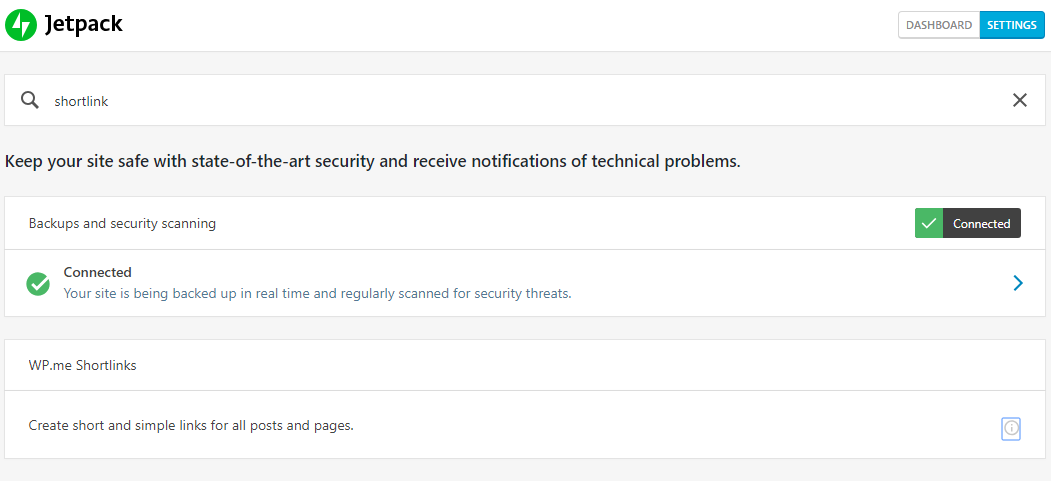
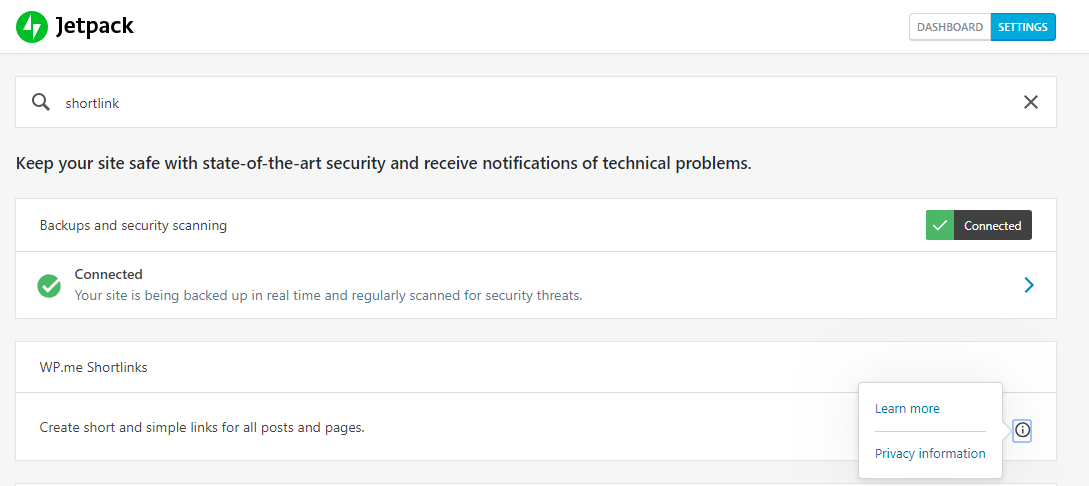
Shortlink options are unavailable. When searched, there is no option to enable them:
 scosgro
on 3 May 2019
scosgro
on 3 May 2019
@scosgro The fix is only in the development version of Jetpack. It will be made available to all Jetpack site owners tomorrow, as Jetpack 7.3 gets released.
Shortlink options are unavailable. When searched, there is no option to enable them:
When you do not see any "Activate" button next to a feature like on your screenshots, it means that the feature is already active. You can confirm that by heading to the full module list:
http://yoursite.com/wp-admin/admin.php?page=jetpack_modules
jeherve
on 6 May 2019
Related issues
 crunnells
·
3Comments
crunnells
·
3Comments
 chrisaldrich
·
3Comments
chrisaldrich
·
3Comments
 ockham
·
3Comments
ockham
·
3Comments
 Viper007Bond
·
3Comments
Viper007Bond
·
3Comments
 BinaryMoon
·
3Comments
BinaryMoon
·
3Comments
Most helpful comment
@scosgro The fix is only in the development version of Jetpack. It will be made available to all Jetpack site owners tomorrow, as Jetpack 7.3 gets released.
When you do not see any "Activate" button next to a feature like on your screenshots, it means that the feature is already active. You can confirm that by heading to the full module list:
http://yoursite.com/wp-admin/admin.php?page=jetpack_modules