Jetpack: (3P) Social Previews: Docs (both jetpack and wpcom)
Adapt WP.com support docs to Jetpack, incl updated screenshots etc.
https://wordpress.com/support/seo-tools/#search-and-social-previews
https://jetpack.com/support/seo-tools/
(Edit: Jeremy suggested we create a new page for Jetpack rather than adding to the existing one. See comments below.)
 obenland
All 13 comments
Related Dotcom support docs update request 713-gh-en.support-docs-content.
 getdave
on 13 Aug 2020
getdave
on 13 Aug 2020
For wpcom:
Created a draft copy of the original post, so we can copy paste from there once we're ready. See 713-gh-en.support-docs-content#issuecomment-674830265.
 frontdevde
on 17 Aug 2020
frontdevde
on 17 Aug 2020
Image assets created for/on wpcom:
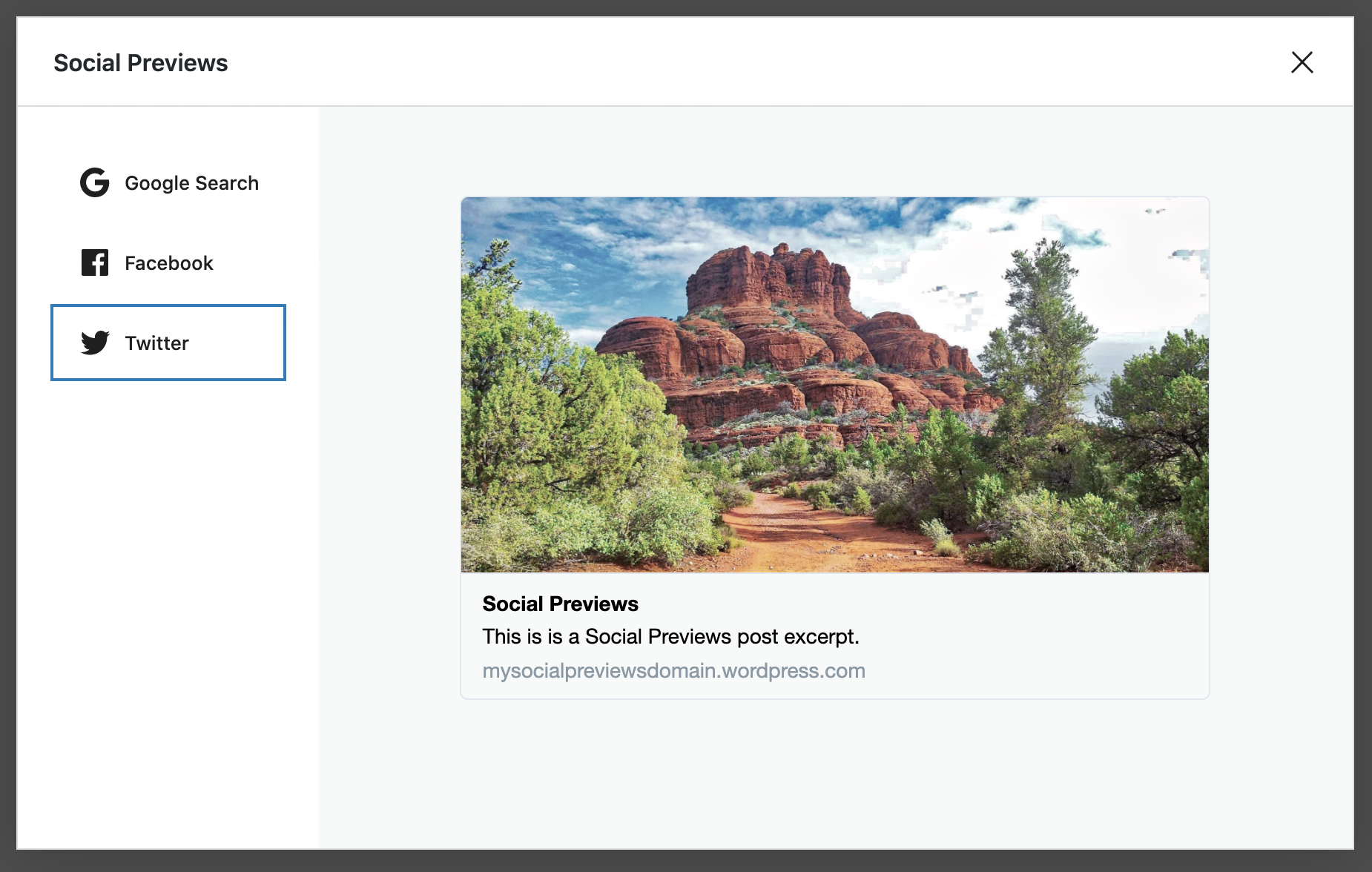
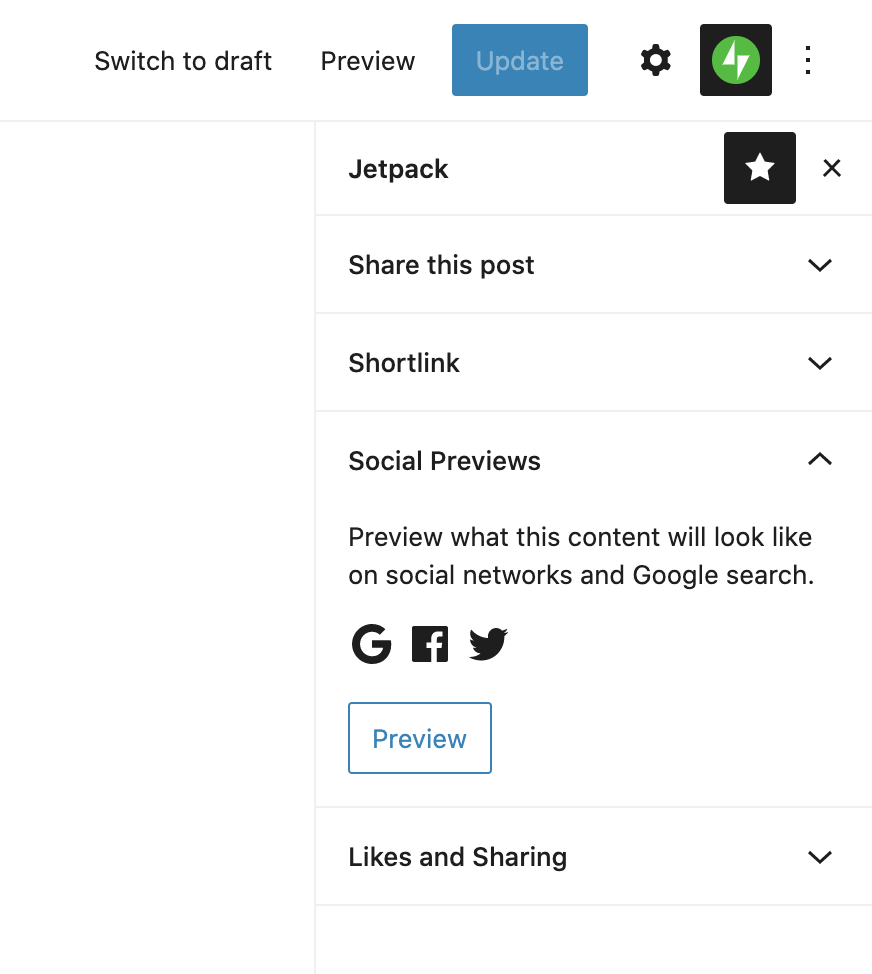
frontdevde
on 17 Aug 2020
For Jetpack:
- Change headline to "
Search andSocial Previews" - Change first paragraph to
Before you publish your new post or page, you can use the Social Previews feature to preview what it will look like on search engines and social media.

To do so, look for the Social Previews section in the Jetpack sidebar. In the Social Previews section, click the Preview button to open the Social Previews modal.
- Change image to
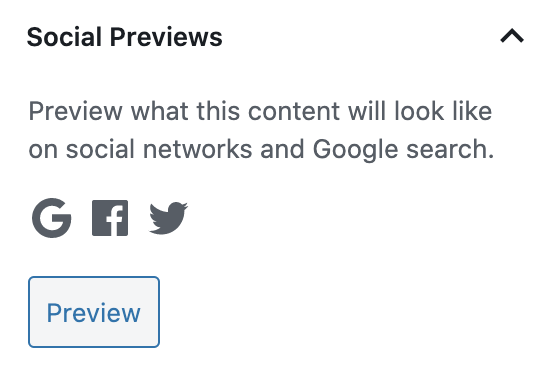
- Change second paragraph to
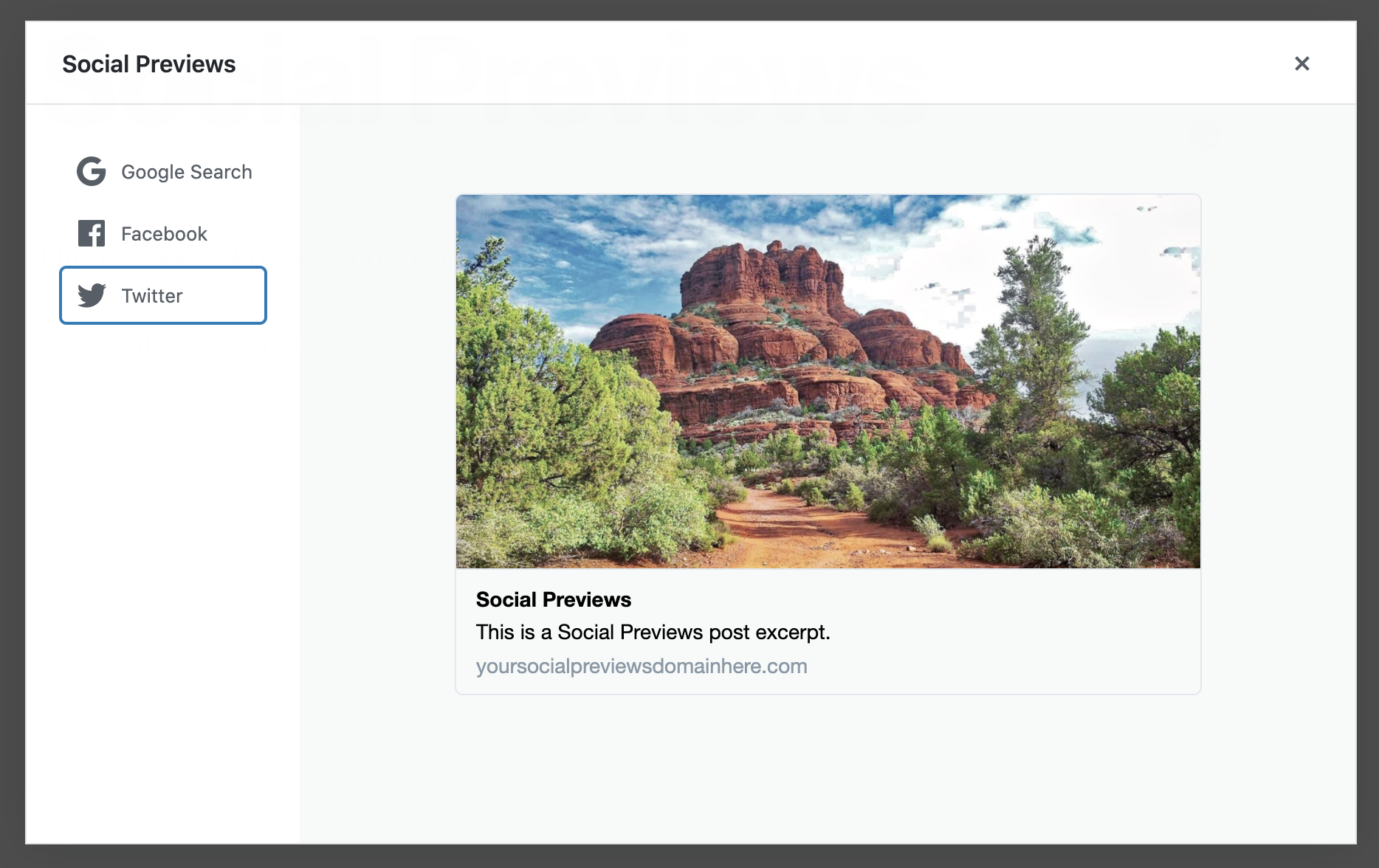
The Social Previews feature will use the custom description you set in the SEO Description box so you can get an idea of what it will look like on Google Search, Facebook, and Twitter.
- Add image
frontdevde
on 17 Aug 2020
In Jetpack, I would recommend keeping SEO Tools and Social Previews separate in the docs. The 2 features will not really be linked; one is free and available as soon as you connect Jetpack to WordPress.com, the other is paid and requires activating a specific module.
 jeherve
on 17 Aug 2020
jeherve
on 17 Aug 2020
Thanks for chiming in, @jeherve!
What I assume you are suggesting is we create a new support document for Social previews? If so that would probably fit better under Support Home > Social than Support Home > Appearance (where SEO Tools lives), no?
Also should we remove the "Search and Social Previews" section from SEO Tools once that document is live?
frontdevde
on 17 Aug 2020
What I assume you are suggesting is we create a new support document for Social previews?
Yes. I think it could then be added to the list of extensions at the bottom of the page here:
https://jetpack.com/support/jetpack-blocks/
I think the External Media extension will go there as well, at some point:
1143503926117064-as-1181953898395145
If so that would probably fit better under Support Home > Social than Support Home > Appearance (where SEO Tools lives), no?
Indeed. I'd suggest reaching out to #jpop-quill about this, they'll know best.
should we remove the "Search and Social Previews" section from SEO Tools once that document is live?
Maybe we should keep the section, but make it smaller and point to the new doc? Maybe Quill would have some ideas there.
jeherve
on 17 Aug 2020
I'd suggest reaching out to #jpop-quill about this
I did a couple of days ago. Just did so again, hoping for a reply :) C2LPC2EMN-p1597669653030200-slack
frontdevde
on 19 Aug 2020
Yes. I think it could then be added to the list of extensions at the bottom of the page here:
https://jetpack.com/support/jetpack-blocks/
We discussed this on Slack and agree this would be a good approach. We can mention it in the overall list and link out to a new doc with more information.
In Jetpack, I would recommend keeping SEO Tools and Social Previews separate in the docs.
I would also +1 this approach, in keeping the SEO Tools and Social Previews as-is.
Just to make sure I'm not missing anything, is there anything else you'd like input on from the Quill side?
 RCowles
on 19 Aug 2020
RCowles
on 19 Aug 2020
Just to make sure I'm not missing anything, is there anything else you'd like input on from the Quill side?
That's it, thank you for your input! 👍
frontdevde
on 20 Aug 2020
WordPress.com
Addressed 713-gh-en.support-docs-content
Jetpack
- Added the
Social Previewsextension to the bottom of the page https://jetpack.com/support/jetpack-blocks/ - Created https://jetpack.com/support/extension-social-previews/
- Added here https://jetpack.com/support/social/ (automatically by tag)
- Changed https://jetpack.com/support/seo-tools/ section
Before | After
-------|------
|
 cpapazoglou
on 1 Sep 2020
cpapazoglou
on 1 Sep 2020
@frontdevde just noticing this:
The Social Previews extension will use the custom description you set in the Advanced SEO meta description settings so you can get an idea of what it will look like on Google Search, Facebook, and Twitter.
This is only applicable to WordPress.com sites isn't it? Since the feature is available on all Jetpack plans, then it doesn't make sense to allude to the SEO meta description box here. I'm happy to edit the doc if I'm understanding this correctly :)
 coder-karen
on 1 Sep 2020
coder-karen
on 1 Sep 2020
This is only applicable to WordPress.com sites isn't it?
That's correct.
jeherve
on 2 Sep 2020
Related issues
 chrisaldrich
·
3Comments
chrisaldrich
·
3Comments
 abidhahmed
·
3Comments
abidhahmed
·
3Comments
 Viper007Bond
·
3Comments
Viper007Bond
·
3Comments
 tyxla
·
3Comments
jeherve
·
3Comments
tyxla
·
3Comments
jeherve
·
3Comments
Most helpful comment
WordPress.com
Addressed 713-gh-en.support-docs-content
Jetpack
Social Previewsextension to the bottom of the page https://jetpack.com/support/jetpack-blocks/Before | After
 |
| 
-------|------