Jetpack: (2P) Podcast Player: Don't render list for one episode only
Is your feature request related to a problem? Please describe.
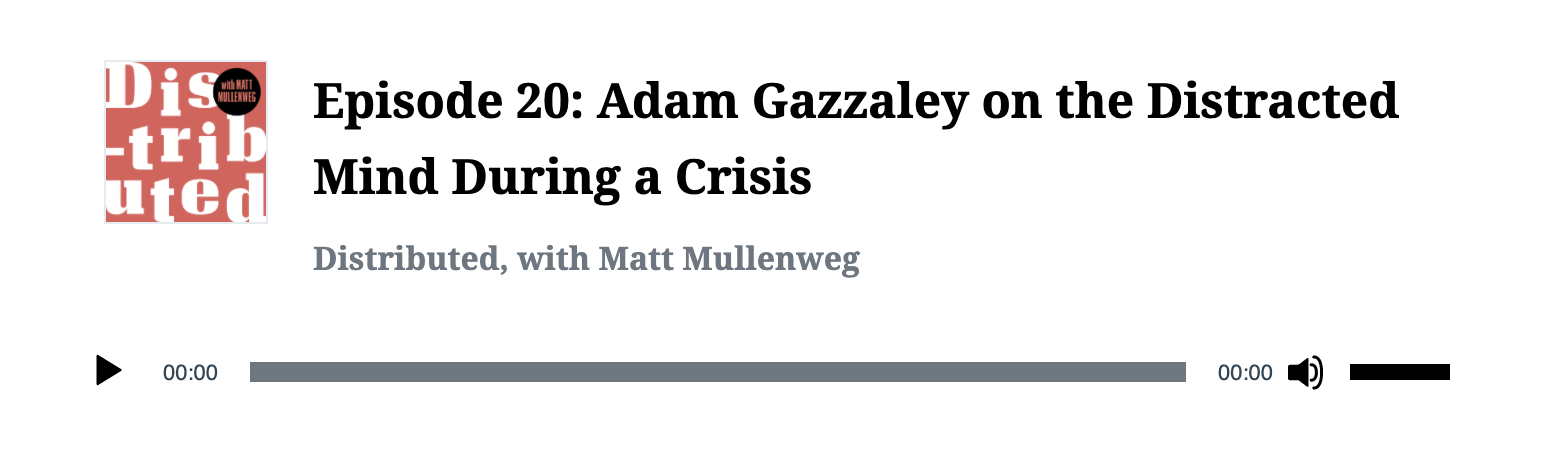
The Podcast Player block looks awkward with just one episode:

The title is already in the heading and the media controls are already bound to that single episode - no need to click it first.
Describe the solution you'd like
Turn the heading into a link as a fallback and not render the list at all:
 WunderBart
All 7 comments
Just noting that we'll loose the only place where we're linking out to the episode if we remove it.
Related, should the current title at the top maybe become a link in general?
 frontdevde
on 27 May 2020
frontdevde
on 27 May 2020
Just noting that we'll loose the only place where we're linking out to the episode if we remove it.
@frontdevde Just to clarify, do you mean clicking on in to play the episode?
 jancavan
on 27 May 2020
jancavan
on 27 May 2020
@jancavan If you hover over the list item you'll see in the bottom left of the browser that it links to the episode. You can command + click it to go to the episode in a new window.
frontdevde
on 27 May 2020
Oh I see, thanks. It's not even obvious that it actually does that.
jancavan
on 27 May 2020
Turn the heading into a link as a fallback
Based on new input from @jancavan we'll change this to the following:
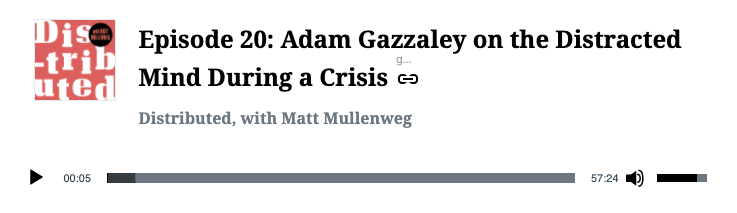
Another idea is to not make the episode title a link, but add a link icon next to it that’ll link to the episode; and this is applies to each episode, whether it’s a single one or there’s multiple.
frontdevde
on 2 Jun 2020
Just to expand on the above ^:
- Add a link icon next to the episode title, this will link to out to the episode in a new tab.
- Episode title remains as is (ie: we don't turn it into a link to prevent users from inadvertently clicking on it due to size, only for it to link to the same episode)
- Apply the same behavior to each episode. This way, we attain consistency regardless of how many episodes are listed in the track list.
- In the mockup, I'm using
gridicons-link.svgfrom Gridicons, but we also havelinkicons in Material and@wordpress/iconswhich look pretty much the same. Let me ask what we should be using because we don't have clear guidelines. I'll get back to you. @frontdevde
jancavan
on 2 Jun 2020
@frontdevde Let's just use link from @wordpress/icons since this is a block within Gutenberg.
jancavan
on 2 Jun 2020
Related issues
 aheckler
·
3Comments
aheckler
·
3Comments
 dougaitken
·
3Comments
dougaitken
·
3Comments
 htdat
·
3Comments
htdat
·
3Comments
 abidhahmed
·
3Comments
abidhahmed
·
3Comments
 BinaryMoon
·
3Comments
BinaryMoon
·
3Comments
Most helpful comment
Based on new input from @jancavan we'll change this to the following: