Jetpack: Slideshow block doesn't play well inside vertical aligned columns
Steps to reproduce the issue
- Add a columns block (using the 50%-50% layout preset)
- Add a slider block inside one of the columns and add some images to it
- Set a vertical alignment in the columns block (top, center or bottom)
What I expected
A usable slider block
What happened instead
The slider block disappears
Screenshots
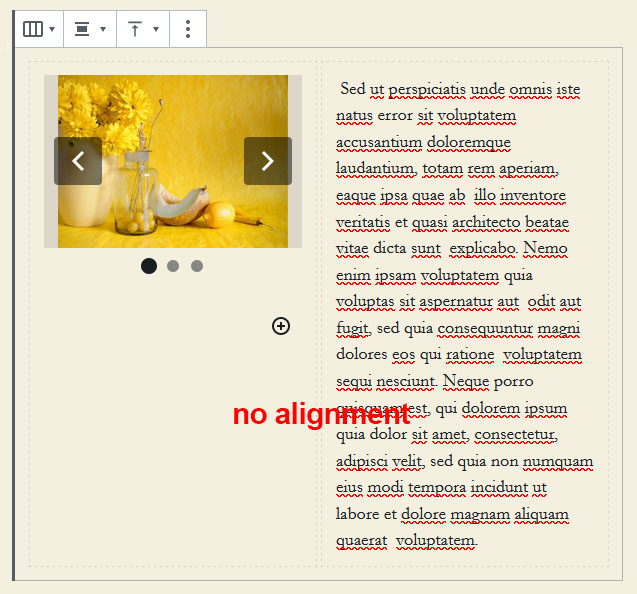
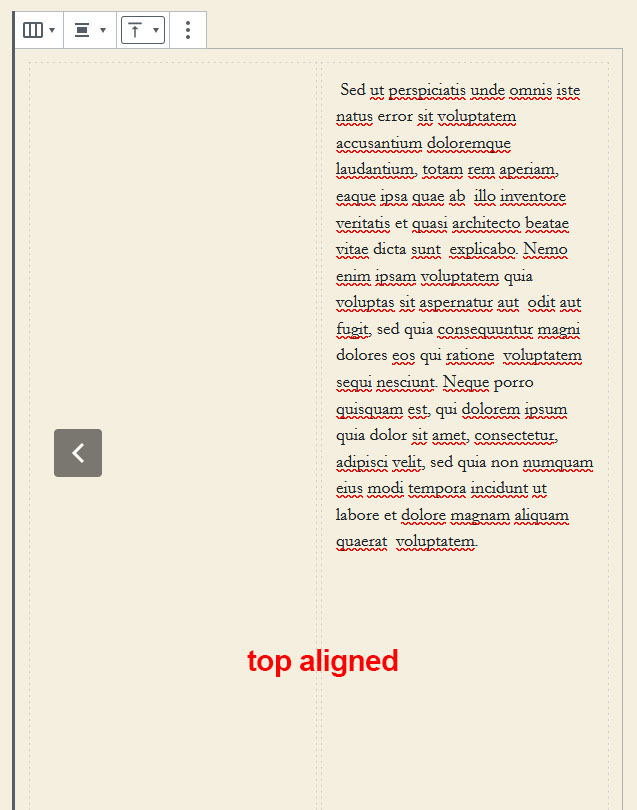
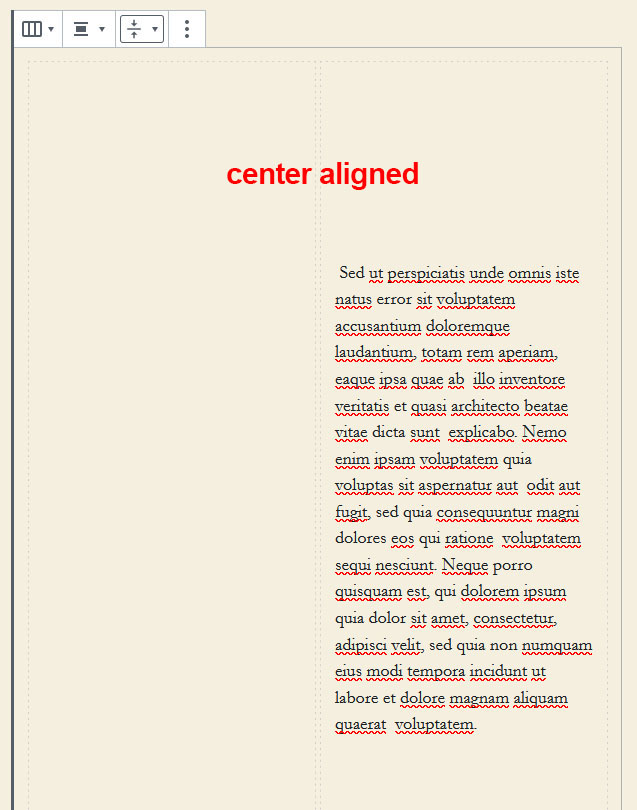
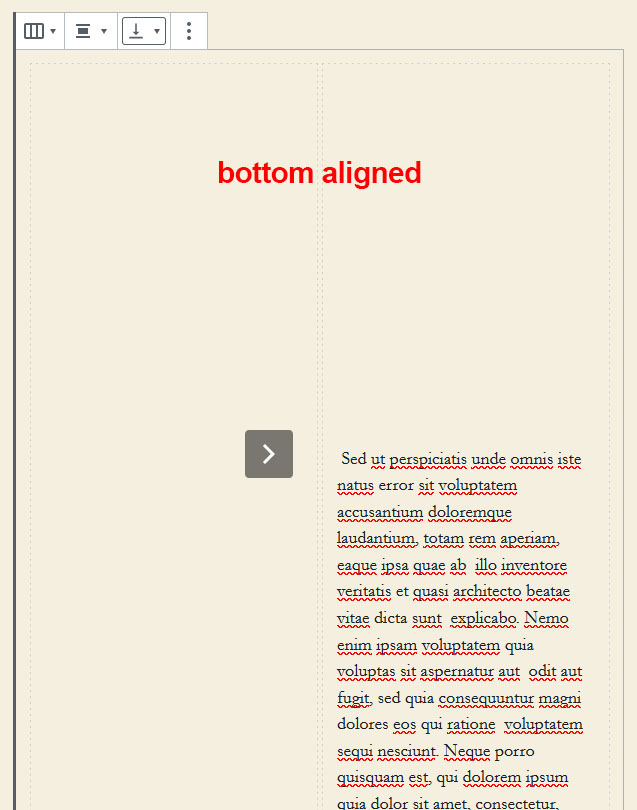
I'm using WP 5.3.2 with the Twenty Twenty theme and Jetpack 8.1.1
 mrleemon
All 3 comments
Tried this with the latest Firefox (72) and Chrome (79) with equal results.
mrleemon
on 30 Jan 2020
If I add width: 100% to the .wp-block-column.is-vertically-aligned-top, .wp-block-column.is-vertically-aligned-center and .wp-block-column.is-vertically-aligned-bottom CSS rules in Gutenberg, the slider block works as expected:
.wp-block-column.is-vertically-aligned-center {
    align-self: center;
    width: 100%; /* new */
}
Maybe this is a fix for Gutenberg itself, not Jetpack.
mrleemon
on 30 Jan 2020
👍3
Maybe this is a fix for Gutenberg itself, not Jetpack.
Since it happens on WP 5.3.2, even when the Gutenberg plugin is not active, we will most likely need to come up with a patch until the problem is fixed in Gutenberg and then WordPress Core.
 jeherve
on 30 Jan 2020
jeherve
on 30 Jan 2020
Was this page helpful?
0 / 5 - 0 ratings
Related issues
 ockham
·
3Comments
ockham
·
3Comments
ockham
·
3Comments
ockham
·
3Comments
 abidhahmed
·
3Comments
abidhahmed
·
3Comments
 tyxla
·
3Comments
tyxla
·
3Comments
 kevinlisota
·
3Comments
kevinlisota
·
3Comments
Most helpful comment
If I add
width: 100%to the.wp-block-column.is-vertically-aligned-top,.wp-block-column.is-vertically-aligned-centerand.wp-block-column.is-vertically-aligned-bottomCSS rules in Gutenberg, the slider block works as expected:Maybe this is a fix for Gutenberg itself, not Jetpack.