Jetpack: Notifications: Twenty Twenty theme JS blocks notifications menu from displaying properly (release candidate)
Steps to reproduce the issue
- Activate default theme "Twenty Twenty"
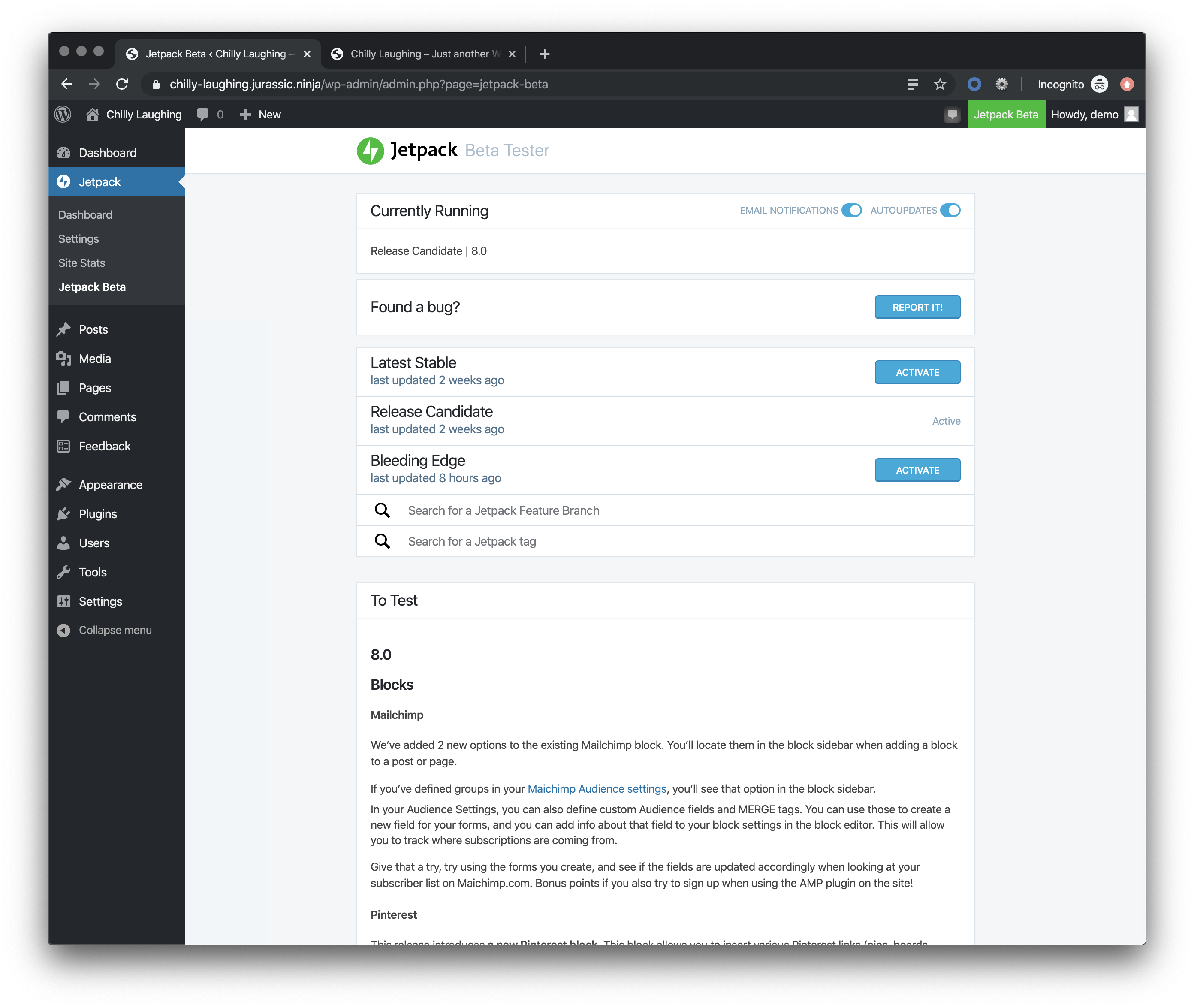
- Activate Jetpack beta tester plugin, and use "Release Candidate"
- Go to front-end of site
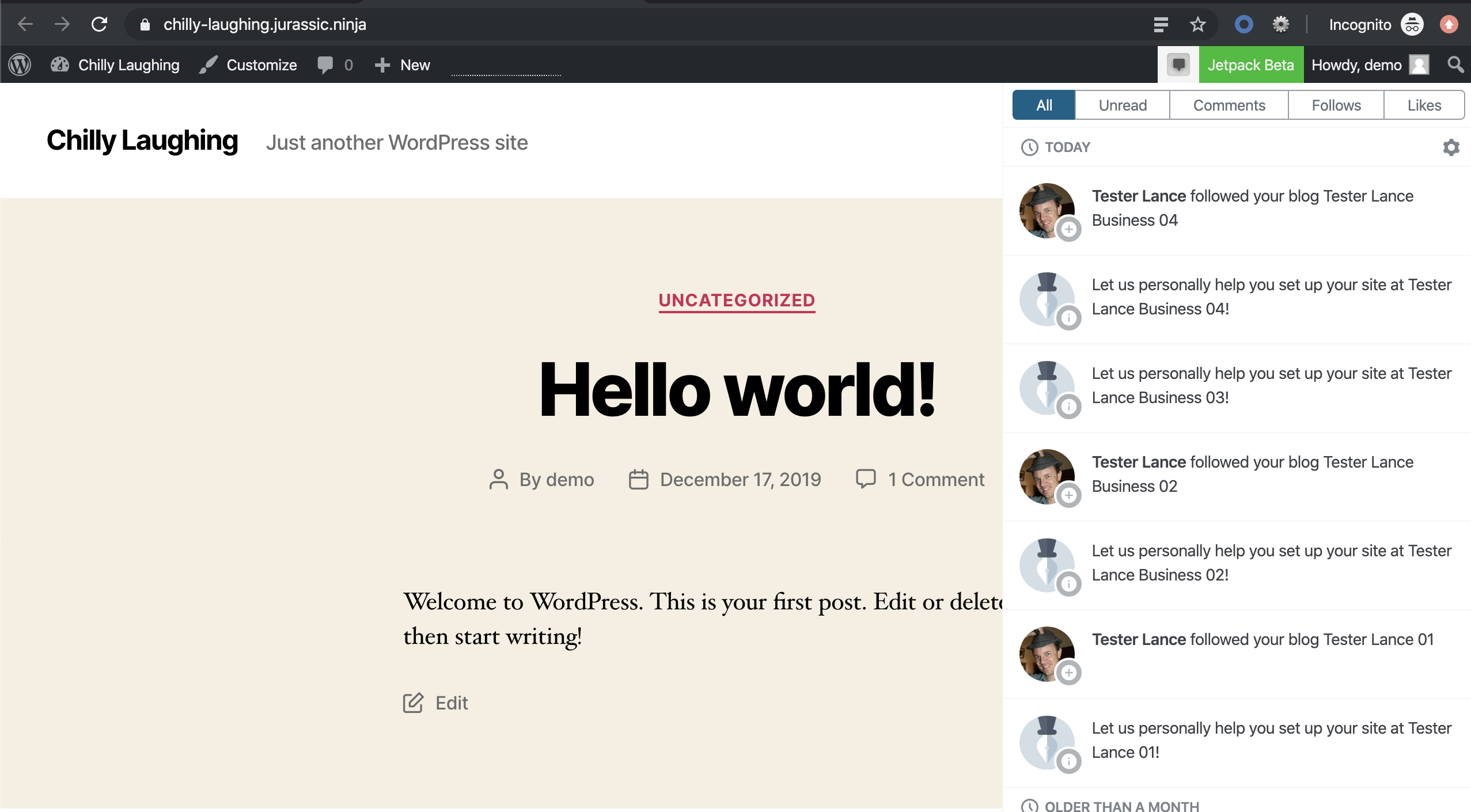
- In toolbar, try to open the notifications panel
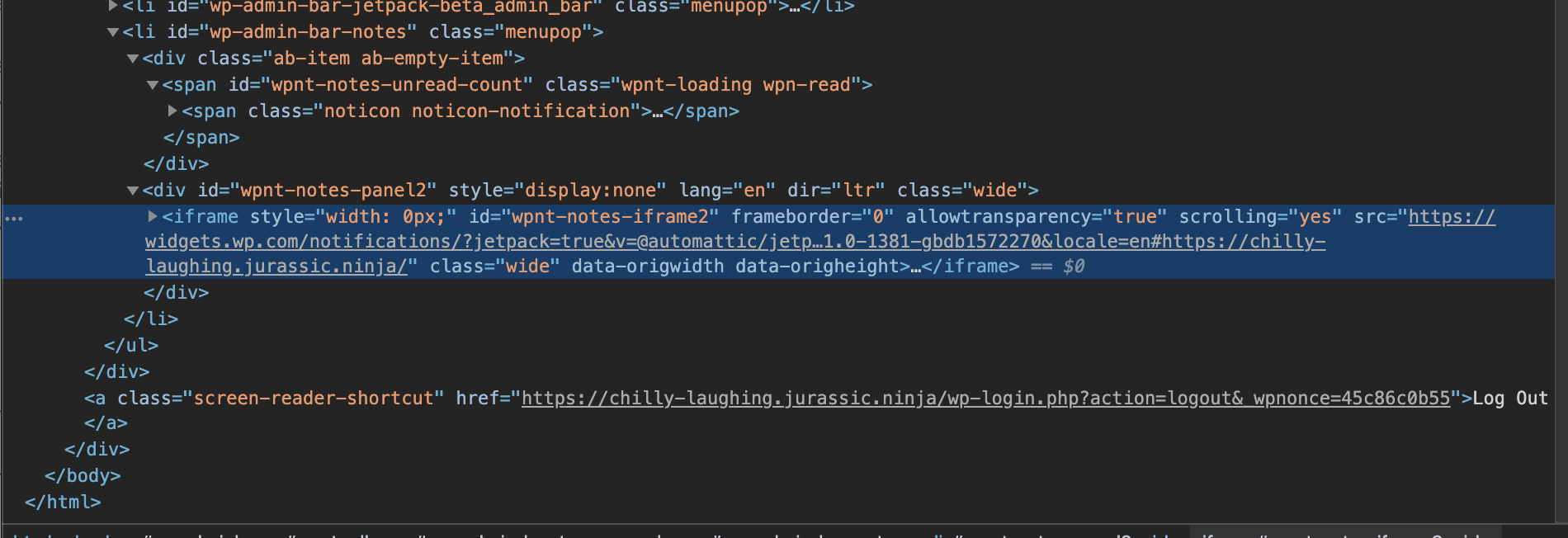
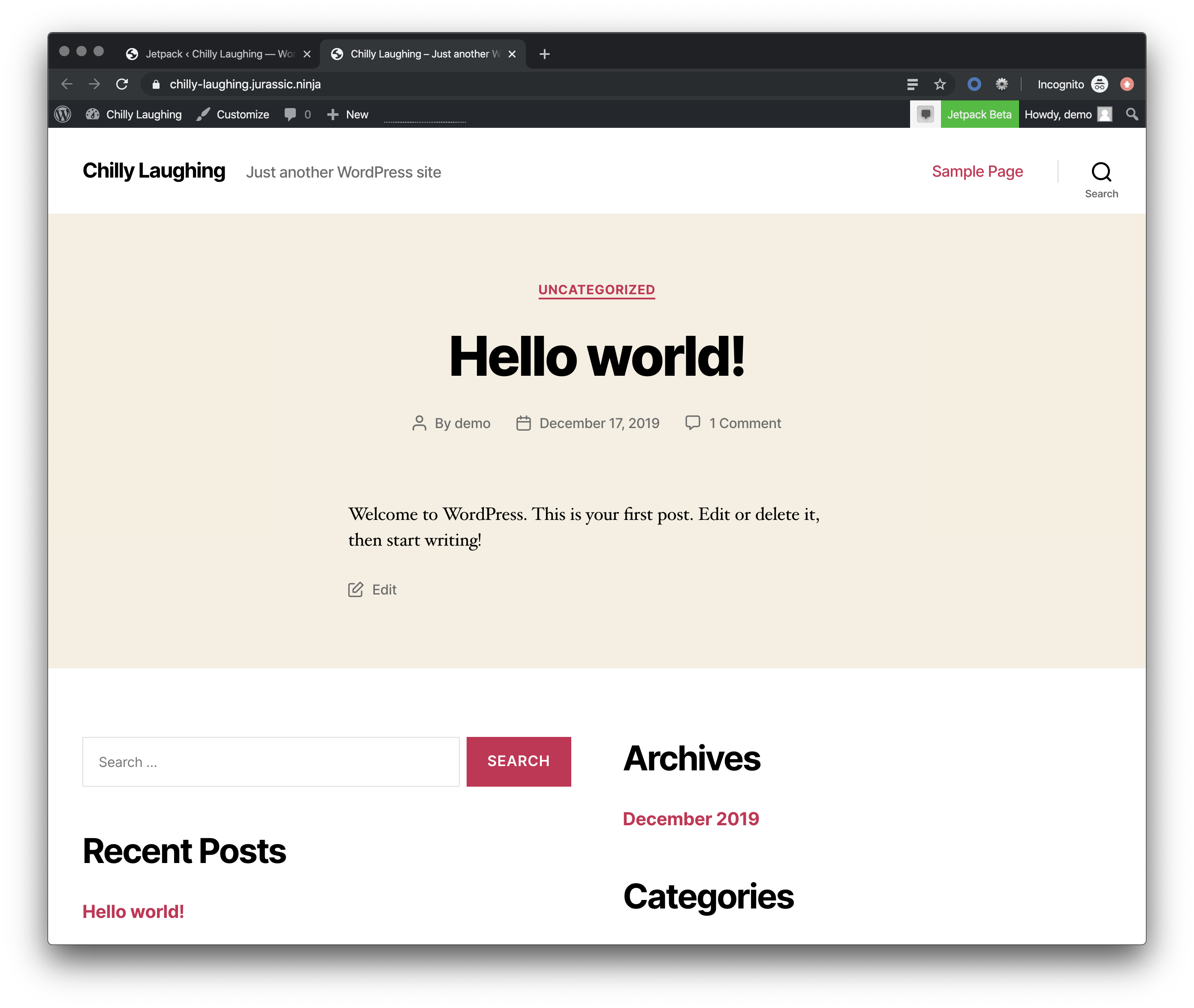
- When inspecting, note that the iframe
wpnt-notes-iframe2has an added width attribute of 0px (possibly added by the Twenty Twenty theme JS)
What I expected
For the notifications panel to open as expected.
What happened instead
The notifications panel does not open.
Screenshots
 lancewillett
All 3 comments
This bug reported by @m on ma.tt originally.
I'm able to replicate on a Jurassic Ninja site, as well as my own Jetpack sites — after enabling the Twenty Twenty default theme.
lancewillett
on 18 Dec 2019
I narrowed it down to this bit of code in Twenty Twenty:
It seems to be too greedy, changing the notifications iframe width to 0px so it can't be toggled on.
However — probably the notifications client loaded via Jetpack should account for this and make sure its own iframe element is visible and not hidden.
/*  -----------------------------------------------------------------------------------------------
    Intrinsic Ratio Embeds
--------------------------------------------------------------------------------------------------- */

twentytwenty.intrinsicRatioVideos = {

    init: function() {
        this.makeFit();

        window.addEventListener( 'resize', function() {
            this.makeFit();
        }.bind( this ) );
    },

    makeFit: function() {
        document.querySelectorAll( 'iframe, object, video' ).forEach( function( video ) {
            var ratio, iTargetWidth,
                container = video.parentNode;

            // Skip videos we want to ignore
            if ( video.classList.contains( 'intrinsic-ignore' ) || video.parentNode.classList.contains( 'intrinsic-ignore' ) ) {
                return true;
            }

            if ( ! video.dataset.origwidth ) {
                // Get the video element proportions
                video.setAttribute( 'data-origwidth', video.width );
                video.setAttribute( 'data-origheight', video.height );
            }

            iTargetWidth = container.offsetWidth;

            // Get ratio from proportions
            ratio = iTargetWidth / video.dataset.origwidth;

            // Scale based on ratio, thus retaining proportions
            video.style.width = iTargetWidth + 'px';
            video.style.height = ( video.dataset.origheight * ratio ) + 'px';
        } );
    }

}; // twentytwenty.instrinsicRatioVideos
I created 49030-core to suggest a change that would solve the issue in Core.
Until then, #14263 should be a good bandaid in Jetpack.
 jeherve
on 18 Dec 2019
jeherve
on 18 Dec 2019
👍2
Was this page helpful?
0 / 5 - 0 ratings
Related issues
 tyxla
·
3Comments
jeherve
·
3Comments
tyxla
·
3Comments
jeherve
·
3Comments
 dougaitken
·
3Comments
dougaitken
·
3Comments
 crunnells
·
3Comments
jeherve
·
3Comments
crunnells
·
3Comments
jeherve
·
3Comments
Most helpful comment
I created 49030-core to suggest a change that would solve the issue in Core.
Until then, #14263 should be a good bandaid in Jetpack.