Jetpack: VideoPress: Video block not working for VP on Atomic
Similar to #31178 but happens on standard Video block on Atomic, the VideoPress videos are not showing up as expected when added to the Video block.
Steps to reproduce
- Upload video for VideoPress (I uploaded directly to media library to cut out possible issues).
- Starting at URL: wordpress.com → Atomic Site → Blog Posts, open or start new post.
- Add Video block.
- Select Media Library, choose video. Video may show in the editor, or may switch right to the link. I've seen it both ways.
- Select Publish.
- Visit page.
What I expected
To see the video on the published page, like on my simple site:
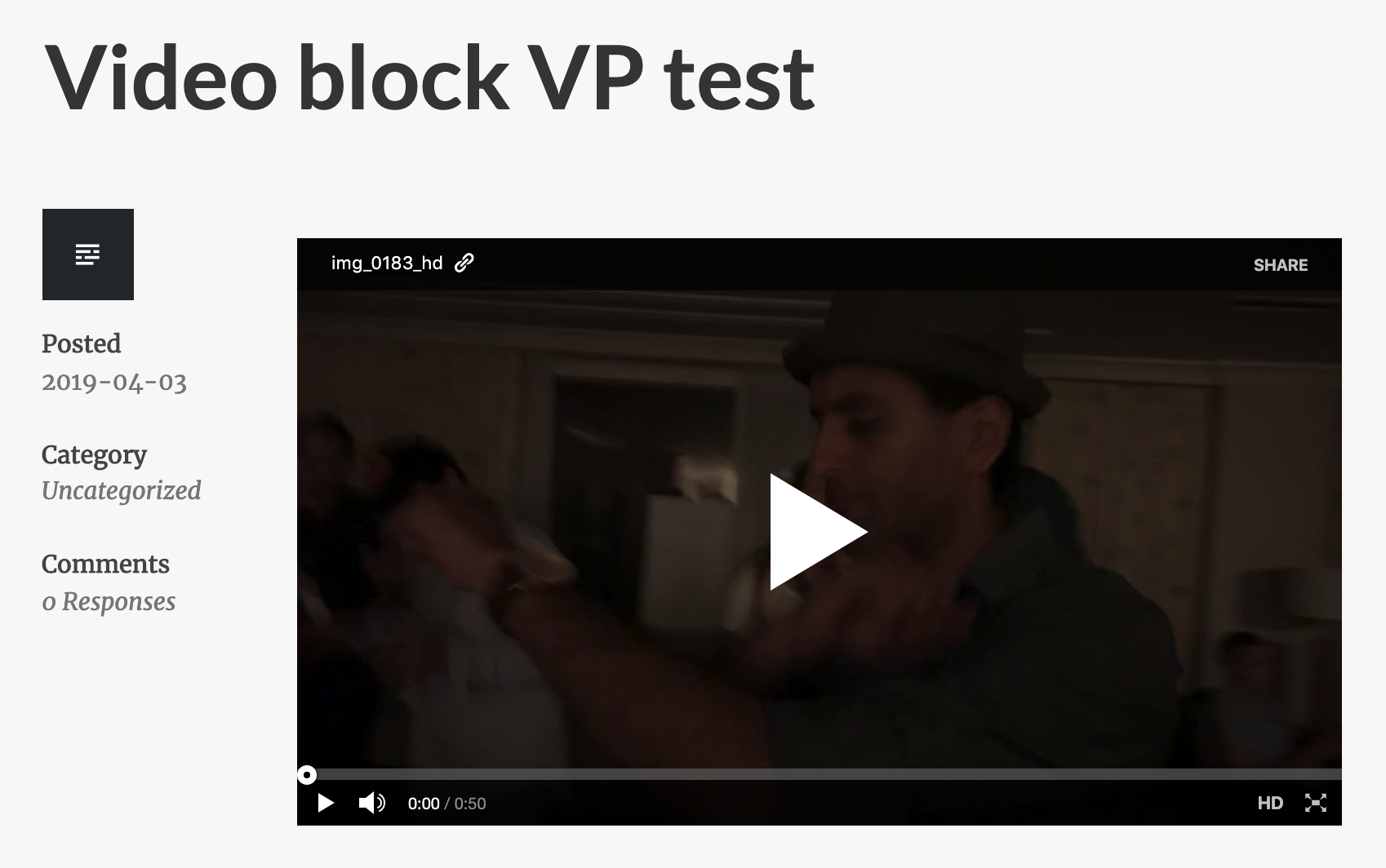
What happened instead
A URL to the source video shows instead. Example:

Context / Source
user-report from 11472024-hc
 jessestu
All 11 comments
/cc @mmtr
 vindl
on 4 Apr 2019
vindl
on 4 Apr 2019
Starting at URL: wordpress.com → Atomic Site → Blog Posts, open or start new post.
Do you happen to know if this happened in the Calypso editor, or in wp-admin?
 jeherve
on 4 Apr 2019
jeherve
on 4 Apr 2019
It's happening either way I get to it.
I have discovered more information. I can get the video to show up if I press Cmd + Z (undo) after selecting the video to the video block.
I made a movie to show an example, which works the same going from Calypso or WP-Admin:
(notice that when pressing Cmd + Z to get the video to appear, the video thumbnail is different than what I have set from Calypso)
jessestu
on 4 Apr 2019
Well that's an odd one! Thanks for the video, it helps.
I can't seem to reproduce though. Does this happen to you in all browsers?
jeherve
on 5 Apr 2019
Similar issue reported in 1949373-zen, includes screenshots and video of reported issue.
 RCowles
on 9 Apr 2019
RCowles
on 9 Apr 2019
@mmtr Do you think you could take a look at this? Could this be browser-related? In the videos mentioned above, the site owner is using Chrome; I could not reproduce when using Chrome on my end.
jeherve
on 10 Apr 2019
Sorry for my delay. It's been busy. I have new information.
Does this happen to you in all browsers?
Yes, it does.
__It does not happen with the Gutenberg plugin deactivated__. I realize now my test site had that active, and deactivating it fixes the issue.
@RCowles Do you know if your customer had Gutenberg plugin activated?
jessestu
on 10 Apr 2019
@jessestu thanks for the update! That definitely should help to narrow down the issue.
@jeherve I'm happy to take a look at this, but I don't think I'm going to be able to do it this week. Hopefully I'll have some time available during next week. But anyone is welcome to beat me to it 🙂
 mmtr
on 11 Apr 2019
mmtr
on 11 Apr 2019
@jessestu It doesn't look like they currently have the Gutenberg plugin installed/activated at the moment. They did mention they suspect it could be a conflict with Storefront, so I'm not 100% sure if this is indeed the same issue or if I'm conflating two separate issues.
RCowles
on 11 Apr 2019
If anyone comes to this thread, know there is a simple alternative: use the videopress shortcode in a shortcode block.
jessestu
on 11 Apr 2019
I cannot reproduce this one now that we use the Gutenberg plugin by default. Feel free to reopen if folks are still having issues.
mmtr
on 30 Oct 2019
Related issues
 kevinlisota
·
3Comments
kevinlisota
·
3Comments
 beaulebens
·
3Comments
beaulebens
·
3Comments
 htdat
·
3Comments
htdat
·
3Comments
 BinaryMoon
·
3Comments
BinaryMoon
·
3Comments
 tyxla
·
3Comments
tyxla
·
3Comments
Most helpful comment
Sorry for my delay. It's been busy. I have new information.
Yes, it does.
__It does not happen with the Gutenberg plugin deactivated__. I realize now my test site had that active, and deactivating it fixes the issue.
@RCowles Do you know if your customer had Gutenberg plugin activated?