Jetpack: Twenty Nineteen: Tiled galleries circles layout: Images cut off on the right
Steps to reproduce
- Start with a WordPress.com site or a Jetpack site
- Install
Twenty Nineteentheme - Create a post or a page
- Use Jetpack's
Tiled galleriesfeature and add 2 or more images - Choose
Circleslayout for the gallery
What is expected
The images appear in circles layout in full
What happens instead
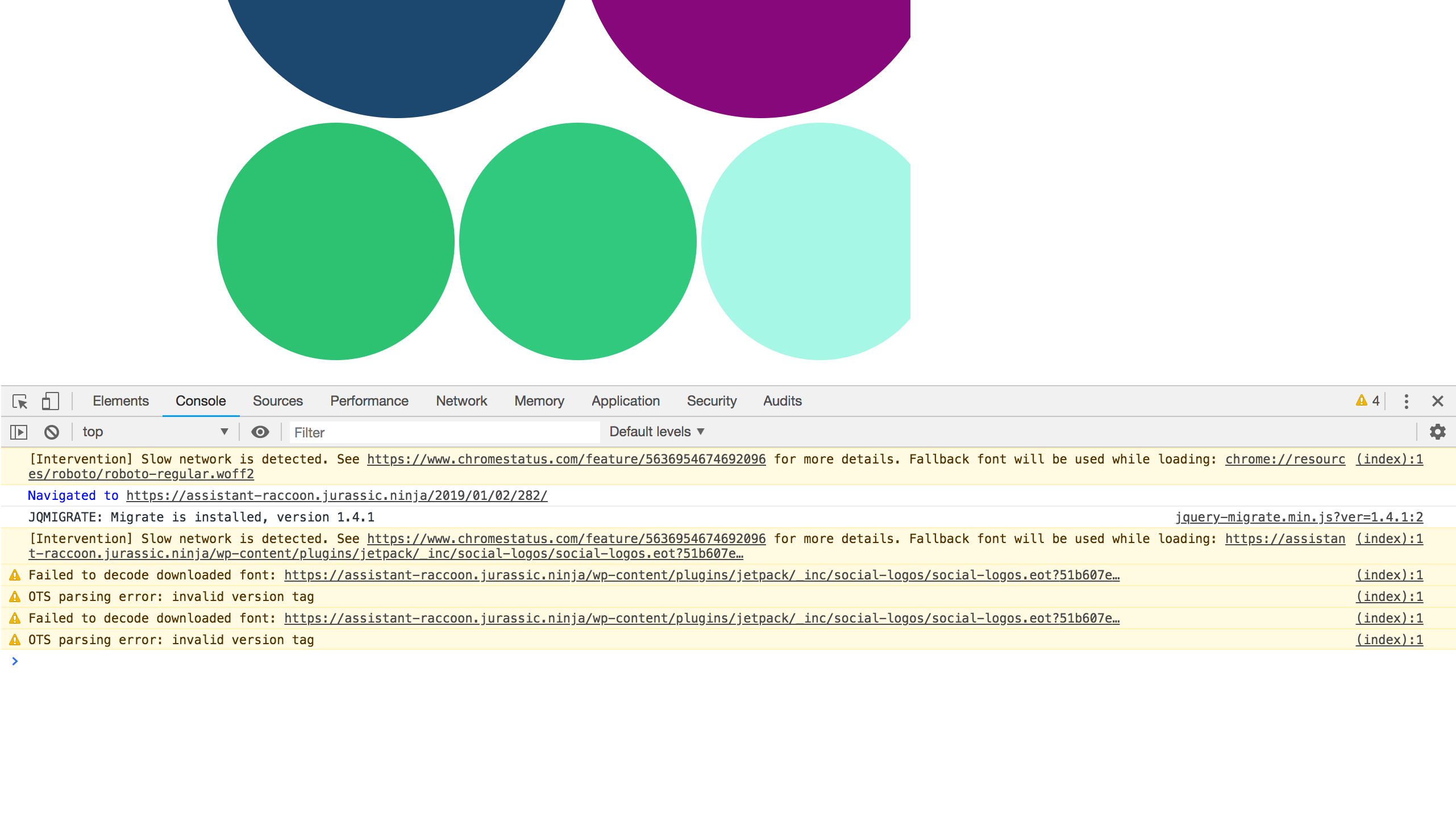
A few images are cut off, on the right
Screenshots
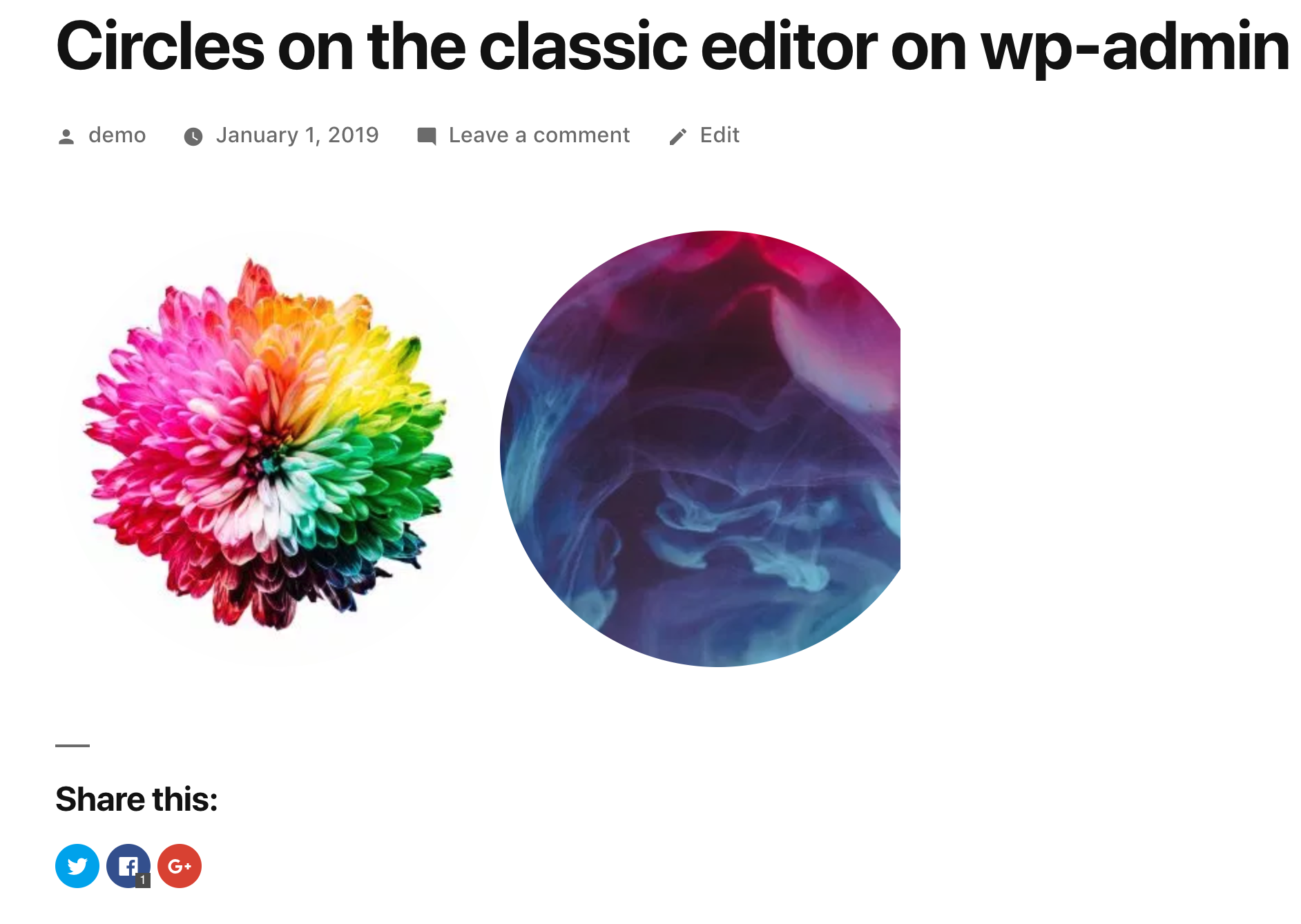
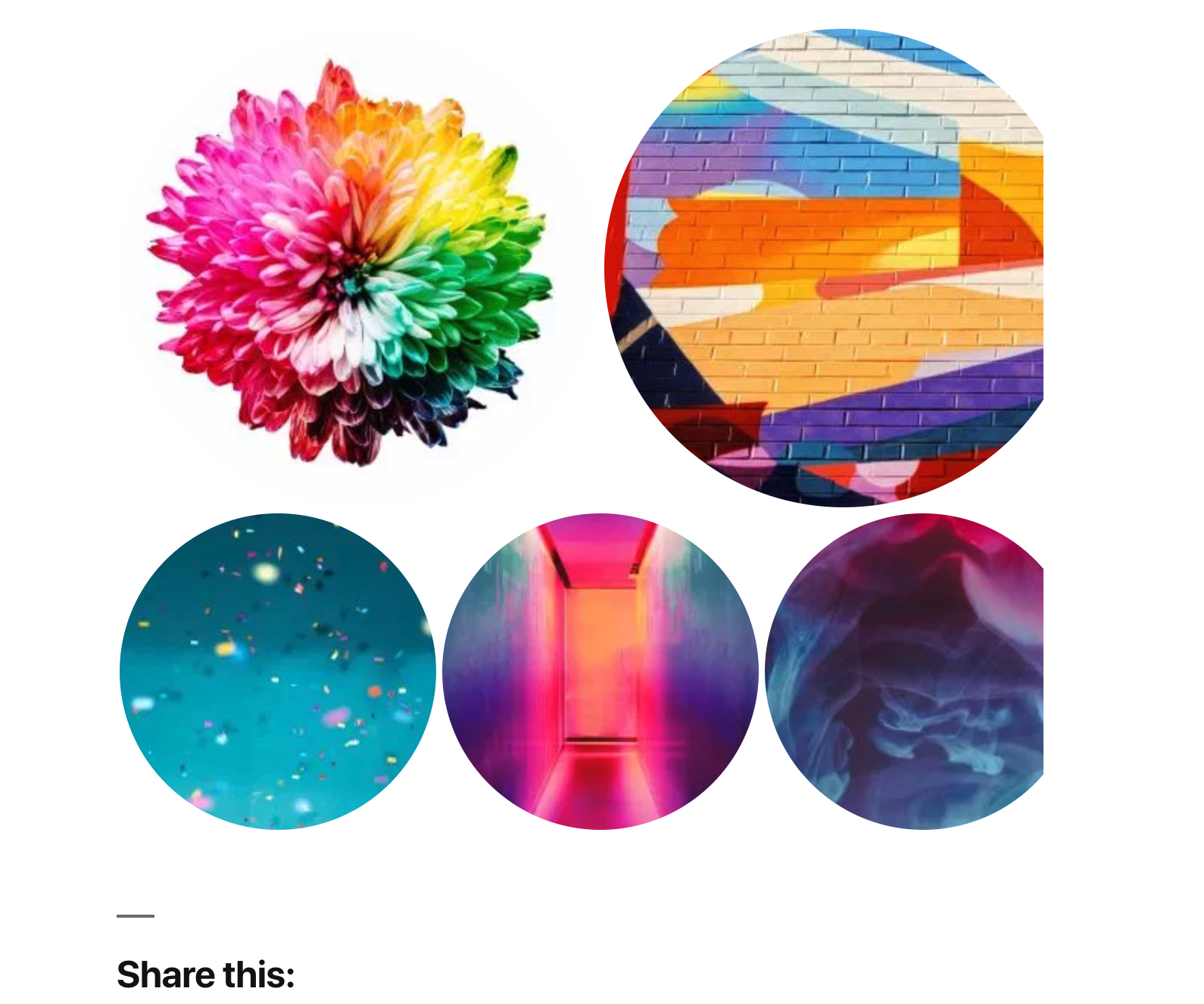
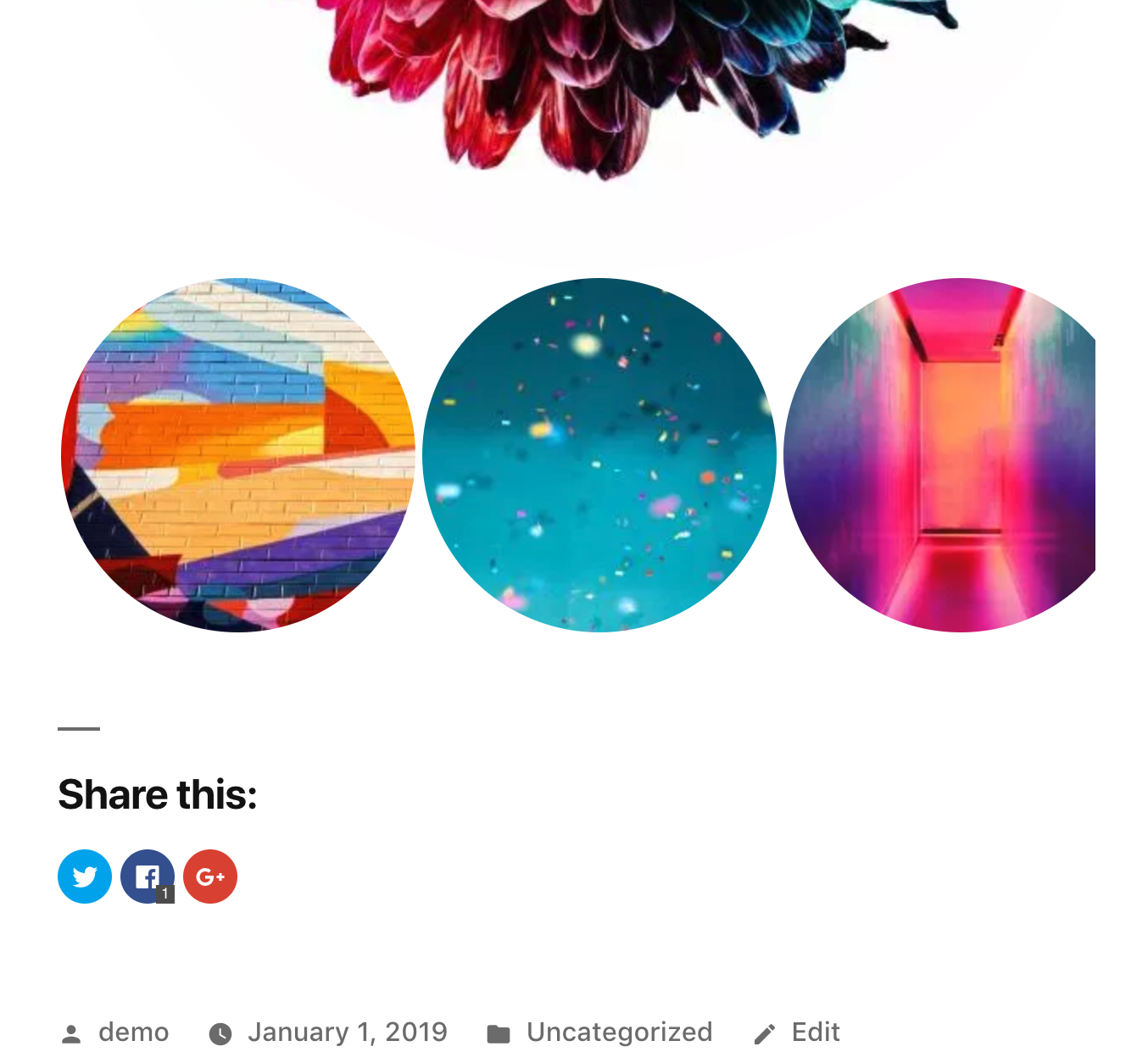
Notes:
This specifically seems to happen only with the Twenty Nineteen theme. I also tested with Twenty Seventeen theme, and I am not able to see this erroneous behaviour.
I also haven't seen this behaviour with any other themes in the past.
Let me know if this can be reported on Twenty Nineteen's repository instead.
 arunsathiya
All 11 comments
Could you clarify if this happens when using the new Tiled Gallery block, or when using the classic block with a tiled gallery?
 jeherve
on 2 Jan 2019
jeherve
on 2 Jan 2019
@jeherve That's a good question. It happens with the tiled gallery on classic editor (Calypso editor) / classic editor on wp-admin dashboard.
It does not happen with the new Tiled gallery block - p1HpG7-65C-p2 #comment-29671
arunsathiya
on 2 Jan 2019
I can't seem to reproduce on my end right now:
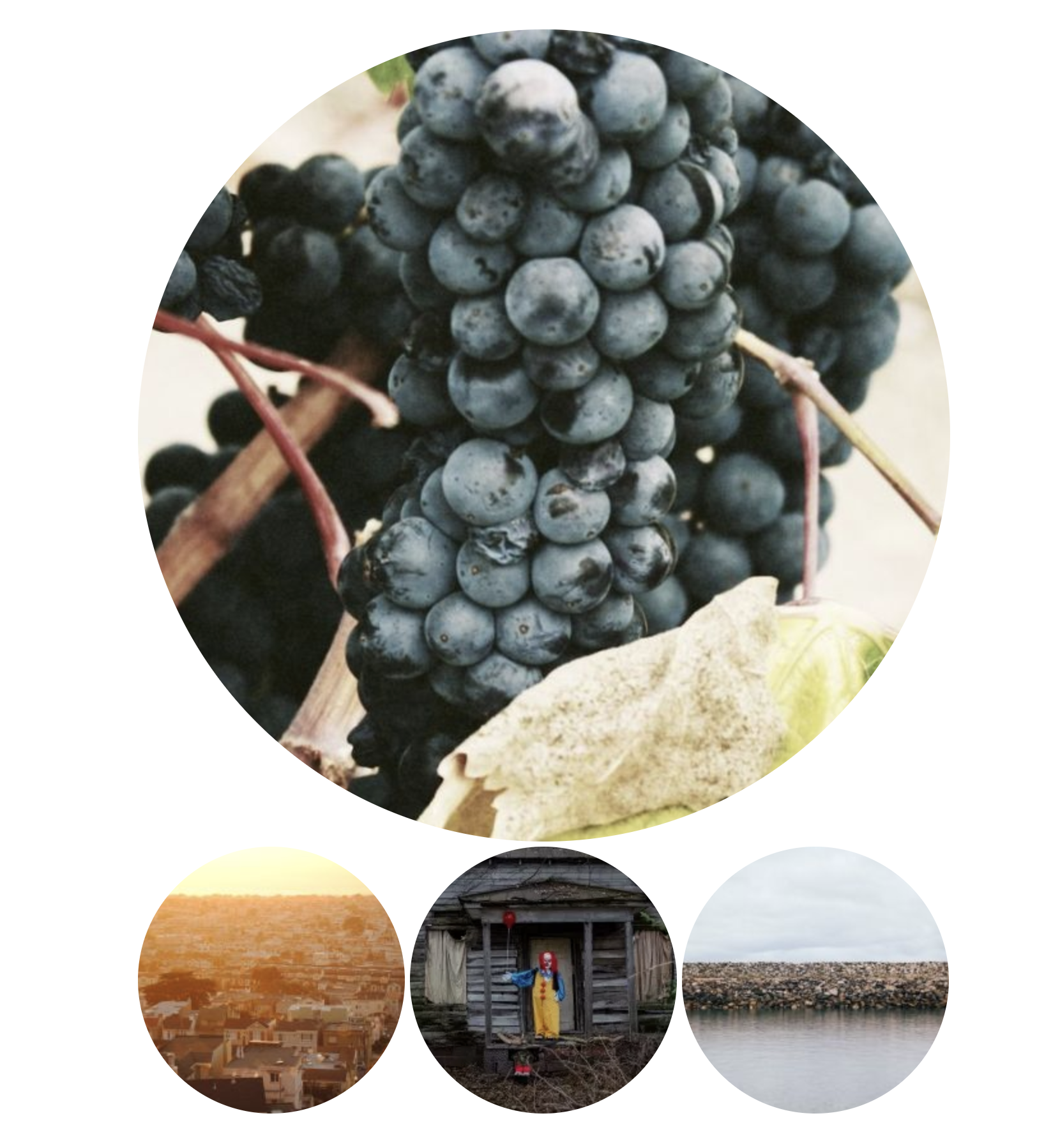
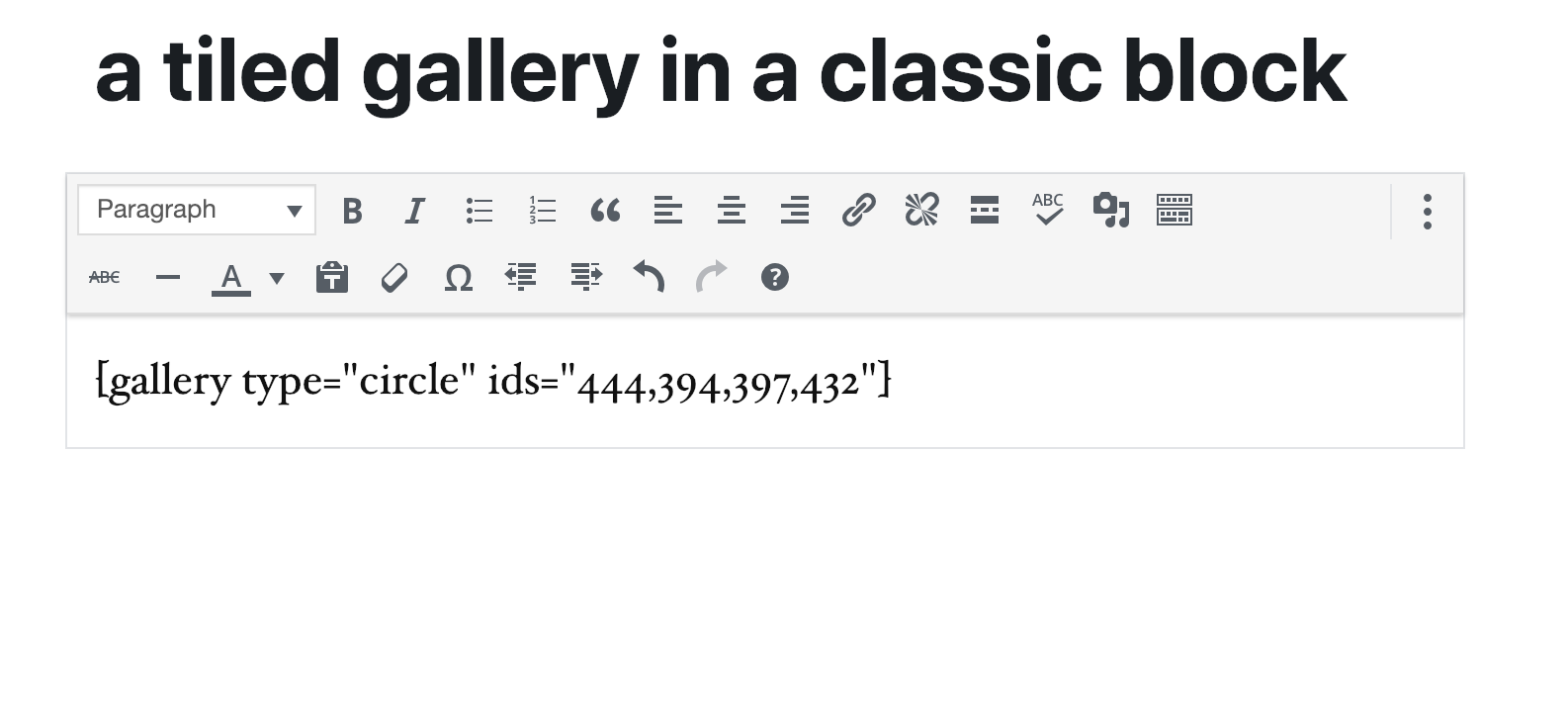
Could you give it another try, and let me know if you see any JS errors in your browser console?
jeherve
on 2 Jan 2019
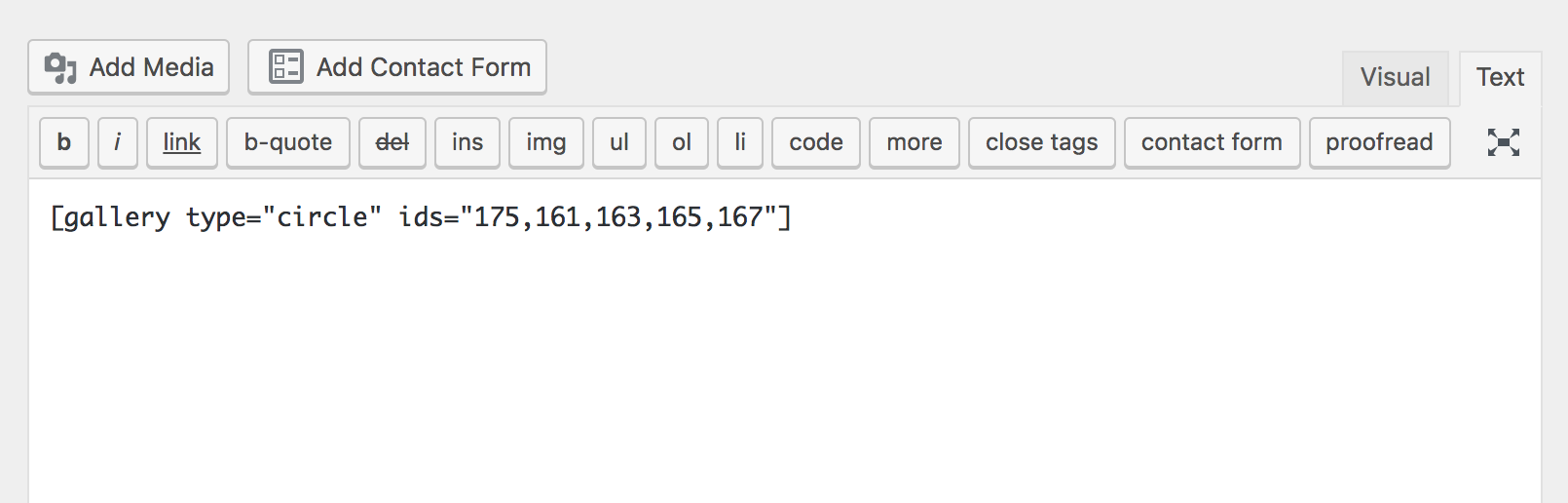
I am consistently able to reproduce this with different image sets. Here is how it looks at the moment, and console logs show what's below.
[Intervention] Slow network is detected. See https://www.chromestatus.com/feature/5636954674692096 for more details. Fallback font will be used while loading: https://assistant-raccoon.jurassic.ninja/wp-content/plugins/jetpack/_inc/social-logos/social-logos.eot?51b607ee5b5cb2a0e4517176475a424c
(index):1 Failed to decode downloaded font: https://assistant-raccoon.jurassic.ninja/wp-content/plugins/jetpack/_inc/social-logos/social-logos.eot?51b607ee5b5cb2a0e4517176475a424c
(index):1 OTS parsing error: invalid version tag
(index):1 Failed to decode downloaded font: https://assistant-raccoon.jurassic.ninja/wp-content/plugins/jetpack/_inc/social-logos/social-logos.eot?51b607ee5b5cb2a0e4517176475a424c
(index):1 OTS parsing error: invalid version tag
I am not sure if they help with debugging.
I can also confirm I have used multiple browsers without any extensions. It's consistently reproducible with the Twenty Nineteen theme.

arunsathiya
on 2 Jan 2019
Could you let me know which version of Twenty Nineteen you currently use on your site?
jeherve
on 3 Jan 2019
The Jurassic Ninja site I was testing on has Twenty Nineteen v1.1. I just tested on a WordPress.com site as well, with the latest version of Twenty Nineteen from https://wordpress.com/themes
Same issue.
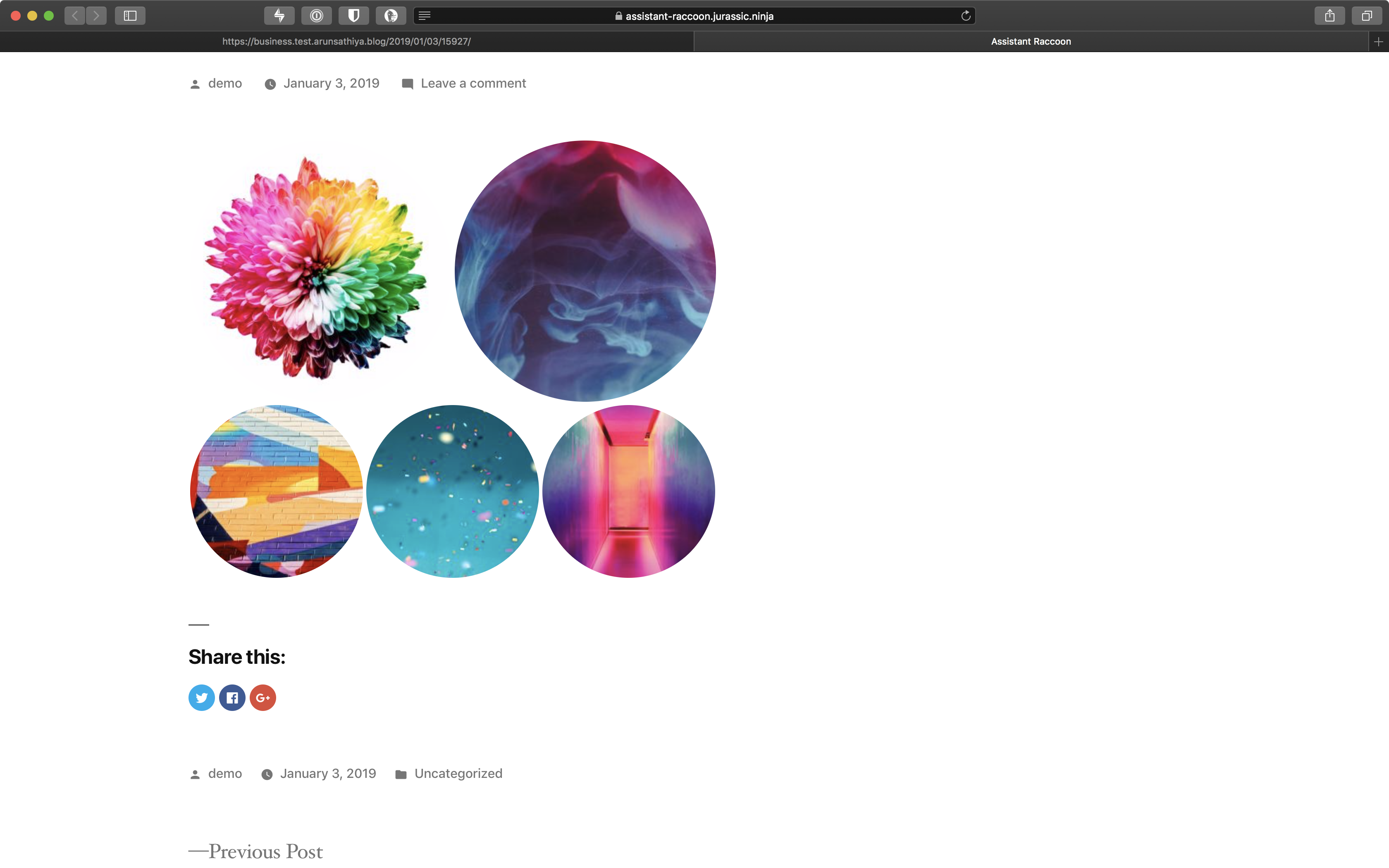
But I have an update. It seems to be a display issue at my end.
It seems to happen only my external monitor. When I open on my Mac's display, it shows up fine. I don't know why there is a difference between the two.
The images below are from the Jurassic Ninja site, and WordPress.com Business plan site, respectively.
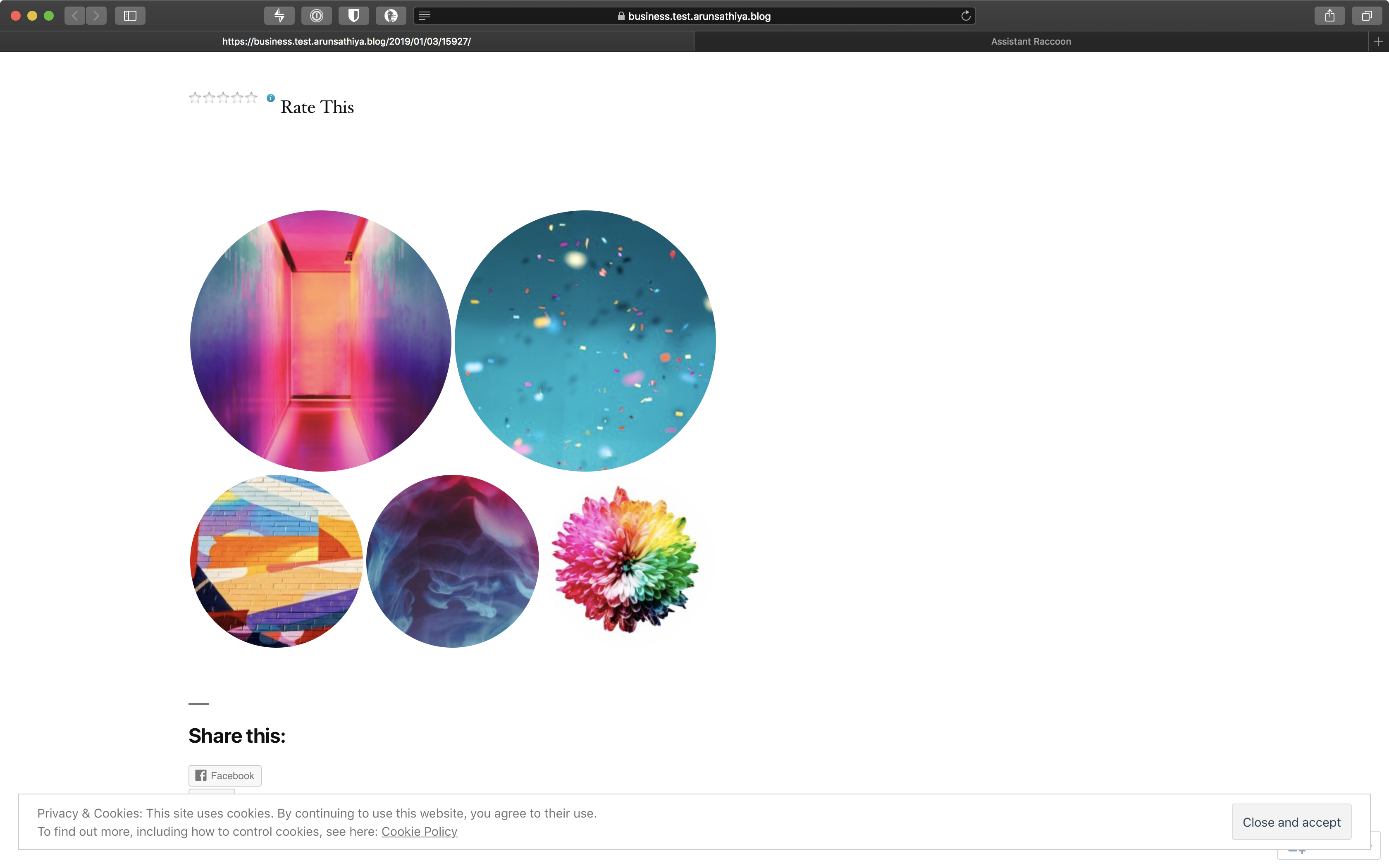
At this stage, I shall close this report as this is clearly not a Jetpack issue.
I will be digging in a bit more and report on Twenty Nineteen's repo, as required.
Thanks for looking along so far!
arunsathiya
on 3 Jan 2019
That's a good find! Do you happen to know if your monitor is a Retina monitor?
If you inspect one of the images from the gallery when viewing it on your monitor, could you let me know what the image URL looks like? I am especially interested in the query strings at the end of the URL.
jeherve
on 3 Jan 2019
Sorry about the delayed response, but I lost track of this ping.
Yes, I have a retina monitor and it turns out the display issue happens when I am on strange resolutions like 1280 x 720. When I use the recommended 3840 x 2160 resolution, it appears fine.
The image's code is available here:
<img data-attachment-id="161" data-orig-file="https://assistant-raccoon.jurassic.ninja/wp-content/uploads/2019/01/img-1301623762.png" data-orig-size="700,400" data-comments-opened="1" data-image-meta="{"aperture":"0","credit":"","camera":"","caption":"","created_timestamp":"0","copyright":"","focal_length":"0","iso":"0","shutter_speed":"0","title":"","orientation":"0"}" data-image-title="img-1301623762.png" data-image-description="" data-medium-file="https://i2.wp.com/assistant-raccoon.jurassic.ninja/wp-content/uploads/2019/01/img-1301623762.png?fit=300%2C171&ssl=1" data-large-file="https://i2.wp.com/assistant-raccoon.jurassic.ninja/wp-content/uploads/2019/01/img-1301623762.png?fit=640%2C366&ssl=1" src="https://i2.wp.com/assistant-raccoon.jurassic.ninja/wp-content/uploads/2019/01/img-1301623762.png?zoom=2&w=316&h=316&crop=1&ssl=1" width="316" height="316" data-original-width="316" data-original-height="316" itemprop="http://schema.org/image" title="img-1301623762.png" alt="img-1301623762.png" style="width: 316px; height: 316px;" class="jetpack-lazy-image jetpack-lazy-image--handled" data-lazy-loaded="1" src-orig="https://i2.wp.com/assistant-raccoon.jurassic.ninja/wp-content/uploads/2019/01/img-1301623762.png?w=316&h=316&crop=1&ssl=1" scale="2">
I assume this is the specific part you want:
https://i2.wp.com/assistant-raccoon.jurassic.ninja/wp-content/uploads/2019/01/img-1301623762.png?zoom=2&w=316&h=316&crop=1&ssl=1
The one on the left, unaffected image, looks so:
<img data-attachment-id="175" data-orig-file="https://assistant-raccoon.jurassic.ninja/wp-content/uploads/2019/01/img-330800790.png" data-orig-size="700,400" data-comments-opened="1" data-image-meta="{"aperture":"0","credit":"","camera":"","caption":"","created_timestamp":"0","copyright":"","focal_length":"0","iso":"0","shutter_speed":"0","title":"","orientation":"0"}" data-image-title="img-330800790.png" data-image-description="" data-medium-file="https://i2.wp.com/assistant-raccoon.jurassic.ninja/wp-content/uploads/2019/01/img-330800790.png?fit=300%2C171&ssl=1" data-large-file="https://i2.wp.com/assistant-raccoon.jurassic.ninja/wp-content/uploads/2019/01/img-330800790.png?fit=640%2C366&ssl=1" src="https://i2.wp.com/assistant-raccoon.jurassic.ninja/wp-content/uploads/2019/01/img-330800790.png?zoom=2&w=316&h=316&crop=1&ssl=1" width="316" height="316" data-original-width="316" data-original-height="316" itemprop="http://schema.org/image" title="img-330800790.png" alt="img-330800790.png" style="width: 316px; height: 316px;" class="jetpack-lazy-image jetpack-lazy-image--handled" data-lazy-loaded="1" src-orig="https://i2.wp.com/assistant-raccoon.jurassic.ninja/wp-content/uploads/2019/01/img-330800790.png?w=316&h=316&crop=1&ssl=1" scale="2">
I don't see any differences between the two, but it hopefully helps you in some way.
The post is also available here if you want to take a look at it.
arunsathiya
on 7 Jan 2019
Thanks for the extra details. That seems to be an issue with a specific CSS rule in the Twenty Nineteen theme:
@media only screen and (min-width: 1168px) {
  .entry .entry-content > *,
  .entry .entry-summary > * {
    max-width: calc(6 * (100vw / 12) - 28px);
  }
}
It seems to impact all containers at specific browser widths, as you mentioned. I think it would be worth reporting this in the Twenty Nineteen repo.
jeherve
on 7 Jan 2019
Reported here - https://core.trac.wordpress.org/ticket/45858
arunsathiya
on 8 Jan 2019
Related issues
 kraftbj
·
3Comments
jeherve
·
3Comments
kraftbj
·
3Comments
jeherve
·
3Comments
 dougaitken
·
3Comments
dougaitken
·
3Comments
 ockham
·
3Comments
ockham
·
3Comments
 chrisaldrich
·
3Comments
chrisaldrich
·
3Comments