Jetpack: Admin Page: update links to SEO and GA settings in Calypso
Steps to reproduce the issue
- Go to Jetpack > Settings > Traffic in your dashboard on a site using Jetpack Professional.
- The SEO configuration link points to https://wordpress.com/settings/seo/yoursite which redirects to https://wordpress.com/settings/traffic/yoursite.
- The Google Analytics one points to https://wordpress.com/settings/analytics/yoursite which redirects to https://wordpress.com/settings/traffic/yoursite.
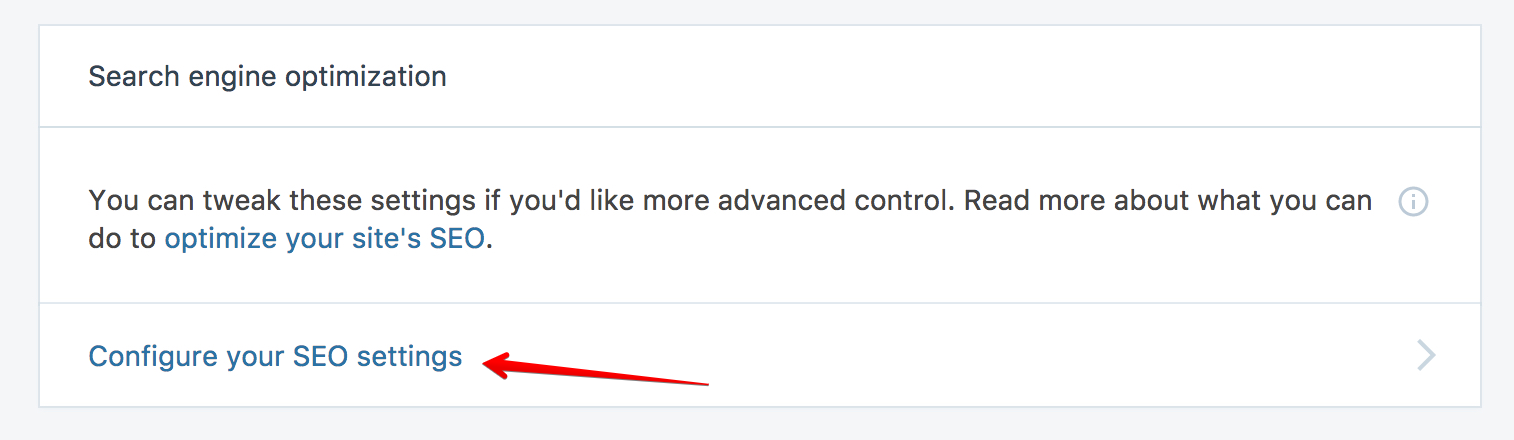
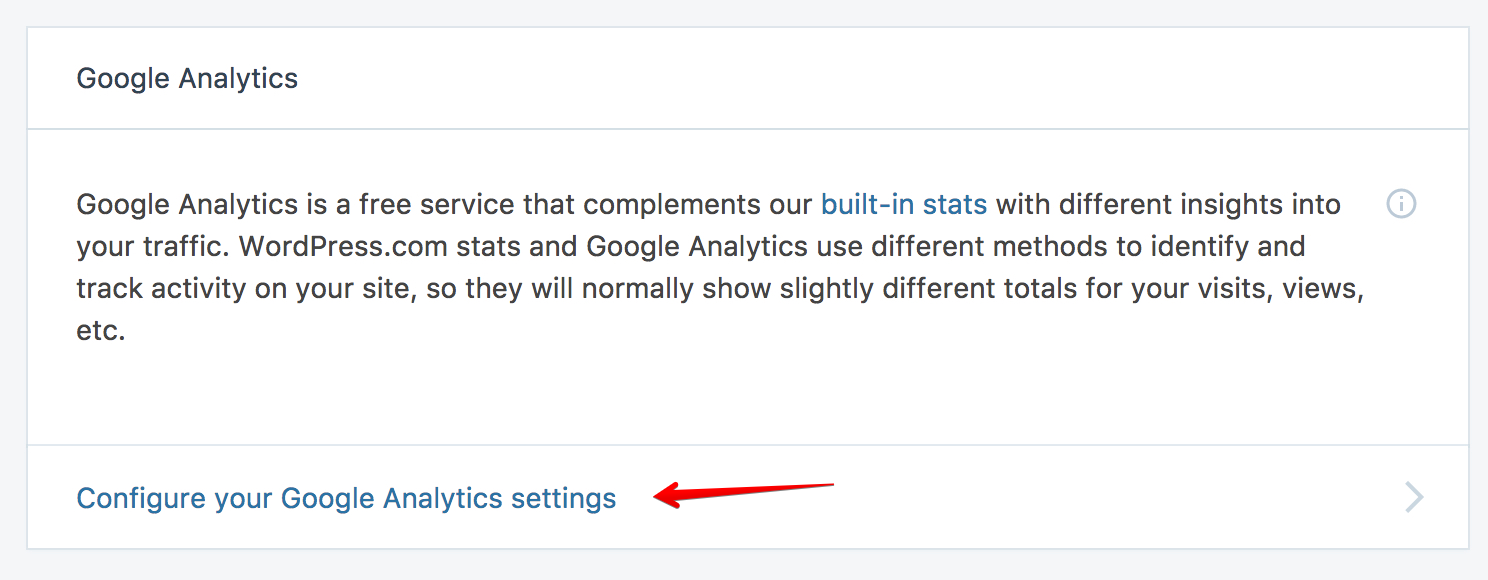
It would be nice if both links were updated so no redirection has to happen. We could also add an anchor to the links to make sure you are redirected to the right section.
 jeherve
All 4 comments
Seems like @jaswrks is taking care of this in #8986, thanks 👍
 tyxla
on 6 Mar 2018
tyxla
on 6 Mar 2018
I like the suggestion to add anchors to make linking more precise (the Traffic settings page is pretty huge). https://github.com/Automattic/wp-calypso/pull/23030 takes care of that, and we'll only need to update #8986 accordingly.
tyxla
on 6 Mar 2018
👍1
I added the #seo and #analytics anchors. 👍 https://github.com/Automattic/jetpack/pull/8986
 jaswrks
on 6 Mar 2018
jaswrks
on 6 Mar 2018
❤1
👍1
23030 has landed, and IMHO #8986 is ready to go 🚢
tyxla
on 6 Mar 2018
Was this page helpful?
0 / 5 - 0 ratings
Related issues
 beaulebens
·
3Comments
beaulebens
·
3Comments
 aheckler
·
3Comments
aheckler
·
3Comments
 NicktheGeek
·
3Comments
NicktheGeek
·
3Comments
 crunnells
·
3Comments
crunnells
·
3Comments
 kevinlisota
·
3Comments
kevinlisota
·
3Comments
Most helpful comment
I added the
#seoand#analyticsanchors. 👍 https://github.com/Automattic/jetpack/pull/8986