Inav: Home arrow disappear beyond 1000m from home - Omnibus F4 - iNav 1.7.3 beta
Hi,
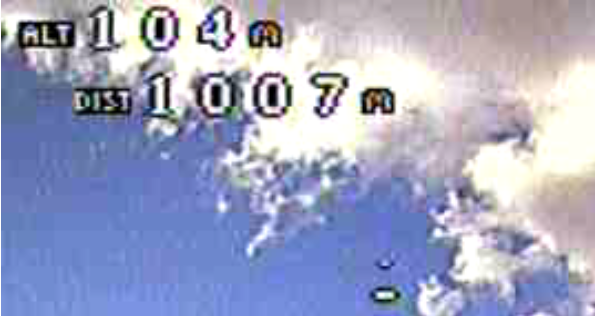
I've noticed that the home pointer arrow disappear when beyond 1000m from home. Only to blink briefly every now and then. When getting back within 1000m from home the arrow stays on permanently.
True for both the standard font and the improved one downloaded from issue 1443.
Bug or feature?
 asteman
All 6 comments
@asteman It's either a bug or either user error :-). Definitely not working as intended.
Can you post a capture from the DVR with your OSD arrangement? (obscure or delete any potentially identifying information!) I suspect some other element might be overwriting the home arrow. If you can't provide an image, please post a dump and I'll try to replicate the problem on the bench.
 fiam
on 20 Sep 2017
fiam
on 20 Sep 2017
@fiam Here are 2 screen captures:
Beyond 1000m
Within 1000m
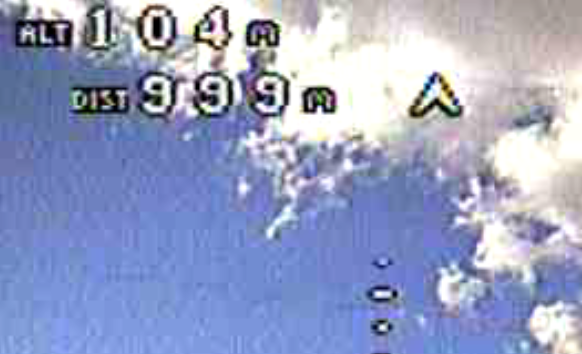
My guess is that the 4th digit overwrites the arrow even though it looks like there are space for it in the second screenshot. If that's the issue, perhaps making it future proof to allow for 5 digits as well ;)
asteman
on 20 Sep 2017
Yes, our osdFormatDistanceStr adds an extra space at the end of distance which overwrites the home arrow with this layout.
@asteman is this the default layout of cuzstomized one?
 digitalentity
on 21 Sep 2017
digitalentity
on 21 Sep 2017
@digitalentity It's the bold font. But I'm pretty sure this was an issue with the default font as well.
asteman
on 21 Sep 2017
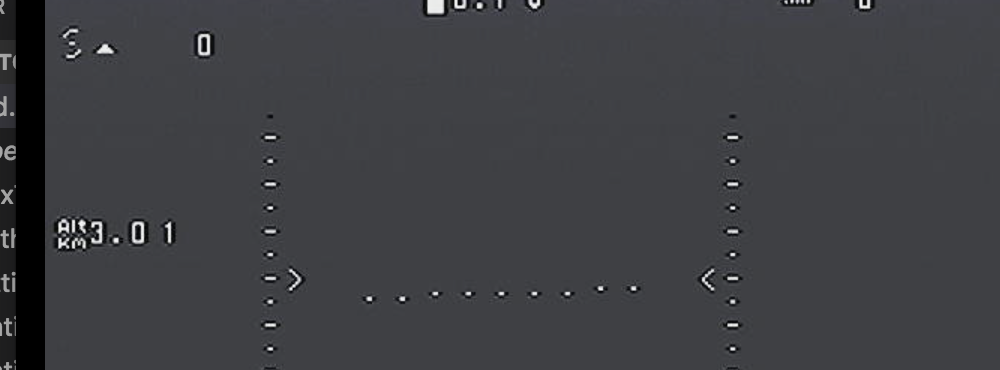
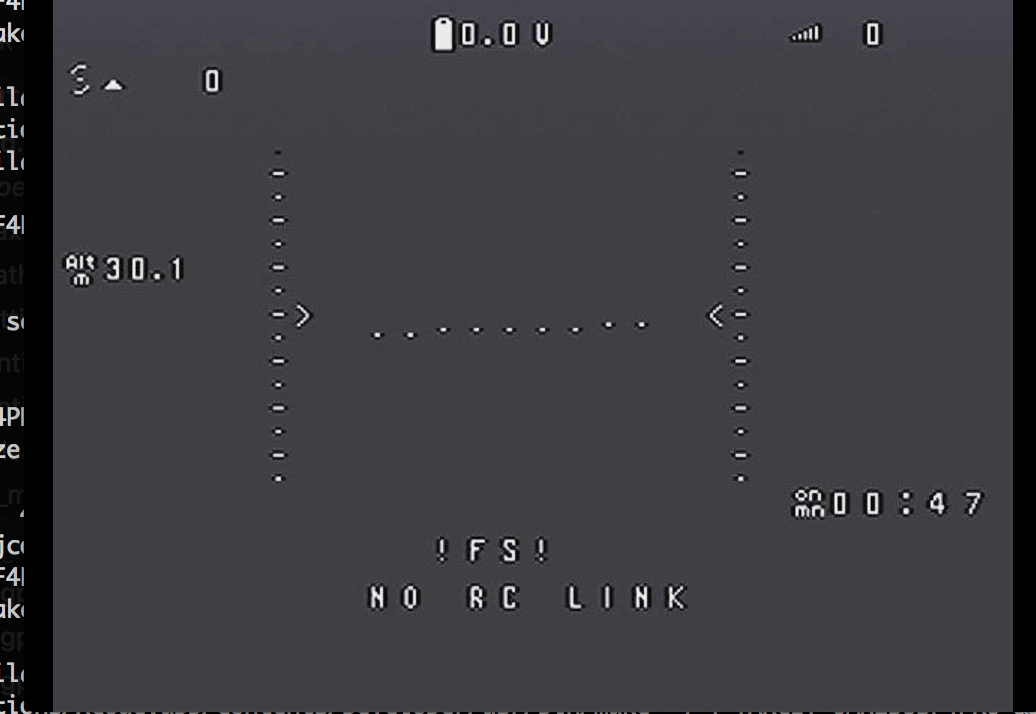
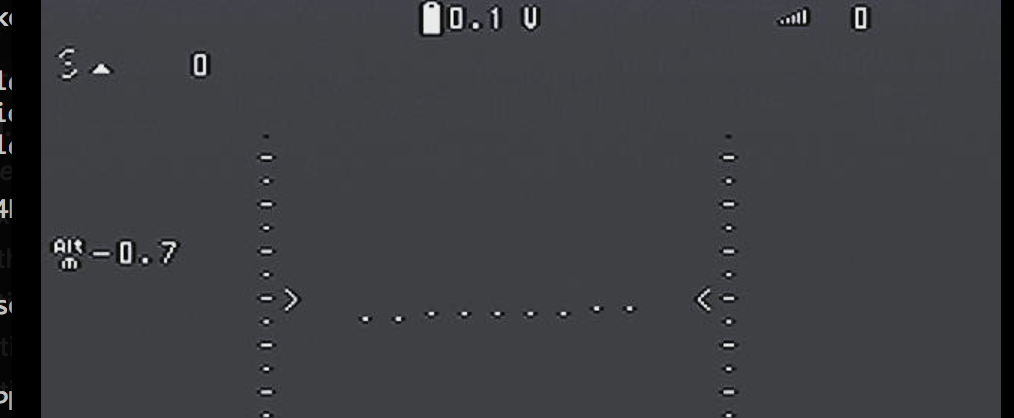
How about something like this? I've just done the changes to ALT, but DIST would get more or less the same. Different symbols are used as a prefix to indicate the unit: meters and kilometres for metric and feet and thousands of feet for imperial. Not sure which units we would use for DIST in imperial yet. Nice thing is the indicator always uses the same space, adjusting decimals and whitespace as required.
fiam
on 21 Sep 2017
Fixed in #2200
fiam
on 3 Oct 2017
Related issues
 ghost
·
4Comments
ghost
·
4Comments
 flashez
·
4Comments
flashez
·
4Comments
 ratmole
·
4Comments
digitalentity
·
4Comments
ratmole
·
4Comments
digitalentity
·
4Comments
 SweetBear1
·
4Comments
SweetBear1
·
4Comments
Most helpful comment
How about something like this? I've just done the changes to ALT, but DIST would get more or less the same. Different symbols are used as a prefix to indicate the unit: meters and kilometres for metric and feet and thousands of feet for imperial. Not sure which units we would use for DIST in imperial yet. Nice thing is the indicator always uses the same space, adjusting decimals and whitespace as required.