Googleads-mobile-unity: Banner appearing in wrong position

The Smart Banner is displayed in the wrong position. Doing a "clean build and install" (uninstalling the app and building and run again from Unity) makes the banner work correctly the first time. The second time the app is open the banner is displayed in the wrong position.
Logcat logs filtered by "Unity" (GPGS debug log is enabled):
CleanInstall.txt
SecondStartup.txt
At this time I'm using: Unity 5.6.1f1, Admob 3.5.0, GPGS 0.9.38a and Firebase 3.0.2. The phone is a Samsung Galaxy S6 (SM-G920F) with Android 6.0.1. Before updating to 5.6.1f1 I was using 5.6.0f3 but the same thing was happening.
I could not reproduce the same problem with the "HelloWorld" project, although I didn't import any other plugin but Admob. I placed the exact same script from the sample in my project, however the same problem occurs.
I'm at the disposal to provide any more information or perform different tests.
 edumlauer
All 45 comments
hmmmm, it's strange you're unable to repro the issue in the sample app but it happens consistently in your own app. Do you think you can provide me with a stripped down sample project that reproduces this issue. It would help me investigate.
 rampara
on 17 May 2017
rampara
on 17 May 2017
Hello Edumlauer and Rampara.
I faced this problem for these days. The position of banner was corrected in the first time. Then it was wrong.
When I set the position is AdPosition.Top , It was looked like the Edumlauer's photo.
When I set the position is AdPosition.Bottom, It was not in the screen.
I used Galaxy note 4 with android 6.0.1.
Have you fixed it yet?
Hope that can hear from you soon.
 carsonvo
on 1 Jul 2017
carsonvo
on 1 Jul 2017
@carsonvo are you able to reproduce this issue with the sample app from this repo? If so, can you outline the steps to follow to get the banner to render in an incorrect position?
rampara
on 5 Jul 2017
Hi @rampara ,
I think that I find out the reason which made the banner's position wrong.
When I changed the Package Name in the project setting, the position of banner was always right.
After that I changed it again with my old Package Name, the position was wrong again.
But I can not change the new Package Name because my game have been available in play store.
carsonvo
on 11 Jul 2017
@carsonvo can you provide me with the package name with causes this issue for you?
rampara
on 13 Jul 2017
@rampara It is com.crgame.batchu
carsonvo
on 13 Jul 2017
@carsonvo I'm having trouble reproducing this issue. Can you attach a test project that does reproduce it?
rampara
on 14 Jul 2017
Hello @rampara , how are you today?
I have found the new key for this problem. Because I published new game to play store last week.
Step 1: Before published my game -> Banner's position was right.
Step 2: After published my game -> Banner's position was still right.
Step 3: Go to admob website, and link Ad to my game in Play Store -> Banner's position was wrong.
I have 4 games in Play Store. All of them have faced this problem for a long time.
Hope that I can hear something from you.
Thank you.
carsonvo
on 31 Jul 2017
@carsonvo linking your app should not influence the banner's position. If you can provide me with a test app that reproduces the issue, I can investigate further.
rampara
on 3 Aug 2017
@rampara Please check it: https://drive.google.com/open?id=0B3mA2XxAi9Rub19GU255ckN2aUk
carsonvo
on 3 Aug 2017
@carsonvo for the test project you linked to, the banner ad is instantiated with a AdPosition.Top position and that's the position I see when running the app. Attached a screenshot below.

rampara
on 3 Aug 2017
@rampara Thank you for your replying.
Yes, you are right.
The position of the banner was only right at the first time. Did you check it at the second time or the third time?
When you kill app and open app again. The position of banner will be wrong. You can view my first comment at this topic.
This screenshot is the first time open application with AdPosition.Top. The position was right.
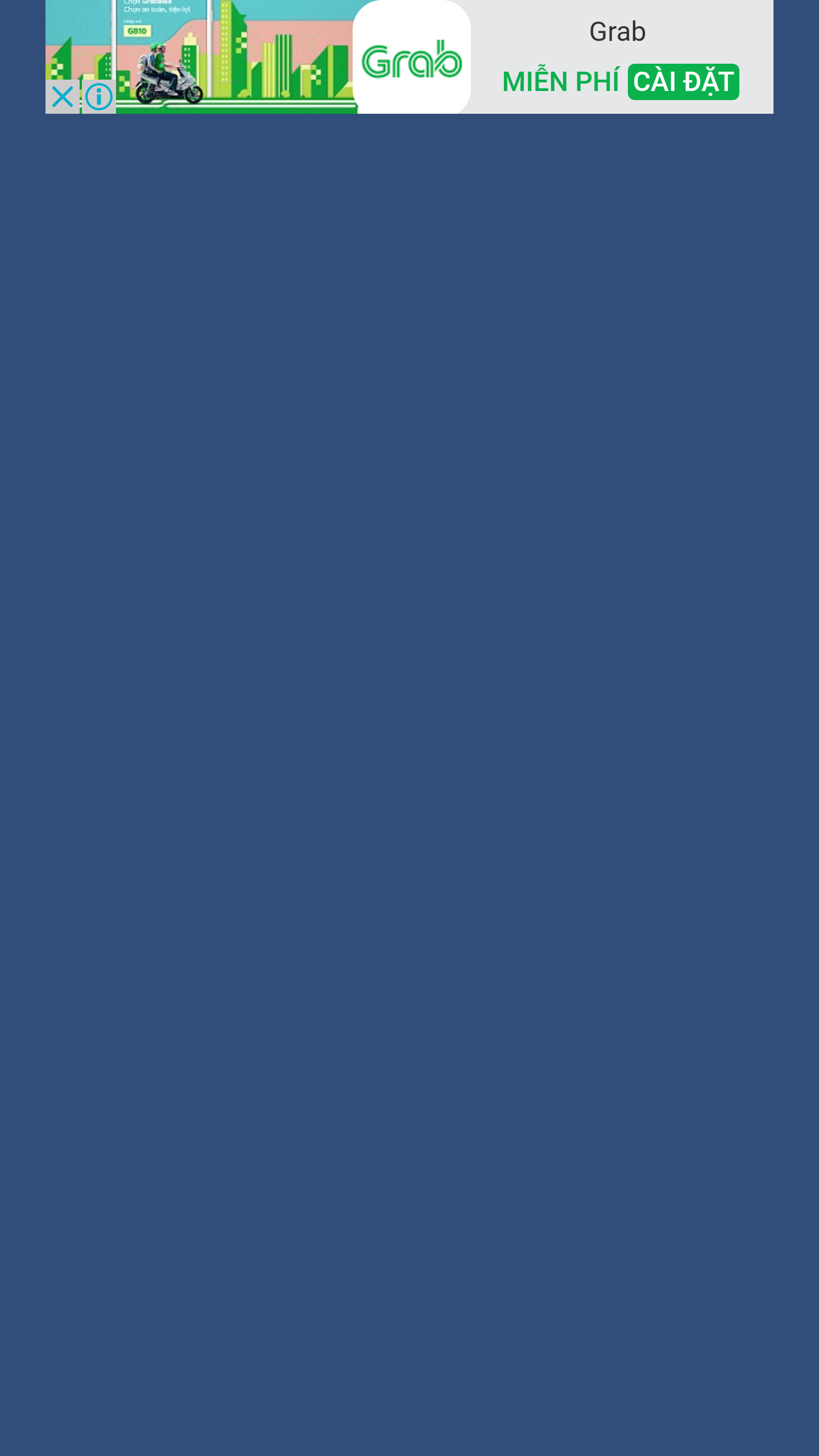
Then I quit the application and opened again with AdPosition.Top. The position was wrong.
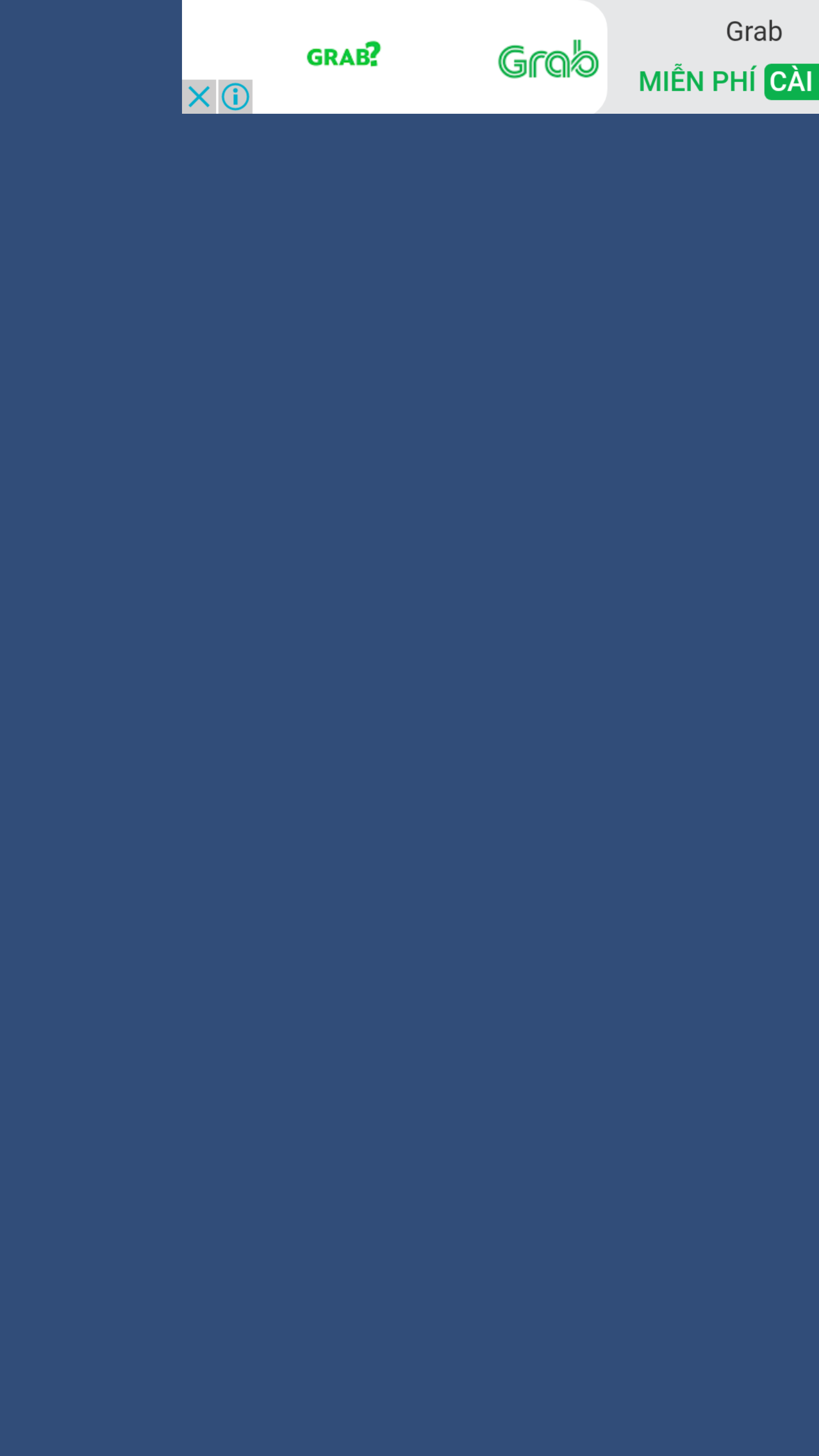
Then I deleted this application. And reinstalled this application with AdPosition.Center. At the first time, it was right.
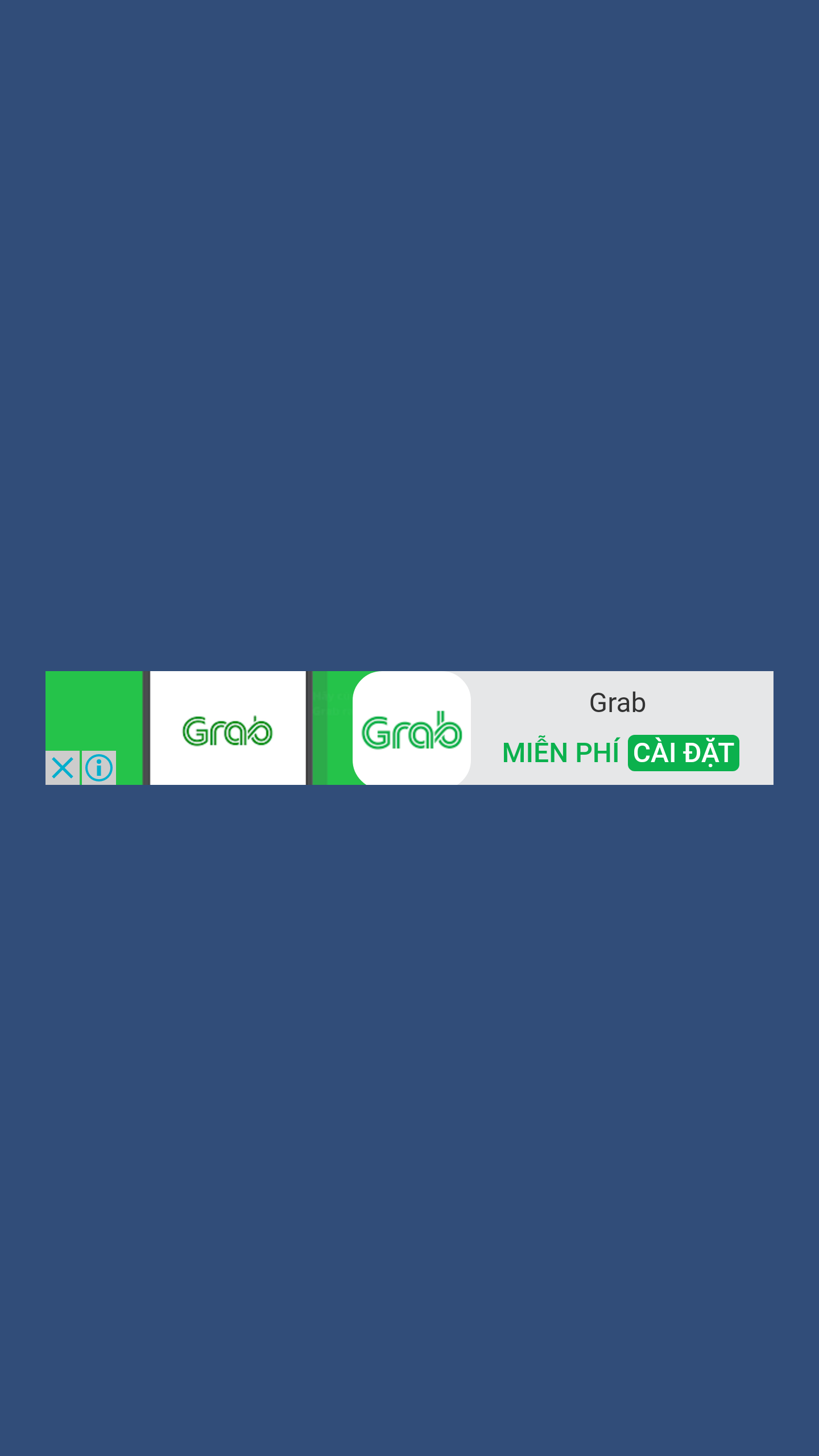
Then I quit the application and opened it again with AdPosition.Center. The position was wrong.
Then I deleted this application again. And reinstall this application with AdPosition.Bottom. At the first time, its was right.
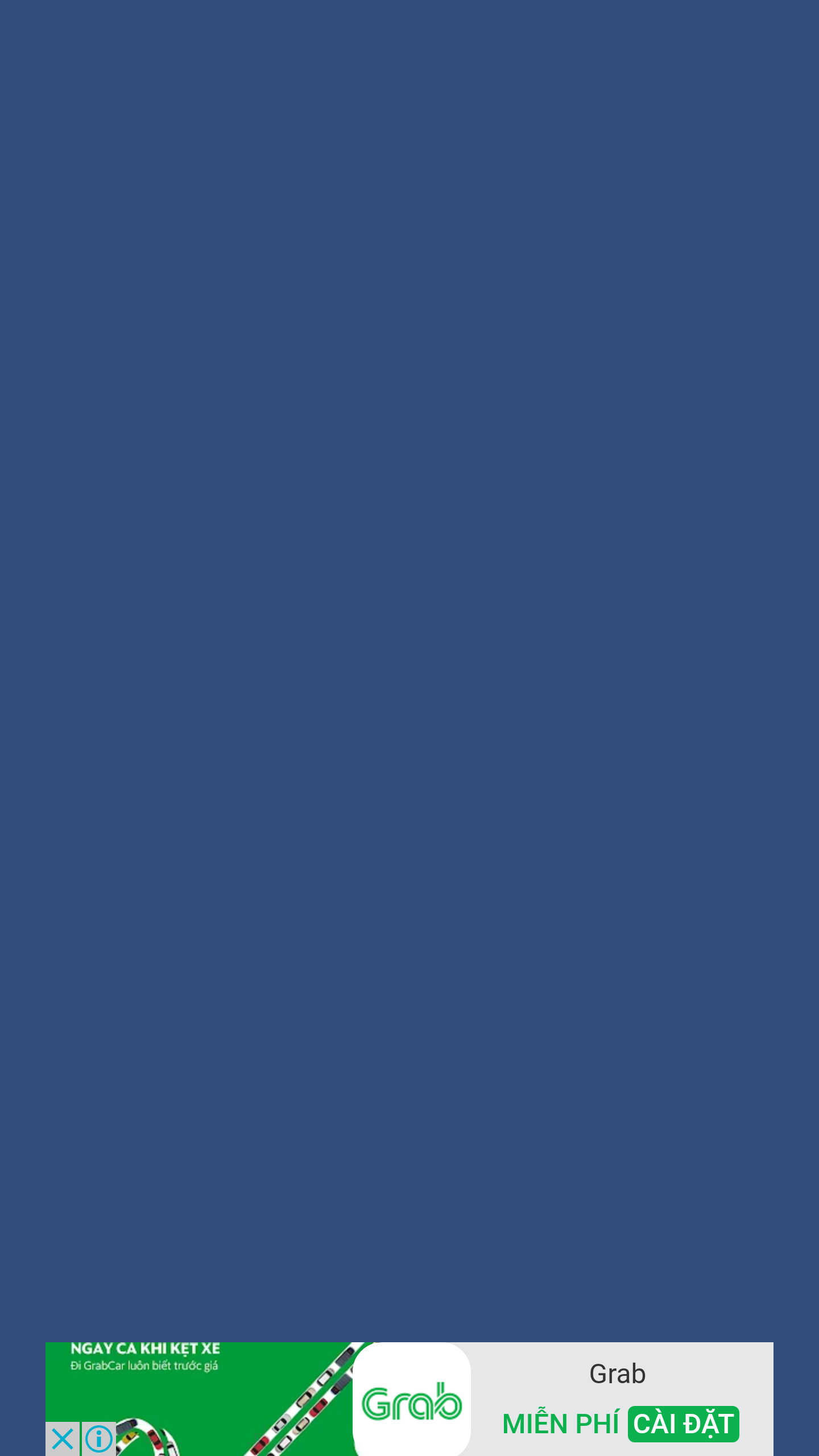
Then I quit the application and opened again with AdPosition.Bottom. The banner was not show.
I thought that it was out of the screen.

Thank you and have a nice weekend.
carsonvo
on 4 Aug 2017
@carsonvo i'm still having trouble reproducing the issue. I recorded the behavior I'm seeing. Must be a device discrepancy. You're using a Galaxy Note 4 running Android 6.0.1 right?
rampara
on 4 Aug 2017
@rampara Yes, I'm using Galaxy Note 4 with Android 6.0.1.
When I use my package name which is available in the play store. The Banner's position was wrong.
If I change it with a new package name. The Banner's Position was right.
This link is the video I recorded.
https://drive.google.com/open?id=0B_Oc8DDThamkSnh5aE5PazFWelU
carsonvo
on 7 Aug 2017
@carsonvo I got my hands on a Galaxy Note 4 and I'm still unable to repro this issue.
rampara
on 15 Aug 2017
@rampara Thank you for your supporting.
I do not know why my device faces this problem. I think that I have to change device to test it.
If this problem still available, I will let you know.
Thank you.
carsonvo
on 15 Aug 2017
Will continue to investigate once you find out if the issue persists on other devices.
rampara
on 16 Aug 2017
Hello,
I have the same problem on Samsung Galaxy Note 4. But if the banner position is wrong, I can't hide the banner. The banner is always visible. Is there a workaround for this problem?
When the banner has the right position at the first start, then I can hide the banner normally. @rampara @carsonvo @edumlauer
 Russel1
on 1 Sep 2017
Russel1
on 1 Sep 2017
I have the same issue with note 4, I also have note 3 ad is showing fine location, please let me know if you fix it.
[email protected]
My game is also published in play store name is "Block Puzzle Classic Brick Game"
AdMobPlugin is 11.2.0 with firebase
@rampara @carsonvo @edumlauer @Russel1
 gokhanabatay
on 5 Sep 2017
gokhanabatay
on 5 Sep 2017
I have same problem :( anyone can help?
 pvn-nhat-nhan
on 6 Sep 2017
pvn-nhat-nhan
on 6 Sep 2017
Hello, I've had the same issue noted in the AdMob developer forum: https://groups.google.com/forum/#!searchin/google-admob-ads-sdk/unity$20banner$20position%7Csort:relevance/google-admob-ads-sdk/o0SntKRWi0I/IOeaqXk4AwAJ
It was for a Samsung Galaxy S7 6.0.1.
Is this an issue for all Samsung devices on Android OS 6.0.1?
 alexbowns
on 12 Sep 2017
alexbowns
on 12 Sep 2017
I have same problem in latest version (3.6.3)
The banner doesn't work. (not appear)
This problem appears in Galaxy Note 5 & Galaxy S7 Edge.
Please Help!
 Jazzgazer
on 13 Sep 2017
Jazzgazer
on 13 Sep 2017
Hi guy, Please try to downgrade Plugin version. I try and it work perfectly
On Wed, Sep 13, 2017 at 2:40 PM, Jazzgazer notifications@github.com wrote:
I have same problem in latest version (3.6.3)
The banner doesn't work. (not appear)This problem appears in Galaxy Note 5 & Galaxy S7 Edge.
Please Help!—
You are receiving this because you commented.
Reply to this email directly, view it on GitHub
https://github.com/googleads/googleads-mobile-unity/issues/414#issuecomment-329085404,
or mute the thread
https://github.com/notifications/unsubscribe-auth/AdE240fG0YxwihiqcoB2kbp4VoXI6Dh9ks5sh4bpgaJpZM4NZyg2
.
pvn-nhat-nhan
on 13 Sep 2017
which version does work?
Jazzgazer
on 13 Sep 2017
In my case, i downgrade to 3.1.3.
pvn-nhat-nhan
on 13 Sep 2017
@alexbowns @Jazzgazer @NhatNhanPunch @Russel1 still having trouble reproducing this issue. Got a hold of a Galaxy S6 Edge running Android 6.0.1 and made the following recording.
https://drive.google.com/file/d/0B2oE3iOknPmMTzdnLTlvaUhMWDg/view?usp=sharing
Are the steps I followed not what you are doing to reproduce the issue?
rampara
on 22 Sep 2017
@rampara Can you use a Samsung Galaxy Note 4 to reproducing this issue?
This is not a Galaxy S6 Edge problem.
Russel1
on 27 Sep 2017
I am using Admob v 3.7.1 and i am facing this issue. Not exactly the same. My banner ad position is always wrong even first time. I have given the position to be at bottom but it always shows up at top.
bannerView = new BannerView (adUnitId, AdSize.SmartBanner, AdPosition.Bottom);
I am able to hide the banner. I am using Galaxy J7 core with android 7.0.
 ComplexVariable
on 28 Sep 2017
ComplexVariable
on 28 Sep 2017
Hey, I figured out a temporary solution for the Android Banner size and placement.
It looks like the size is measured in the screen DPs. I could position the banner ad and size appropriately for the Android screen with that knowledge.
However, when I tried out using the same thing with the iOS Banner, the view was not appearing as expected. The custom x and y coordinates were not in the right spot like they were for Android.
Because of that, I only used the custom AdSize and position coordinates if the project was UNITY_ANDROID. If the project was UNITY_IOS, I just used the smart banner in portrait view and the 320 x 50 banner in landscape.
alexbowns
on 28 Sep 2017
@alexbowns custom positions should work the same across Android and iOS (point/ dp offset from the top right left corner). What inconsistencies are you seeing?
@ComplexVariable the issue you're running into seems to be a separate from the one discussed here. Can you open a new issue on the issue tracker?
@Russel1 I actually haven't been able to get my hands on a Note 4 running 6.0.1. Was unable to reproduce on a Note running Android 4. However, @alexbowns mentioned the issue was reproducible on a Galaxy S7 running 6.0.1 so I thought it may just be a Samsung + Android 6.0.1 issue.
rampara
on 28 Sep 2017
Hey @rampara I was trying to make a custom banner size for iOS and it was appearing off to the right and too large.
I did notice another issue around my iOS build's UI...so I'm not ruling out that that might be the root cause instead. I'll get back to you on that after I sort that problem out and I'll try out the same logic I have for my Android custom position and sizing.
Thanks for the reply!
alexbowns
on 28 Sep 2017
@alexbowns no problem. Do create a separate issue on the tracker if you find inconsistencies with custom positioning.
rampara
on 29 Sep 2017
@rampara, assuming that was for me. I'll create one for that if it persists after my own updates.
alexbowns
on 29 Sep 2017
Yep. Updated comment.
rampara
on 29 Sep 2017
Now I have the same problem like @ComplexVariable. With the latest Google Mobile Ads update, the bug is even first time and also with Galaxy devices with higher Android version. For example on Galaxy S6 Edge with Android 7.0. @rampara
Russel1
on 29 Sep 2017
@Russel1 I downgraded to previous version and it started working as expected. I think for now you can do that.
ComplexVariable
on 29 Sep 2017
@ComplexVariable thank you, I downgraded also to previous version and it works.
Russel1
on 29 Sep 2017
@Russel1 not sure what's different on my end that's making it so I'm unable to reproduce this issue. Ran the HelloWorld test app from this repo on a Galaxy S6 Edge with Android 6.0.1 but modified the RequestBanner to request a banner with ad size AdSize.Banner and position AdPosition.BottomLeft. Works as expected for me as shown below.

I'm testing with the latest version of this plugin.
rampara
on 30 Sep 2017
I have the issue with AdSize.SmartBanner - one time it appears at the bottom of the screen (as expected), another time - at the top. Plugin - 3.7.1
 andrew-grischenko
on 1 Oct 2017
andrew-grischenko
on 1 Oct 2017
@andrew-grischenko @rampara I have the issue with AdSize.MediumRectangle.
Russel1
on 2 Oct 2017
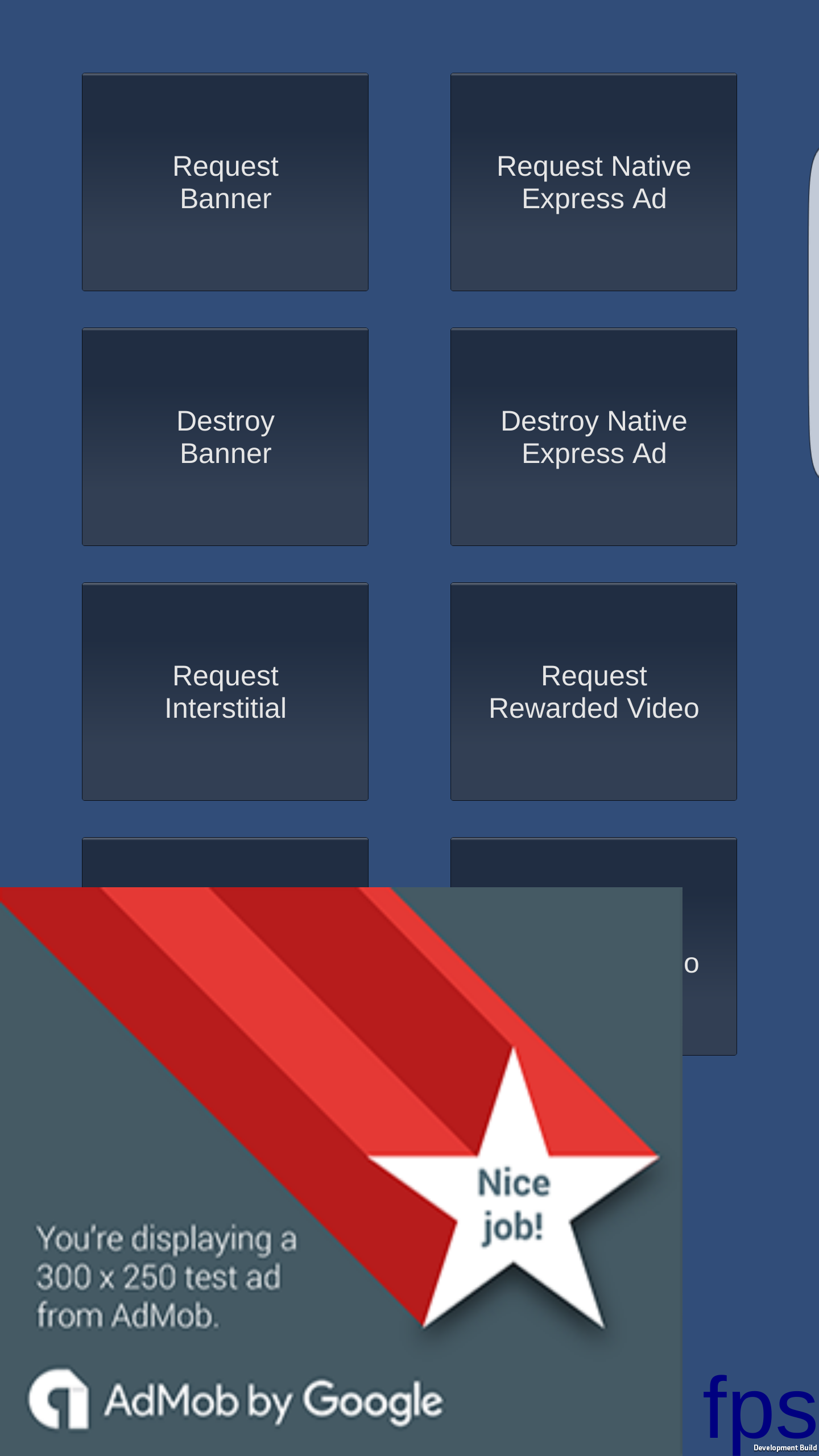
@Russel1 loaded a AdSize.MediumRectangle banner at on a Galaxy S6 Edge running Android 6.0.1.
rampara
on 3 Oct 2017
@ComplexVariable Could you kindly tell me exactly which version fixed your problem? I am facing similar issue.
 Shafeyee
on 4 Oct 2017
Shafeyee
on 4 Oct 2017
@Shafeyee v3.7.0 fixed my problem. You can download it from here.
ComplexVariable
on 4 Oct 2017
@ComplexVariable Thanks, v3.6.3 seems to have fixed it for me. Just got it working a minute ago.
Shafeyee
on 4 Oct 2017
v3.9.0 contains new banner positioning behavior. Please open a new issue with banner positions are not working as expected for you.
rampara
on 15 Nov 2017
Related issues
 JameNguyen1994
·
5Comments
JameNguyen1994
·
5Comments
 YashSOA
·
5Comments
YashSOA
·
5Comments
 MohammadAghaeyan
·
6Comments
MohammadAghaeyan
·
6Comments
 pacoelayudante
·
6Comments
pacoelayudante
·
6Comments
 Thaina
·
5Comments
Thaina
·
5Comments
Most helpful comment
@ComplexVariable Thanks, v3.6.3 seems to have fixed it for me. Just got it working a minute ago.