Frontend: History Graphs not updating after Configure UI unless page is refreshed
Checklist
- [x] I have updated to the latest available Home Assistant version.
- [x] I have cleared the cache of my browser.
- [x] I have tried a different browser to see if it is related to my browser.
The problem
I have been having a weird issue where the all history graphs appear to randomly stop refreshing until a page refresh is done, after which they then work again. I have narrowed it down though. The history graphs stop refreshing if I go into Configure UI, once in there they no longer refresh (which is fine), but once you exit the configuration (even if you make no changes) the history graphs will not update until you do a browser refresh. My guess is that going into the Configure UI clears some timers/intervals and they don't get re-enabled when you exit the configuration.
Expected behavior
I would expect that once you exit the Configure UI option that history graphs would update at the specified refresh interval.
Steps to reproduce
1. Have a card that contains a History Graph with a refresh interval set
2. Go into Configure UI
3. Exit Configure UI
4. Wait for the History Graph to refresh (it won't do this)
5. Refresh the page and the History Graph will start refreshing again
Environment
- Home Assistant release with the issue: 0.110.7
- Last working Home Assistant release (if known): unknown
- Browser and browser version: Chrome - latest. also tested with Firefox - latest
- Operating system: Win10
State of relevant entities
Problem-relevant configuration
Javascript errors shown in your browser console/inspector
Additional information
 theOzzieRat
All 8 comments
I also have problem with history graph and that goes for cards as well as looking into history tab in left menu. I have checked my sql db and it records all the states and changes but it looks like it doesn't pick it up from the DB. If I use update from right top corner it start working but it still doesn't pick up history values only new updates from the sensors.
Edit: Just tried using custom:mini-graph-card instead and that is working as expected so it is something with history-graph card that doesn't work
 greberg
on 14 Jun 2020
greberg
on 14 Jun 2020
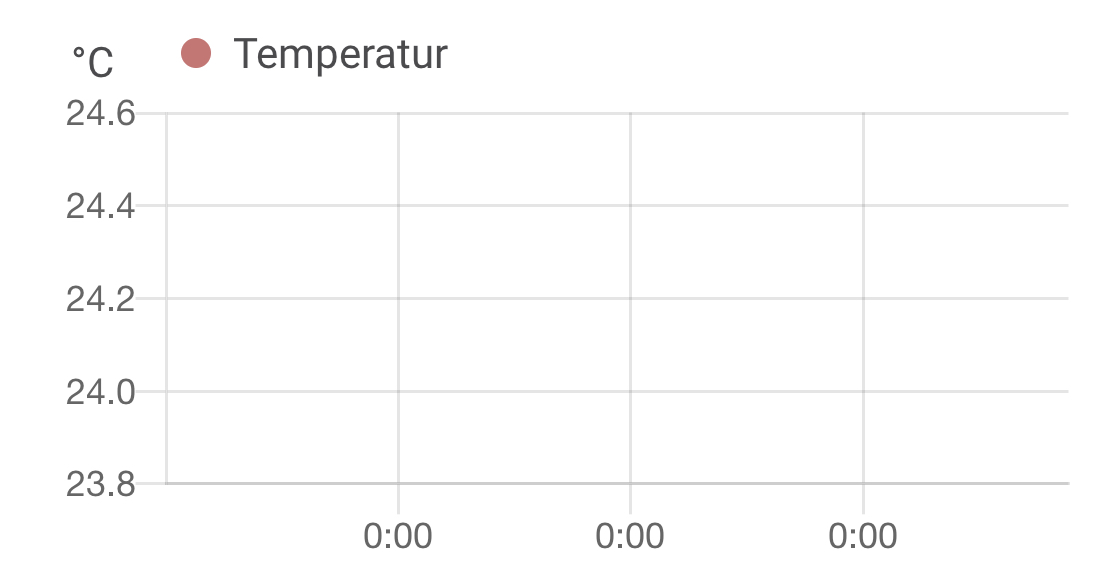
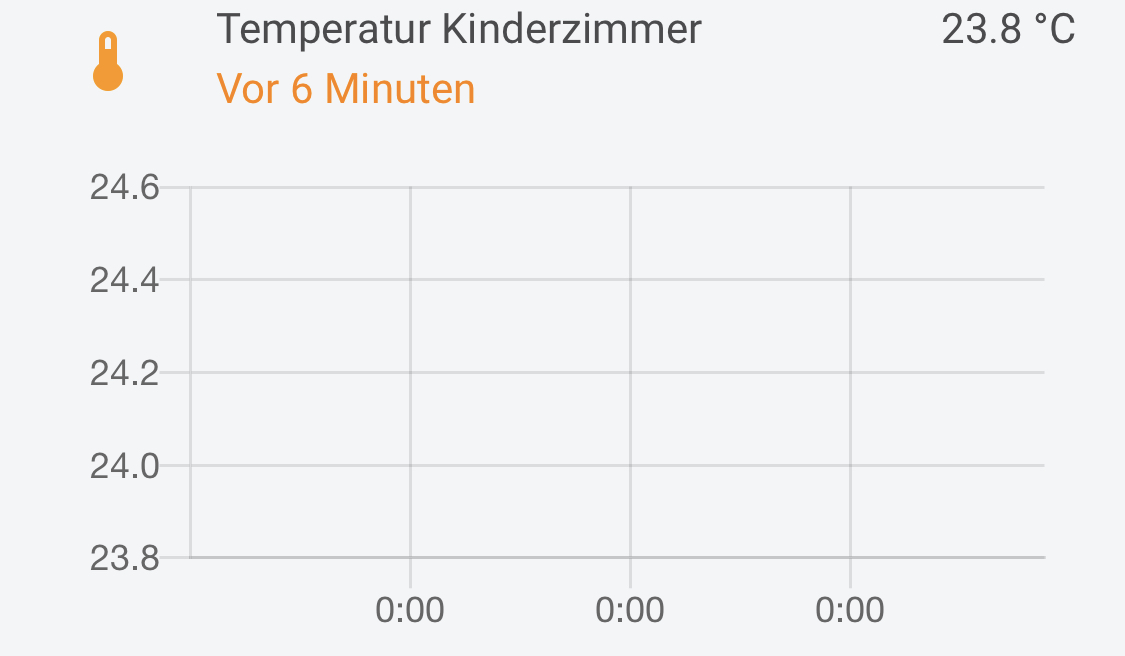
I have the same problem:
 Krocko
on 14 Jun 2020
Krocko
on 14 Jun 2020
same in Home Assistant 0.111.2
MariaDB is working well, db templates are working
the entities are there, but without any lines
the time line is incorrect (x-axis)
 gj52
on 15 Jun 2020
gj52
on 15 Jun 2020
same in Home Assistant 0.111.2
MariaDB is working well, db templates are working
the entities are there, but without any lines
I think there is now a new and improved bug. History Graphs now appear to be totally broken with 0.111.2. I also no longer have any data on the graphs!
theOzzieRat
on 15 Jun 2020
This also happens when you click an entity which the history information about that entity is displayed.
Now it is empty.
This might be related with the frontend recent changes about not loading all the information??
 03397
on 15 Jun 2020
03397
on 15 Jun 2020
Guys, you are hijacking an issue while there were already multiple issues about this, and it has been fixed already. Please check if an issue exists already and don't add a new issue to an existing one, create a new one.
 bramkragten
on 15 Jun 2020
bramkragten
on 15 Jun 2020
Guys, you are hijacking an issue while there were already multiple issues about this, and it has been fixed already. Please check if an issue exists already and don't add a new issue to an existing one, create a new one.
Hi, this (new) issue was OPEN and describes exact my problem.
OK found #1408 and commit in Github.
thanks
gj52
on 15 Jun 2020
There hasn't been any activity on this issue recently. Due to the high number of incoming GitHub notifications, we have to clean some of the old issues, as many of them have already been resolved with the latest updates.
Please make sure to update to the latest Home Assistant version and check if that solves the issue. Let us know if that works for you by adding a comment 👍
This issue now has been marked as stale and will be closed if no further activity occurs. Thank you for your contributions.
![stale[bot] picture](https://avatars3.githubusercontent.com/in/1724?v=4&s=40) stale[bot]
on 13 Sep 2020
stale[bot]
on 13 Sep 2020
Related issues
 bmf7777
·
3Comments
bmf7777
·
3Comments
 aaron9060
·
3Comments
aaron9060
·
3Comments
 agneevX
·
3Comments
agneevX
·
3Comments
![move[bot] picture](https://avatars1.githubusercontent.com/in/6673?v=4&s=40) move[bot]
·
3Comments
move[bot]
·
3Comments
 andriej
·
3Comments
andriej
·
3Comments
Most helpful comment
I also have problem with history graph and that goes for cards as well as looking into history tab in left menu. I have checked my sql db and it records all the states and changes but it looks like it doesn't pick it up from the DB. If I use update from right top corner it start working but it still doesn't pick up history values only new updates from the sensors.
Edit: Just tried using custom:mini-graph-card instead and that is working as expected so it is something with history-graph card that doesn't work