Franz: Gmail + Google Calendar Unable to login
Describe the bug
Whenever I try and login to a Gmail or Gcal, it redirects me to this page
To Reproduce
Steps to reproduce the behavior:
- Add Gmail/Gcal as a service
- Try logging into an account with a @gmail or business domain
- See error
Screenshots

Desktop (please complete the following information):
- macOS 10.15.3 Catalina
- Franz Version 5.4.0-beta.3
 chewwwwwwwwww
All 9 comments
I have the same problem with Gmail and Hangout...
 thenamelessthing
on 3 Mar 2020
thenamelessthing
on 3 Mar 2020
You can override this issue by editing the index.js file in the recipe.
Change
module.exports = Franz => Franz;
To
module.exports = Franz => class useragent extends Franz { overrideUserAgent() { return "Mozilla/5.0 (Windows NT 10.0) AppleWebKit/537.36 (KHTML, like Gecko) Chrome/42.0.2311.135 Safari/537.36 Edge/12.10136"; } };
The recipe should be located at:
Mac: ~/Library/Application Support/Franz/recipes/
Windows: %appdata%/Franz/recipes/
Linux: ~/.config/Franz/recipes/
 brian-jarvis
on 5 Mar 2020
brian-jarvis
on 5 Mar 2020
This is not working anymore for Linux (I'm on Ubuntu 18.04).
You can override this issue by editing the index.js file in the recipe.
Changemodule.exports = Franz => Franz;To
module.exports = Franz => class useragent extends Franz { overrideUserAgent() { return "Mozilla/5.0 (Windows NT 10.0) AppleWebKit/537.36 (KHTML, like Gecko) Chrome/42.0.2311.135 Safari/537.36 Edge/12.10136"; } };The recipe should be located at:
Mac:~/Library/Application Support/Franz/recipes/
Windows:%appdata%/Franz/recipes/
Linux:~/.config/Franz/recipes/
 shimatai
on 22 Mar 2020
shimatai
on 22 Mar 2020
 jasonsyoung
on 22 Mar 2020
jasonsyoung
on 22 Mar 2020
This is not working anymore for Linux (I'm on Ubuntu 18.04).
You can override this issue by editing the index.js file in the recipe.
Changemodule.exports = Franz => Franz;To
module.exports = Franz => class useragent extends Franz { overrideUserAgent() { return "Mozilla/5.0 (Windows NT 10.0) AppleWebKit/537.36 (KHTML, like Gecko) Chrome/42.0.2311.135 Safari/537.36 Edge/12.10136"; } };The recipe should be located at:
Mac:~/Library/Application Support/Franz/recipes/
Windows:%appdata%/Franz/recipes/
Linux:~/.config/Franz/recipes/
@shimatai it worked for me. I changed it in the folder corresponding to the proper service (so ~/.config/Franz/recipes/hangouts/index.js for me), changed the line and it did the tricks !
I'm on Manjaro 19.0.2 :ok_hand:
 RoiArthurB
on 23 Mar 2020
RoiArthurB
on 23 Mar 2020
This is not working anymore for Linux (I'm on Ubuntu 18.04).
You can override this issue by editing the index.js file in the recipe.
Changemodule.exports = Franz => Franz;To
module.exports = Franz => class useragent extends Franz { overrideUserAgent() { return "Mozilla/5.0 (Windows NT 10.0) AppleWebKit/537.36 (KHTML, like Gecko) Chrome/42.0.2311.135 Safari/537.36 Edge/12.10136"; } };The recipe should be located at:
Mac:~/Library/Application Support/Franz/recipes/
Windows:%appdata%/Franz/recipes/
Linux:~/.config/Franz/recipes/@shimatai it worked for me. I changed it in the folder corresponding to the proper service (so
~/.config/Franz/recipes/hangouts/index.jsfor me), changed the line and it did the tricks !I'm on Manjaro 19.0.2
Do you have 2 factor authentication enabled?
jasonsyoung
on 23 Mar 2020
Yes
RoiArthurB
on 23 Mar 2020
module.exports = Franz => class useragent extends Franz { overrideUserAgent() { return "Mozilla/5.0 (Windows NT 10.0) AppleWebKit/537.36 (KHTML, like Gecko) Chrome/42.0.2311.135 Safari/537.36 Edge/12.10136"; } };
```The recipe should be located at:
Mac:~/Library/Application Support/Franz/recipes/
Windows:%appdata%/Franz/recipes/
Linux:~/.config/Franz/recipes/
Solution works. Why it isn't the default?
 SrBrahma
on 27 Mar 2020
SrBrahma
on 27 Mar 2020
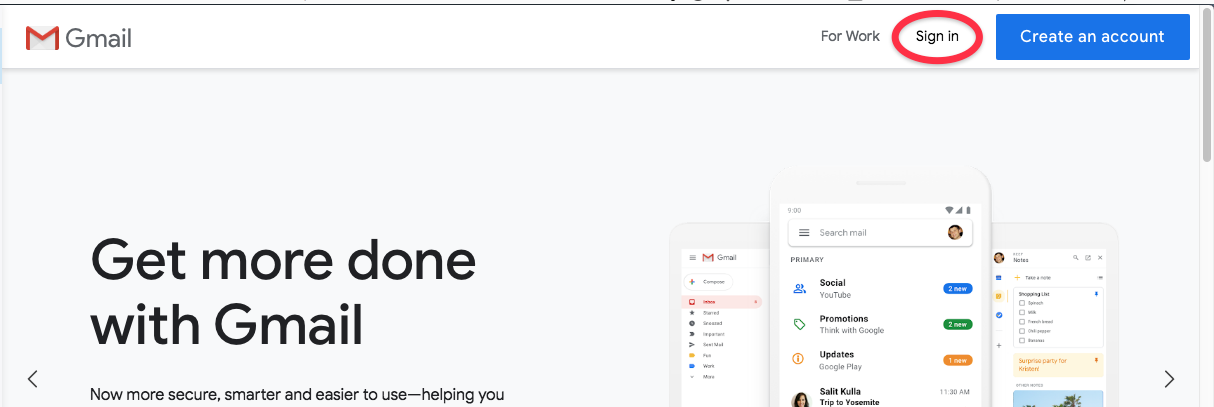
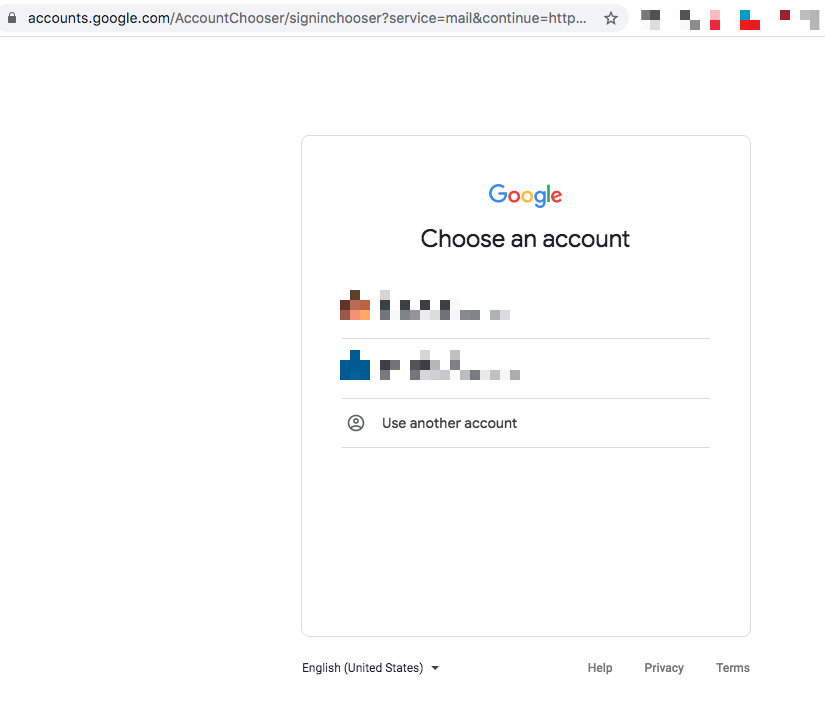
Didn't work for me. Gmail behaviour changed though. Now I first get the first marketing page of gmail and when clicking Sign in --> Link opens in a new tab and I end up at the Account Chooser page.
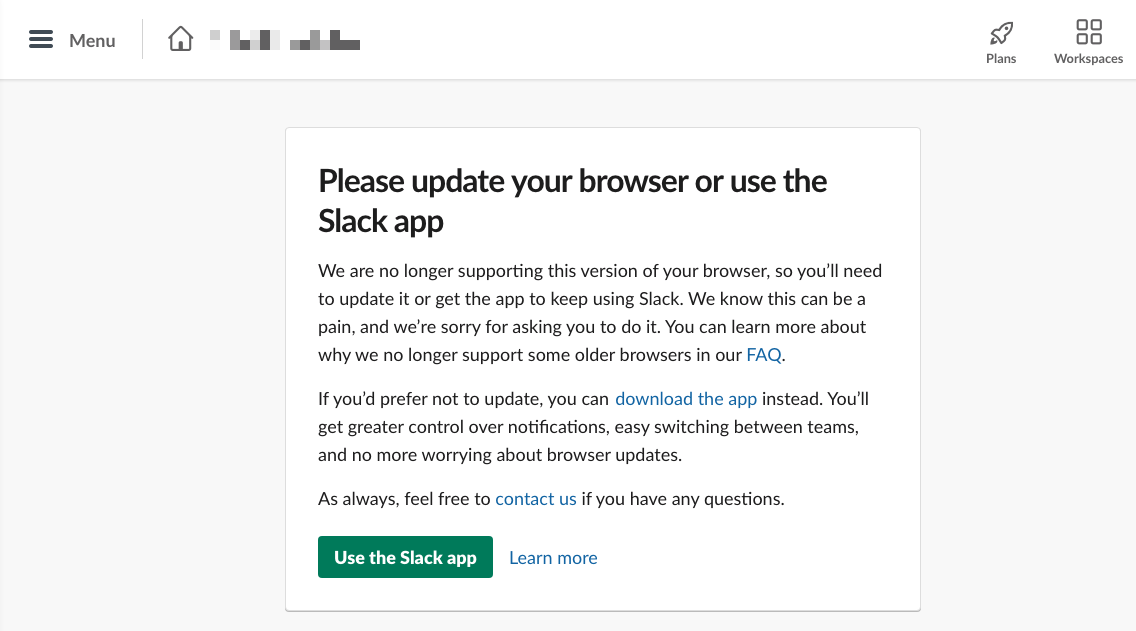
Also Slack has a similar problem.
Could i be the _device_ which is apparently _Electron_?
 ehausen
on 31 Mar 2020
ehausen
on 31 Mar 2020
Related issues
 hello-jason
·
4Comments
hello-jason
·
4Comments
 G419
·
3Comments
G419
·
3Comments
 larissaales
·
3Comments
larissaales
·
3Comments
 BinaryBen
·
4Comments
BinaryBen
·
4Comments
 PackElend
·
4Comments
PackElend
·
4Comments
Most helpful comment
You can override this issue by editing the index.js file in the recipe.
Change
To
The recipe should be located at:
Mac:
~/Library/Application Support/Franz/recipes/Windows:
%appdata%/Franz/recipes/Linux:
~/.config/Franz/recipes/