Firefox-ios: Low contrast (unreadable) menu in private mode, when iOS Reduce Transparency and Increase Contrast options enabled
Logged via https://bugzilla.mozilla.org/show_bug.cgi?id=1550125
Steps to reproduce:
- Install Firefox 16.2 (14898) on iOS 12.2
- In the iOS accessibility settings (General > Accessibility), enable "Reduce Transparency" and "Increase Contrast"
- Open Firefox, switch to private/incognito mode
- Open the Firefox menu
Actual results:
The contrast between menu text and menu background is extremely low, to the point of being illegible.
The attached screenshots hopefully show the effect of turning each of the two options "Reduce Transparency" (RT) and "Increase Contrast" (IC) on and off, respectively. When both enabled, the menu is completely illegible
Expected results:
The menu text should remain visible, having enough contrast with its background, regardless of iOS settings. But moreover, when accessibility-focused options are enabled.
Increase Contrast-ON, Reduce Transparency-ON
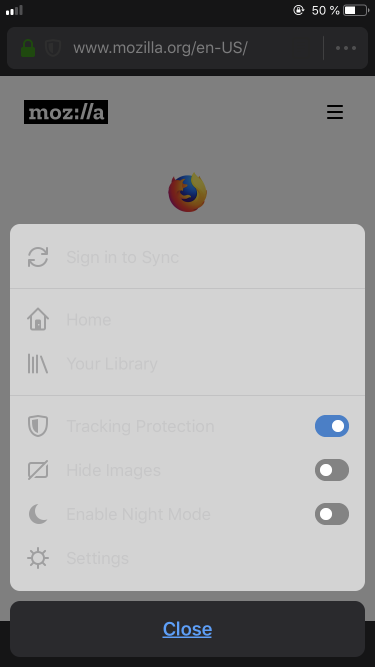
Increase Contrast-OFF, Reduce Transparency-ON
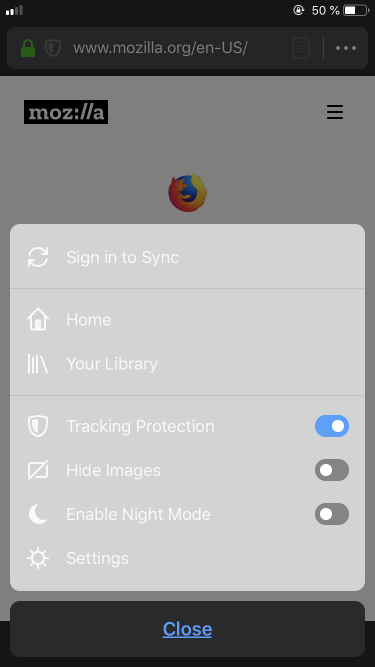
Increase Contrast-OFF, Reduce Transparency-OFF
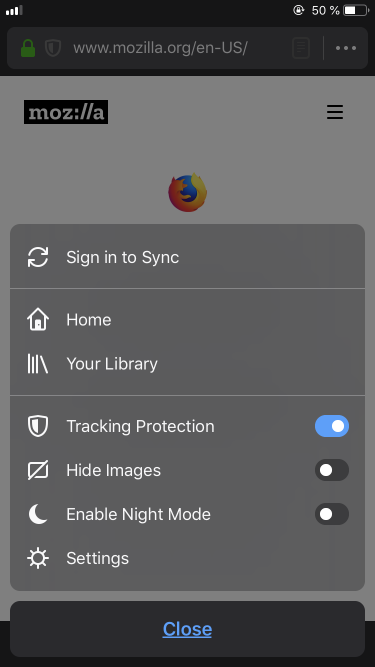
Increase Contrast-ON, Reduce Transparency-OFF
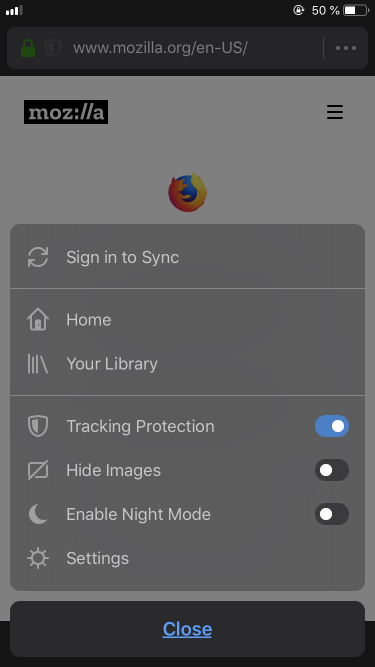
 SimonBasca
All 4 comments
@SimonBasca @garvankeeley the commit that closed this issue does not seem related to the problem reported here, i.e. lack of contrast between text and background in the Firefox menu. Is the closing of this issue intended?
 nil4
on 14 May 2019
nil4
on 14 May 2019
Oops, wrong commit number, thanks.
 garvankeeley
on 14 May 2019
garvankeeley
on 14 May 2019
I'd like to take this on if nobody has! (Looks like its still an issue in 18.1, 15719)
 peterkos
on 17 Jul 2019
peterkos
on 17 Jul 2019
Any help here would be appreciated, I am not sure how to fix this easily.
garvankeeley
on 19 Jul 2019
Related issues
 GeckoEidechse
·
7Comments
GeckoEidechse
·
7Comments
 brampitoyo
·
7Comments
brampitoyo
·
7Comments
 AndiAJ
·
5Comments
AndiAJ
·
5Comments
 karlcow
·
6Comments
karlcow
·
6Comments
 farhanpatel
·
8Comments
farhanpatel
·
8Comments
Most helpful comment
I'd like to take this on if nobody has! (Looks like its still an issue in 18.1, 15719)