Enterprise: Header: Unable to focus elements without mouse
Describe the bug
Elements in the header component do not receive focus when pressing the tab key (or arrow keys). For accessibility purposes, these elements should be able to be focused/selected without using a mouse.
To Reproduce
Steps to reproduce the behavior:
- View a header component that contains elements (example: http://localhost:4000/components/header/example-flex-toolbar.html)
- Upon loading, press the tab key numerous times.
- Observe that none of the elements in the header become focused.
- Additional: Click on a header element (e.g. search input, Settings, Delete, Filter, etc.).
- Press the tab key numerous times.
- Observe that the clicked element retains focus, and the other elements are still not focusable.
Expected behavior
For accessibility purposes, clickable elements should be focusable via keyboard, typically using the tab button.
Version
- ids-enterprise: v4.28.0
Screenshots
N/A
Platform
- Infor Application/Team Name: LSF
- Device: Laptop
- OS Version: Windows 10
- Browser Name: Chrome
- Browser Version: 85.0.4183.83 (Official Build) (32-bit)
Additional context
When a header element is clicked, the 'tabindex' attribute of all other elements gets set to '-1'.
 chaseerickson
All 5 comments
Looks like the tabindex is incorrectly -1 on initial load. However if i fix that it will work. Note that the way it should work is
- tab to toolbar
- use left and right arrow across toolbar
- tab/shift tab out toolbar
https://www.w3.org/TR/wai-aria-practices-1.1/#keyboard-interaction-20
So there is a bug here
 tmcconechy
on 24 Sep 2020
tmcconechy
on 24 Sep 2020
QA Passed with observation
v4.34.0-dev
https://master-enterprise.demo.design.infor.com/components/header/example-flex-toolbar.html
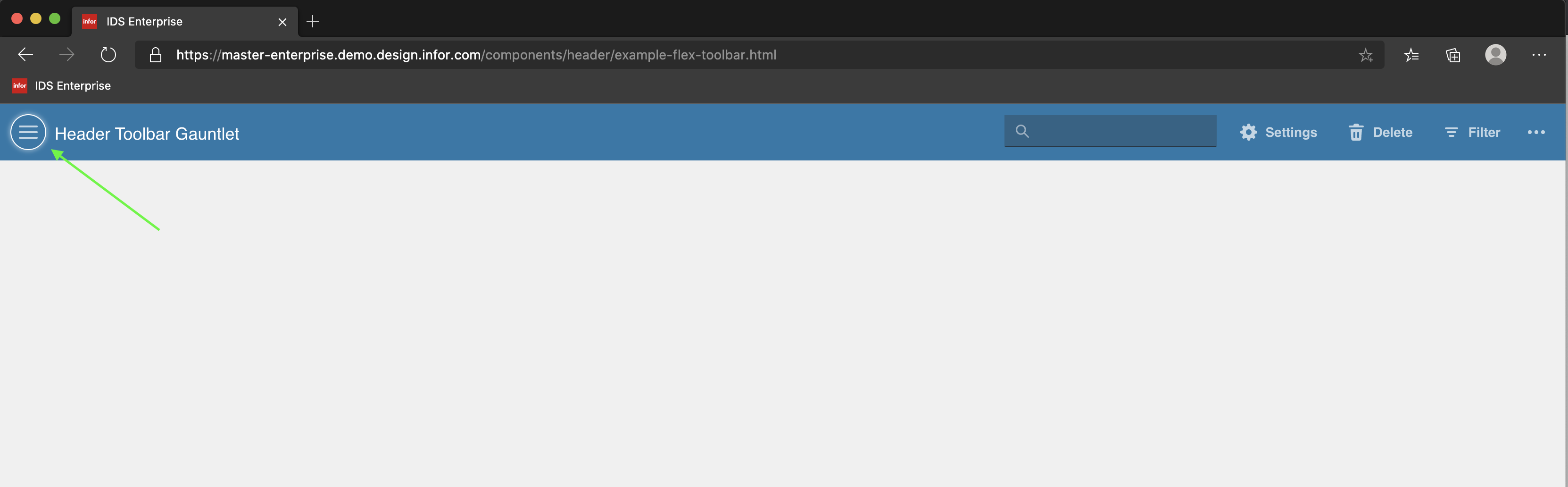
_Observation_
this ain't working
- Additional: Click on a header element (e.g. search input, Settings, Delete, Filter, etc.).
- Press the tab key numerous times.
- Observe that the clicked element retains focus, and the other elements are still not focusable.
 jbrcna
on 5 Oct 2020
jbrcna
on 5 Oct 2020
Hey @tmcconechy, is this one still broken then? Did it pass QA? We're not seeing it working still.
Here's another good place to look at it: https://master-enterprise.demo.design.infor.com/components/tabs-module/example-category-searchfield-go-button-home.html
 awbuboltz
on 16 Dec 2020
awbuboltz
on 16 Dec 2020
https://master-enterprise.demo.design.infor.com/components/header/example-flex-toolbar.html is working. Keep in mind the input causes issues with left and right arrow so we use up and down arrow to navigate left and right. So this one seems ok if you try up/down for the input and left/right
https://master-enterprise.demo.design.infor.com/components/tabs-module/example-category-searchfield-go-button-home.html with the extra button wasnt in scope of this issue so it wasnt fixed, i guess the extra buttons are the problem
But we have it raised here https://github.com/infor-design/enterprise/issues/4683
tmcconechy
on 16 Dec 2020
Ah, got it, wasn't aware of the up/down keys. I see that working now. So yeah, with #4683 being fixed, the whole thing should work. Thanks!
awbuboltz
on 16 Dec 2020
Related issues
jbrcna
·
3Comments
 pwpatton
·
3Comments
pwpatton
·
3Comments
pwpatton
·
3Comments
pwpatton
·
3Comments
 CindyMercadoReyes
·
3Comments
CindyMercadoReyes
·
3Comments
CindyMercadoReyes
·
3Comments
CindyMercadoReyes
·
3Comments